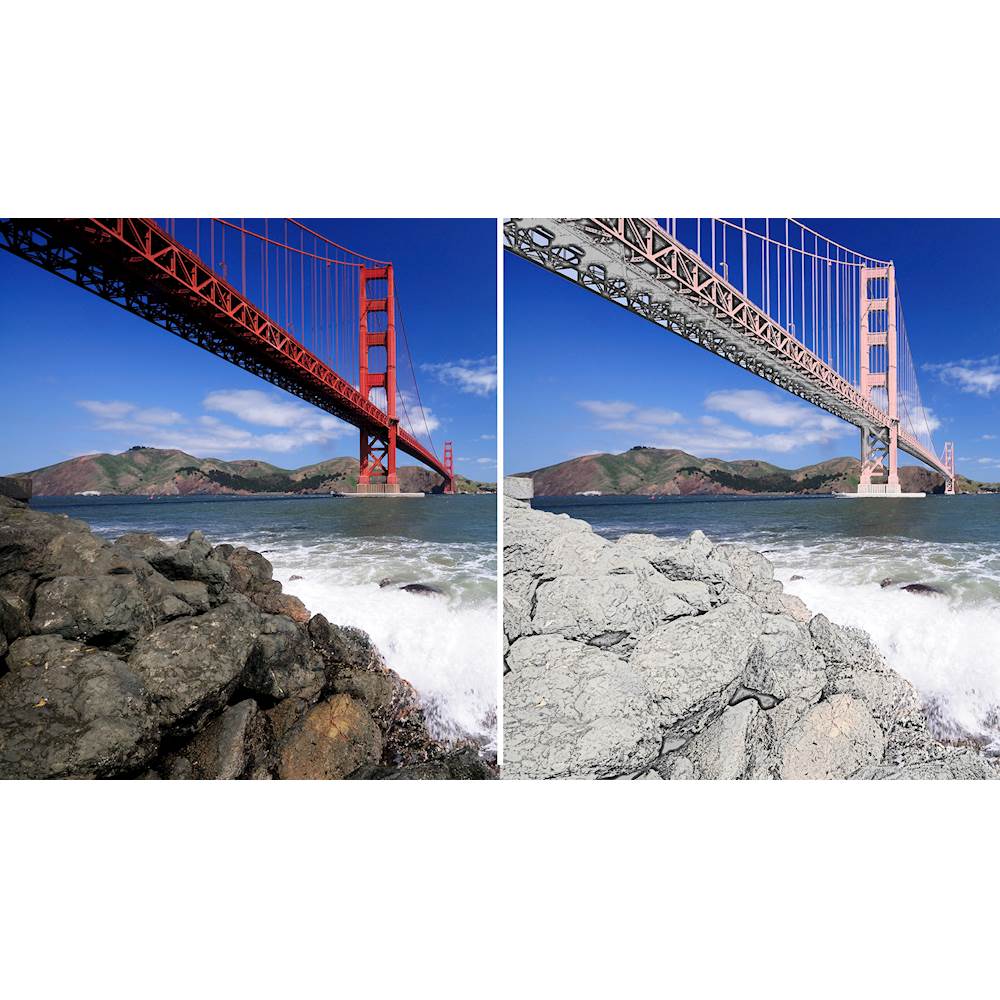
A:Answer No, the Adobe Photoshop Elements software does not appear to have this feature. To do batch editing, I tried clicking the File menu-> Process Multiple Files... which opens a dialog that allows you to choose source and destination for the files, but you are limited to selecting Quick Fix Panel operations such as Auto Levels, Auto Contrast, Auto Color, and Sharpen (none of these can be fine tuned and you cannot specify change color to black and white) to apply to the files. Instead, I had to open each file and manually convert them to black and white by clicking on Enhance->Convert to Black and White.
You may consider getting/using the Adobe Photoshop software which has more advanced operations than Adobe Photoshop Elements. Batch editing and actions that include converting photos to black and white should be supported by it.