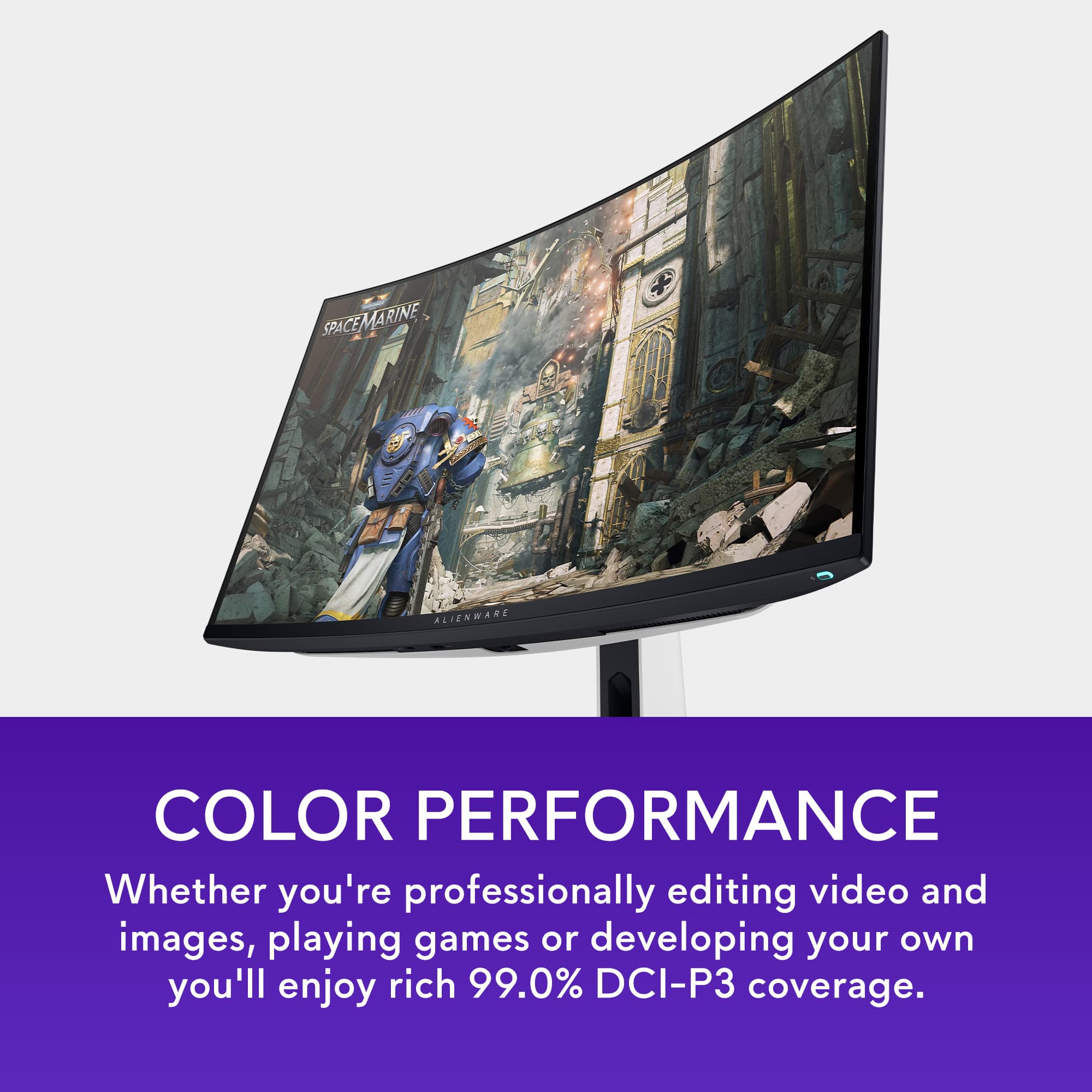
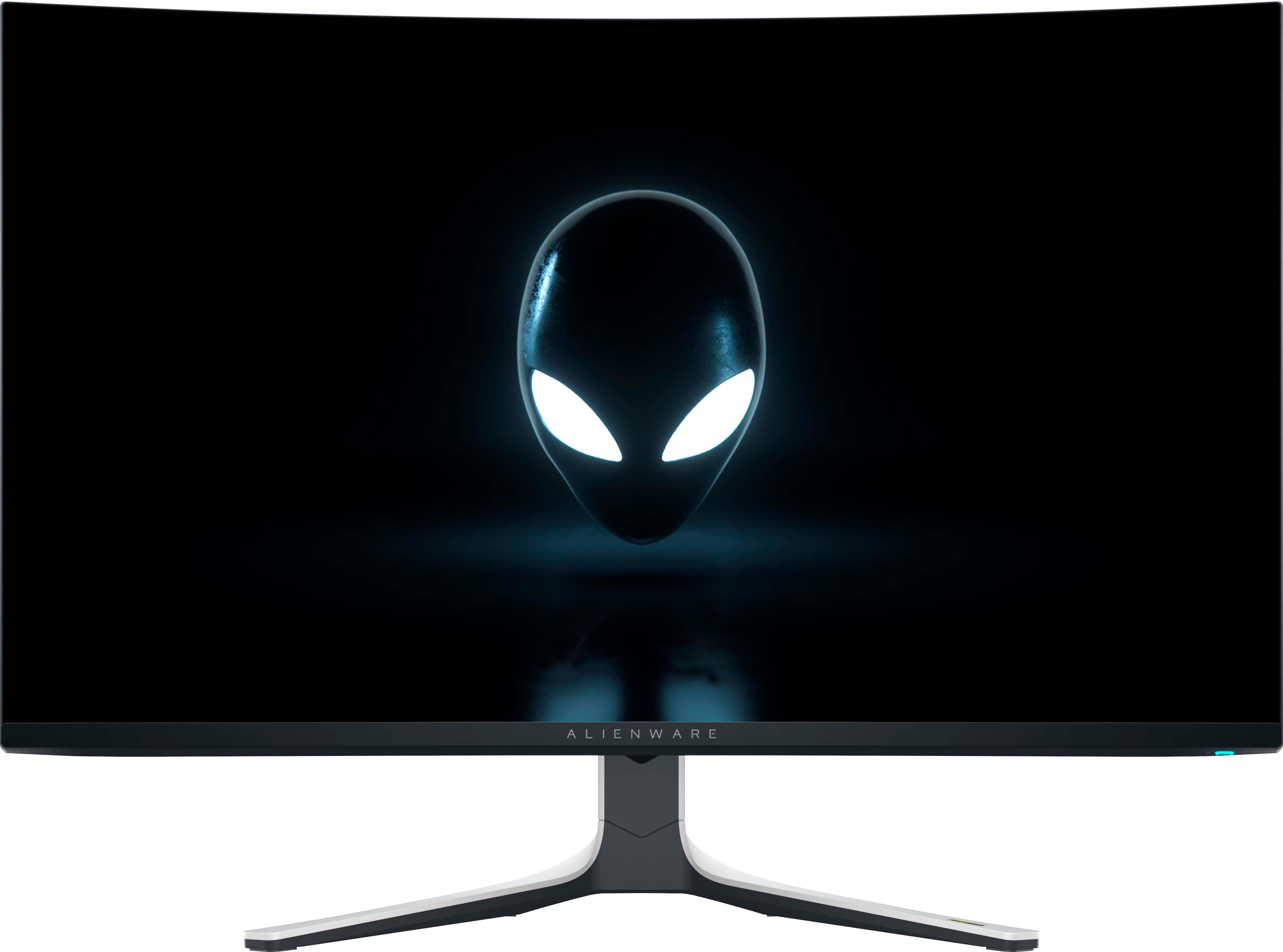
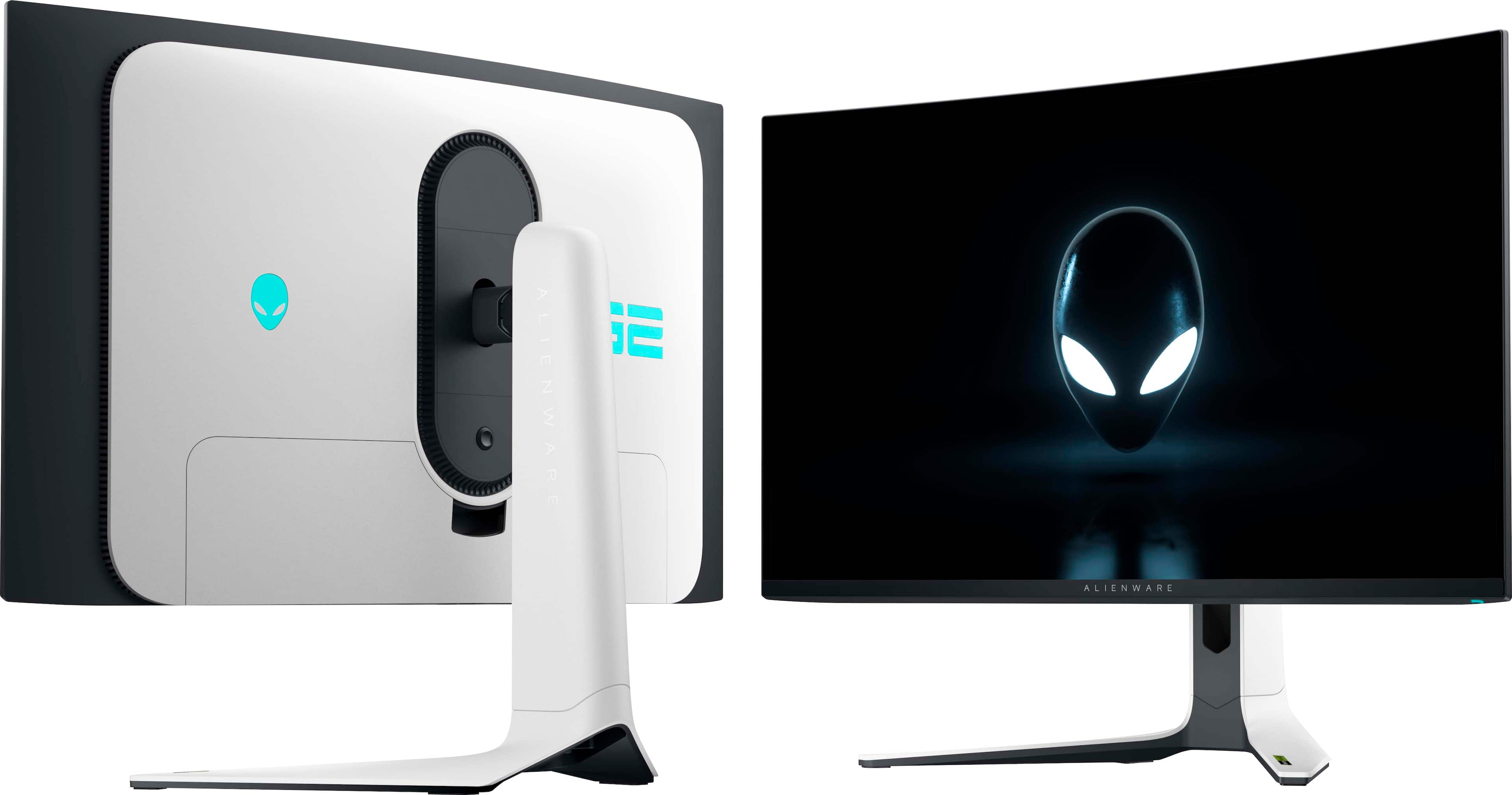
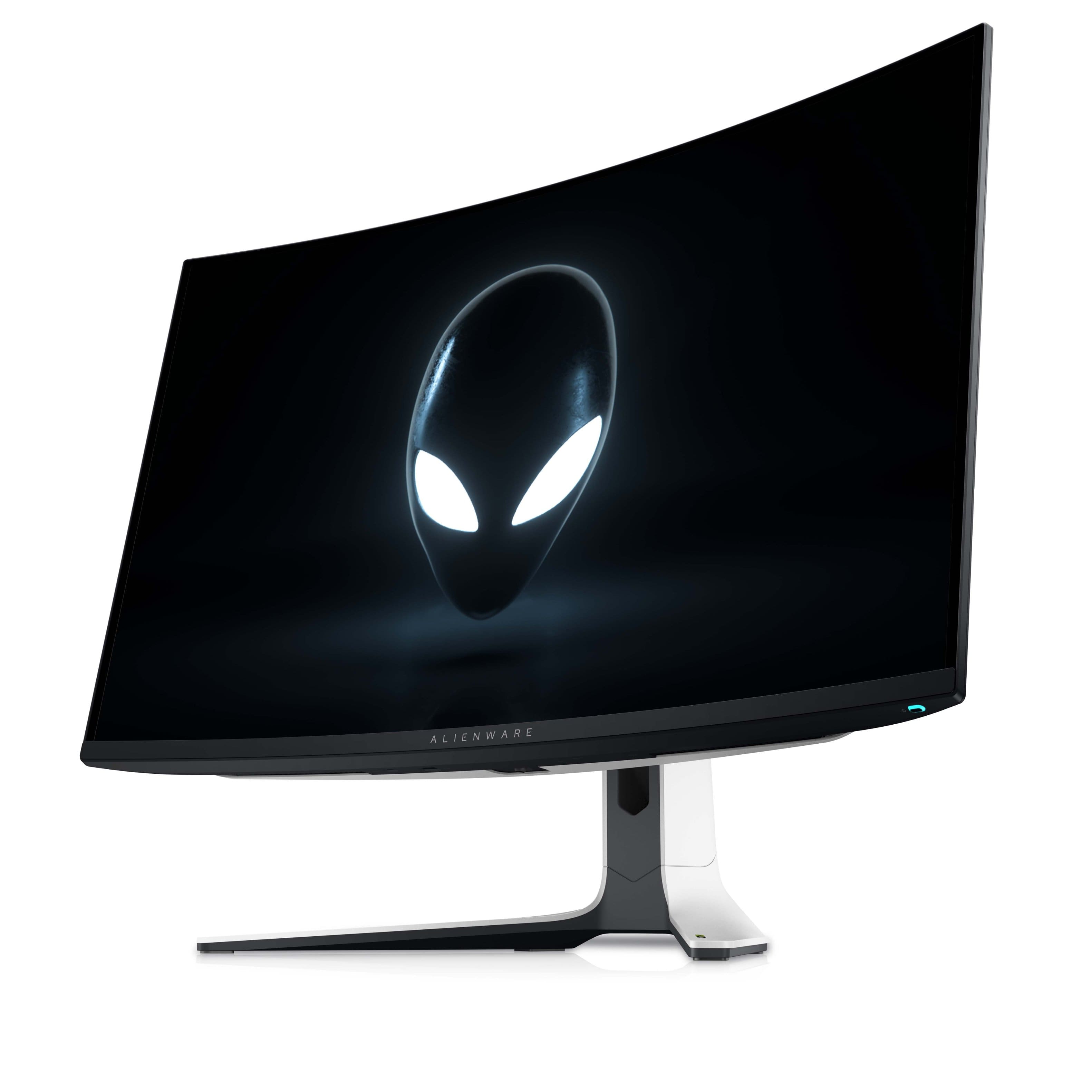
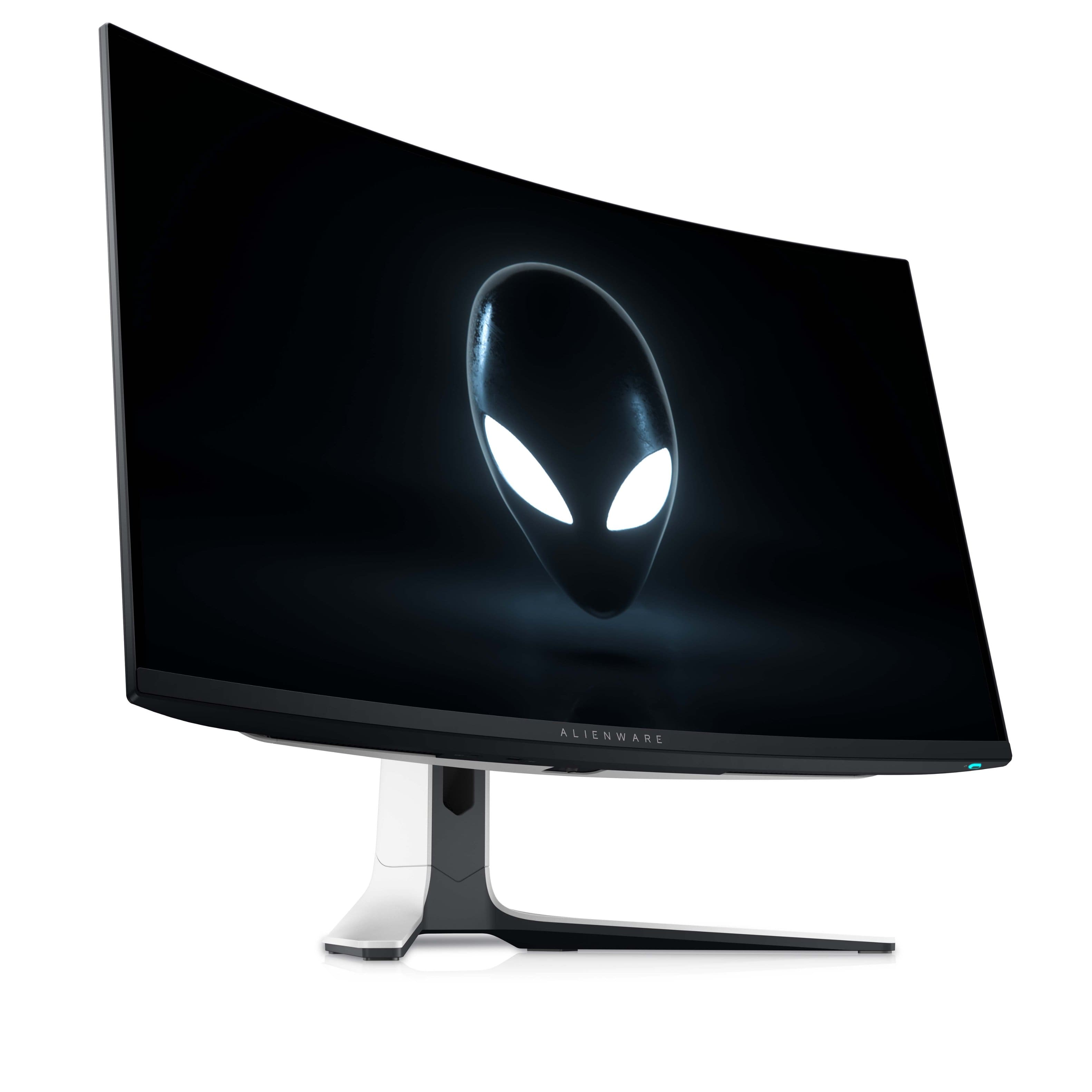
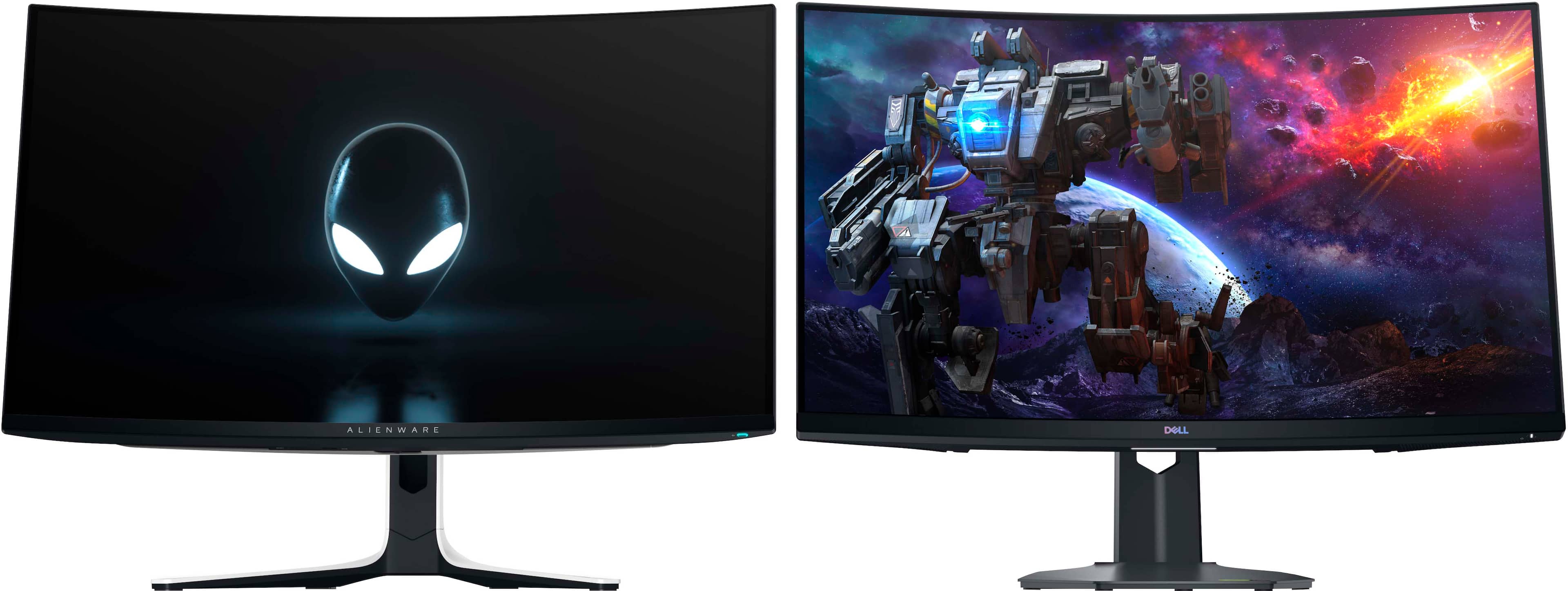
A:AnswerI've had this monitor for three days so, I haven't worked through everything yet. However, I'd describe it as a gaming / entertainment monitor and not a production one. It does not have a writable lookup table and Dell is not offering instructions on how to calibrate in their manual. I bought it for the Dolby Vision and because my 4k lookup table monitor does not have HDCP 2+. On the subject of color, I just watched two 4k Dolby videos on You Tube. One had lime green trees on occasion and the other had on occasion skies as blue as the Best Buy banner. So, is this bad production, intentionally oversaturated material or poor Dolby execution? I intend to create an ICC profile and move on from there.
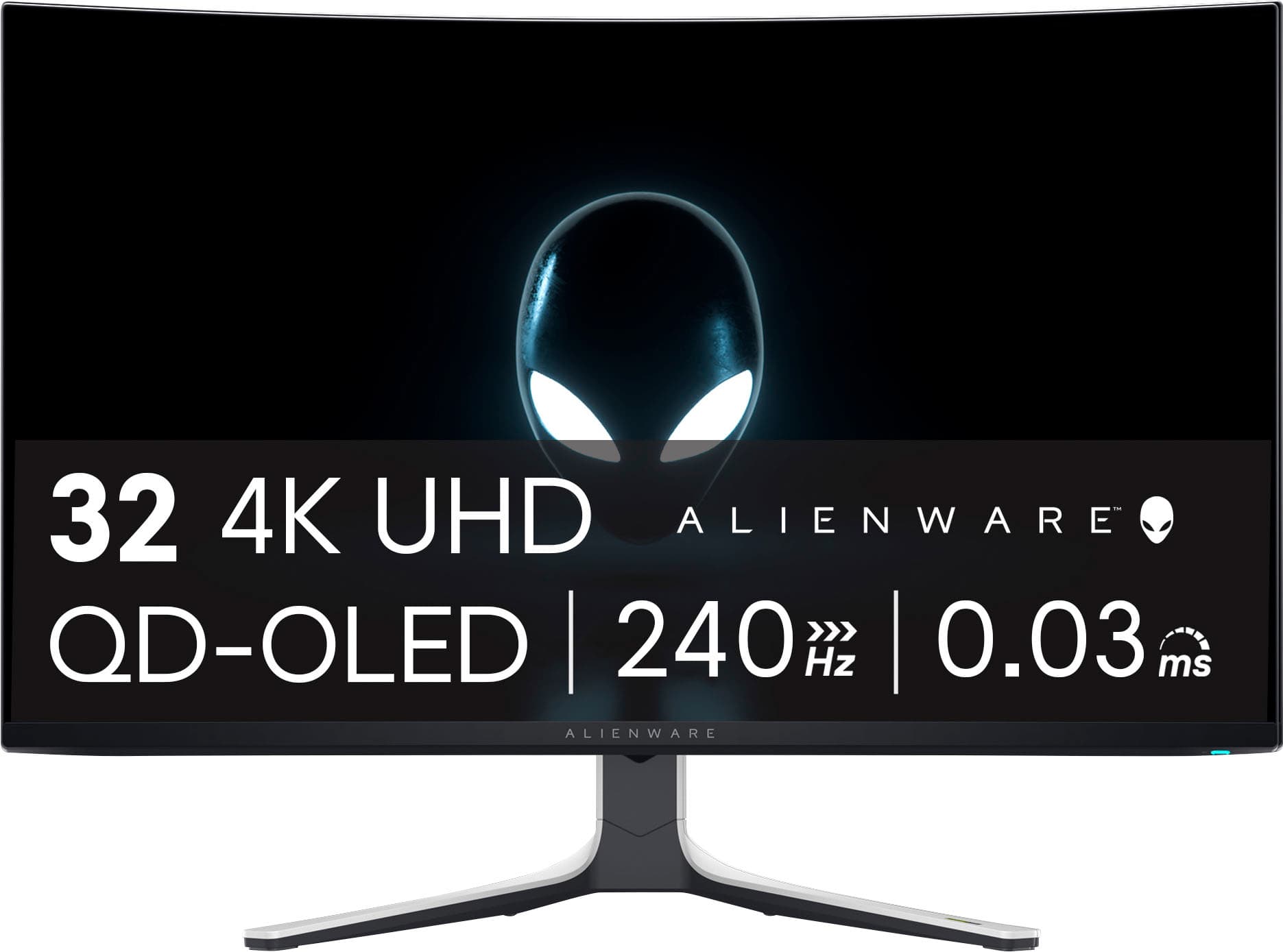
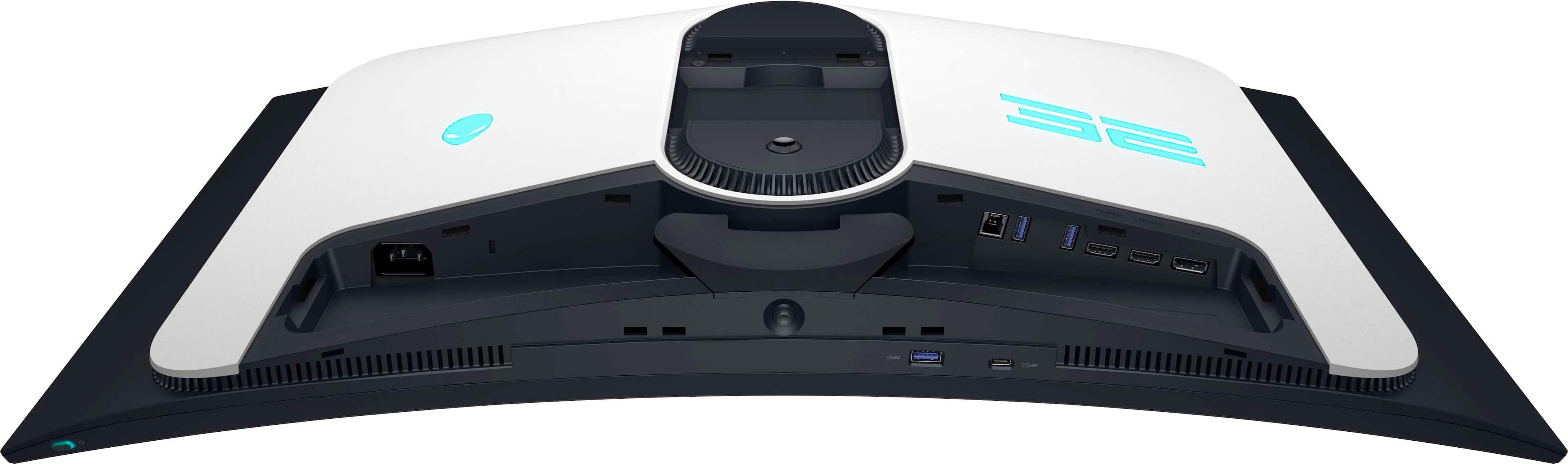
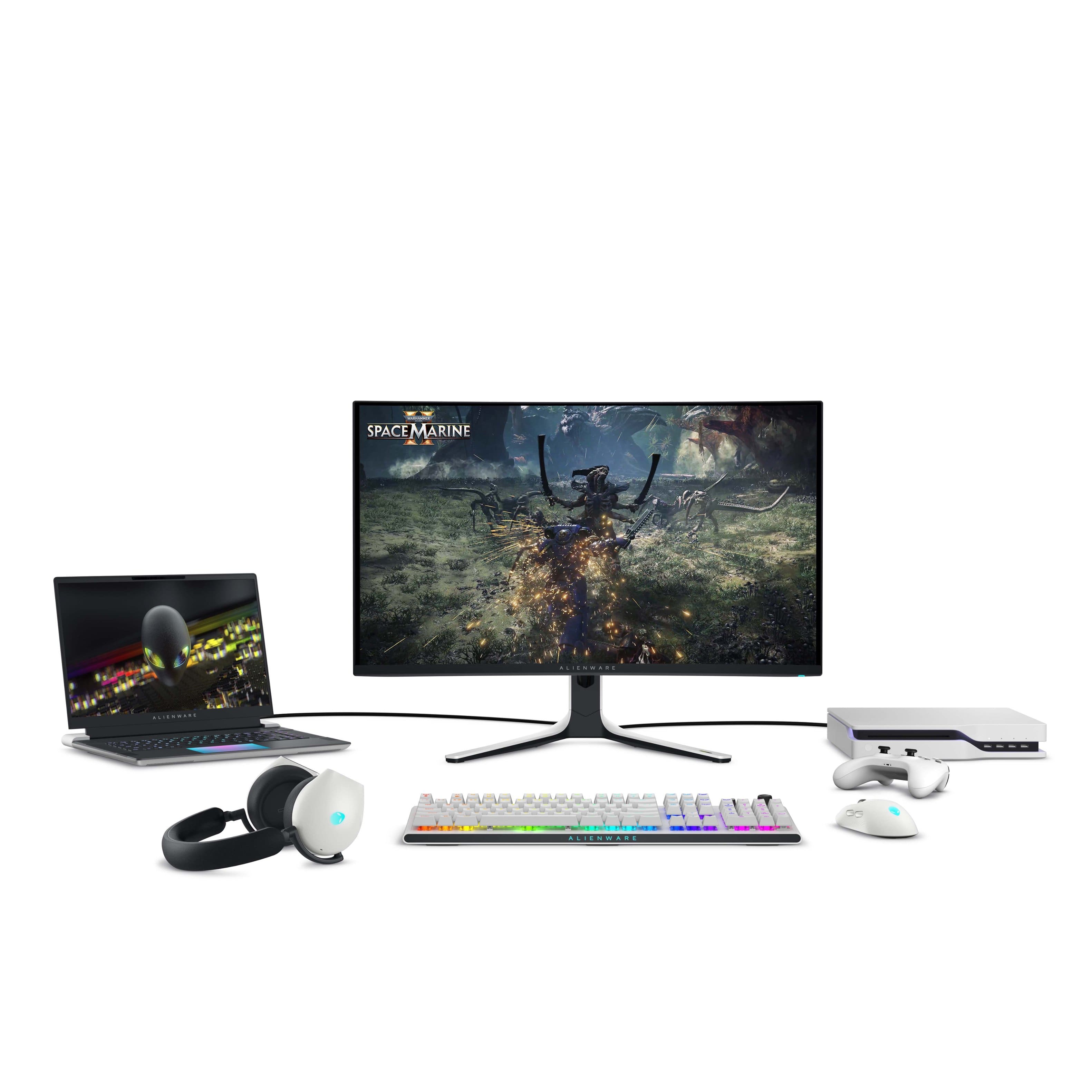
A:AnswerThe Alienware AW3225QF monitor itself does not have Bluetooth capability for connecting speakers or other Bluetooth audio devices. However, there are several ways to set up high-quality gaming audio without using a headset:
1) Wired Speakers, 2) USB Speakers, 3) Bluetooth Transmitter
A:AnswerI have the same setup but single alienware monitor on a magnus pro desk and the monitor arm from secret lab works perfect up to 17lbs You could either go with 1 dual arm setup or 2 single arm setup depending on how you want them oriented
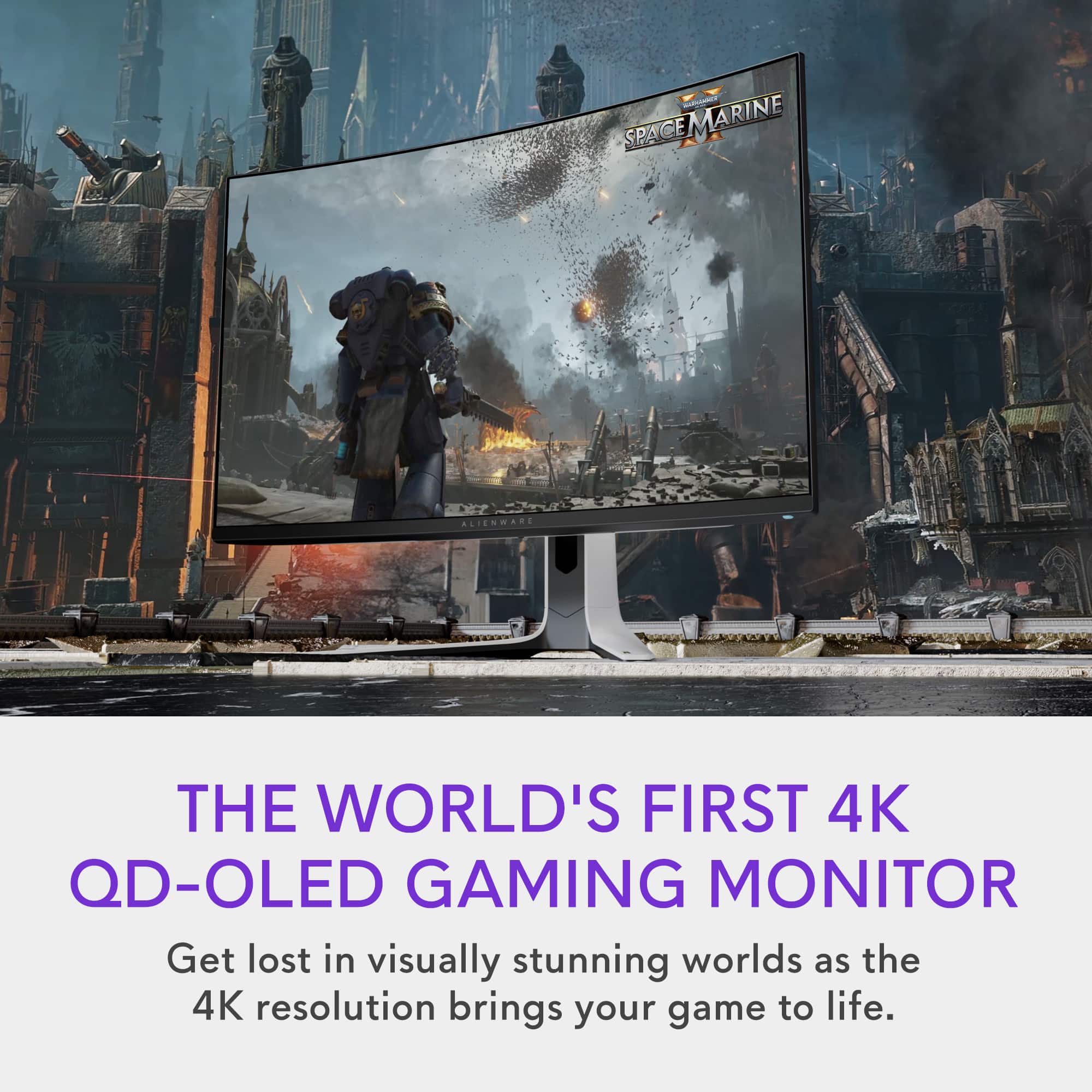
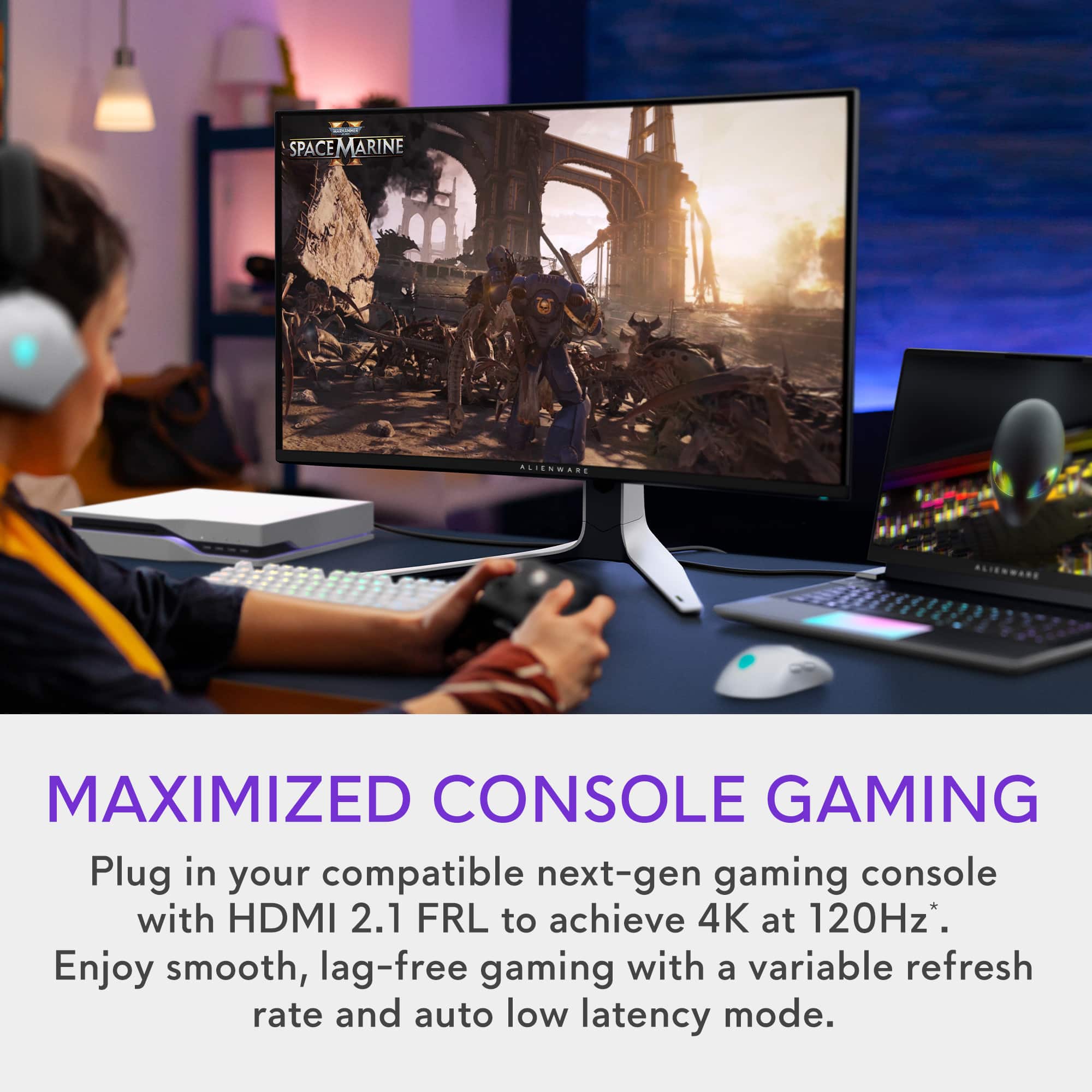
A:AnswerYou wouldn't be able to take advantage of the refresh rate true, but you would have a monitor that can handle the 4k at 120hz which is also OLED.
A:AnswerActually the brightness/nits with SDR is somewhere around 233 nits. But because of the True black it gives you the illusion that it’s brighter than it actually is. The monitor peak with the HDR is 1000 which is pretty average.