A:AnswerIf there is an auto on/off feature in settings > system settings make sure to have that set to OFF. Same with a motion sensor, if the frame has one. This would be in Settings > System Settings > Display. Short of this the frame should stay on at all times unless you unplug the unit. Set your slideshow to run photos at longer intervals and the SLIDESHOW loop time should be set to a higher number as well.
A:AnswerYou do not have to use the phone app for this frame. No need to connect it to WIFI as well. You will need to exit the setup wizard when setting up the frame. When it asks for you to connect to WIFI skip that and then tap the right arrow. It will ask if you wish to exit the Setup Wizard. Hit OK to do this and then you will be at the Home Page. Now you can just use an SD or USB thumb drive. Be sure to use 32GB or smaller memory cards and make sure photos are in .jpg format. If you need further assistance contact us at support@aluratek.com.
A:AnswerYou can only see the photos you send. For others that send photos to the frame only the frame owner can see those. Other users can send photos to you via text or email. They can even setup a drop box or shared folder, but the frame is not capable of acting like a router to other accounts whether they be secure or unsecure. This is essentially a privacy and safety feature.
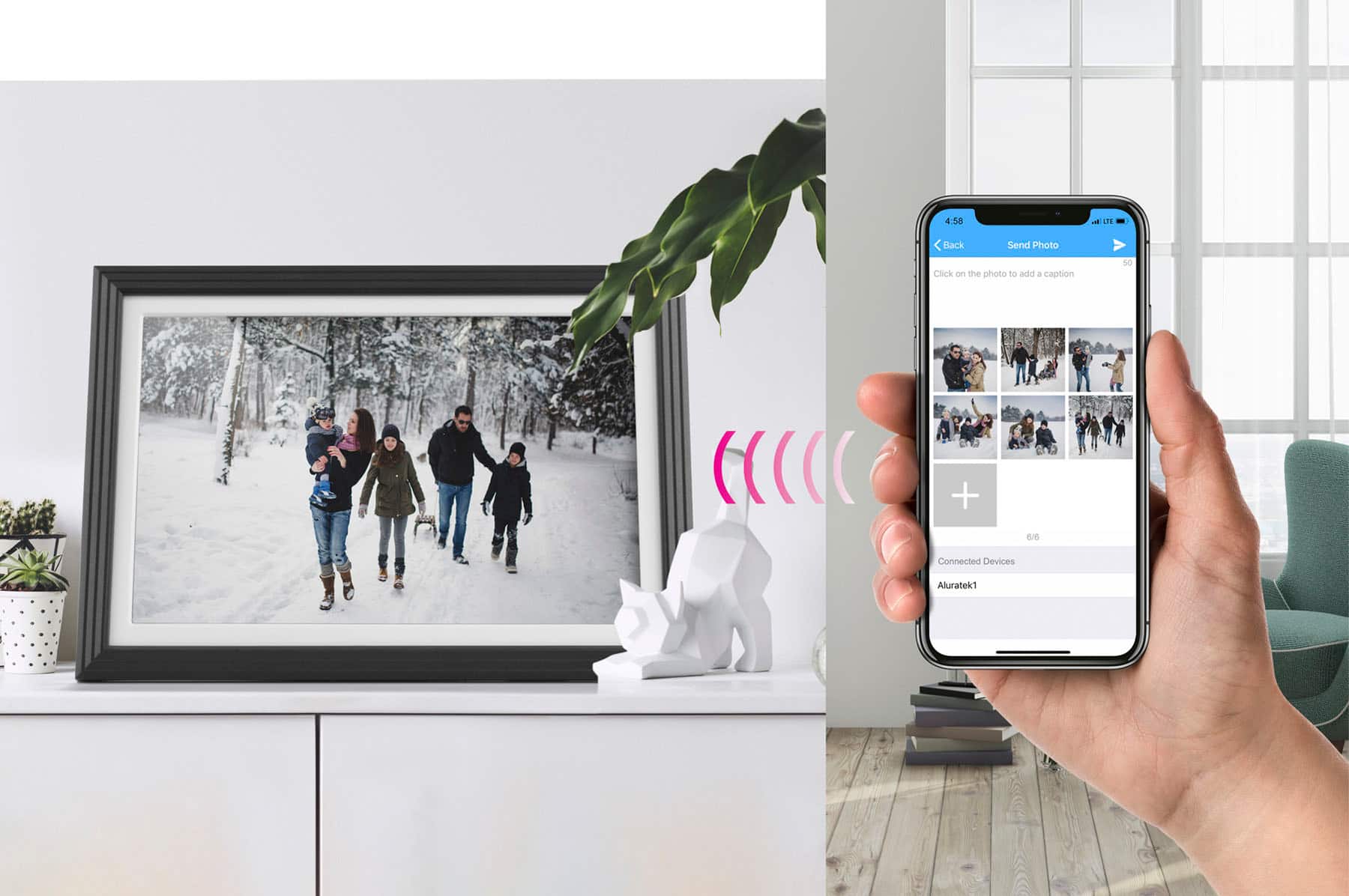
A:AnswerThe photo frame itself can hold roughly 2,500 photos or more depending on size. It's the phone app that cannot send more than 9 photos at a time. This is mostly due to WIFI bandwidth. If you connect the frame to your computer with USB cable (use the USB-C port on the frame) then you can send larger dumps of photos to the frame. Make sure photos are in .jpg format.
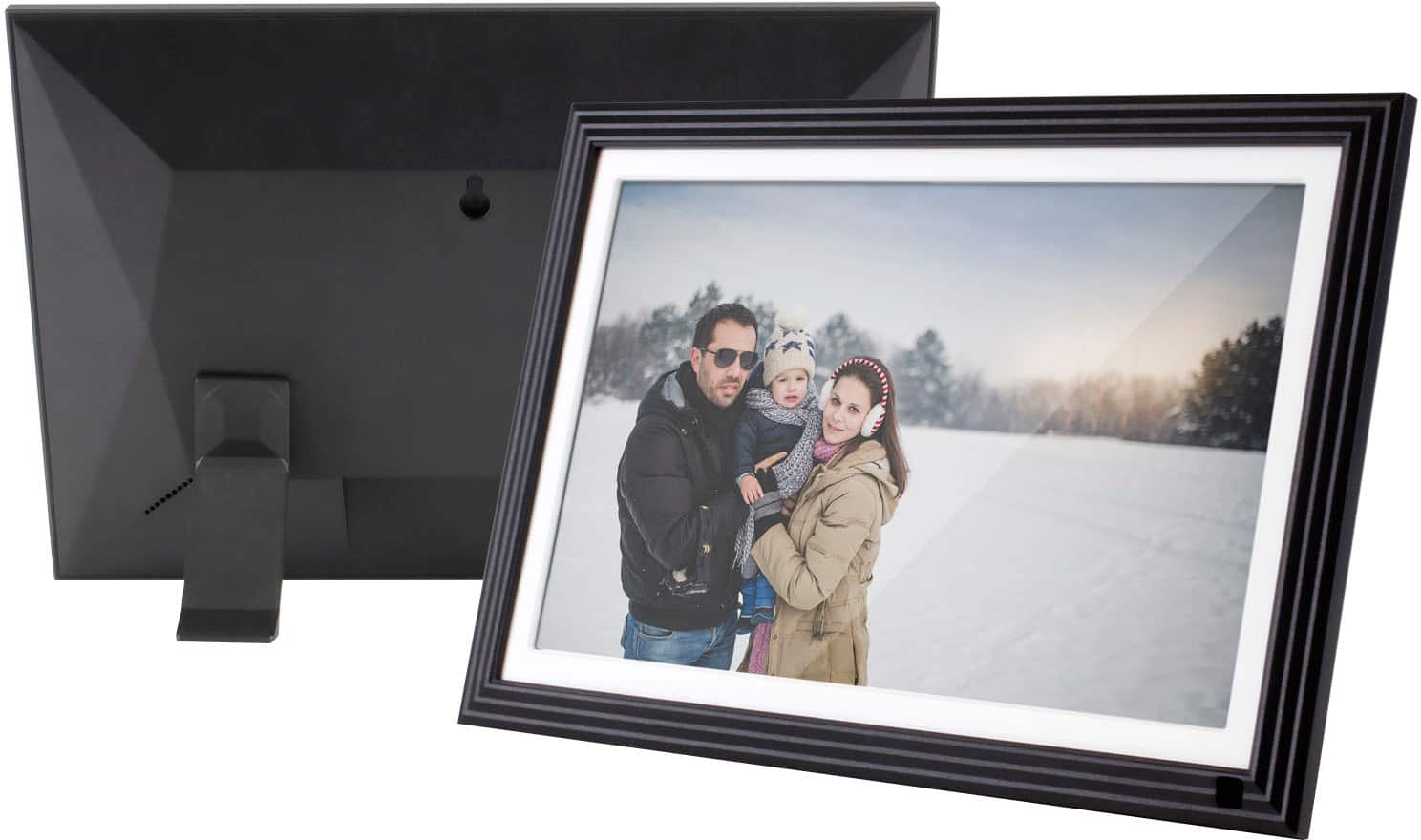
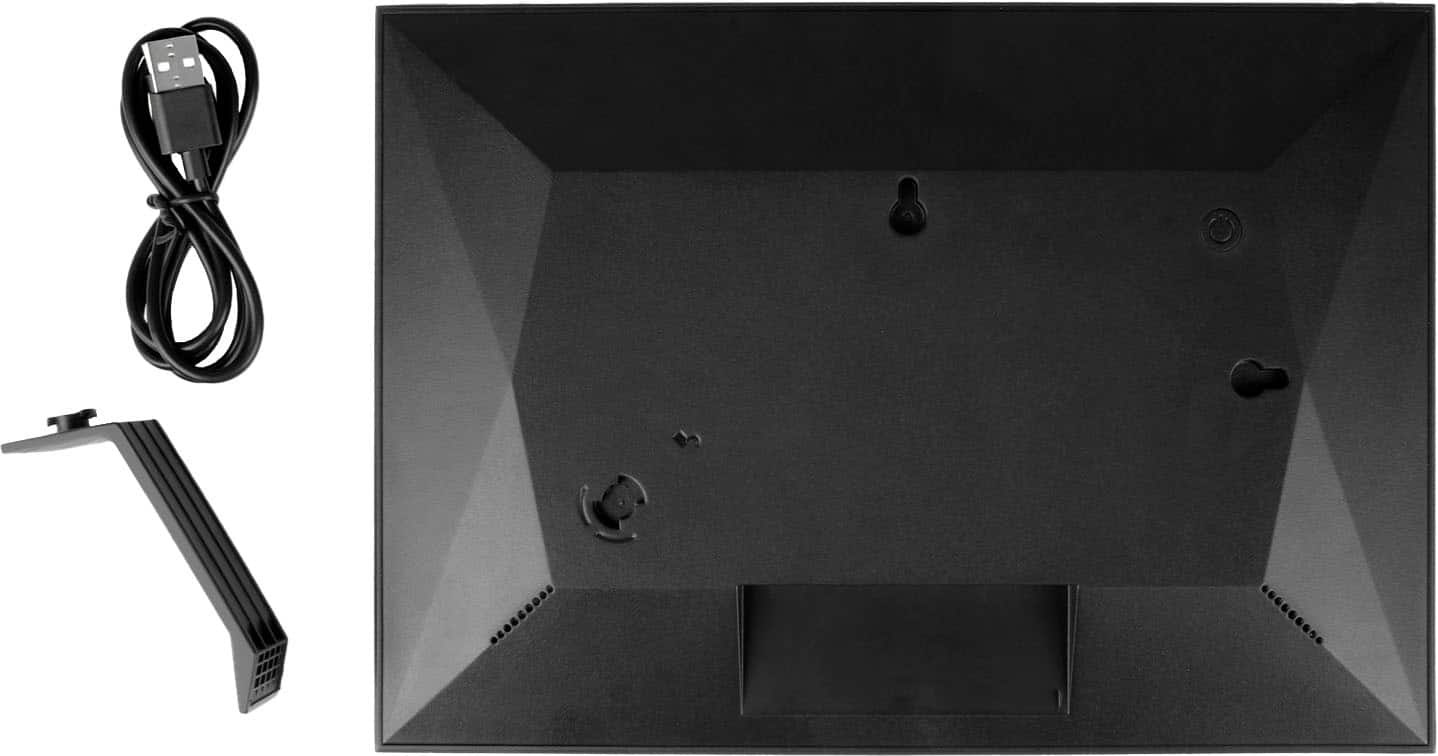
A:AnswerYes. Most of our frames have at least one connector for hanging on a wall, or mounting. This all depends on the size of the frame. Photos of the back of the frame on our website will show this. Go to aluratek.com and search for the frame and you can see the photos of the unit from different angles.
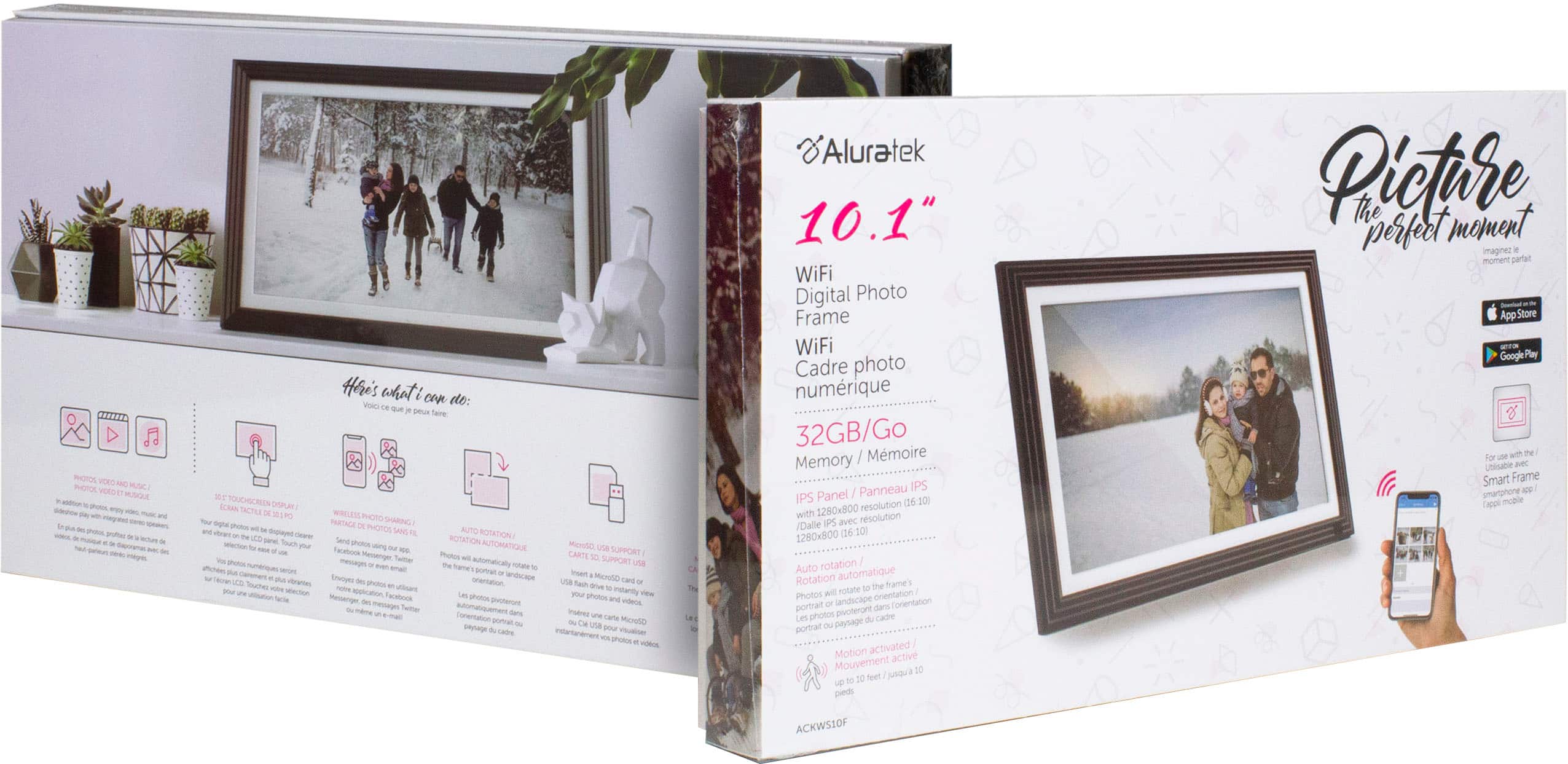
A:AnswerIt has 32GB or internal storage. Depending on photo size you should get 5,000 to 6,500 photos on this frame. They need to be in .jpg format. Larger photos will take up more space. Contact support@aluratek.com if you need setup tips.