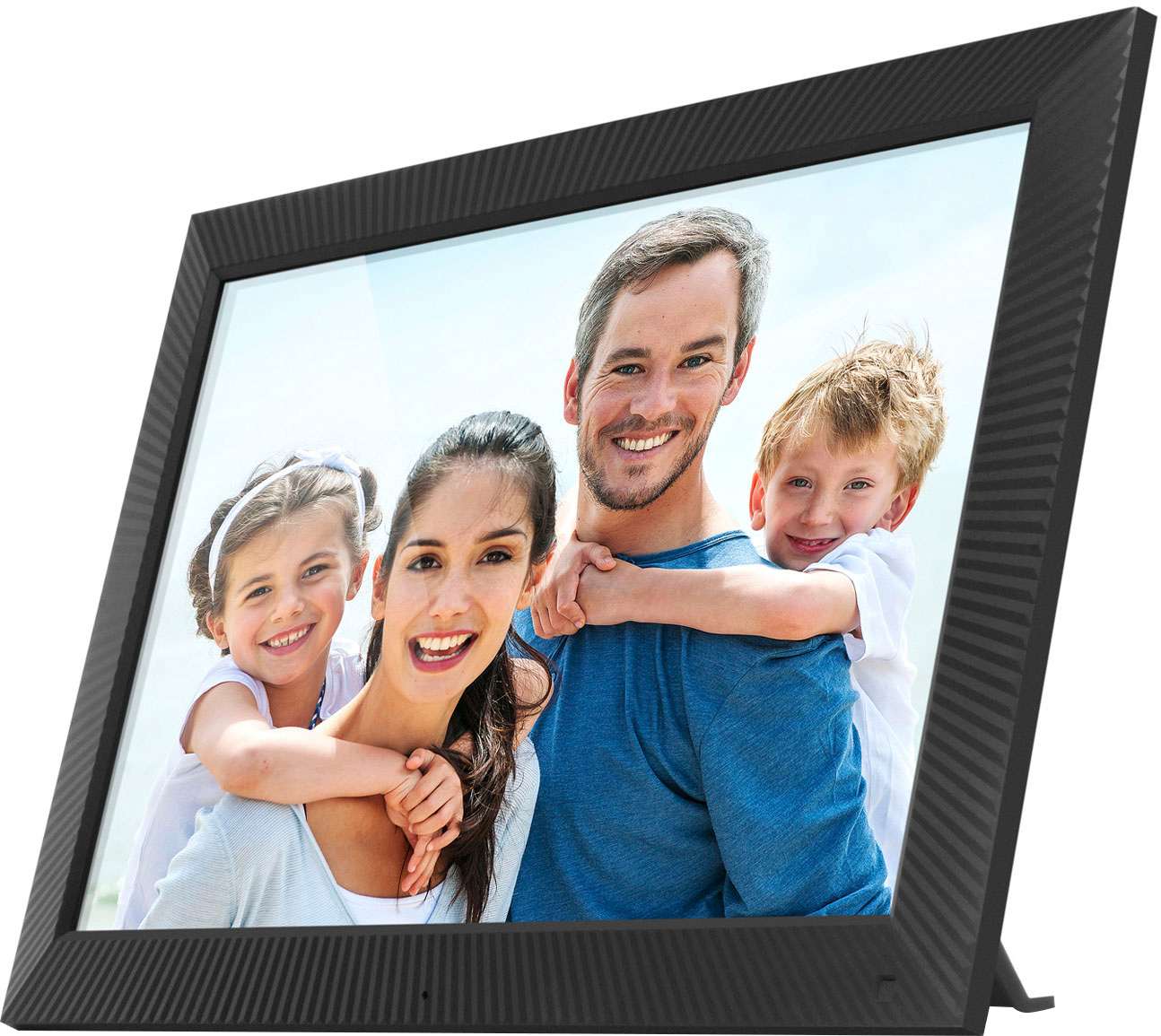
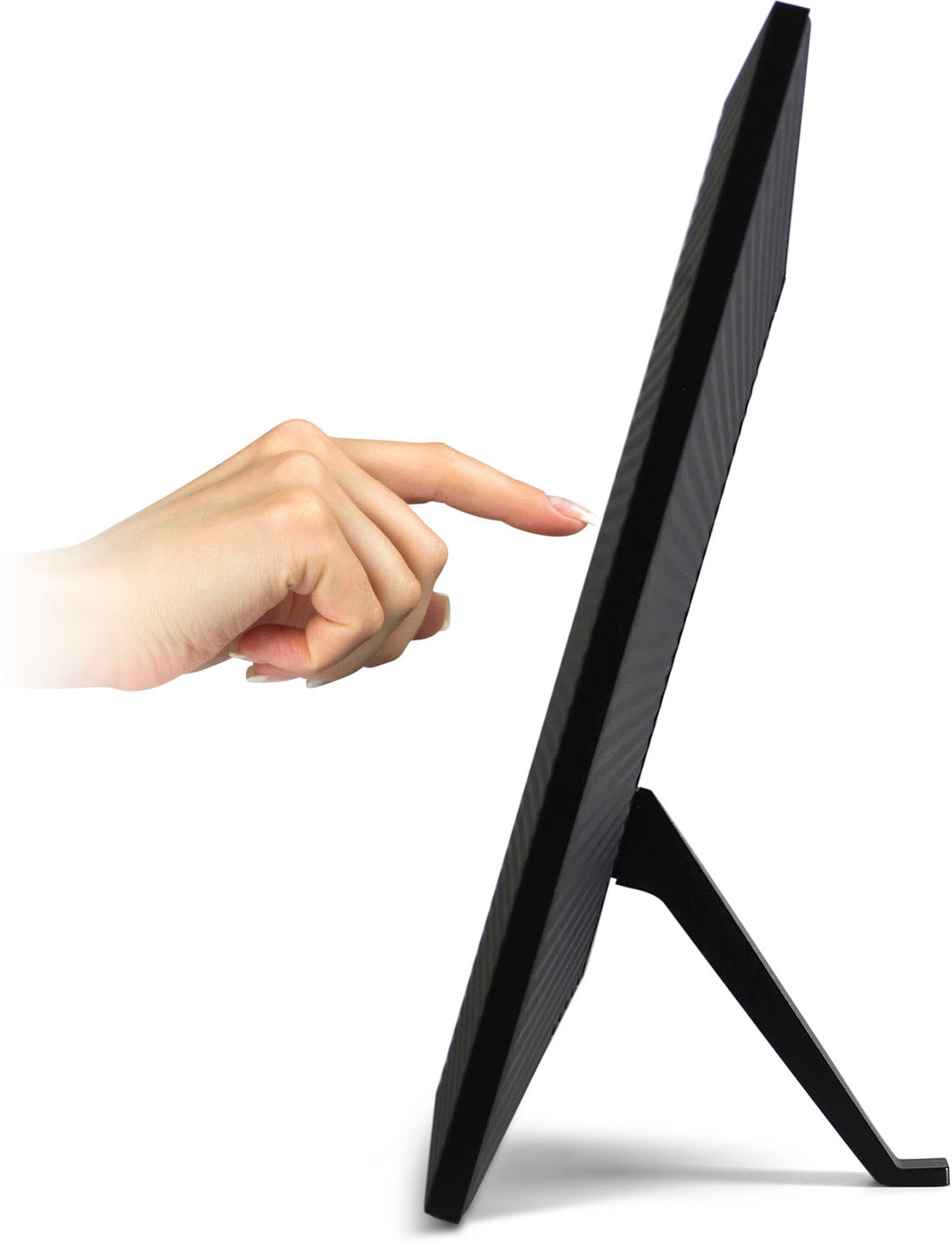
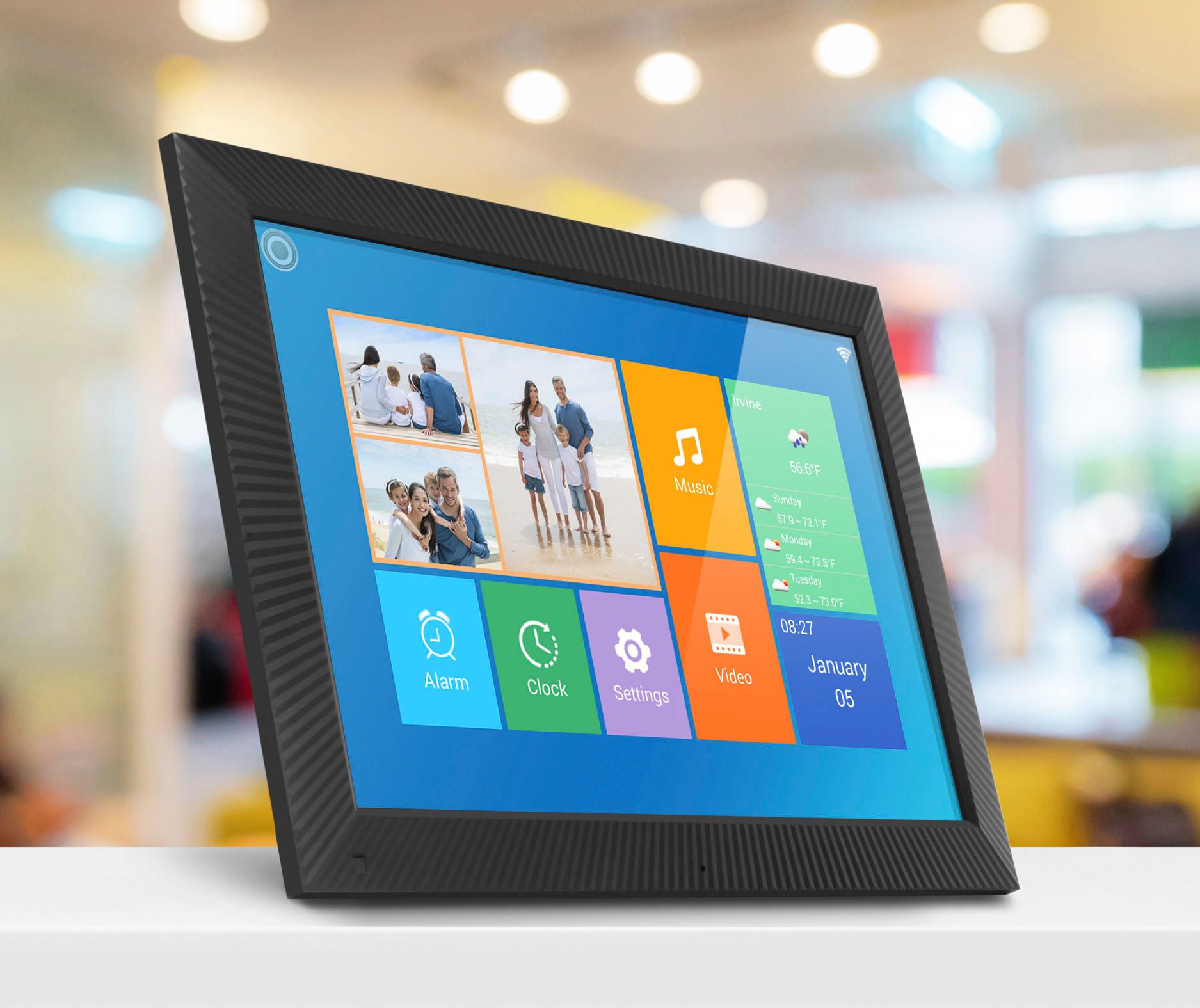
A:AnswerIn order to display videos you must go into the video menu on the home page. Video should be in avi or mp4 format and scaled to the display size and resolution of the frame. Photos play in the photo section of the frame. For more info or tips contact [email protected].
A:AnswerNo. For photos you want to use .jpg. In some cases the frame may play a .png or .img file but it all depends on how it was shot and formatted. But we recommend .jpg. For video make sure it is .avi or .mp4 with 16 bit audio, 44.1 kz and that the video is scaled to the resolution of the frame. Contact [email protected] if you need further assistance.
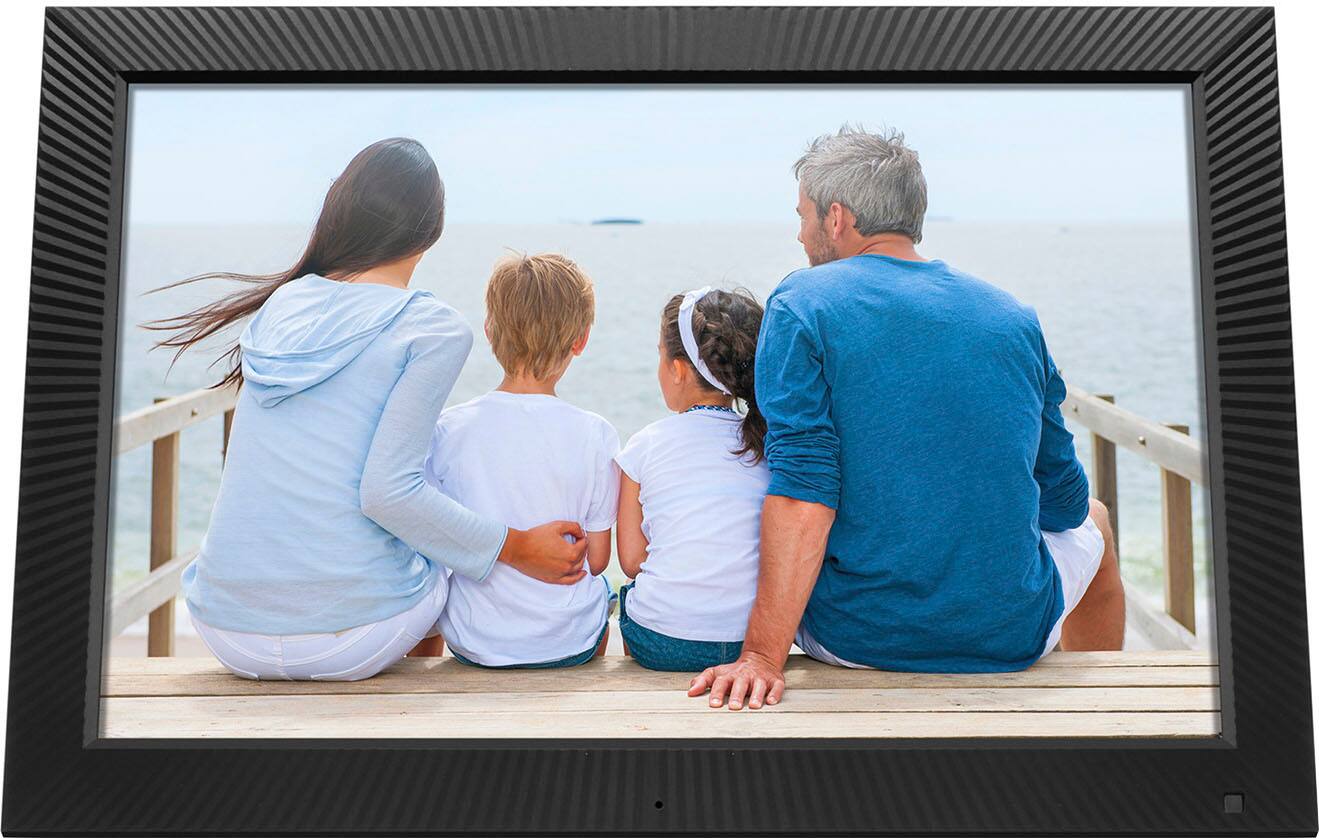
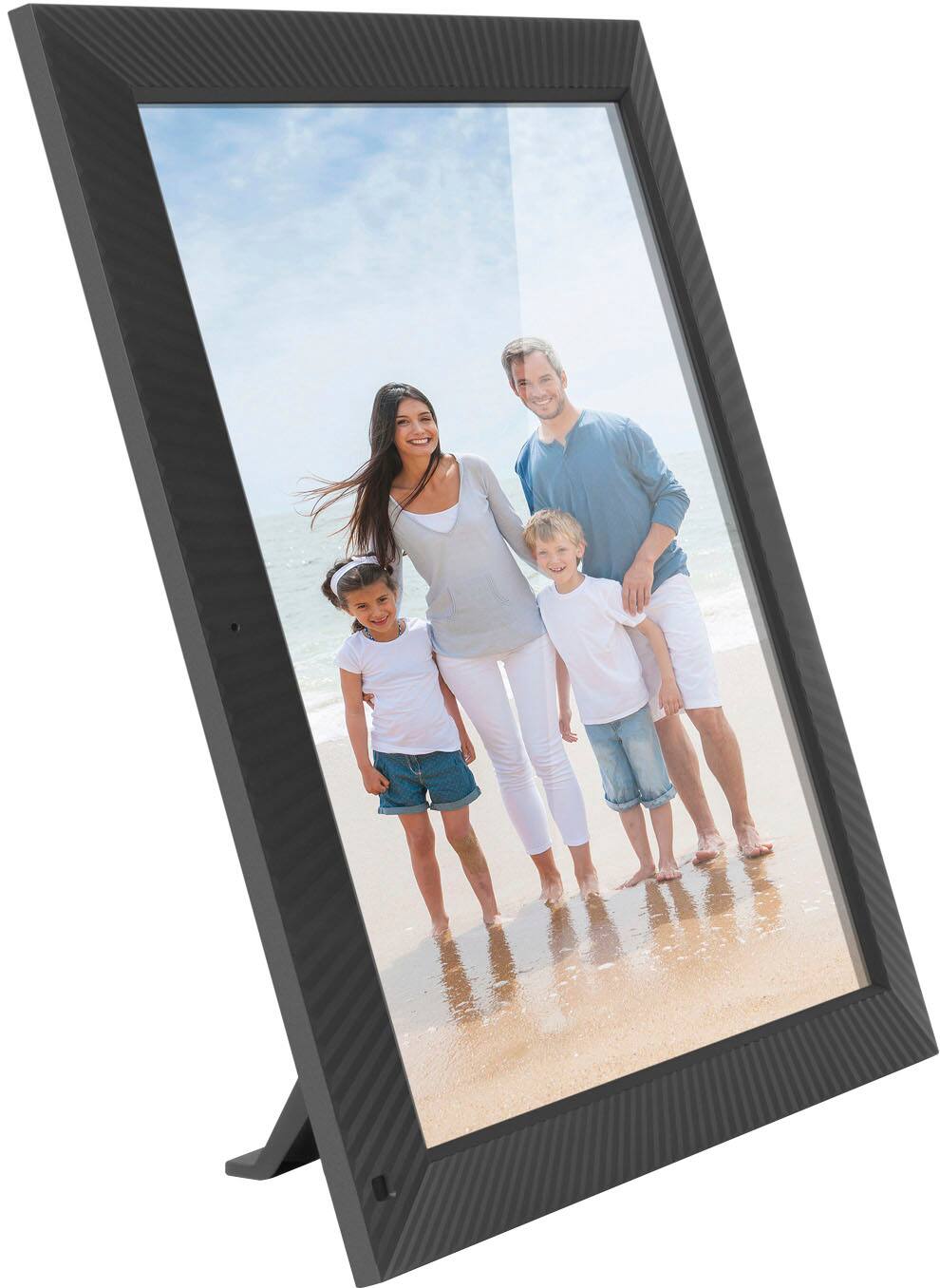
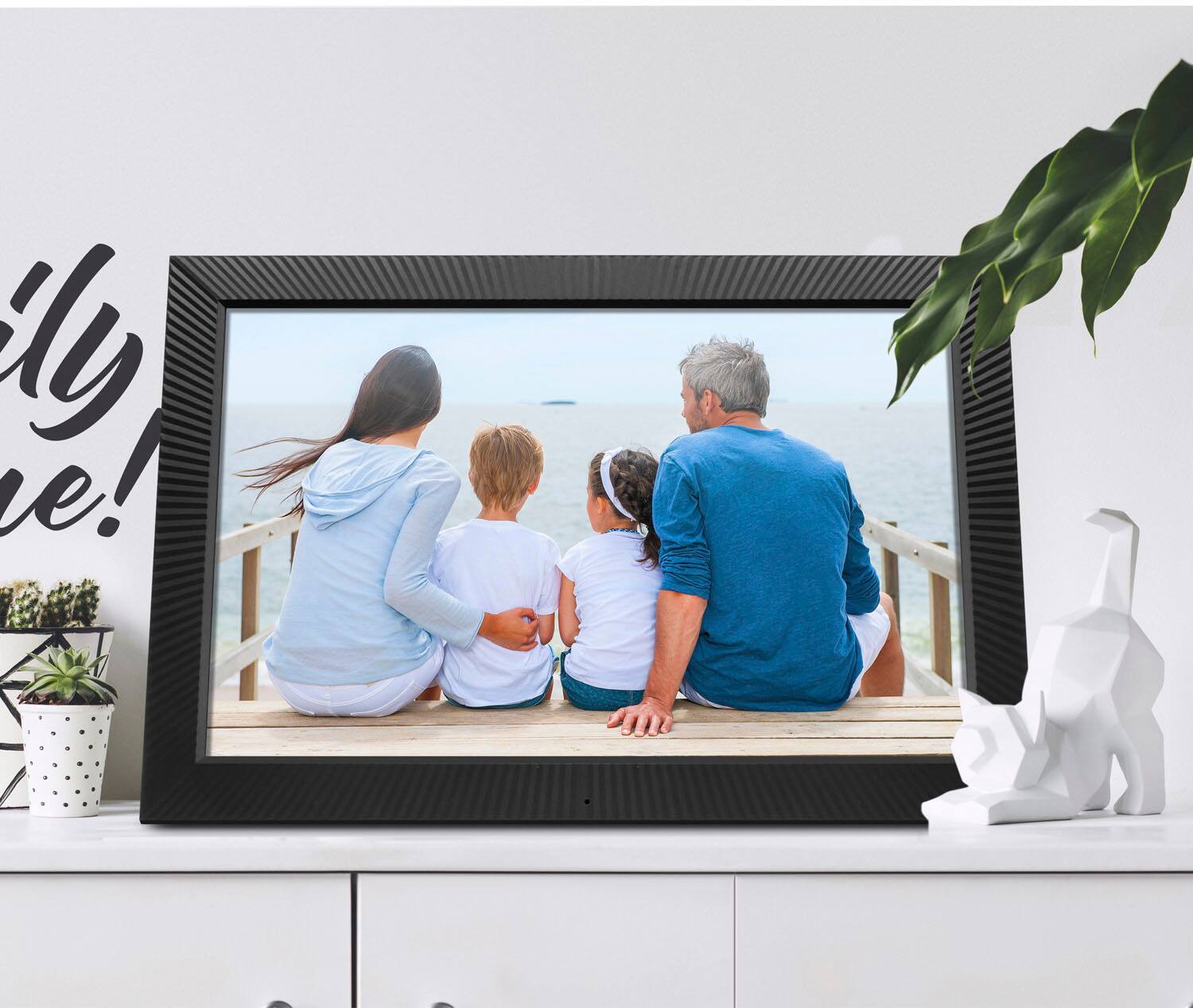
A:AnswerThanks for the question. No. This unit is designed to sit on a table in lanscape view, however it will show portrait photos. In settings > album settings you simply turn off full screen mode and it goes into an auto detect mode so that landscape and portrait photos get shown correctly. If you have an issues or other questions just contact us at [email protected].