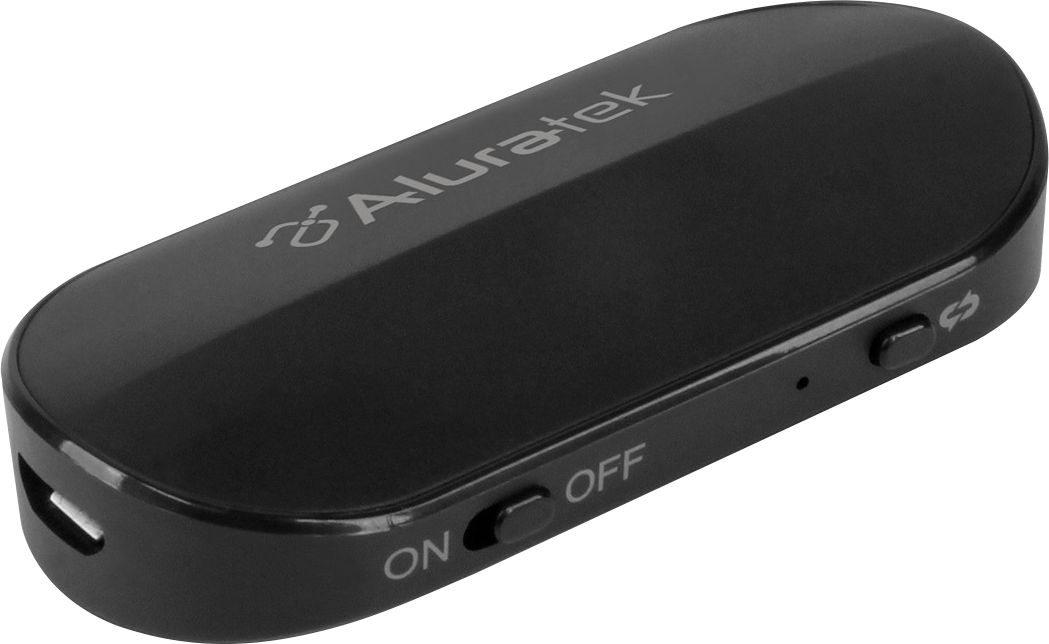
A:AnswerYou need to hold down the little button on the side of the unit for a few seconds. Then the light will blink red and go out completely. That means it is off.
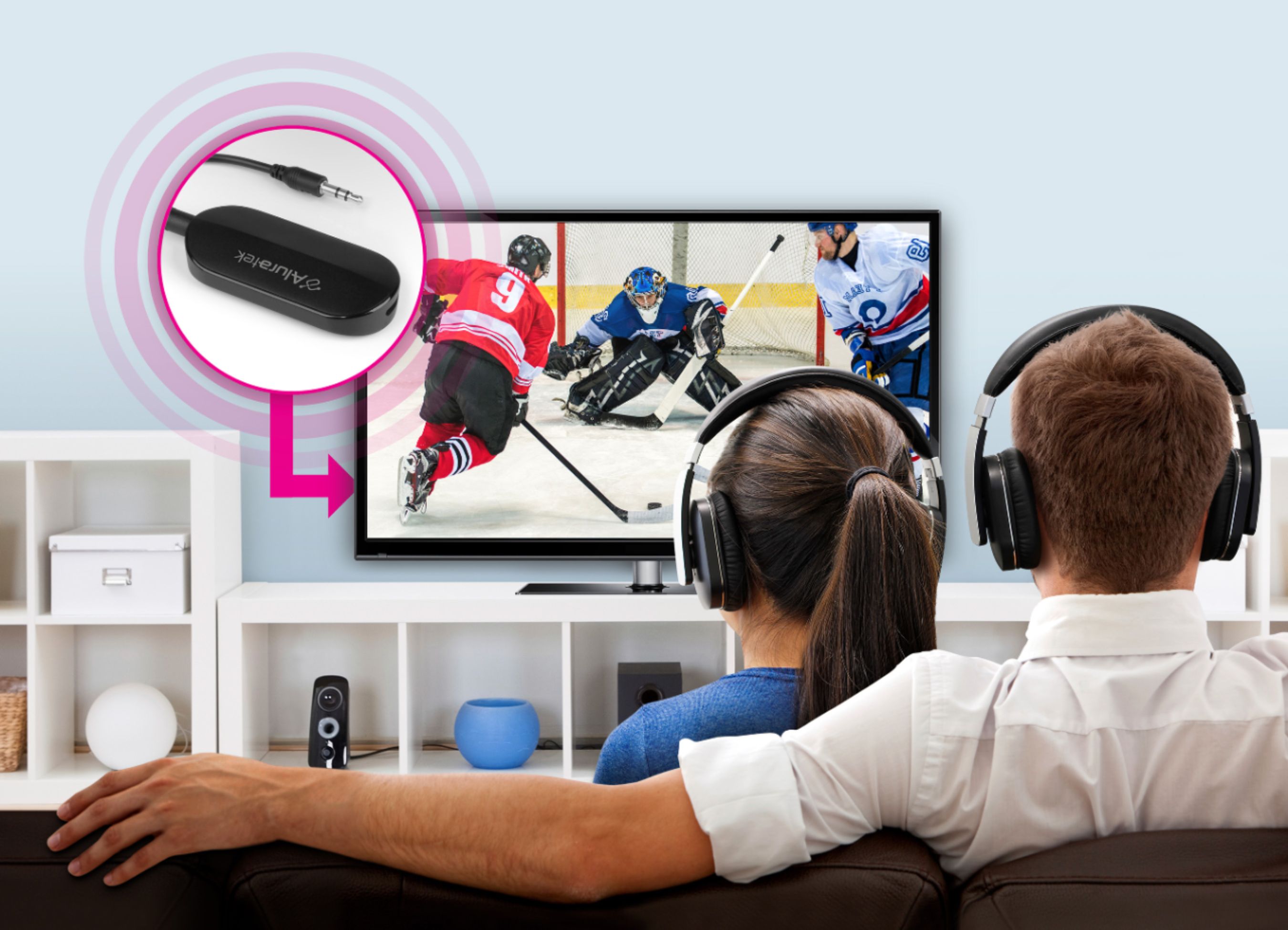
A:AnswerThis device will allow you to connect bluetooth headphones to your tv. Think of it as if you were plugging wired headphones into your TV and then turning off the external speakers on your tv. This device works the same way, however your wireless headphones need to be bluetooth.
A:AnswerYou need to hold down the little button on the side of the unit for a few seconds. Then the light will blink red and go out completely. That means it is off.
A:AnswerNot as good as listening to my BT headset directly connected to my Samsung Galaxy s8 phone, but quite tolerable for listening to TV.... I would not recommend it for something for which you want extremely high quality transmission of sound like high quality records or CD's. (I'm merely offering a comparison in comparing the Aluratel to my s8.)
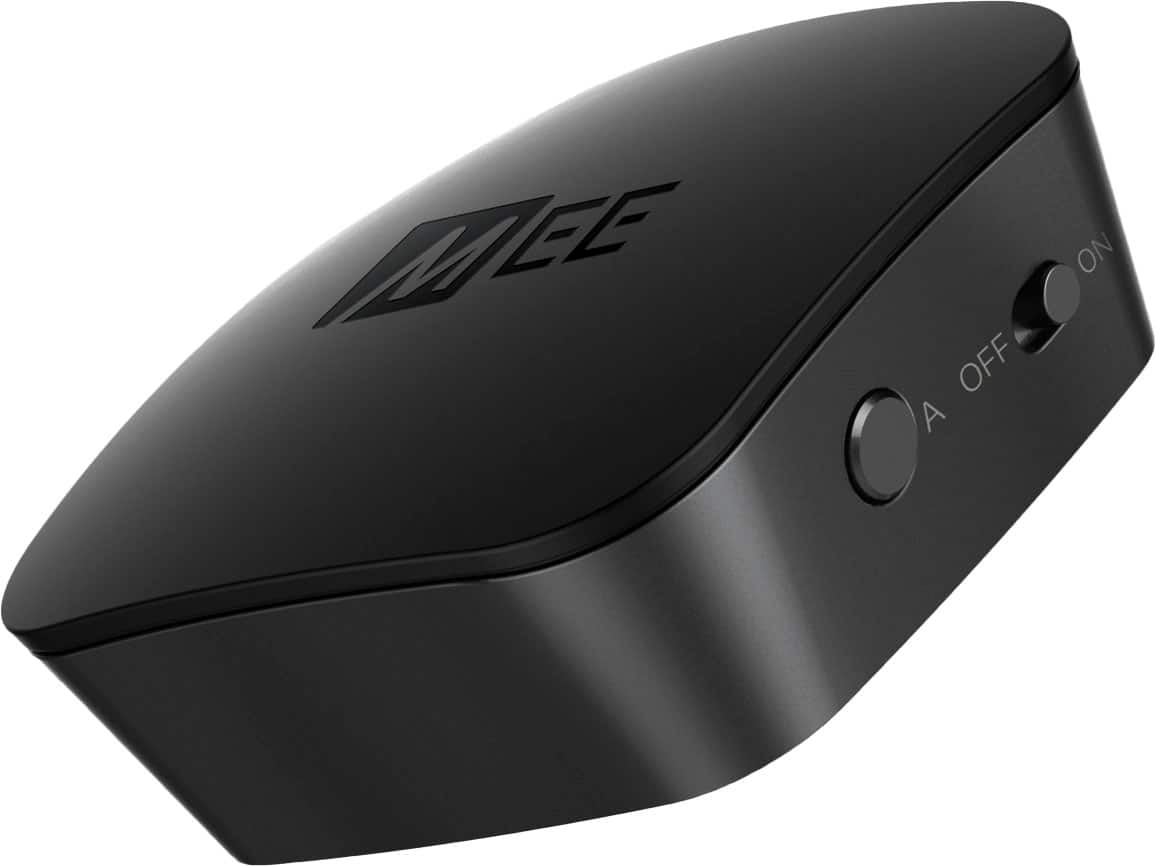
A:AnswerNo , you cannot connect & listen to 2 devices at the same time with the Aluratek BT transmitter, but if this capability is desired, you can do so with the MEE transmitter [ https://www.bestbuy.com/site/mee-audio-connect-universal-dual-headphone-bluetooth-audio-transmitter-for-tv-black/5471900.p?skuId=5471900 ].
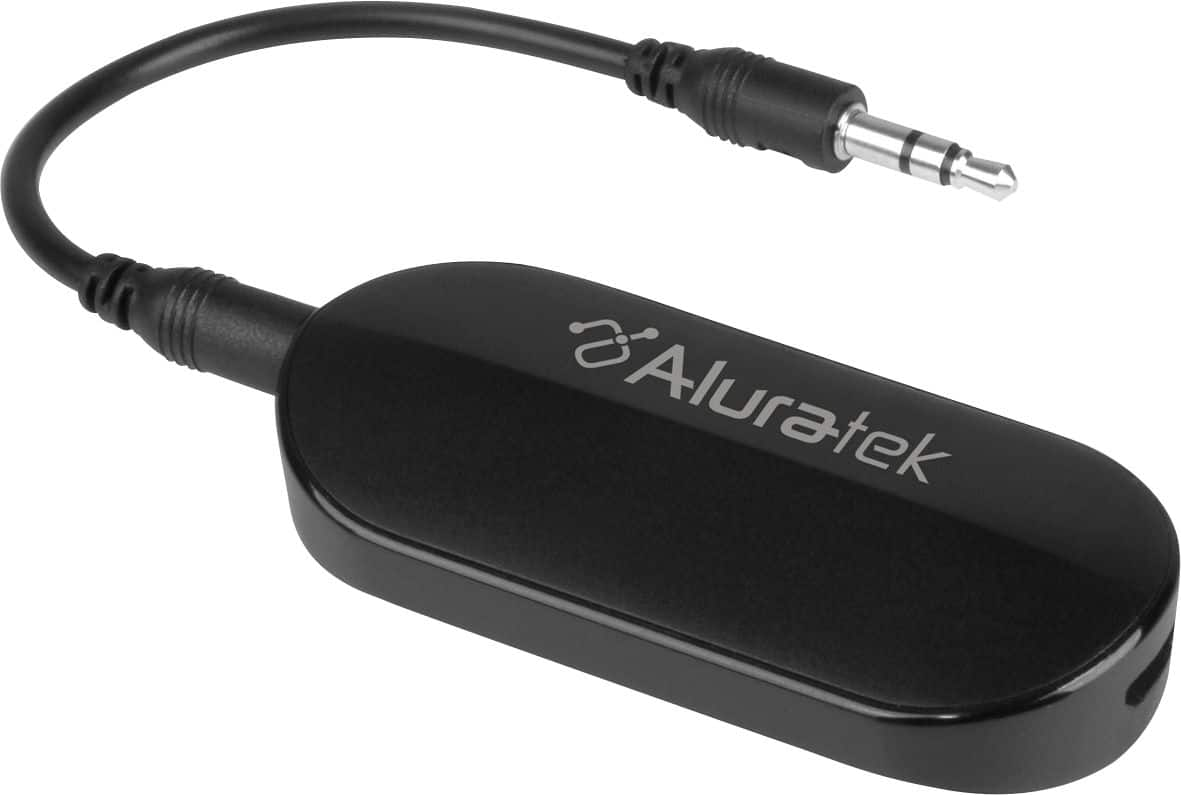
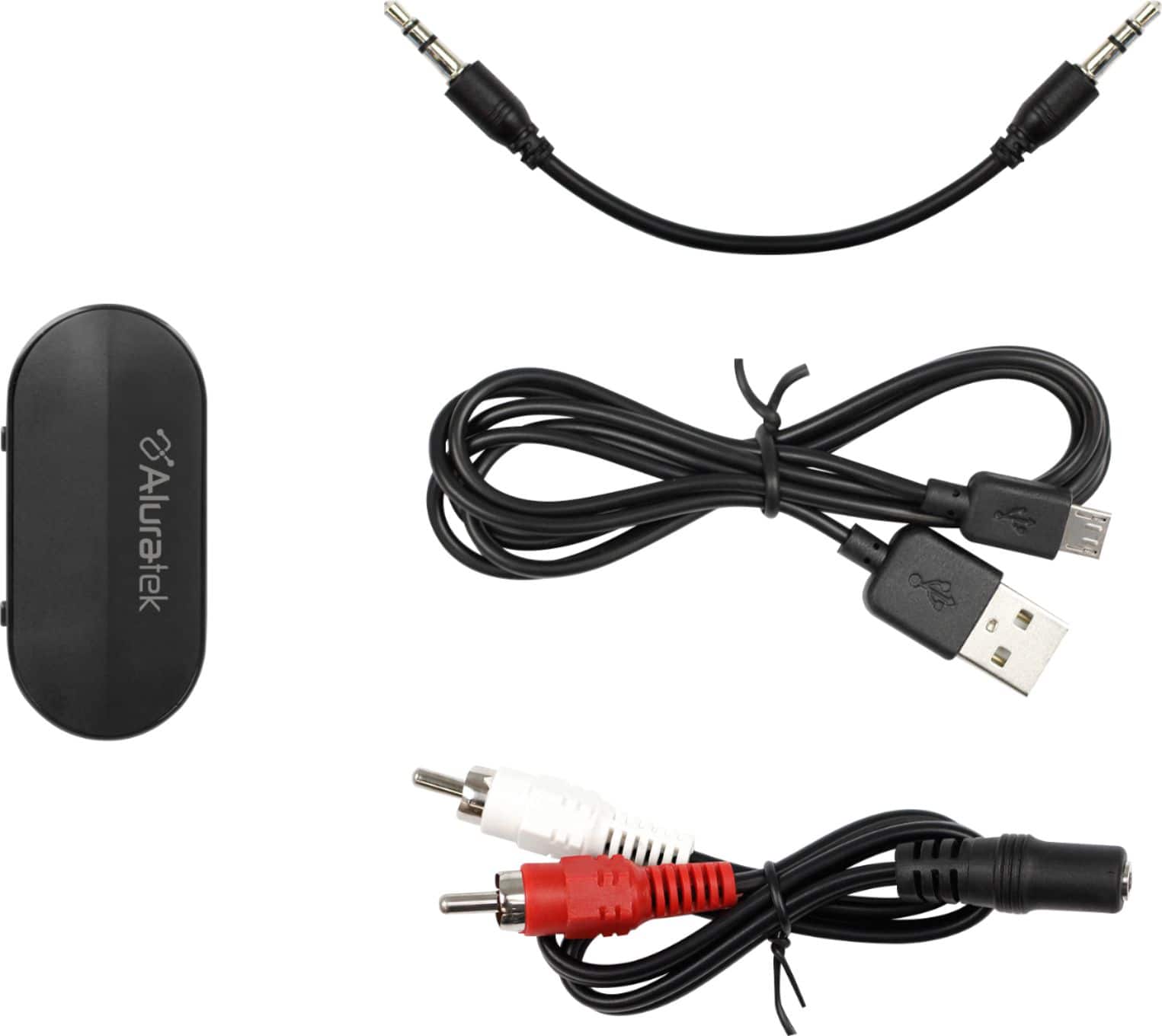
A:AnswerIf your Playstation has an audio output on the back (RCA red and white) then yes this can work. It can then transmit the audio to headphones or speakers that are Bluetooth enabled. But with most playstations the audio-video from the PS will be going into the TV, so it is better to connect the ABT05F to the TV's audio output then go into settings on the TV and set the audio out to AUX/Analog. You can use a headphone jack too if your TV has one. If your TV only has an Optical output for audio (might say Digital Optical) then you will want to get the ABC02F which comes with the Optical connectors and cable. For more info contact [email protected].
A:AnswerI noticed that whatever the auxiliary chord is connected to if the volume is low- background noise and music cuts in and out between dialogue. But if the volume is on a fairly higher setting closer to 80-100 I didn't have any problems with it cutting in and out. Then i was able to adjust the volume accordingly from my bluetooth device.
A:AnswerIf you are wanting Wireless Tx-and-Rx then you are better off with a Gaming Headset. Trying to get a PC to send audio bi-directionally by BlueTooth IS doable but not real fun to set up. Why cell phones do it well and PCs don't is a mystery. (My PC motherboard had BT built-in, so I tried some experiments; but that BT is at least Somewhat bi-directional. Maybe you'll have better luck than me.)
These devices are dominantly mono-directional (even the Rx/Tx versions only do One-at-a-time). There is the rare one that has a microphone built-in but I haven't looked close enough to see how to make that work well.