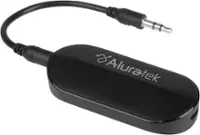
A:AnswerIf you have an audio port on the device via headphones. You can use the Bluetooth on this unit. Just plug into headphone jack after pairing device to head phones.
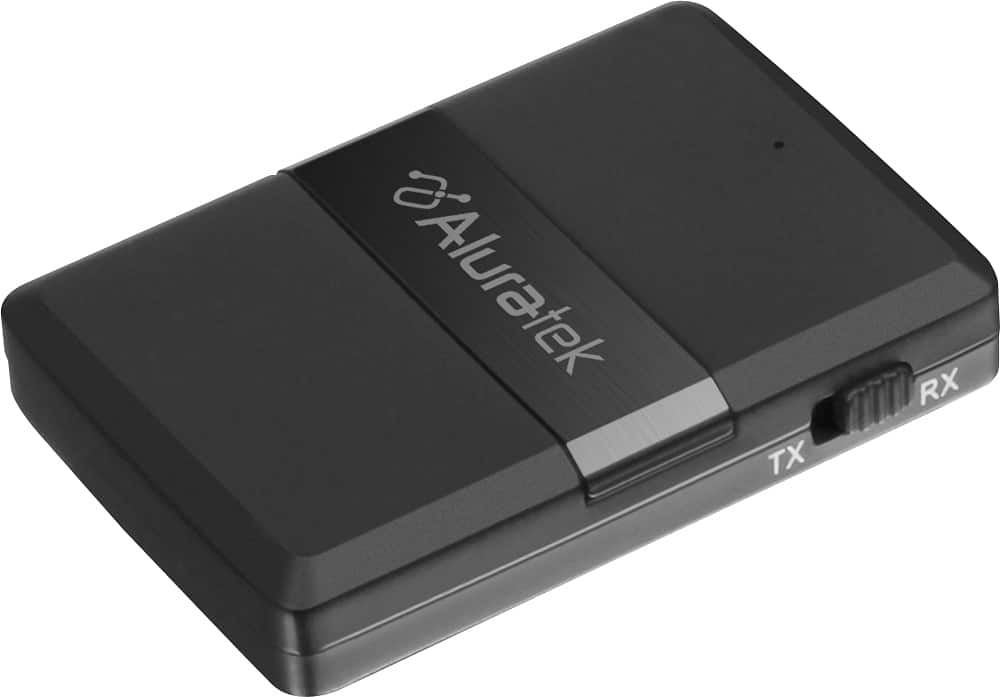
A:AnswerYes, this will pair with your iPhone. Turn the unit off, make sure it is fully charged, put the unit in RX mode. RX is for receiving so the unit can receive from the iPhone. After turning on then Aluratek unit in RX mode you need to put the unit in pairing mode. Make sure it is blinking red and blue. Then on your iPhone go to your Bluetooth settings and when you see the model number show tap on it and it should connect. For more info contact [email protected].
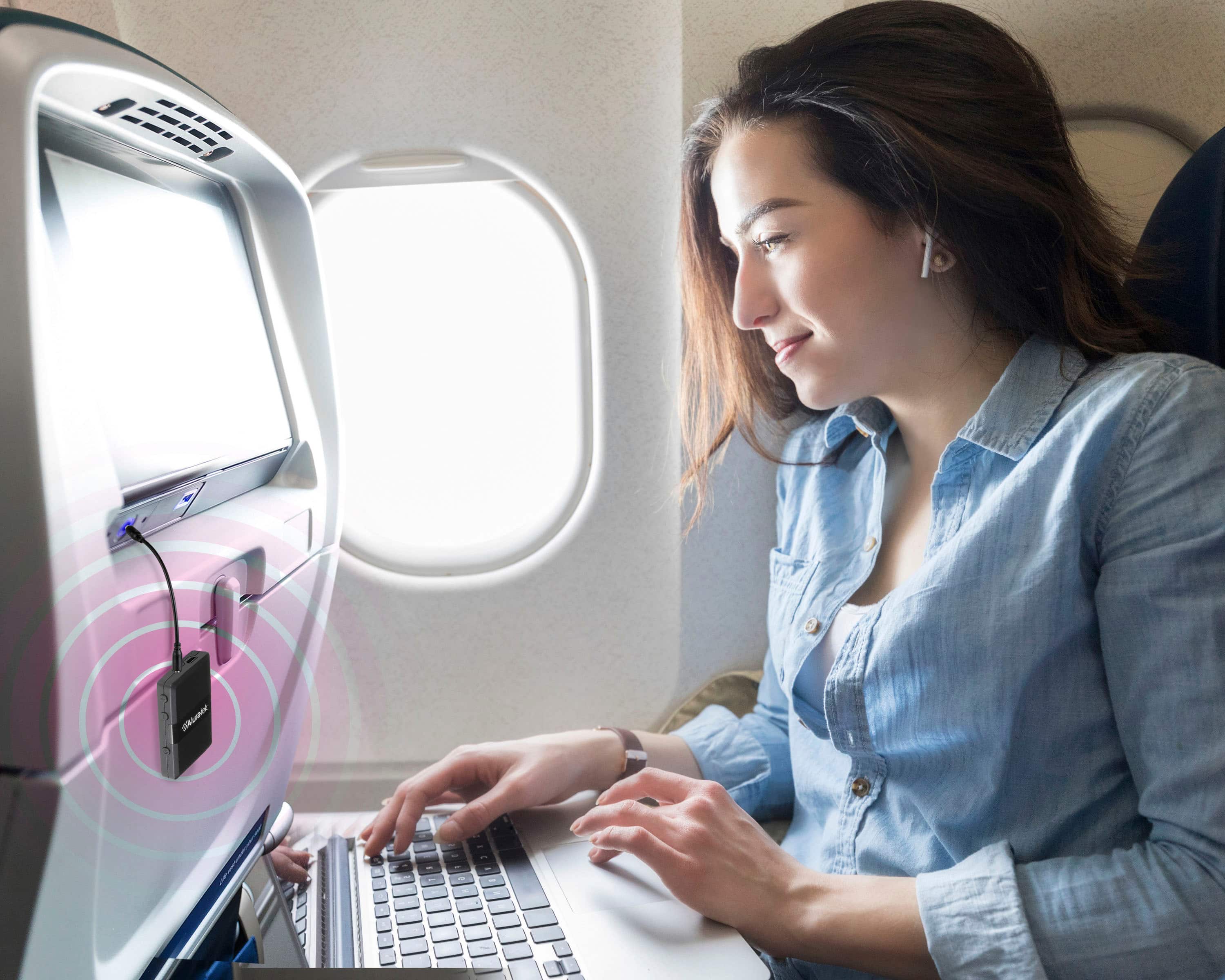
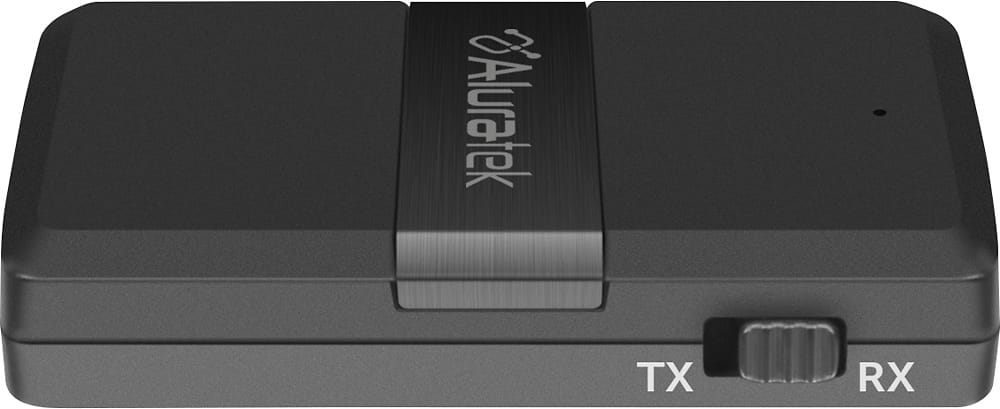
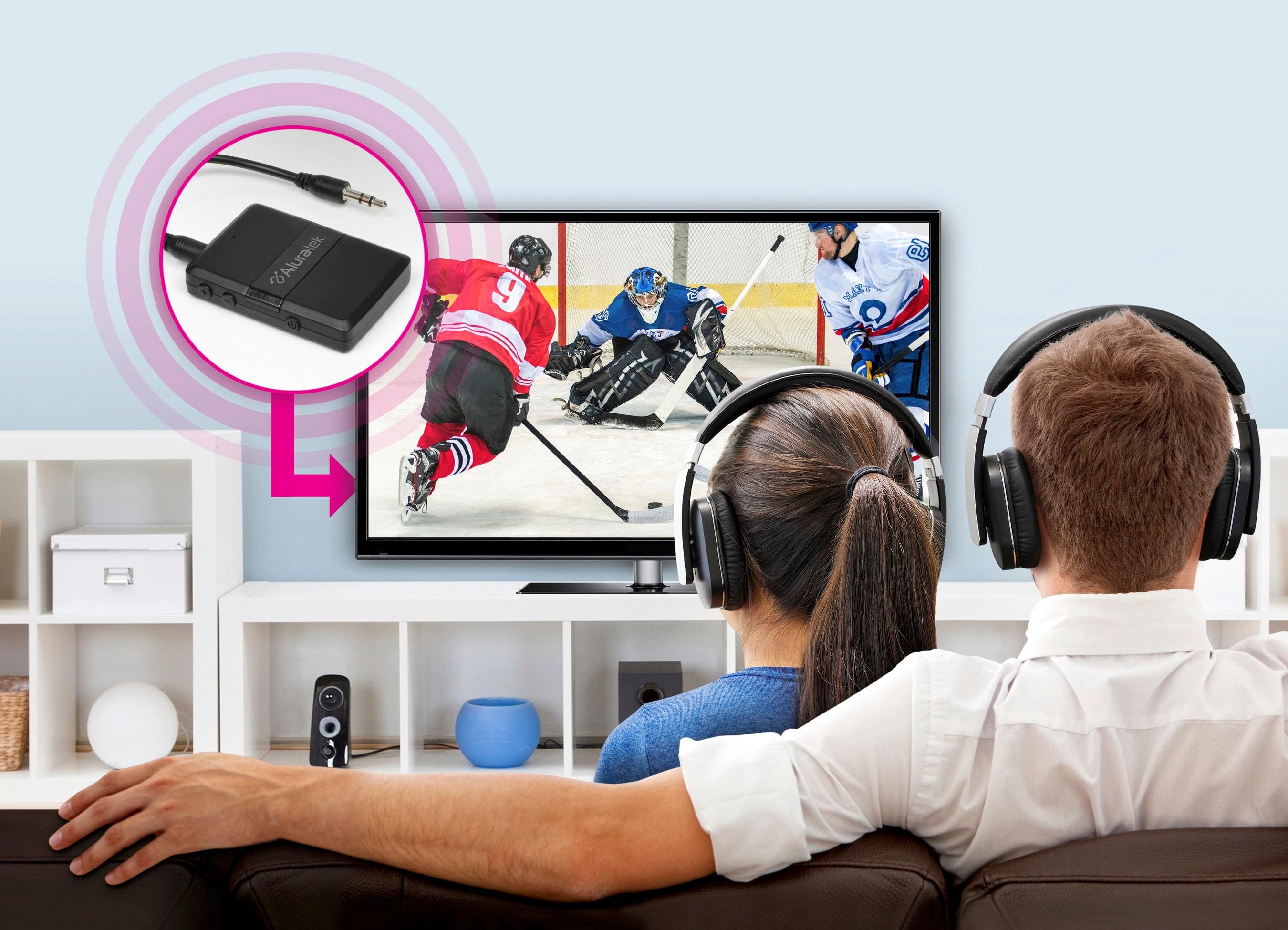
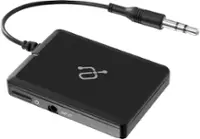
A:AnswerThis is both a Bluetooth transmitter and Receiver. To transmit audio from your TV to a Sound Bar or headphone you put the unit in TX mode. Only change the modes when the unit is off. Then pair the unit to your SoundBar or Headphones. The TV should directly connect to the ABC01F via audio cable. Connect the AUDIO OUTPUT on the back of the TV to the AUX In on the Aluratek. Contact [email protected] for more details if you have any issues.
A:AnswerThis depends on your hearing aids. Many hearing aid manufacturers use a proprietary protocol for BT connection. Check the manual or with your hearing aid company to see if they are A2DP profile compatible. If so, then yes. You would run our ABC01F in TX mode. Then pair to your aids. Make sure that other devices that have previously connected to the Aids have Bluetooth turned off so they don't grab the hearing aids before the ABC01F can. For further support contact [email protected].
A:AnswerYes. This is our ABC01F. You will use this in TX mode for Bluetooth Transmitting. Fully charge the unit first while turned off. Then make sure the TX mode is chosen. Then turn on and pair with your BT speakers. Contact [email protected] for more info or help.
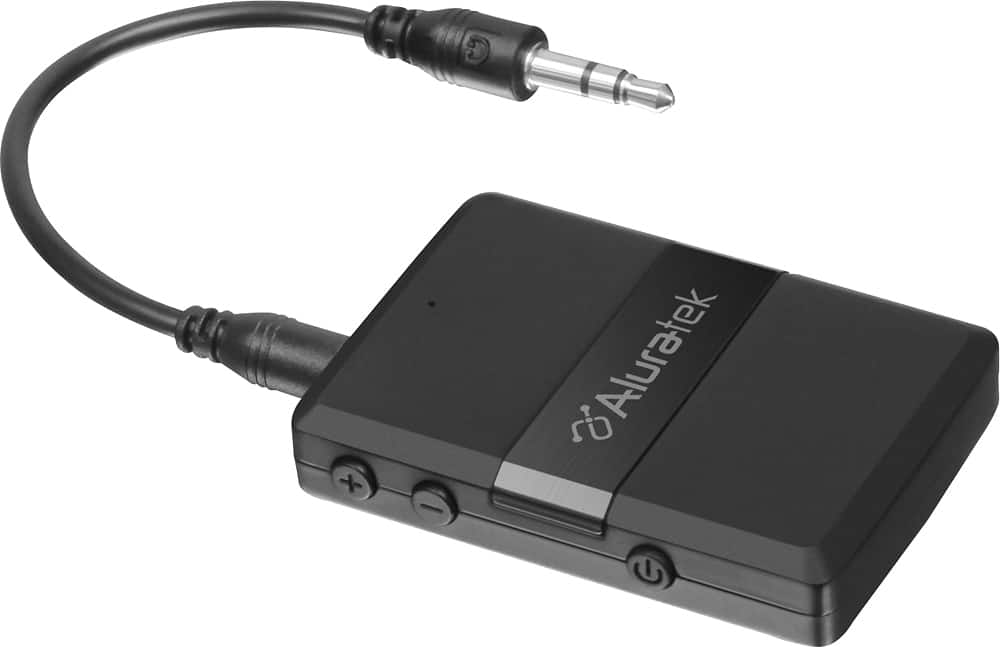
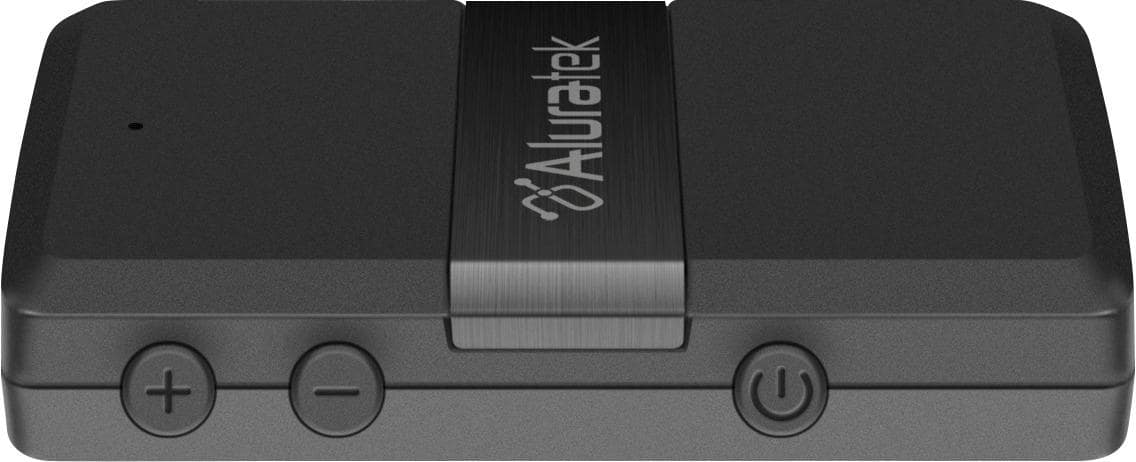
A:AnswerThe + and - buttons on this device can be used for volume or change station/channel but this depends on the mode you are in. If you are in Bluetooth Receive mode (RX) then the volume should work. In TX mode for transmit they will not do anything. This is the case with all Bluetooth transmitters, no matter who makes them. When transmitting the units only send what they get from point A to point B.
A:AnswerIf you use it in transmission mode, I believe it will do what you need. I use it in receiving mode so I'm not 100% but I can hook two devices to it Bluetooth style and play from either device in without changing anything or pressing any buttons. So I think in TX mode it can probably still connect to two devices to play Spotify. It's a sweet little unit.
A:AnswerThis device has no display but it identifies it's self on devices that do.
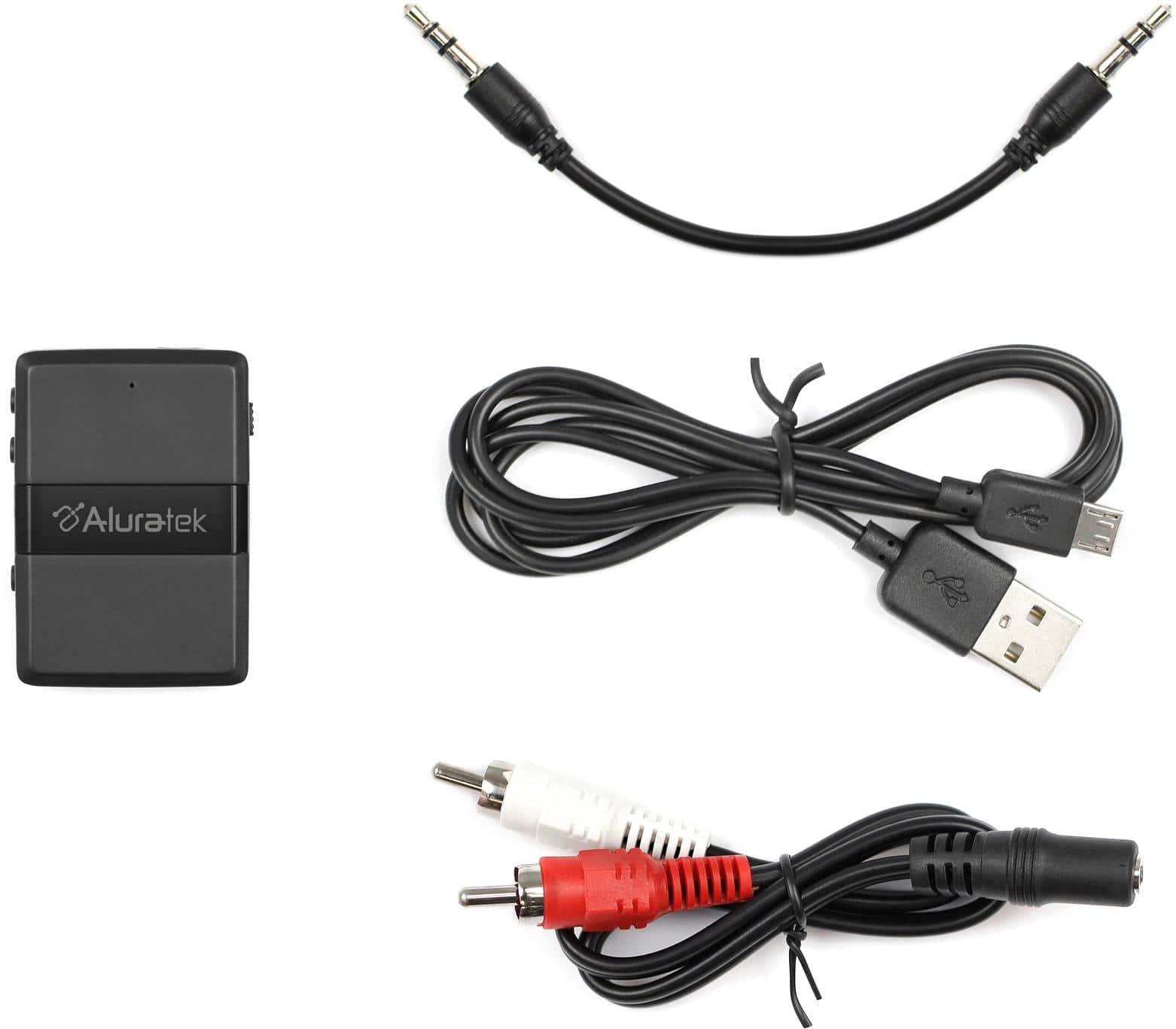
Yes, a charging cable is included. So is a cable for stereo
(red and white jacks).
A:AnswerAs long as your hearing aids are A2DP profile compatible then yes. When you try to pair be sure to turn Bluetooth OFF on your iphone. This way the iPhone will not grab your hearing aids before the Aluratek unit can.
A:AnswerYes. If the included RCA adapter cable is used I can still control the TV speakers via the TV's remote volume control. I control the earbud volume via the earbud volume control.
A:AnswerIf you are trying to send audio from the Blu-ray player to a BT speaker, you will need to set ABC01F in transmit mode and pair to the BT speaker. Then connect ABC01F to the headset/aux output on the Blu-ray player. Please contact our support team at [email protected] or 866-580-1978 for further assistance.
A:AnswerPlease try to adjust the 3.5mm connector to make sure it is not loose. You may also check the receiver with another system to make sure it is not interference in your car setting. Was the power connected to the receiver? Sometime, the power source can be the cause of static as well.