Questions & Answers
Q: QuestionS0 you have to remove the transmitter from the back of the tv and charge the unit due to limited battery life?
Asked by iamhated.
- A:Answer It is best for battery life if you charge while the unit is turned off. You don't have to remove the unit from the TV if you use the USB to charge in your TV USB port. Your TV USB can provide 5 volts. This can charge the unit. But it is recommended that you charge while the unit is turned off. You can obviously charge some while the unit is on, but with the unit using power it will not charge the battery as much. So charging a few hours each day, or every other day, while turned off is good.
Answered by Aluratek
Q: QuestionWill this connect to my Bluetooth hearing aids? Can my wife listen to the tv while I listen through my hearing aids at the same time?
Asked by Mikey.
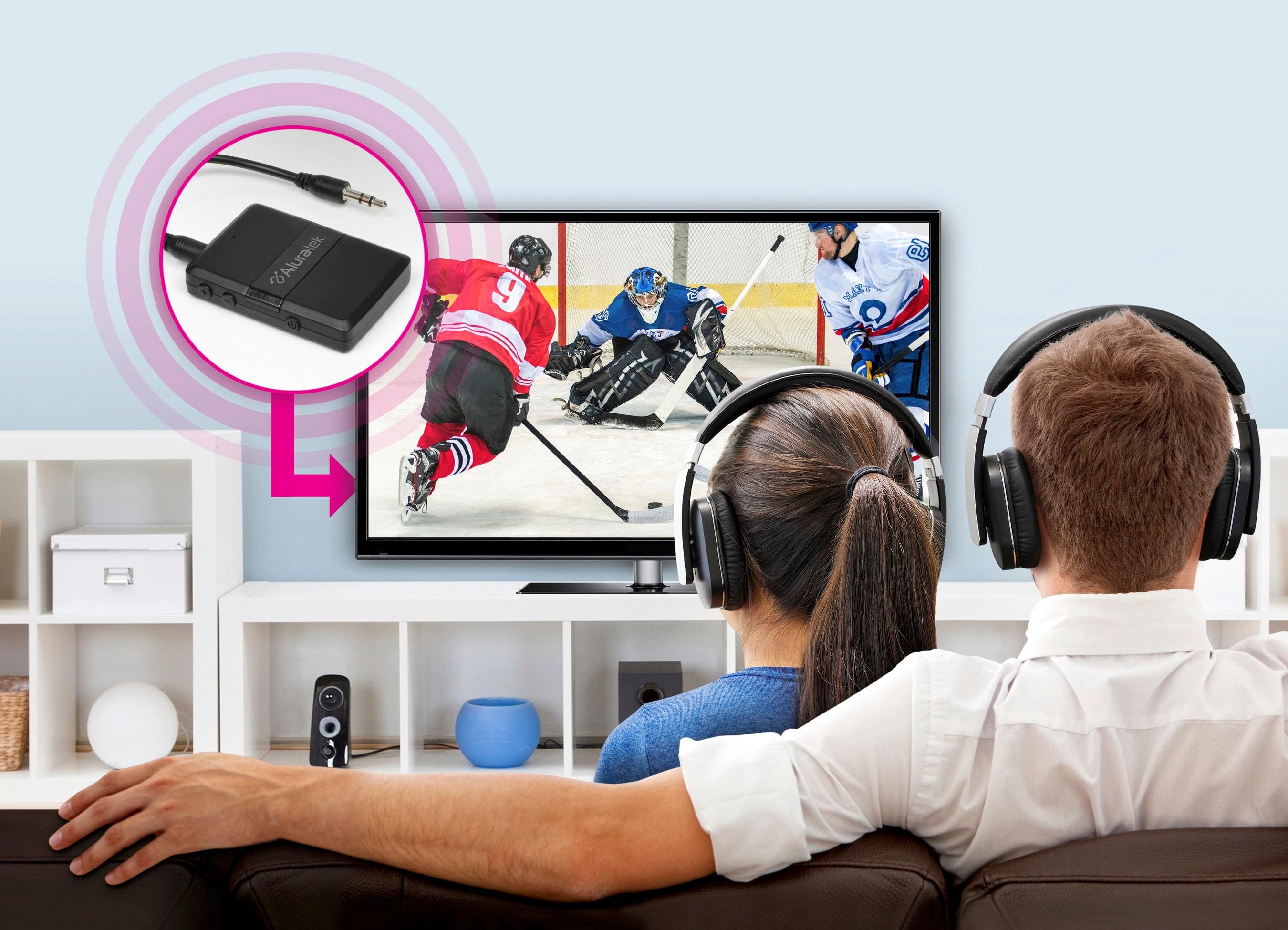
- A:Answer In TX mode (Transmit mode) this should work super well. Whether one person can listen through headphones or hearing aids and the other using the TV speakers depends on the TV and not the Bluetooth transmitter. The TV has to offer the ability to turn on speakers while also sending an audio OUT signal to the BT Transmitter. Not all TVs do this. Often it is one or the other. If you need setup tips for the Aluratek send us an email to [email protected].
Answered by Aluratek
Q: QuestionI purchased jvc earbuds from bestbuy and then found out my tv is not bluetooth enabled,will this device enable me to use my new earbuds?
Asked by cmrsr.
This question was asked about the related product: Aluratek - Bluetooth Wireless Audio Transmitter and Receiver for TV and other audio devices - Black
- A:Answer Yes
Answered by Bigd
Q: QuestionWill this connect to my hearing aids and also come through the TV speakers?
Asked by Anonymous.
This question was asked about the related product: Aluratek - Bluetooth Wireless Audio Transmitter and Receiver for TV and other audio devices - Black
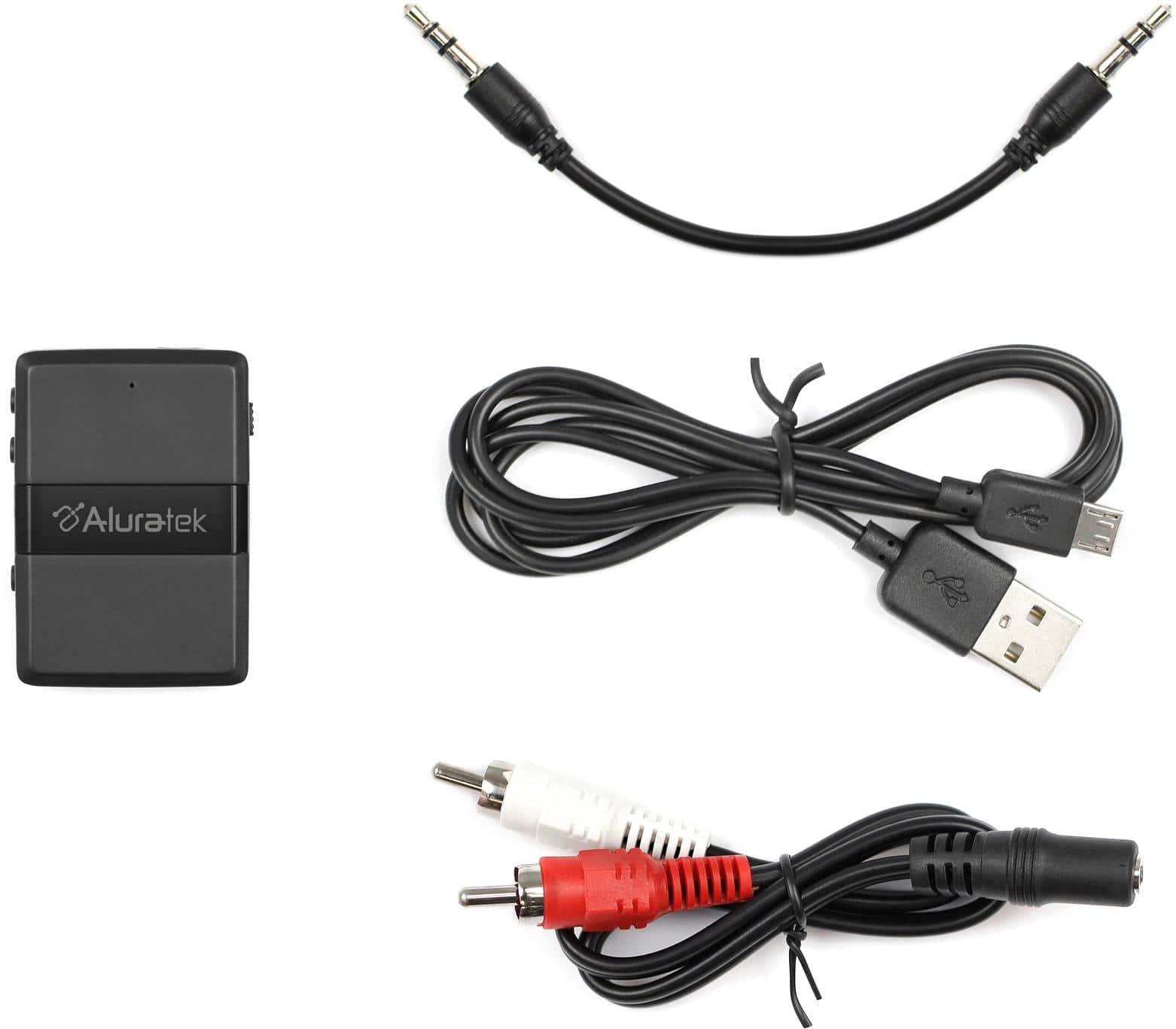
- A:Answer With the hearing aids it depends. Many hearing aid manufacturers use a proprietary profile setup for Bluetooth. If they use A2DP then it should work. As for the TV this depends on how the TV is setup and not the transmitter. There are 3 ways to connect a transmitter to the back of a TV. 1. Headphone jack. 2. RCA red and white audio OUT. 3. Digital Optical. If you connect the ABC01F to the headphone jack usually the TV automatically turns the speakers off. If you connect to the red and white RCA out then you have to go into the TV and set the audio output to ANALOG or AUX OUT. This usually turns the speakers off. Same is true with Optical, though sometimes Optical/PCM will give you the option of keeping the speakers on. The newer TVs offer this option. Be sure to check for these ports on your TV because many of the new TVs do not have headphone jack or RCA out. Most TVs are going fully digital since most are high definition or 4K. So often the only way to connect is OPTICAL, and if this is the case you will need our ABC02F or the ABCD54F which comes with optical cable. Contact [email protected] if you need setup info.
Answered by Aluratek
Q: QuestionDoes this product allow me to stream Sirius radio from my phone to my Bose radio
Asked by Emily.
This question was asked about the related product: Aluratek - Bluetooth Wireless Audio Transmitter and Receiver for TV and other audio devices - Black
- A:Answer Yes it will, one of the main uses of mine
Answered by AnthonyS
Q: QuestionCan I get a Bluetooth transmitter for TV without a battery operating system and electric ?k
Asked by Lyle.
This question was asked about the related product: Aluratek - Bluetooth Wireless Audio Transmitter and Receiver for TV and other audio devices - Black
- A:Answer The only one we have is the ABCD54F. This unit is really good. It has no internal battery so you have to keep in plugged in at all times. It comes with Optical input and output, and also an AUX for analog cable. It can be run in TX mode for transmitting or RX mode for receiving.
Answered by Aluratek
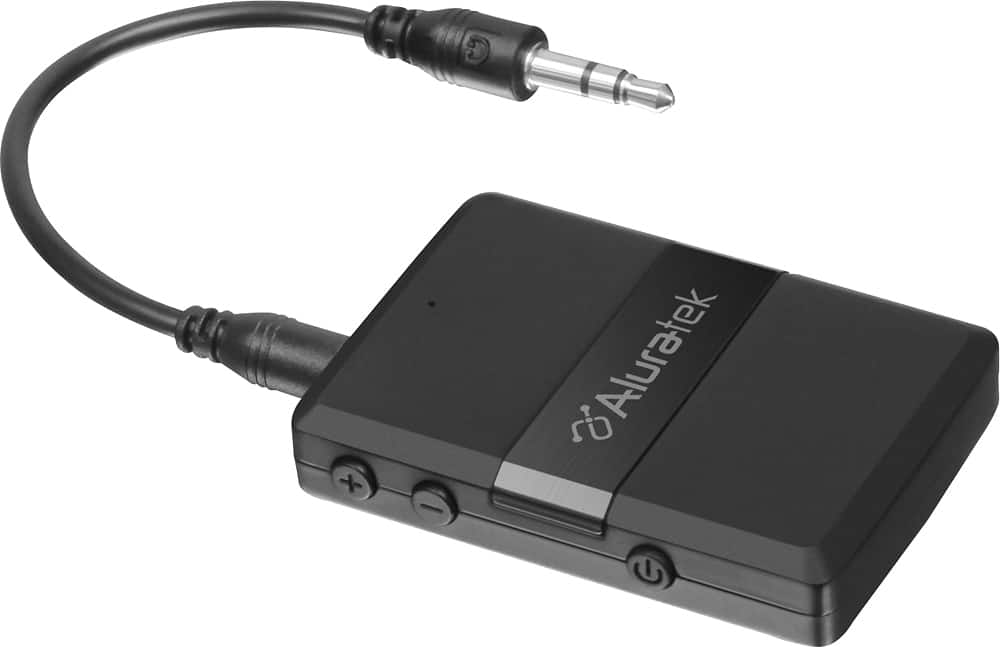
Q: QuestionCan I leave my Aluratec ABC01F Bluetooth Transmitter attached to wall plug power 24-7?
Asked by RobertR.
This question was asked about the related product: Aluratek - Bluetooth Wireless Audio Transmitter and Receiver for TV and other audio devices - Black
- A:Answer You can, but I would advise that at least once a week or so you pull the power cord out, let the unit un on battery alone for a day, then turn off the ABC01F, put the power cord back in and let the unit charge until the red LED goes off. This is better for the battery.
Answered by Aluratek
Q: QuestionWhere does this plug into the stereo?
Asked by Peggy.
This question was asked about the related product: Aluratek - Bluetooth Wireless Audio Transmitter and Receiver for TV and other audio devices - Black
- A:Answer The headphone jack
Answered by AnthonyS
Q: QuestionHow do I pair JLAS earbuds to this transmitter.
Asked by desperate.
This question was asked about the related product: Aluratek - Bluetooth Wireless Audio Transmitter and Receiver for TV and other audio devices - Black
- A:Answer Make sure the ABC01F is in TX mode for transmitting. Make sure any other devices that you connected to the JLAS buds have their Bluetooth turned off. Then get both the ABC01F and the JLAS into pairing mode. Contact [email protected] for more instructions and help.
Answered by Aluratek
Q: QuestionHow does the battery charge?
Asked by Anonymous.
This question was asked about the related product: Aluratek - Bluetooth Wireless Audio Transmitter and Receiver for TV and other audio devices - Black
- A:Answer This unit uses a USB cable to charge. You need a microUSB to USB-A. Plug the microUSB into the Aluratek ABC01F, then plug the USB-A end into a computer, TV USB port, or a wall outlet with adapter. I recommend charging when the unit is turned off. This will fill the battery best.
Answered by Aluratek
Q: QuestionCan I use this device to receive audio from a Smart TV via Bluetooth and transmit via RCA cables to audio receiver? Does unit come with a power supply?
Asked by Bill.
This question was asked about the related product: Aluratek - Bluetooth Wireless Audio Transmitter and Receiver for TV and other audio devices - Black
- A:Answer If you have an audio port on the device via headphones. You can use the Bluetooth on this unit. Just plug into headphone jack after pairing device to head phones.
Answered by Mindbender81
Q: QuestionCan I use this device to pair my iPhone 13 to my Yamaha receiver? I have a Bose surround sound system connected to my receiver, so I want to pair my iPhone with my speakers going though the receiver
Asked by Murphy.
This question was asked about the related product: Aluratek - Bluetooth Wireless Audio Transmitter and Receiver for TV and other audio devices - Black
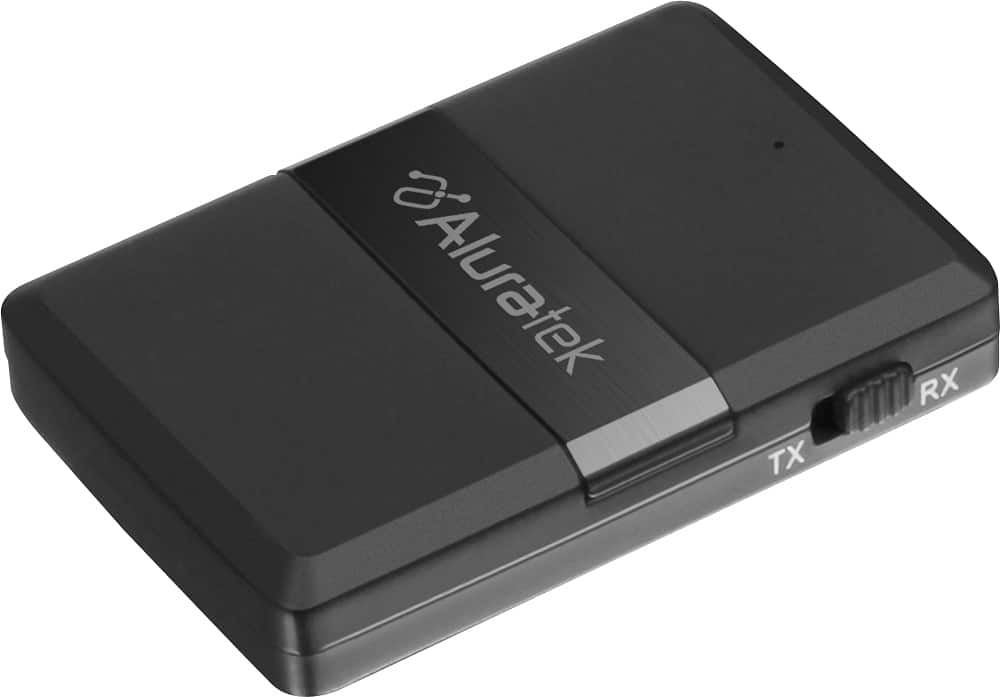
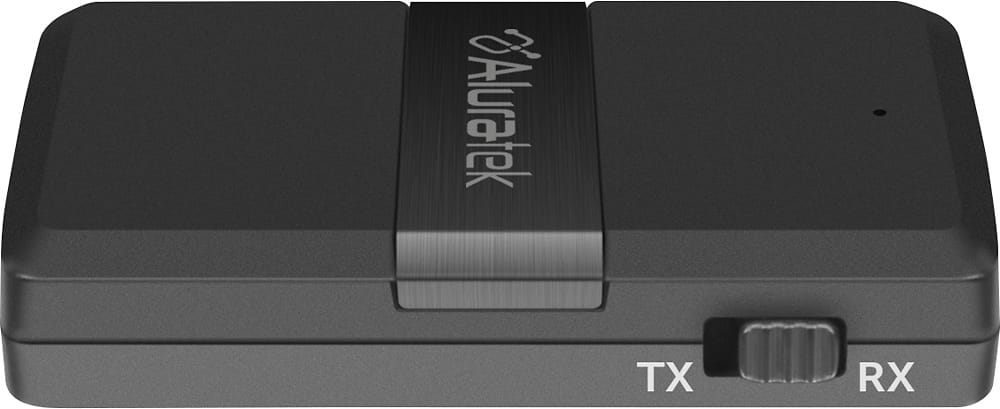
- A:Answer Yes, this will pair with your iPhone. Turn the unit off, make sure it is fully charged, put the unit in RX mode. RX is for receiving so the unit can receive from the iPhone. After turning on then Aluratek unit in RX mode you need to put the unit in pairing mode. Make sure it is blinking red and blue. Then on your iPhone go to your Bluetooth settings and when you see the model number show tap on it and it should connect. For more info contact [email protected].
Answered by Aluratek
Q: QuestionCan I use this to send the TV audio bluetooth to the receiver mode and put the cable 3.5mm imput to my sounbar speaker system?
Asked by EliezerB.
This question was asked about the related product: Aluratek - Bluetooth Wireless Audio Transmitter and Receiver for TV and other audio devices - Black
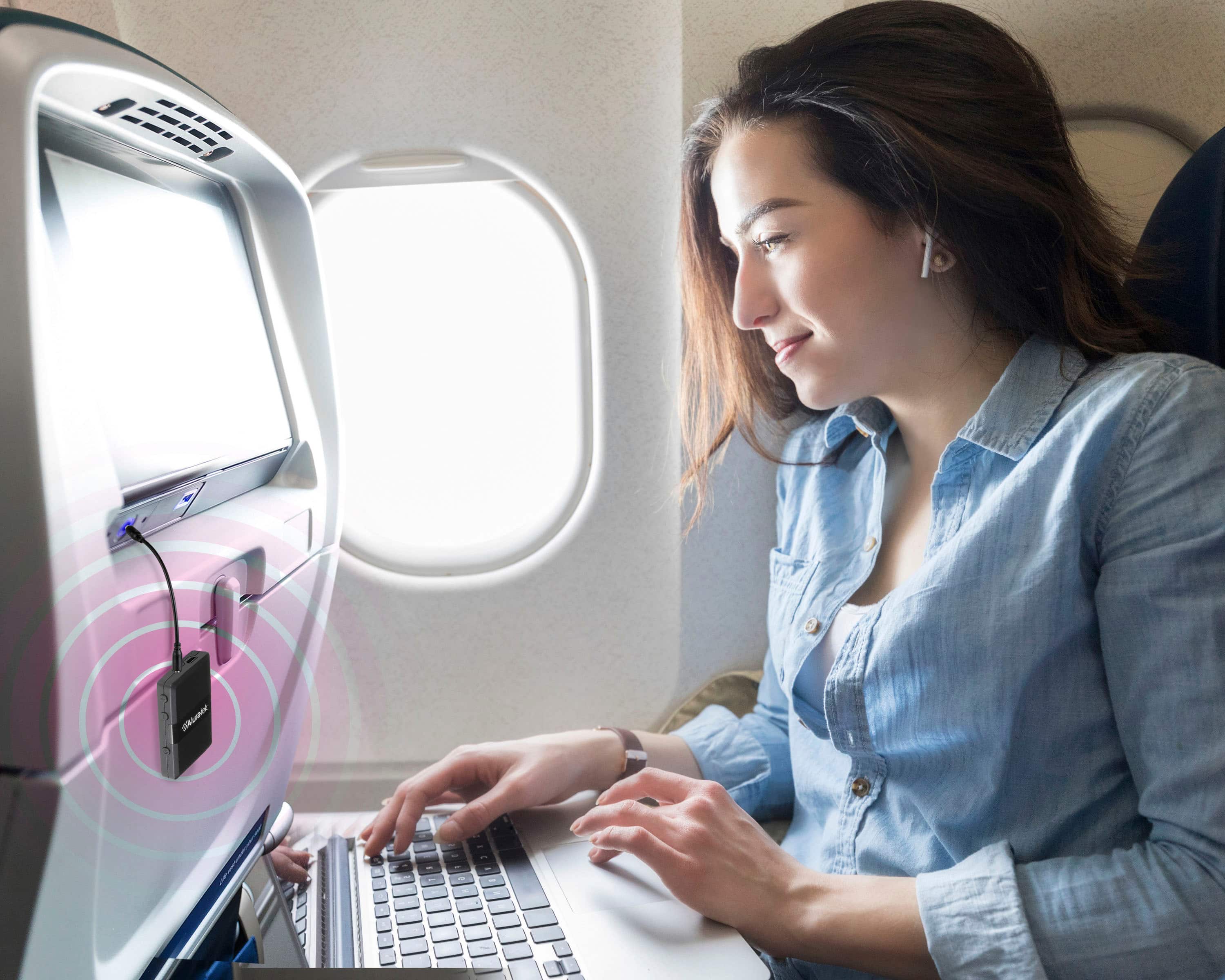
- A:Answer This is both a Bluetooth transmitter and Receiver. To transmit audio from your TV to a Sound Bar or headphone you put the unit in TX mode. Only change the modes when the unit is off. Then pair the unit to your SoundBar or Headphones. The TV should directly connect to the ABC01F via audio cable. Connect the AUDIO OUTPUT on the back of the TV to the AUX In on the Aluratek. Contact [email protected] for more details if you have any issues.
Answered by Aluratek
Q: QuestionIs the battery on this adaptor easily replaced (like the battery in a car key fob)?
Asked by musicAndyceram.
This question was asked about the related product: Aluratek - Bluetooth Wireless Audio Transmitter and Receiver for TV and other audio devices - Black
- A:Answer The item charges via USB. There is no removable battery.
Answered by BryanG
Q: QuestionCan I pair this with my blue tooth capable hearing aids?
Asked by Sculpterrific.
This question was asked about the related product: Aluratek - Bluetooth Wireless Audio Transmitter and Receiver for TV and other audio devices - Black
- A:Answer This depends on your hearing aids. Many hearing aid manufacturers use a proprietary protocol for BT connection. Check the manual or with your hearing aid company to see if they are A2DP profile compatible. If so, then yes. You would run our ABC01F in TX mode. Then pair to your aids. Make sure that other devices that have previously connected to the Aids have Bluetooth turned off so they don't grab the hearing aids before the ABC01F can. For further support contact [email protected].
Answered by Aluratek
Q: Questioncan you pair the TV to a Bluetooth Sony speaker?
Asked by tyler.
This question was asked about the related product: Aluratek - Bluetooth Wireless Audio Transmitter and Receiver for TV and other audio devices - Black
- A:Answer Please use either the Aux/headset output or RCA output on the TV with the Transmitter to pair to your Sony BT speaker.
Answered by Aluratek
Q: QuestionCan use this to connect Ipod classic to Bluetooth Sony speaker
Asked by Buck.
This question was asked about the related product: Aluratek - Bluetooth Wireless Audio Transmitter and Receiver for TV and other audio devices - Black
- A:Answer Yes. This is our ABC01F. You will use this in TX mode for Bluetooth Transmitting. Fully charge the unit first while turned off. Then make sure the TX mode is chosen. Then turn on and pair with your BT speakers. Contact [email protected] for more info or help.
Answered by Aluratek
Q: QuestionCan I connect hearing aids to tv with this unit
Asked by Judy.
This question was asked about the related product: Aluratek - Bluetooth Wireless Audio Transmitter and Receiver for TV and other audio devices - Black
- A:Answer I'm not familiar with hearing aids but any kind of Bluetooth device should be able to work
Answered by DavidP
Q: QuestionI want wireless headphones for my TV so that my son will not be able to hear the TV. He works night shift and I do not want to disturb him. Will this allow wireless headphones? The TV is a TCL/Roku tgat is not bluetooth.
Asked by Katie.
This question was asked about the related product: Aluratek - Bluetooth Wireless Audio Transmitter and Receiver for TV and other audio devices - Black
- A:Answer I use it easily for just that purpose with my Roku TV and bluetooth earbuds.
Answered by MichaelB
Q: QuestionWill this transmit music from ipod to blue tooth speaker
Asked by John.
This question was asked about the related product: Aluratek - Bluetooth Wireless Audio Transmitter and Receiver for TV and other audio devices - Black
- A:Answer Yes
Answered by Mindbender81