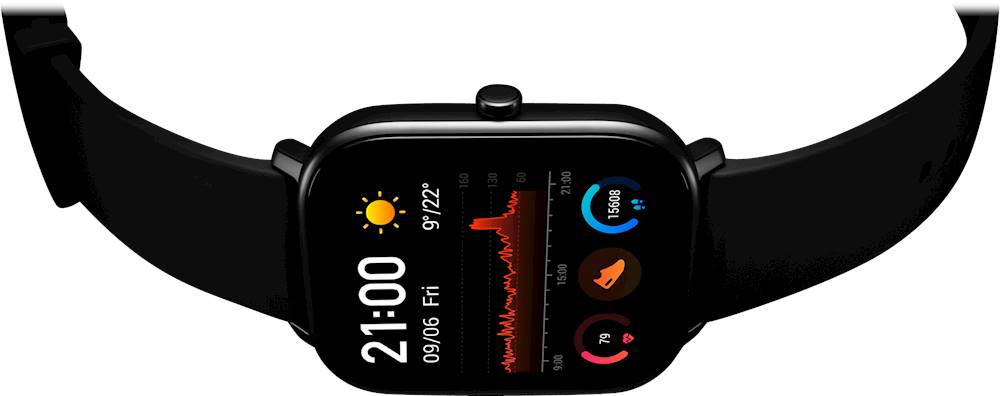
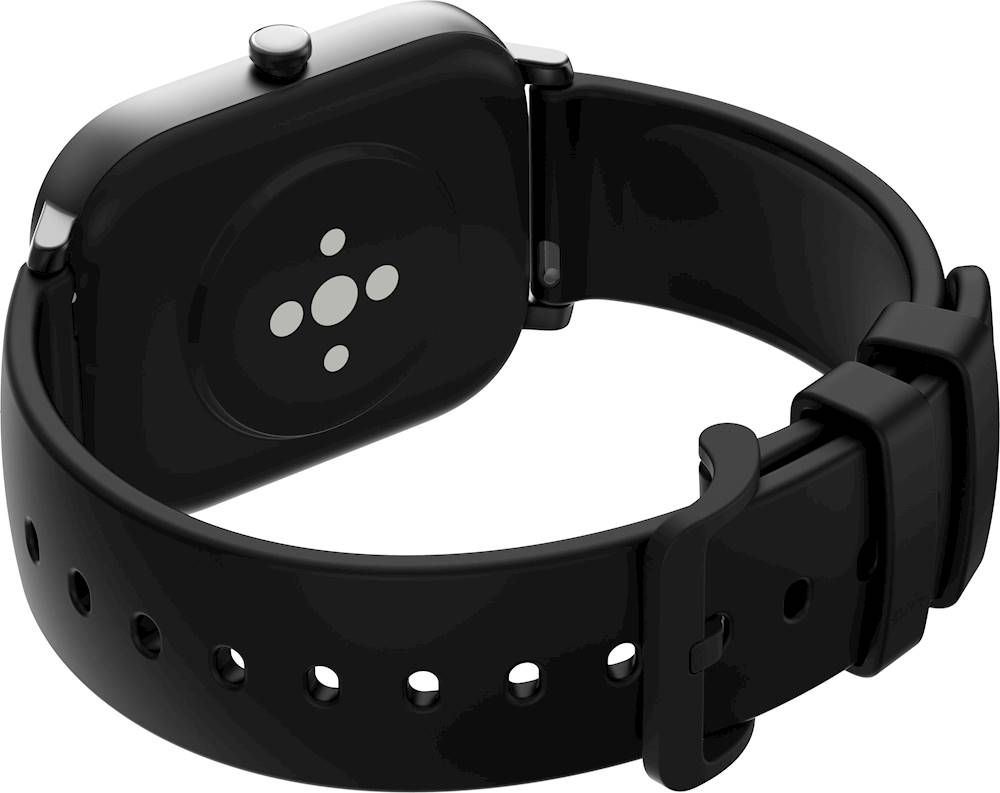
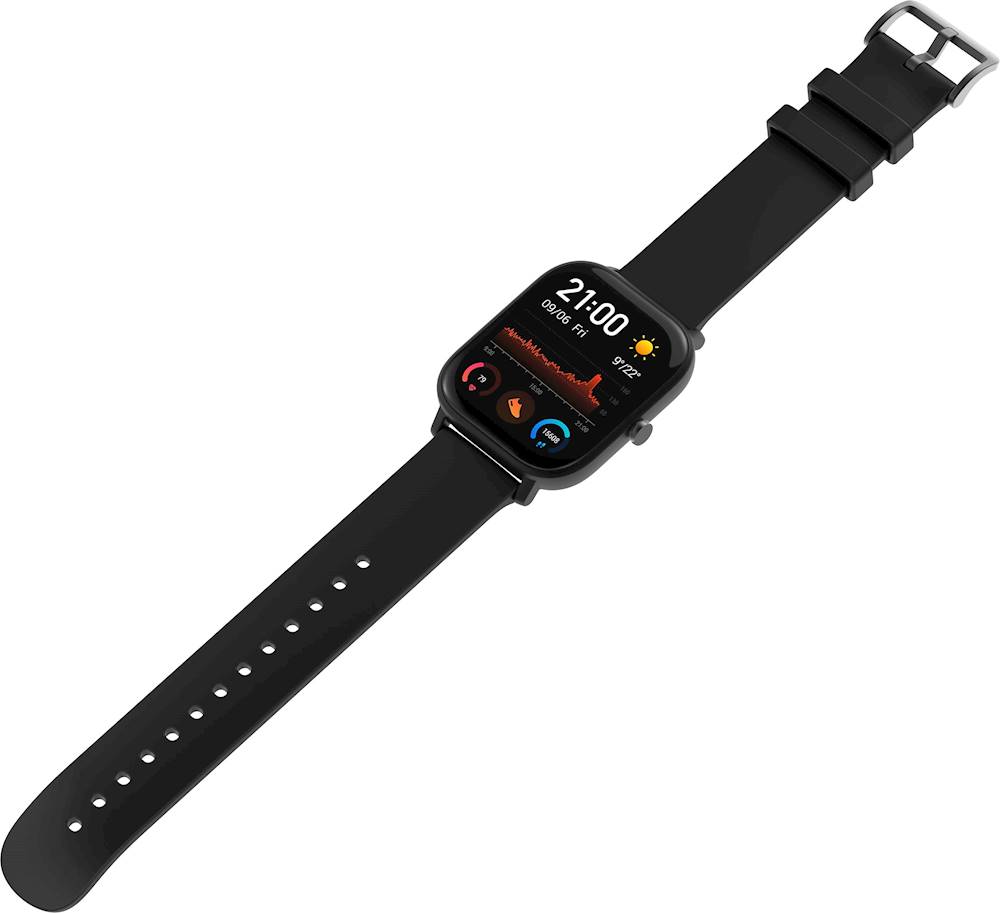
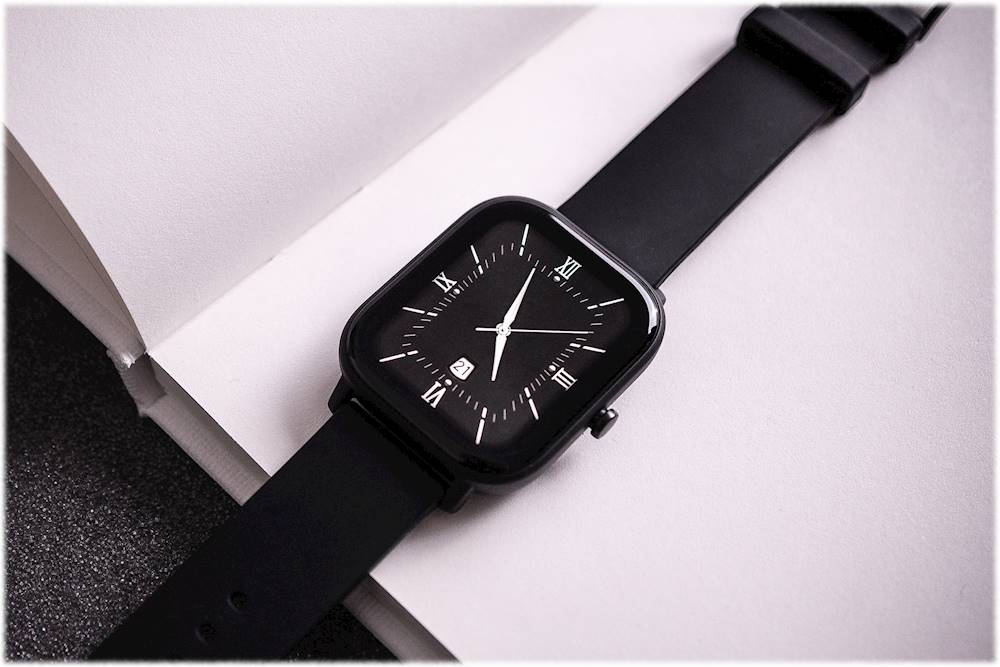
A:Answer On the Amazfit GTS 2, you can answer calls :
Method one: Start the Zepp app, and go to "Profile > Amazfit GTS 2 > App settings". On the call page, turn on
"Call via watch", and pair the watch and your phone through Bluetooth as instructed.
Method two: On the watch and your phone, go to "Settings > Bluetooth to pair them:
1. On your phone, go to Settings, then select "Bluetooth" to turn on the Bluetooth, and set the phone to be
discoverable. On the watch, go to App list > Settings > Network and connections > Bluetooth. Ensure the
Bluetooth is turned on.
2. Find the watch in the search results for available devices on your phone, and tap to pair them. Or, find your
phone in the Bluetooth search results on the watch, and tap to pair the devices.