Appliances Presidents’ Day SaleEnds 2/25. Limited quantities. No rainchecks.Shop now

Main Content

Questions & Answers

Page Showing 21-40 of 92 questions
  • QuestionIs this tv compatible with any wall mount?

    Asked by Anonymous.

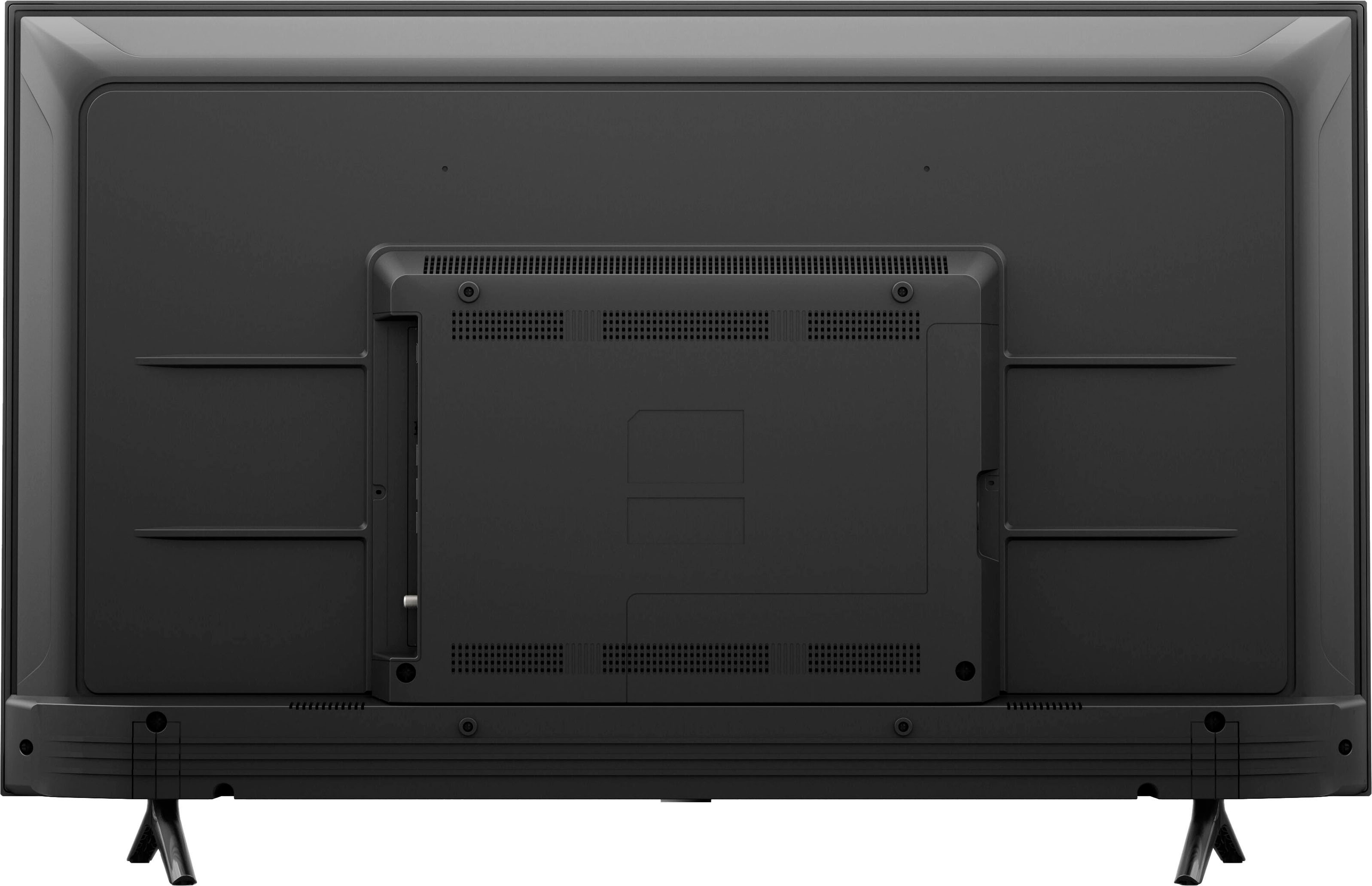
    • Answer Hello and thank you for your question! This TV is compatible with any wall mount that fits a VESA measurement of 300mm x 300mm. I hope this helps and that you have an awesome day!

      Answered by Amazon Devices Customer Support

  • QuestionSee attached, Which is correct? 16gb of storage or 2gb of storage?

    Asked by Mdeb.

    • Answer Hi Mdeb! I don't see any attachment here but just from context I am going to say you are looking at something that is listing some technical specs. From the Amazon Developer website, I can say that the 43" 4-Series TV has 16GB of storage for apps and games and 2GB of RAM. I hope that helps, have a great rest of your day!

      Answered by Amazon Devices Customer Support

  • QuestionWhat is the internal storage on this TV, can it be upgraded?

    Asked by mdeb484290.

    • Answer Hello mdeb484290, Thank you for your question. Our Amazon 43" 4-series Smart Fire TV has 2GB DDR3 RAM, that is not upgradable. Have a great day!

      Answered by Amazon Devices Customer Support

  • Questioncan i download the apollo app without buying a seperate firestick with this tv?

    Asked by ctscas.

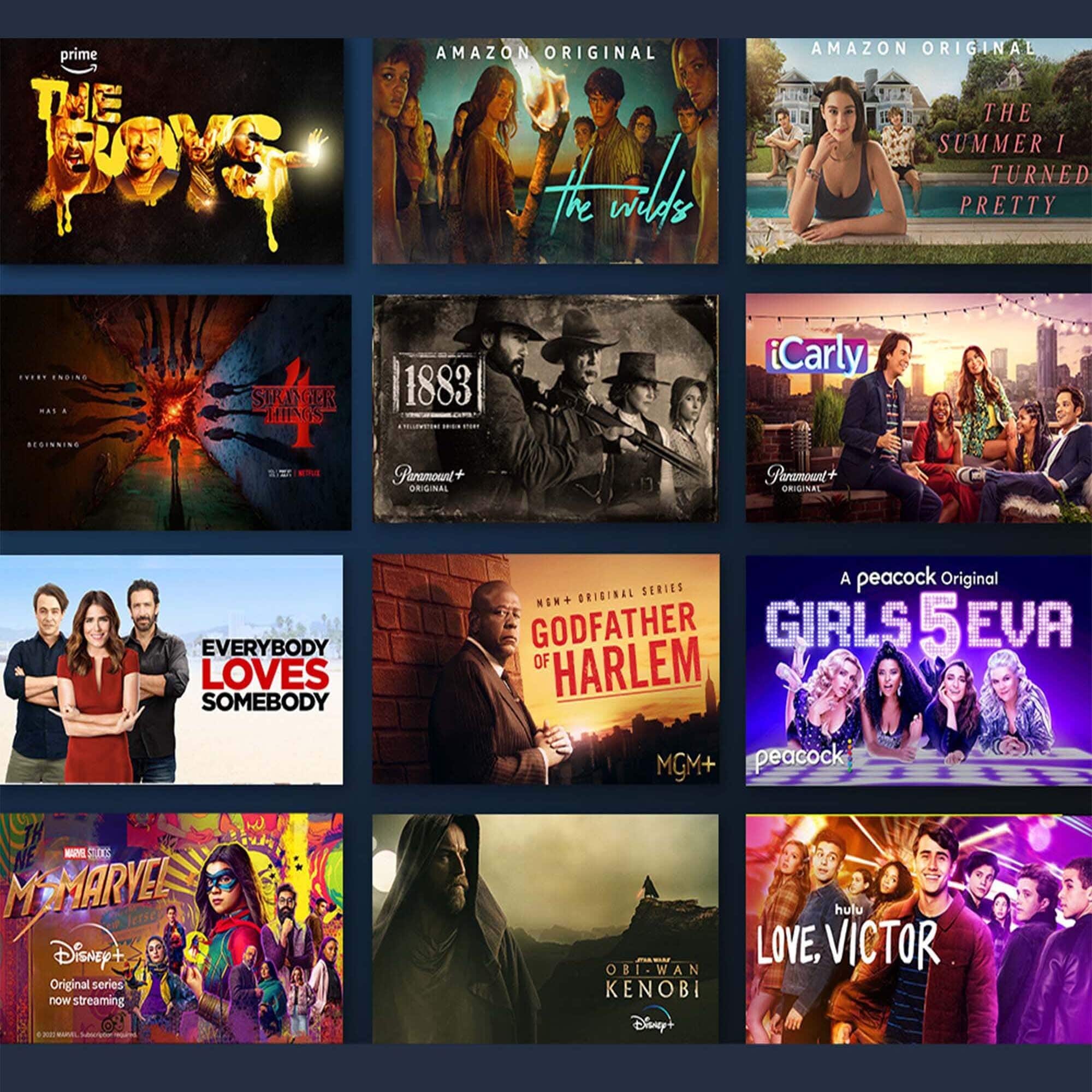
    • Answer Hello! You can download apps on the 4-Series Smart Fire TV! You can stream over one million movies and TV episodes. Netlfix, Hulu, and other favorites are available but subscription rates may apply. Apps like Tik Tok can also be downloaded! Apps can be easily downloaded from the main screen on your Fire TV device. Here are the steps: 1. Use the main menu on your Fire TV to search for apps. You can also use your voice to search for specific apps. Just press the voice button on your Alexa Voice Remote or say what you would like out-loud. 2. Select the app you want to download. 3. Select Get or the shopping cart icon to start your download. Once downloaded, you can begin streaming from your favorite streaming services. I hope this information helps. Have a great day!

      Answered by Amazon Devices Customer Support

  • QuestionCand I stream direct tv and dish anywhere

    Asked by Danny.

    • Answer Hi Danny! Both Direct TV and Dish Anywhere are available on the Amazon Appstore. 1. Use the main menu on your Fire TV to search for apps. You can also use your voice to search for specific apps. Just press the voice button on your Alexa Voice Remote. 2. Select the app you want to download. 3. Select Get or the shopping cart icon to start your download. The apps themselves are free, but you'll need accounts for these apps which may have a subscription fee. Hope that helps, have a great day!

      Answered by Amazon Devices Customer Support

  • QuestionDoes this come with Apple TV app?

    Asked by Rox.

    • Answer No, but it can be installed through the Amazon Appstore quickly.

      Answered by Kenneth

  • Questionwhat universal remotes are compatible with the Amazon fire tv series 4?

    Asked by Cho.

    • Answer TCL manufacturers amazon TVs, so any remote that is TCL compatible.

      Answered by Anonymous

  • QuestionI plan to stop my cable service. Will I need a antenna for local channels for this television?

    Asked by Tee0000.

    • Answer It,s a smart TV. You can use wifi. Then download fubo for 90 dollars a month. It has local channels.

      Answered by Anonymous

  • QuestionHello, What is the motion refresh rate on this Amazon tv?

    Asked by Cristina.

    • Answer 60hz

      Answered by Fitness

  • QuestionWhat universal remote control I can used I have direct tv

    Asked by Ben.

    • Answer Hi Ben! The 4-Series TVs will work with any universal remotes that would work on normal TVs. You can also use the Equipment Manager feature of the Fire TV OS to control external devices, if you'd like to use your Fire TV Remote and Alexa to control things. If you'd like to try that out before buying anything: 1. Go to Settings on your Fire TV. 2. Select Equipment Control. 3. Select Manage Equipment. 4. Select Add Equipment and choose the equipment you'd like to add. Hope that helps, have a great rest of your day!

      Answered by Amazon Devices Customer Support

  • QuestionWhat is the software version for this Amazon tv and in what year was it released? For example, my Toshiba tv has a Fire OS 6.2.9.6

    Asked by Helen.

    • Answer Hi Helen! The current software version for the 4-Series Smart Fire TVs is FireOS 7.6.1.4 (25938403716). The 4-Series TV was released in 2021. Thanks for your question, have a great day!

      Answered by Amazon Devices Customer Support

  • QuestionWhat apps are free with this tv

    Asked by Wondering.

    • Answer Hello! Yes, you can download apps on the 4-Series Smart Fire TV! You can stream over one million movies and TV episodes. Netlfix, Hulu, and other favorites are available but subscription rates may apply. Apps like Tik Tok can also be downloaded! Apps can be easily downloaded from the main screen on your Fire TV device. Here are the steps: 1. Use the main menu on your Fire TV to search for apps. You can also use your voice to search for specific apps. Just press the voice button on your Alexa Voice Remote or say what you would like out-loud. 2. Select the app you want to download. 3. Select Get or the shopping cart icon to start your download. Once downloaded, you can begin streaming from your favorite streaming services. I hope this information helps. Have a great day!

      Answered by Amazon Devices Customer Support

  • QuestionIs it mountable?

    Asked by Anonymous.

    • Answer Yes. I have mine mounted on a 43" and less tv mount that was already on the wall from my previous TV. It took about 5 minutes to add the bracket to the back of the TV and mount it.

      Answered by volvo544girl

  • QuestionWhat Spectrum frequency or Brand of Television can a Spectrum remote controller be used to control this Fire TV?

    Asked by HeelDude.

    • Answer Hello! To program your remote using Auto-Search: Turn on the TV you want to program. Press and hold the Menu + OK buttons simultaneously until the Input button blinks twice. Press TV Power. The Input button should light up solid. Aim the remote at your TV and press and hold the UP arrow. Once the device turns off, release the UP arrow. Your remote should store the code. You can also enter the code 02049 that works for the Fire TV. Hope this helps and have a great day!

      Answered by Amazon Devices Customer Support

  • QuestionCan I watch Paramount Plus on this tv? My current tv always gives an error message when I try to watch Paramount Plus. I’d hate to buy a whole new tv to fix this problem, only to have the same problem. Thank you, Karen

    Asked by Anonymous.

    • Answer Yes. It comes with Paramount+ and all of the other "standard" streaming apps out there!

      Answered by volvo544girl

  • QuestionCan I down load a app for altafiber on this tv and be able to watch without there TiVo box.

    Asked by Gene61.

    • Answer Hello Gene61, you want to know if altafiber app is available on the Amazon 43” Class 4-Series 4K UHD Smart Fire TV. At this given time the altafiber app is available on the Fire TV Stick 2nd Gen, Fire TV 2nd Gen and Fire TV Cube. Hope this has answered your question. Have an amazing day!

      Answered by Amazon Devices Customer Support

  • QuestionWhat is the main difference between the 4k version and Omni version of this TV? I did use the compare feature and didn't see many differences.

    Asked by Alicia.

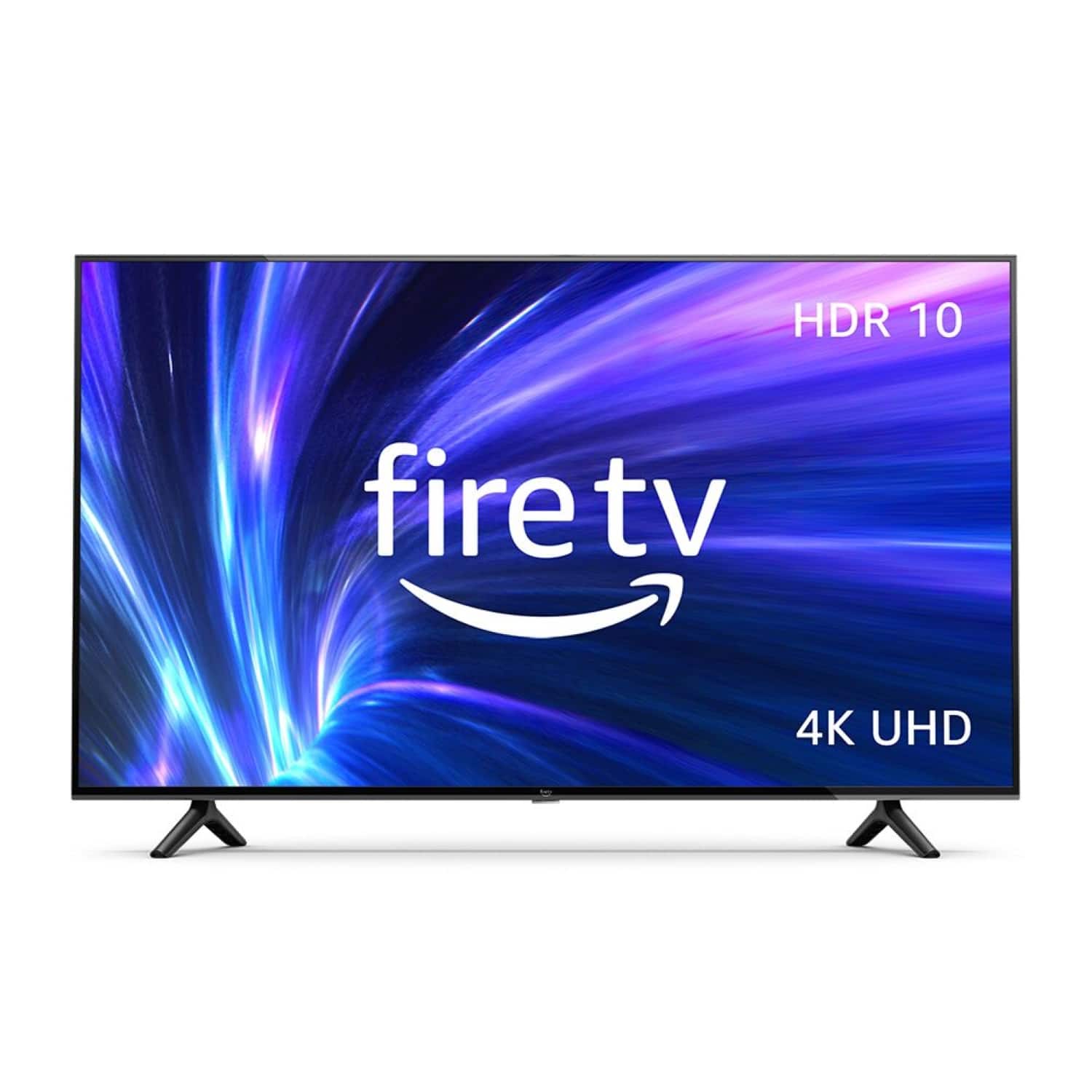
    • Answer Hi Alicia! At the 43" size the two TV's have nearly identical specs. The main difference is that the Omni allows for Hands-free TV with Alexa - With built-in microphones, just ask to turn on the TV, and find, launch, and control content, so you can put down the remote. With the 4-Series you can still use Alexa, but you will have to use the remote to access it. Thanks for your question, have a great day!
      Answered by Amazon Devices Customer Support

  • QuestionHaving 4 HDMI inputs, can you split the screen into quad view and see all 4 inputs at once?

    Asked by Johndo.

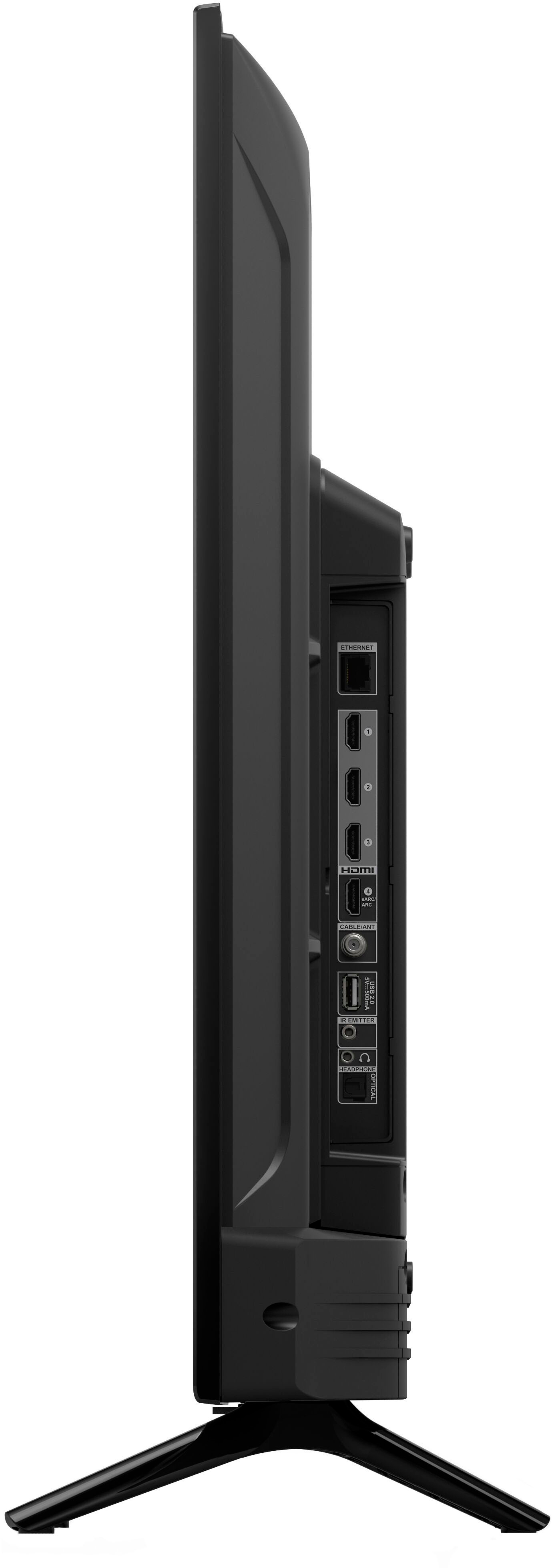
    • Answer Hi Johndo, Unfortunately, you can not split the screen into quad view on the Amazon 4 Series TV. This device does come equipped with 3 HDMI 2.0 + 1 HDMI 2.1 with eARC ports. You can select input preferences in settings and utilize the last input feature to shift between them, however not simultaneously. Hope that helps!

      Answered by Amazon Devices Customer Support

  • QuestionDoes this tv have a warrenty

    Asked by Finn.

    • Answer Hello Finn, the Amazon Fire TV comes with a 1-year Limited Warranty. Have a great day!

      Answered by Amazon Devices Customer Support

  • QuestionHow much does this tv weigh? Without the box? Including the box?

    Asked by Lambchop.

    • Answer Hi Lambchop, The 43" Class 4 Series 4K UHD Smart Fire TV weighs 15.5 pounds without the included stand in the box. Hope that helps!

      Answered by Amazon Devices Customer Support