A:AnswerHello sergio! During the initial setup of your device you would be able to select Spanish as a language for it and you can also access languages in the settings of the TV under Preferences. Thanks so much for your question and I hope you have a great day!
A:AnswerHello, Mike!
The sound will come out of whatever Bluetooth device you have paired to the device. By pairing a Bluetooth speaker or headphones, you're basically telling the TV that you want the sound to come from that device instead of the TV. I hope this helps. Have a great day!
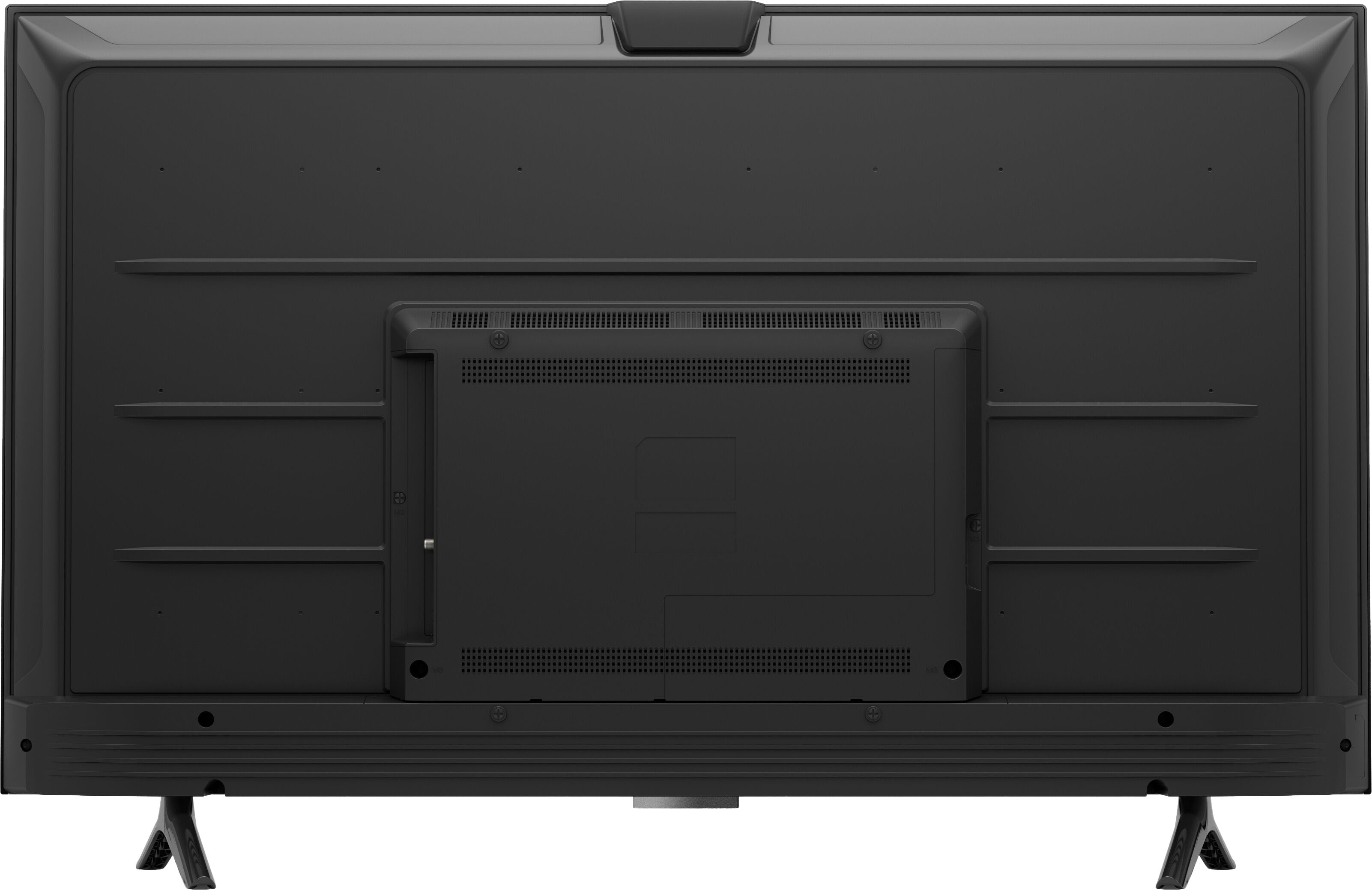
A:AnswerHello Brock, you want to know the distance between the legs on the Amazon 50" Class Omni Series. The distance between the legs is 2'4" or 28". Hope this has answered your question. Have an amazing day!
A:AnswerHello! The from of this TV is black. It is a very slim frame which makes the TV cosmetically appealing. this TV showcases brilliant 4K entertainment - Bring movies and shows to life with support for vivid 4K Ultra HD, HDR 10, HLG, and Dolby Digital Plus, and control the TV hands-free with Alexa. Hope this helps and have a great day!
A:AnswerHello, Nephew!
Yes, you can download the HBO Max app on the Fire TV Omni Series. You can access this through the app store on the device. Once you download it, you can log in and begin streaming. I hope that helps. Have a great day!
A:AnswerHello, 1021p!
Yes, the 50" Omni Series TV does have Bluetooth capabilities. You can access this through the settings on the TV. I hope that helps. Have a great day!
A:AnswerHi Nattie,
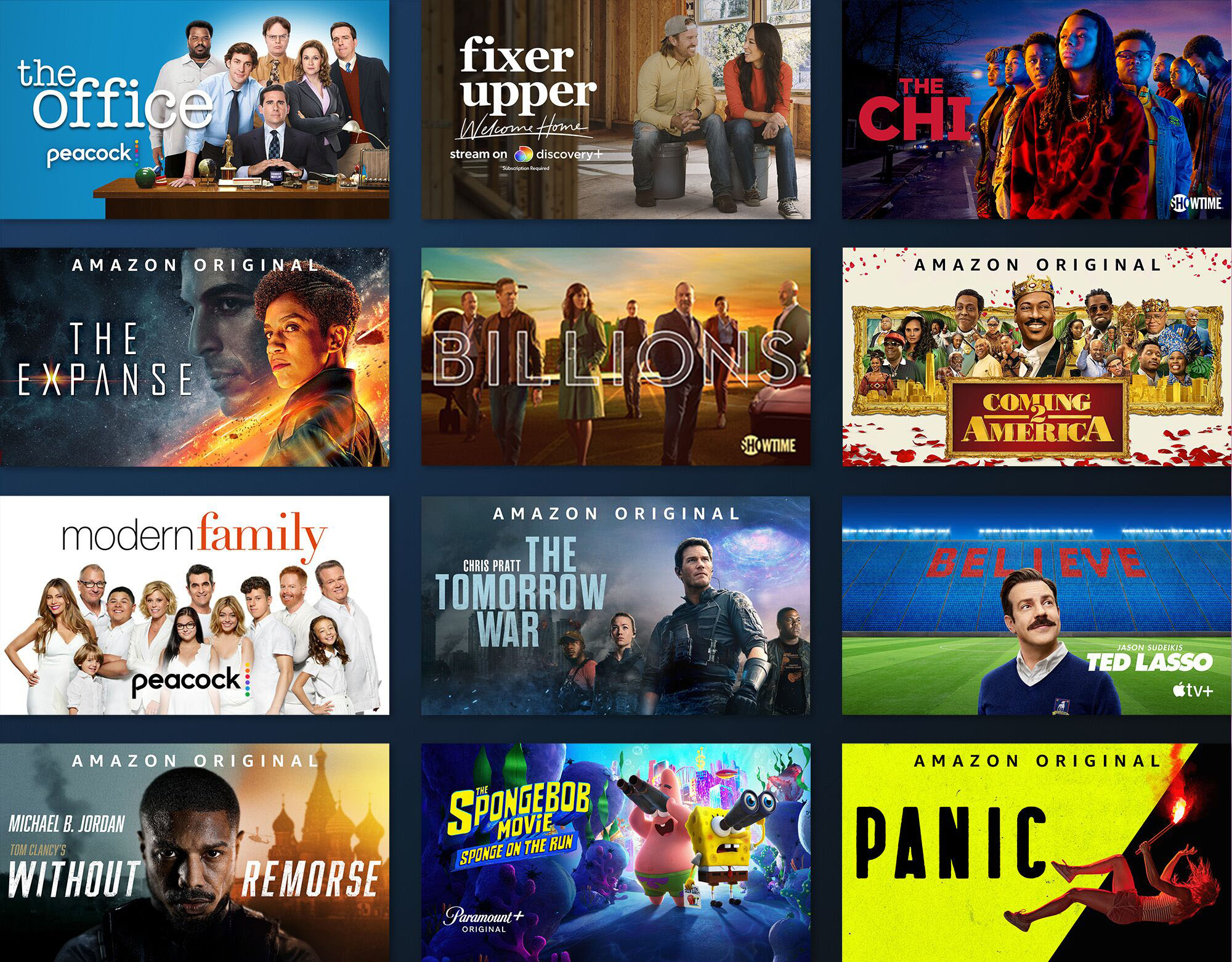
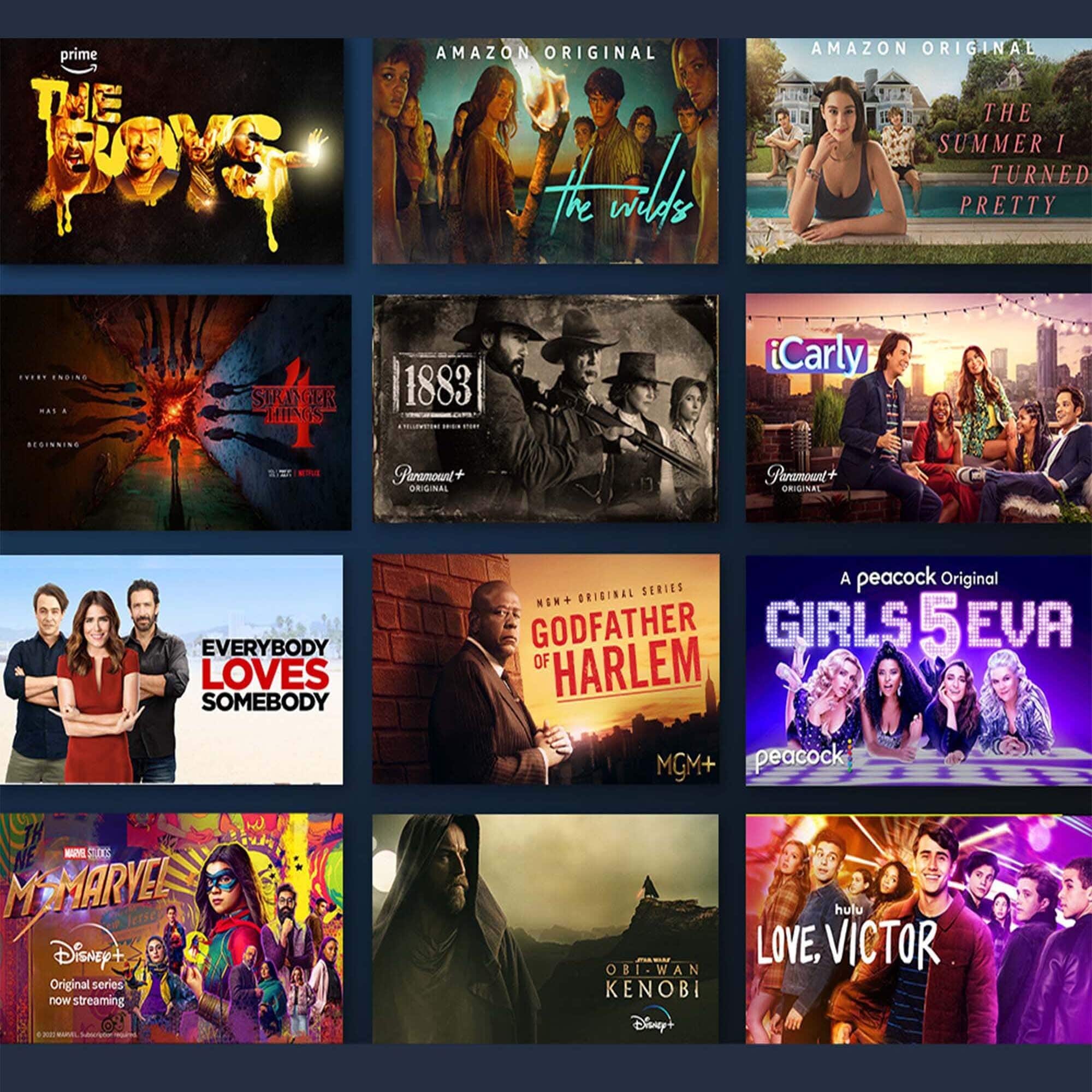
Yes, you can download apps such as Sling, Netflix, Hulu, YouTube and many more on this TV. When setting up it will prompt you to download the most popular ones, and then you can add and search for more. Hope this info helps. Have a great day!https://response.bazaarvoice.com/
A:AnswerHello and thank you for your question! I would recommend using different screws to be sure you are using the proper screws needed. The screws that come with it are specifically designed for the feet. I hope this helps and that you have a terrific day!
A:AnswerHi Zoom! Currently, Zoom is only available on the Fire TV Cube with compatible camera. However, Coming soon — You'll be able to make Zoom video calls, and use AirPlay to share videos, photos, music, and more from your iPhone or iPad to your Fire TV Omni Series. Hope this helps, enjoy your day!
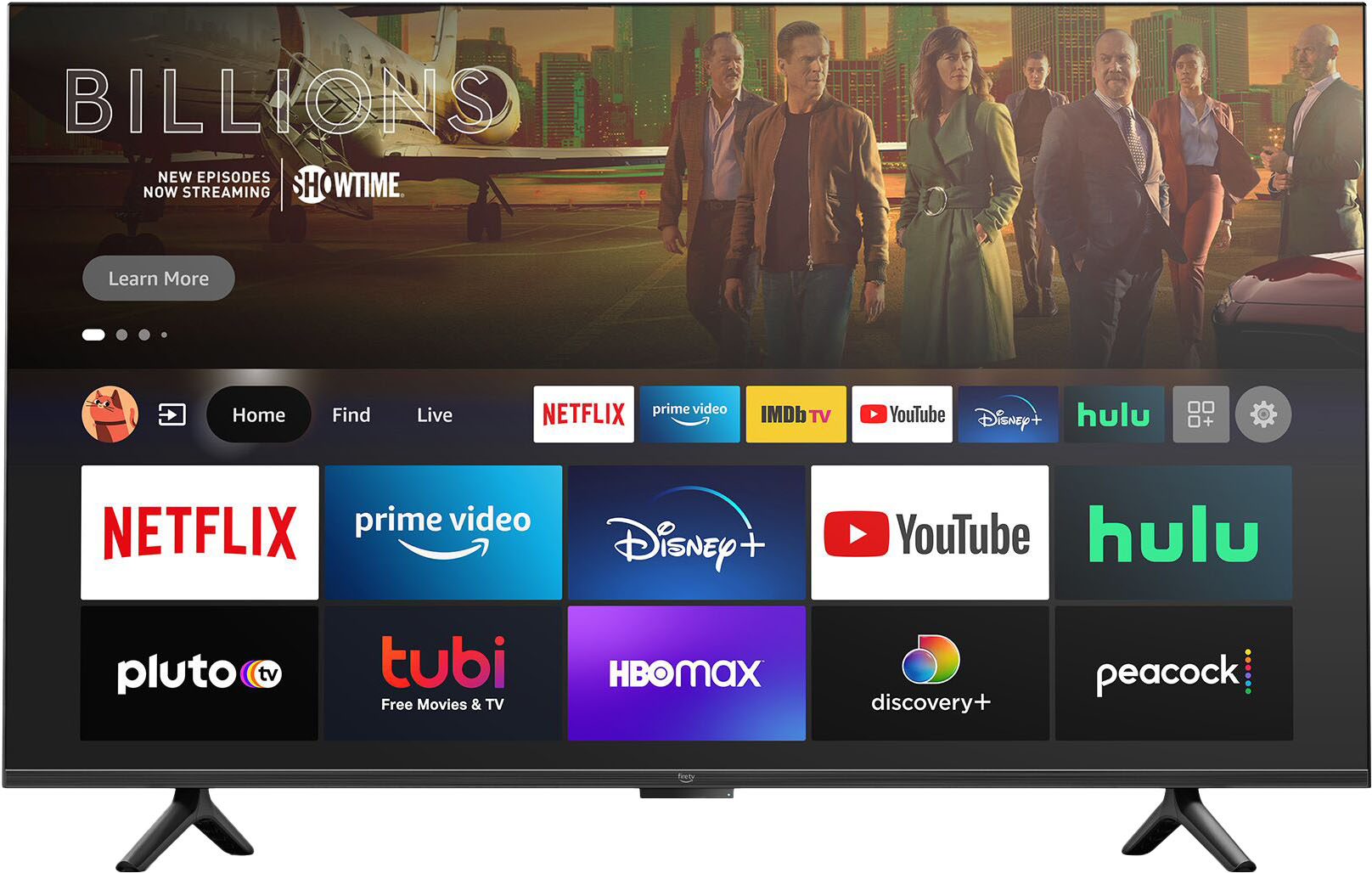
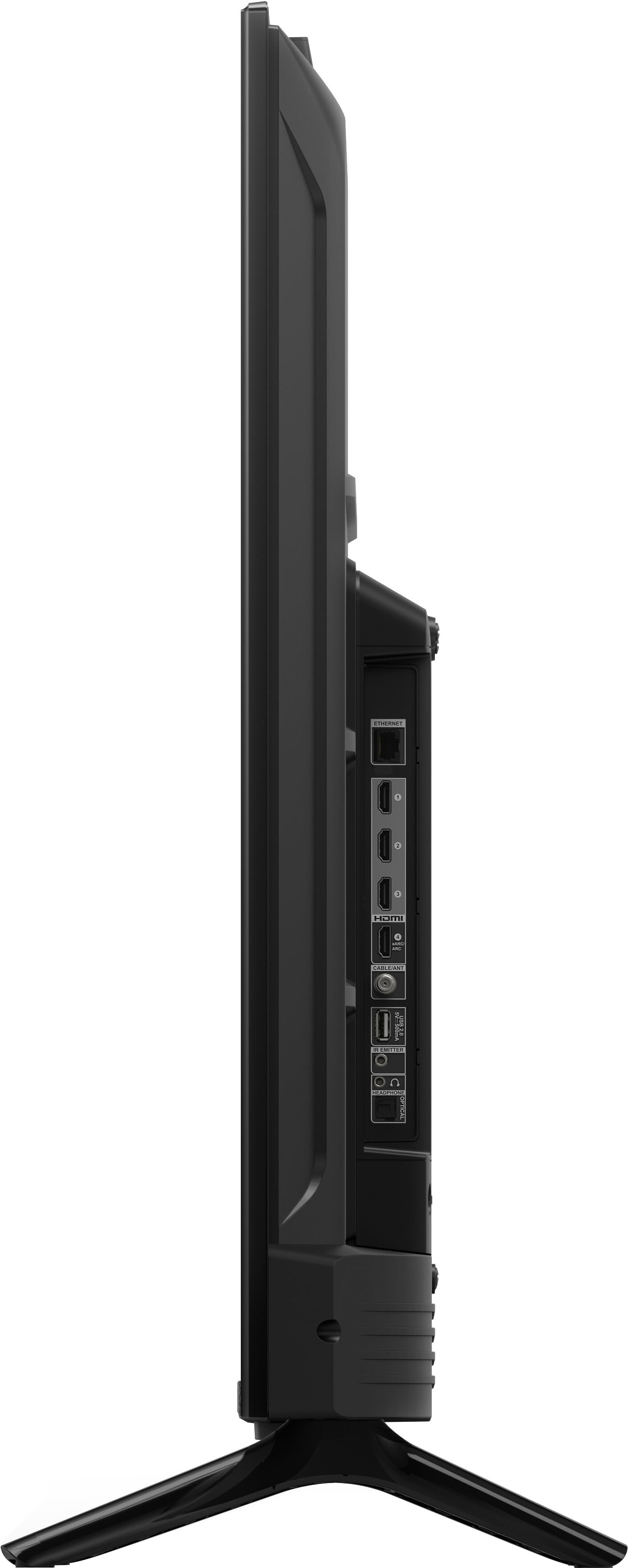
A:AnswerHello Ethernet! Yes, the Omni Series Amazon Smart Fire TVs come equipped with an Ethernet port. Thanks so much for your question and have an awesome day!
A:AnswerHello Joey! Yes, there is a Peloton app available for download on this TV. You can locate it by searching the Appstore for Peloton or the easiest way would be to say "Alexa, find Peloton". There you can download the app and then log in with your Peloton account. I hope this answers your question and you have a beautiful day!
A:AnswerHello Mscaramelo! Yes the HBO Max app is available for download and use with this TV. The easiest way to find it would be to ask Alexa to open HBO Max and it will take you to the download screen. I hope this answers your question and that you have an awesome day!
A:AnswerHello Oliver, yes this TV is compatible with your Playstation. Your Playstation will plug into the HDMI port on the back of the TV.
Have a great day!
A:AnswerHi Nanny! For the Omni series TVs you can use an Alexa Voice Remote 3rd gen, or (my personal choice) the Alexa Voice Remote Pro! I like the Pro myself because it has backlit buttons and features a remote finder feature. Hope that helps, have a great rest of your day!