A:AnswerHi RCR! You do not need an Amazon Prime Membership to setup your TV or use Alexa. A basic Amazon Account is all that you need to complete the setup and use Alexa. Amazon Prime Membership is required to view Prime video content though. Thanks for your question, have a great day!
A:AnswerHi Mzoom! To access the Sleep Timer on your 4-Series TV simply press the settings button on your remote once the TV is on, it's the gear picture next to the mute button. You should see "Sleep Timer" as the 5th option down on your menu that appears. Thanks for the question, have a great day!
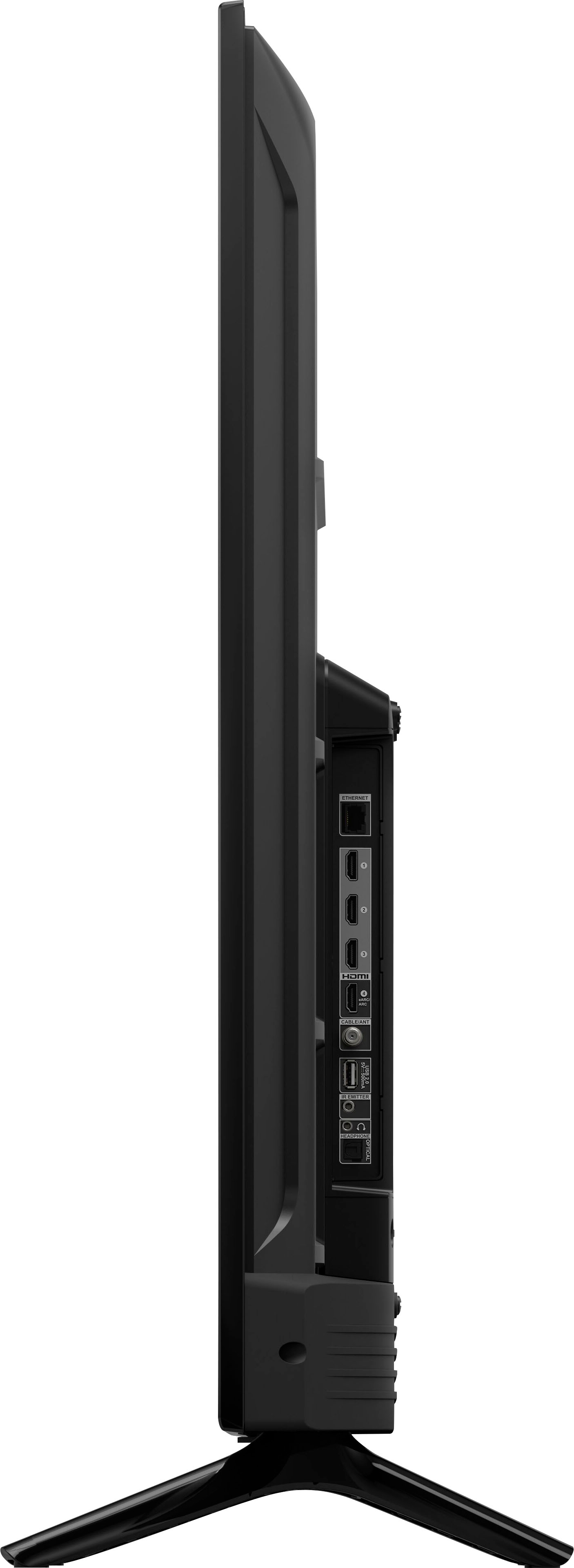
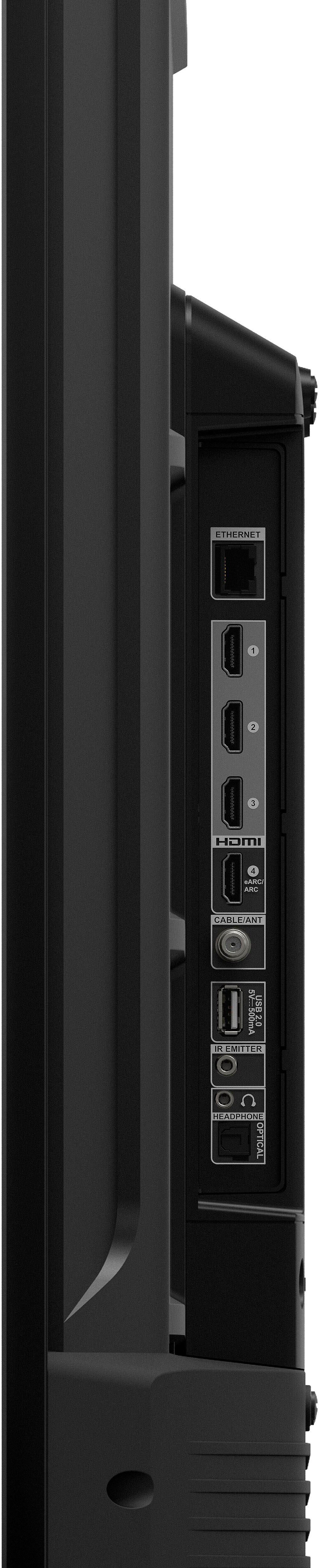
A:AnswerHi Len! The Amazon 4-Series TVs do not have a 3.5mm headphone jack built in. They do however offer the ability to connect to headphones via bluetooth. Thanks for your question, have a great day!
A:AnswerHello, Dave!
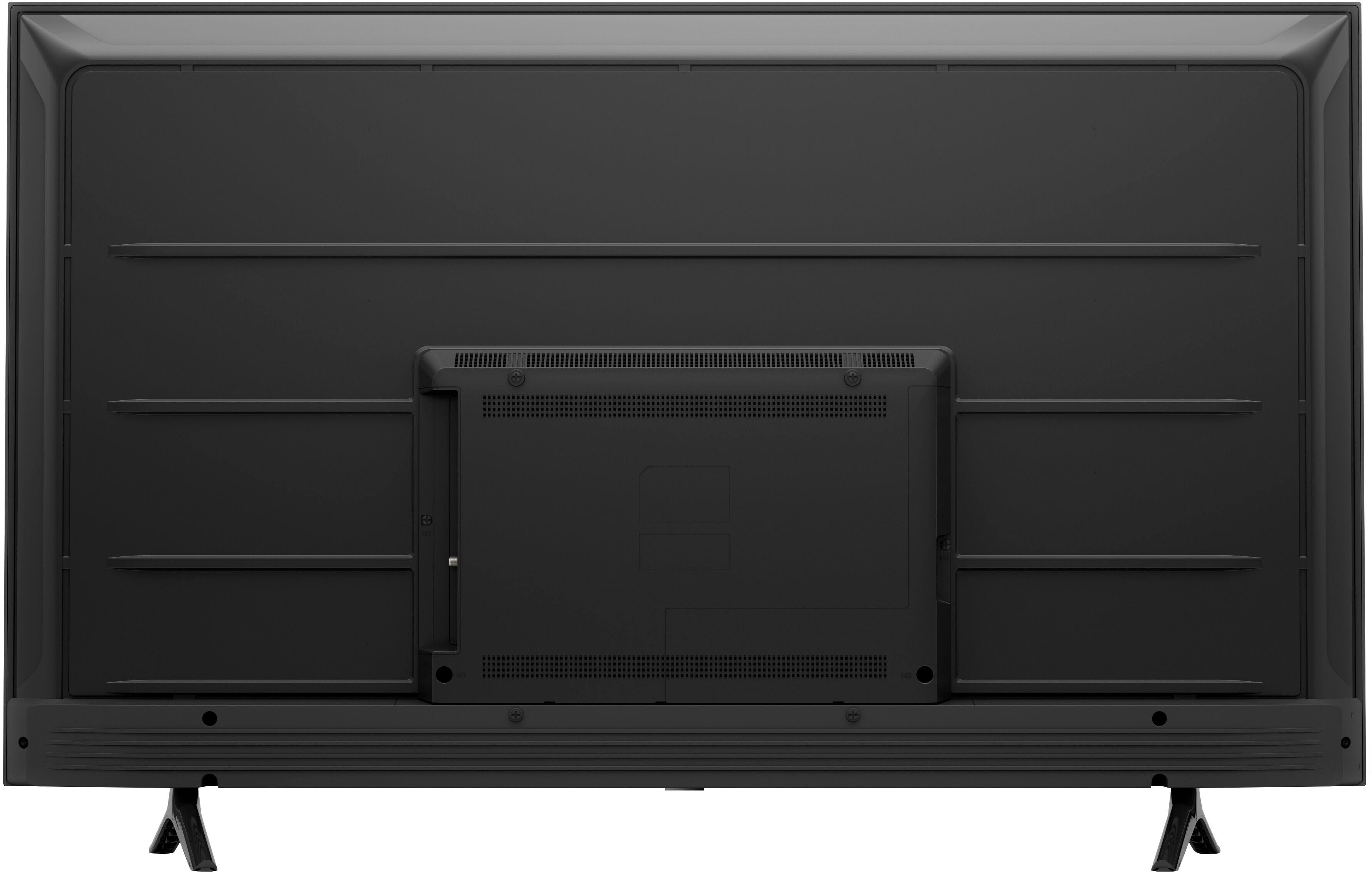
Yes, you can mount the Omni/4-Series TV. You will need to find a mount that is compatible with any 55" TV. You will need to utilize M6 screws to attach the TV to the bracket. I hope this information helps. Have a great day!
A:AnswerHi Pickle! Yes, you can disable your TV Speakers by going into Settings, selecting "Sound," then "TV Speakers," and toggle them to "off." Thanks for your question, have a great day!
A:AnswerYes, I watch on Hulu and the puck doesn't have an issue. Obviously that could be bias by a bad connection, but works great as an Avid Wings fan for over 30 years!
A:AnswerHello BeeGee, you want to know if you are able to connect you Amazon Echo Dot to your Amazon 55" Class 4-Series UHD Smart TV. You are able to connect the Amazon Echo Dot to your Amazon 55" Class 4-Series UHD Smart TV, you will be able to do this from Alexa App. Alexa->All Devices->Select your Echo Dot->Select Bluetooth Connections, Connect Bluetooth->Here you will see your TV and select it. This will connect your Amazon 55"Class 4-Series 4K UHD Smart Fire TV to your Amazon Echo Dot. Hope this has answered your question. Have an amazing day!
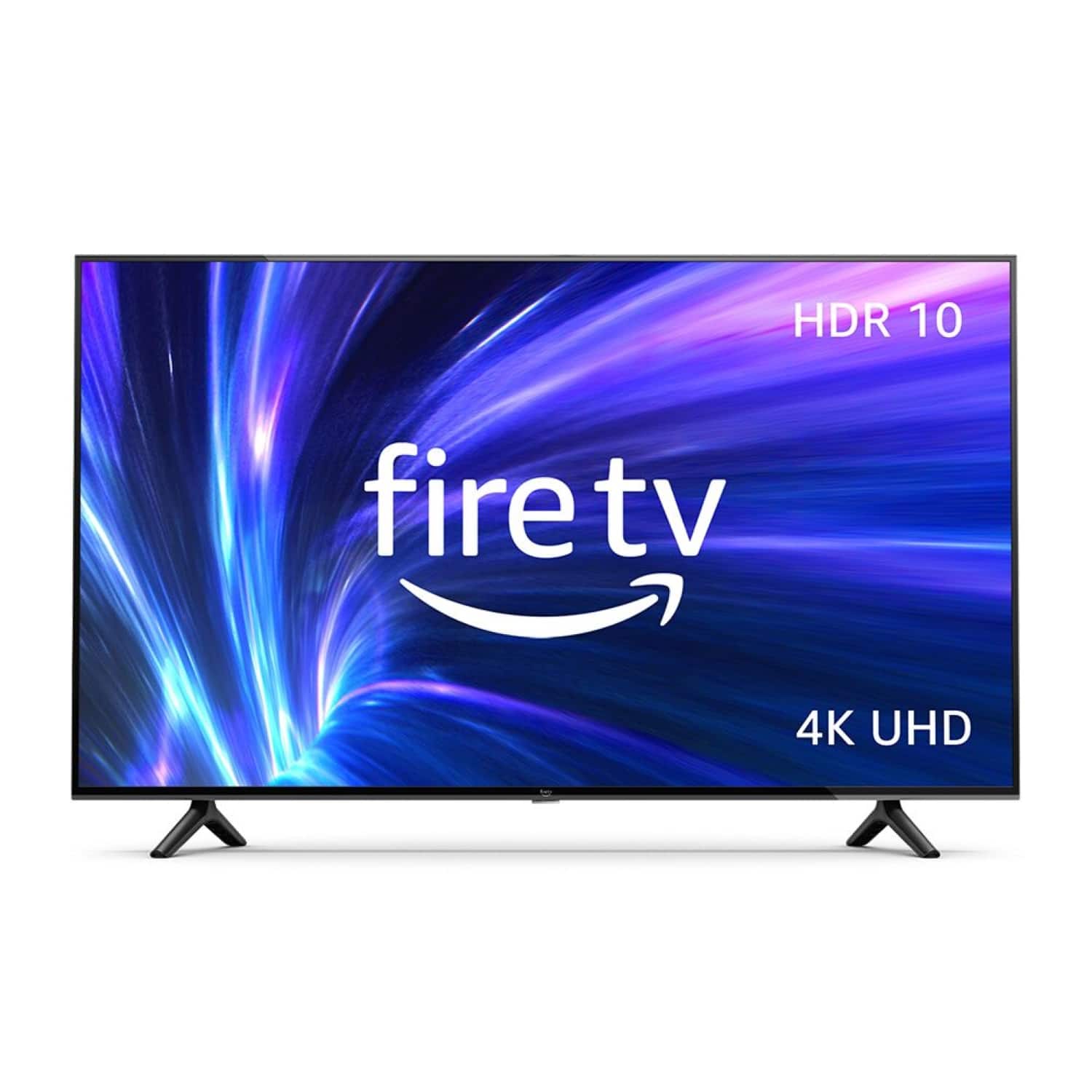
A:AnswerHello, Chase! The 4-series is part of the first line-up of Amazon branded smart TVs. The 4-Series TV offers brilliant 4K entertainment that brings movies and shows to life with support for vivid 4K Ultra HD, HDR 10, HLG, and Dolby Digital Plus. The TV comes with a Fire TV Alexa Voice Remote that allows you to press and ask to find favorite apps, movies, and shows, plus check the weather, sports scores, and more. You can watch what you want by streaming over 1 million movies and TV episodes. Watch favorites with subscriptions to Netflix, Prime Video, Disney+, and more. With the 4-Series TV, all your entertainment is in one place. Watch live and free TV, play video games, and stream music. It is smart and always getting smarter - Fire TV adds new Alexa skills, features, smart home capabilities, and voice functionality all the time. You can connect all your devices with the 3 HDMI inputs to connect to cable or satellite and video game consoles. The HDMI eARC lets you add audio equipment for enhanced sound. I hope this information helps, and have a great day!
A:AnswerHello Joyce! Both TVs are great and have really good picture quality! If you want to save some money buy the class 4 series, the class 4 series has amazing quality like the omni. The 4 series is the way to go! I hear the Omni has a bit better quality but, in my opinion, they are pretty much the same, they both have stunning 4k picture quality with an Alexa voice remote. Sorry, I don't have an answer for your second question about Ad match, hopefully I answered your first question :) Have a great day!
A:Answer"Hello Luke,
The Omni and 4-Series TVs are the first Amazon branded smart TVs. One big difference between the two TVs are the sizes that it is available in. The 4-Series TV is available from sizes 43” to 55”, while the Omni Series TVs are available from sizes 43” to 75”. The other main difference is that the Omni Series TV has built-in microphones. With built-in microphones, you have access to Alexa, hands-free! Just ask her to turn on the TV, find, launch, and control content, and control your smart home! There are built in privacy protections and controls, including a switch that electronically disconnects the microphones. When it comes to the picture, the 4-Series TV offers brilliant 4K entertainment that brings movies and shows to life with support for vivid 4K Ultra HD, HDR 10, HLG, and Dolby Digital Plus. The Omni series offers cinematic 4K entertainment that gives you true-to-life picture quality with rich, brilliant colors. It has support for 4K Ultra HD, Dolby Vision, HDR 10, HLG, and Dolby Digital Plus. Dolby Vision brings spectacular color, contrast, clarity, and brightness to your screen. The TVs have many similar features as well. Both TVs come with a Fire TV Alexa Voice Remote that allows you to press and ask to find favorite apps, movies, and shows, plus check the weather, sports scores, and more. You can watch what you want by streaming over 1 million movies and TV episodes. Watch favorites with subscriptions to Netflix, Prime Video, Disney+, and more. With both TVs, all your entertainment is in one place. Watch live and free TV, play video games, and stream music. They are smart and always getting smarter - Fire TV adds new Alexa skills, features, smart home capabilities, and voice functionality all the time. You can connect all your devices with the 3 HDMI inputs to connect to cable or satellite and video game consoles. The HDMI eARC lets you add audio equipment for enhanced sound. Both are great options and can suit needs, just depends what yours are, I hope this information helps explain the differences and similarities between the 4-series and Omni TVs. Have a great day!"