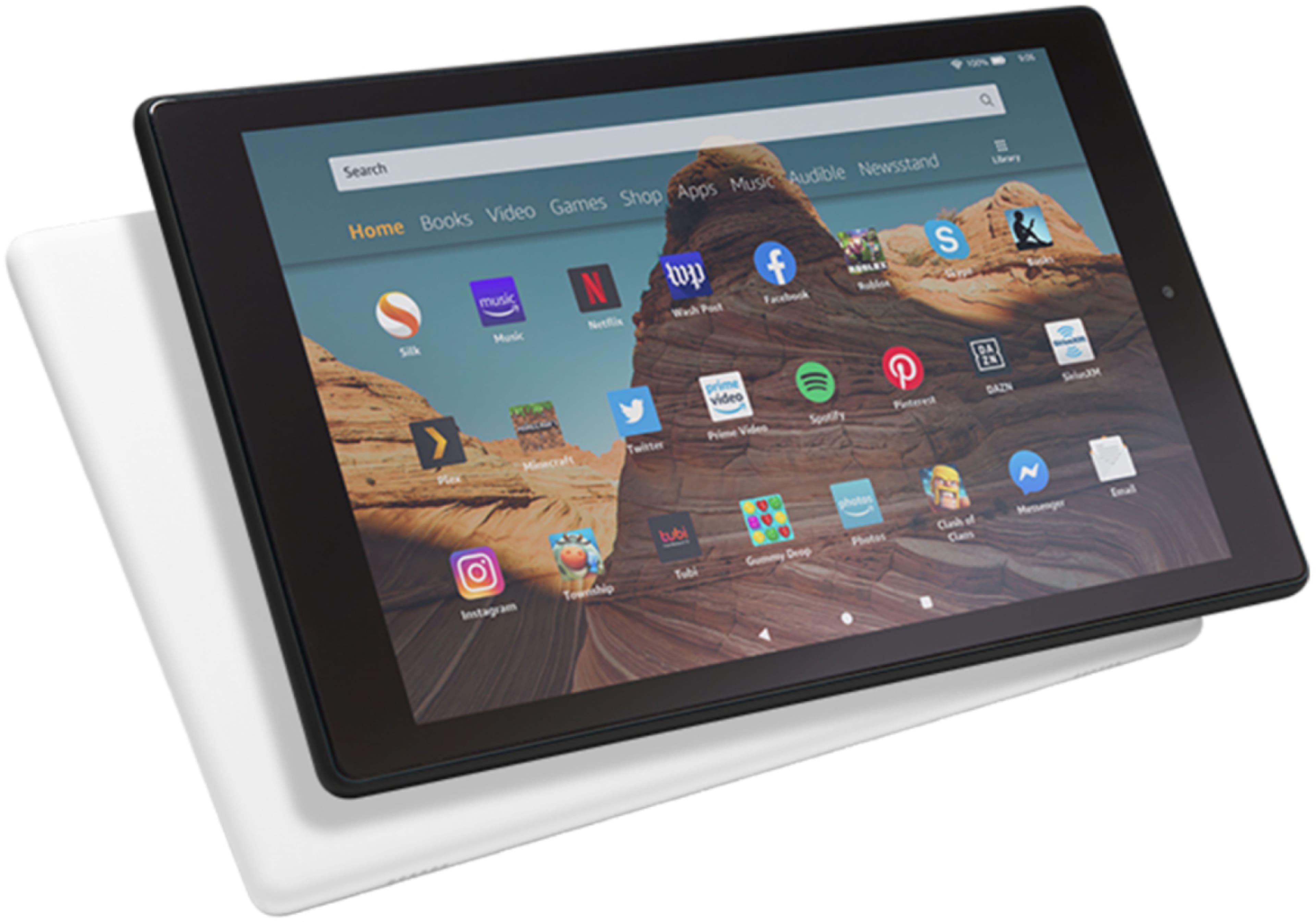
A:AnswerGiven the lower price it likely does have ads. These can be removed via one-time purchase. Link with details: https://www.amazon.com/gp/help/customer/display.html/ref=hp_left_v4_sib?ie=UTF8&nodeId=GEA2QYCTZQXKRG4Z
A:AnswerI had the original Fire 7 and it was very laggy. I just got the Fire 10 and haven't had any issues with lag at all unless I have several heavy games running at once. Hope this helps!
A:AnswerBy default it does not, but the workaround to getting it is fairly simple. You do not need to jailbreak the device in order to make it work. Once you get Google Play basically all the apps for Android will run on the Fire.
A:AnswerHello, Susie. The Fire HD 10 comes with the tablet, a charging cable, and a charging block. There are also some brief instructions in the packaging as well. Have a great day!
A:AnswerNo you don't need anything to hear the audio it has a volume button on the side and it goes pretty loud. It also has a spot to plug earphones if you like or Bluetooth either one but you can also use an external speaker if desired. Each my kids have one they love them.
A:AnswerHello Lola, the Fire HD 10 comes with a one-year limited warranty. Best Buy also offers additional coverages that you can purchase separately, follow this link for more information: https://www.bestbuy.com/site/geek-squad/geek-squad-protection/pcmcat159800050001.c?id=pcmcat159800050001
A:AnswerHi There,
Yes, you can! In the Kindle application on the tablet, you would select the Aa icon, select layout and there will be a few options to change the background color.
Have a great day!