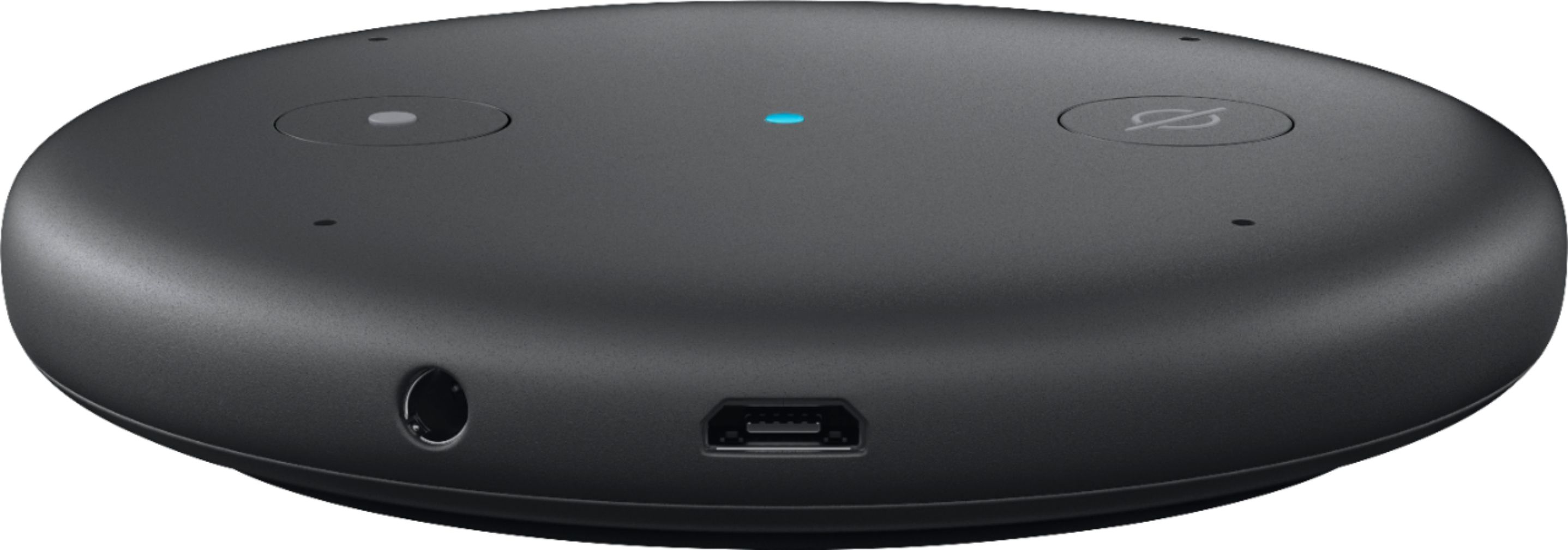
A:AnswerI can tell you how I use mine. Not sure if that will help you or not. I use this as input to a powered speaker that I already had using the aux cable that came with it. Could also connect using Bluetooth if your speaker allows. Mine didn’t so I use the cable. The speaker I already had has a much better sound than the small echo dot speaker I assume as it is a larger speaker. Hope this helps.
A:AnswerI have seen on line where it can be. They also sell vent clips for them
Cheaper option than the Alexa Auto
But I do really like my Alexa Auto!!!
A:AnswerYes, if you have the proper skill already setup. Calling the skill is easy, creating the skill is a bit more complex. If there is a ready made skill the setup is easy. Codding a custom skill requires programming most people are going to find impossible to do.
The control of your AV system is better to be executed by a smart remote like Harmony and the vice control can be then integrated using Echo
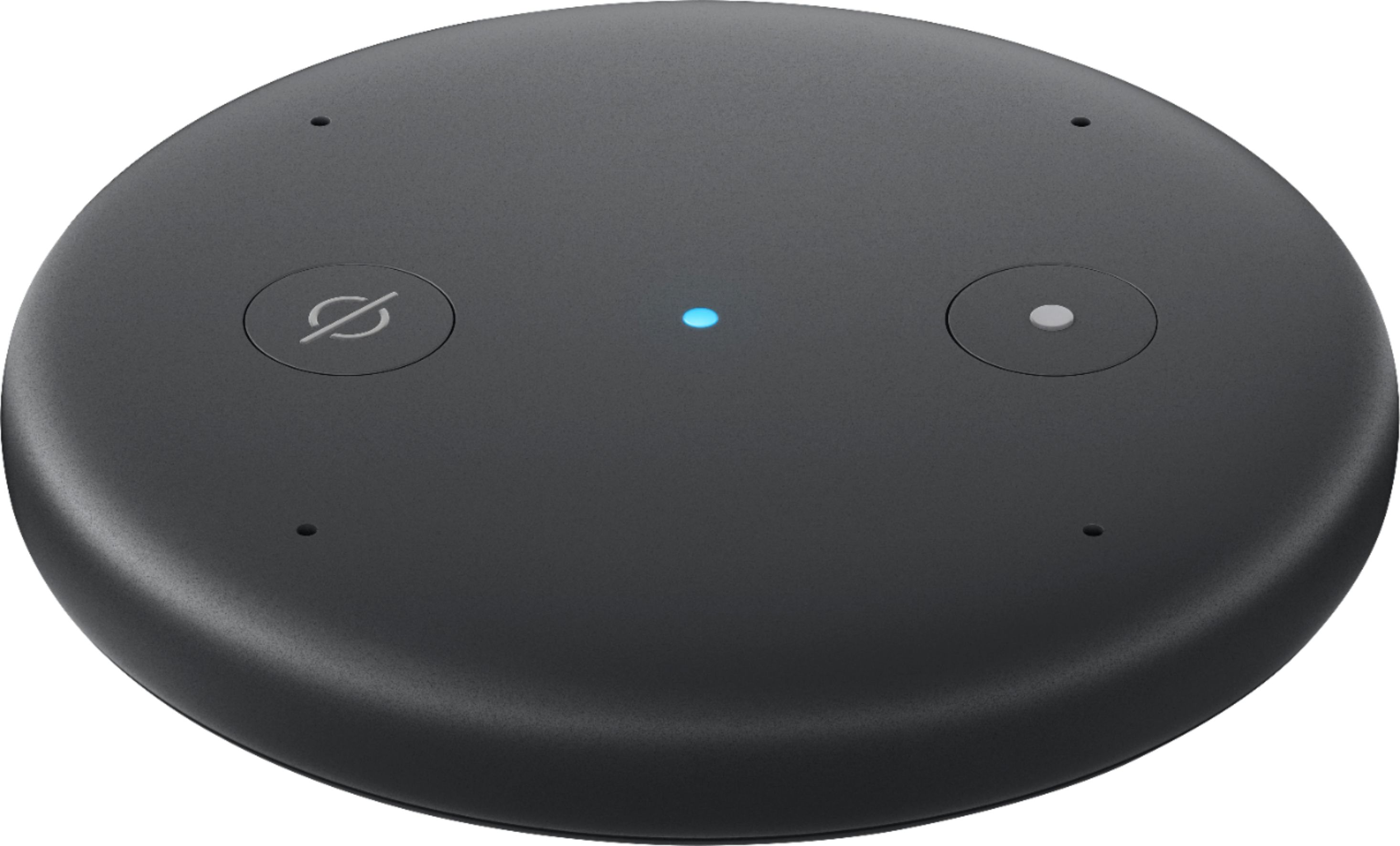
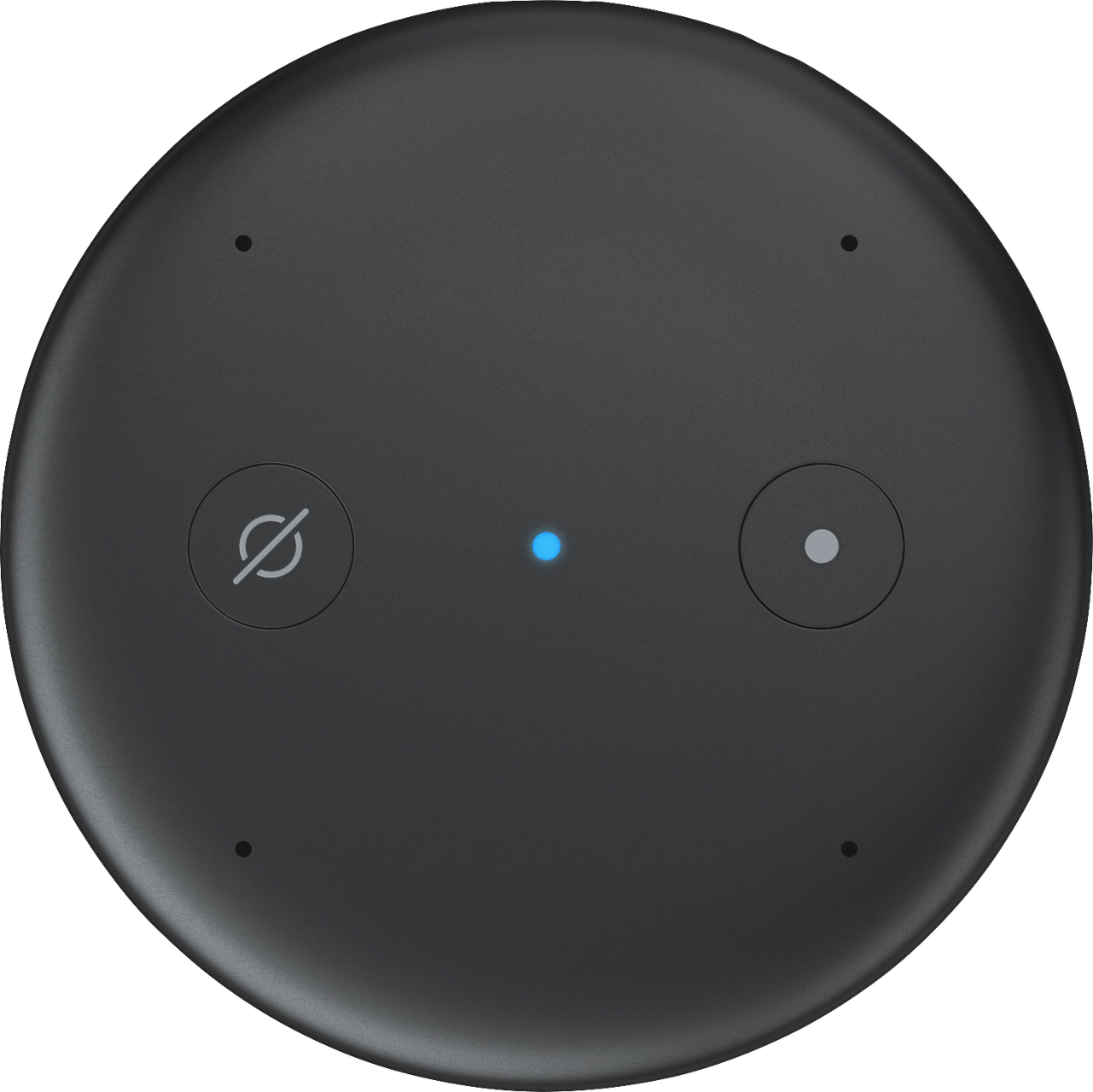
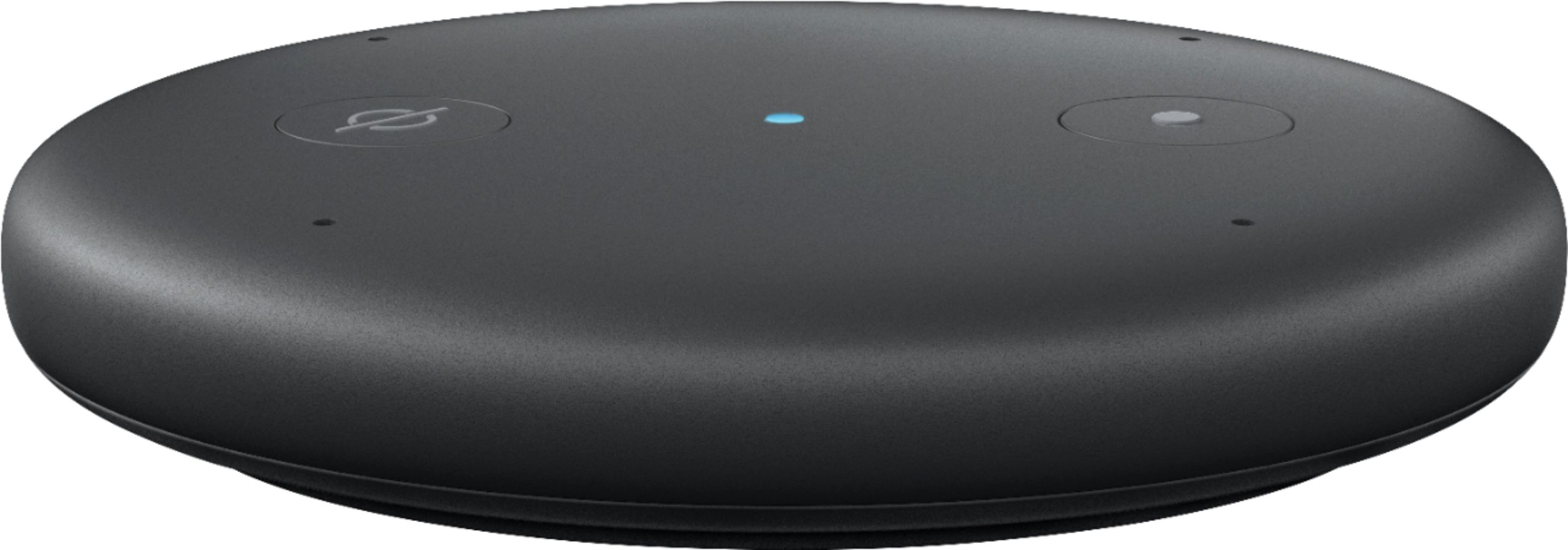
A:AnswerIt’s powered from a wall outlet like the Dot. It’s different from the Dot in that it doesn’t have a speaker built in. It needs to be connected to an external speaker that is turned on. It can be connected to an external speaker in two ways: by a wire, or wireless via Bluetooth (if the external speaker has that capability). It’s not as convenient as the Dot but very useful to turn old sound systems to an Alexa device.
A:AnswerIt will work using a hardwired Line in (3.5mm) connection. To my understanding Sonos does not have many devices that support Bluetooth connection.
A:AnswerHi there,
The Input will allow you to utilize Alexa to control your existing speakers. You just need to use a 3.5mm jack to connect it to your audio equipment and an internet connection and you will be good to go!