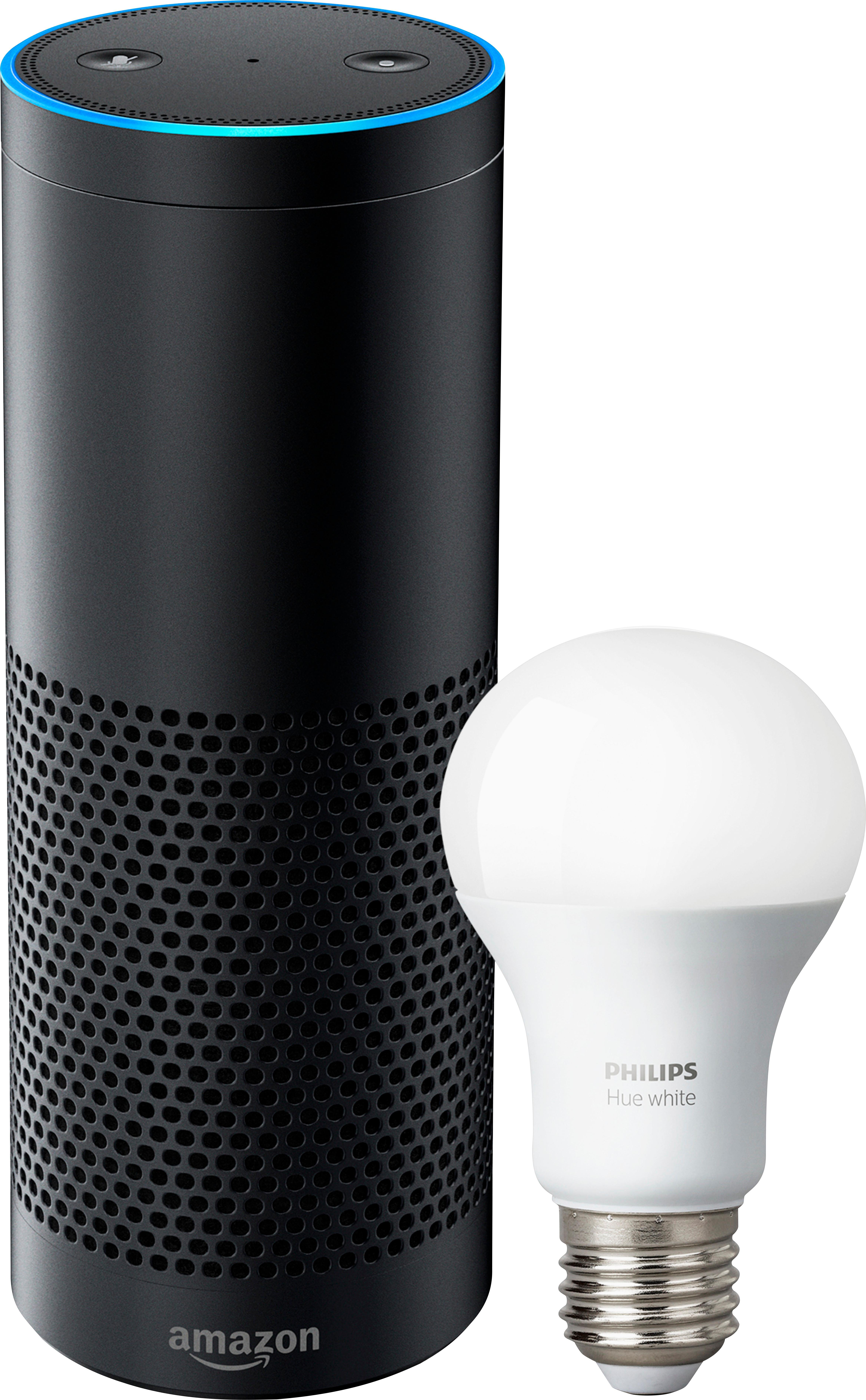
A:AnswerAs long as the bulbs say compatible with Amazon Alexa. Phillips Hue is one brand that does. Just ask you local Best Buy person they’ll know which ones do and don’t at the store!
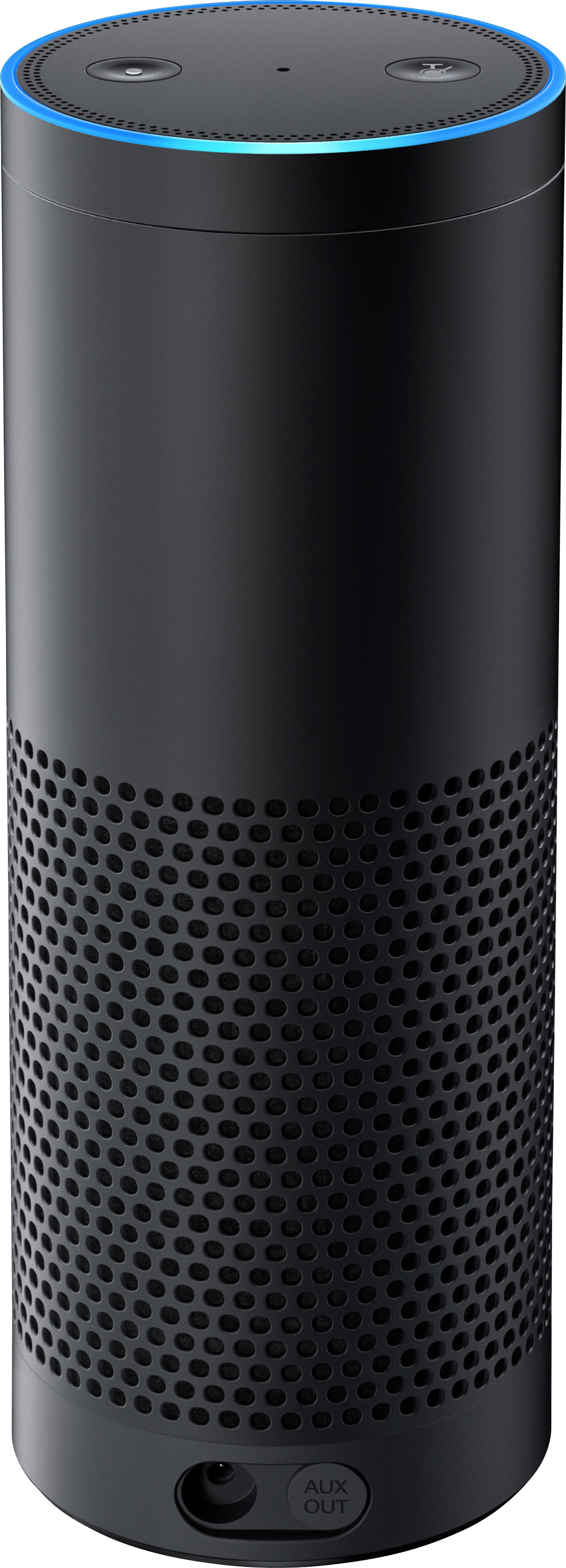
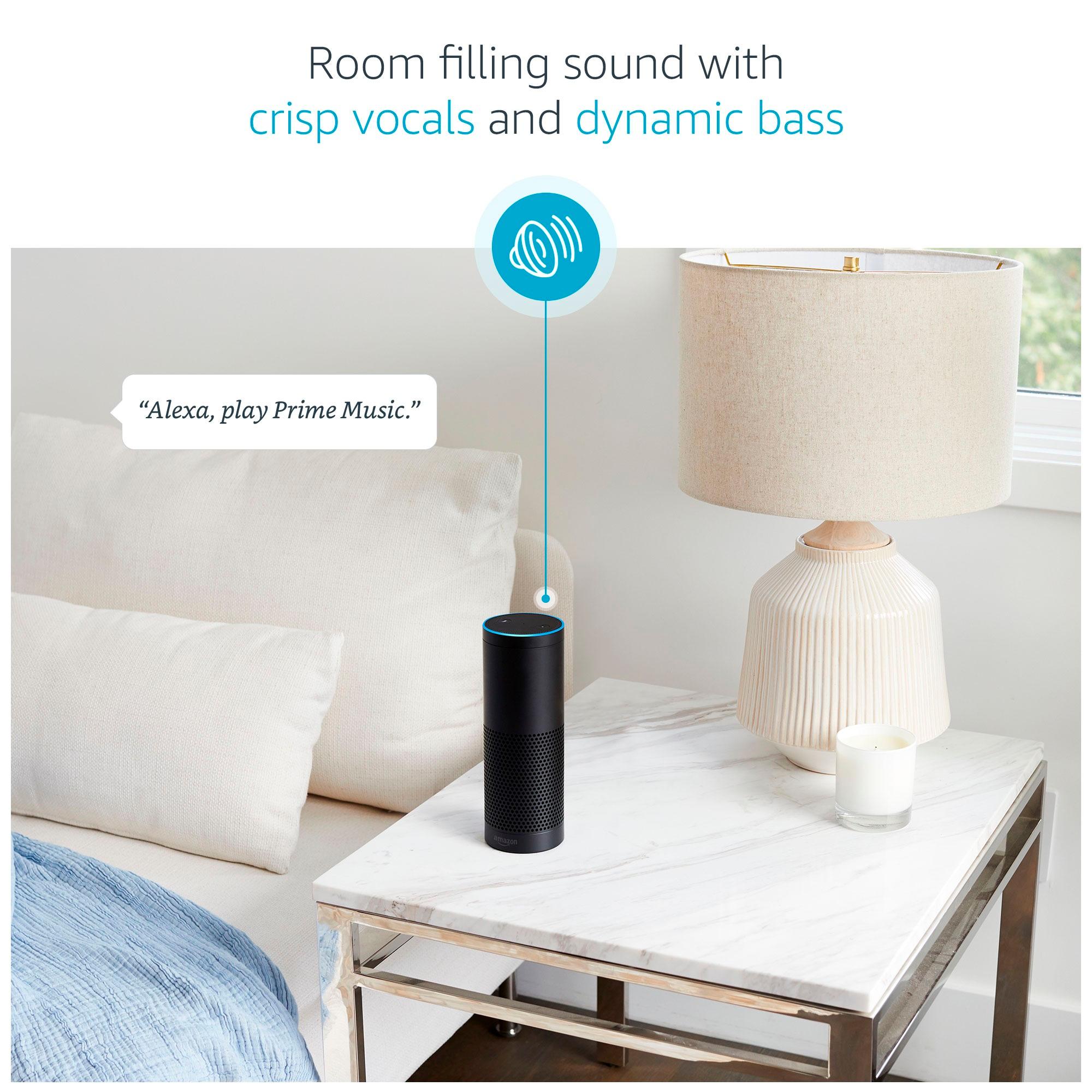
A:AnswerThe Amazon Echo Plus is a portable device, but it must be plugged into the wall at all times. If you were actually asking about using the Echo Anywhere “portable” than you will have to get the Amazon Echo and not the Amazon Echo Plus. There is a battery that is made for the Amazon Echo but it is not compatible with the Plus version of Echo.
“Portable Battery Base for Echo (Use Echo Anywhere) NOT COMPATIBLE WITH THE NEW ECHO PLUS.” Made by Mission Cables.
Good Luck!!
A:AnswerYou will want an Alexa device in each room so you can control the lights from what ever room that you are in. Once you have the big tube (I forgot the name) Alexa that controls your lights, you can outfit your house in the small dots (or cheapest alexa device). We placed the big tube in our room. If you read my review, i said nothing is better than being in bed and being able to tell Alexa to turn off your lights or raise/lower the temperature of your house.
A:AnswerNo special plug or socket required. It screws into a normal bulb outlet and works through integration with the app. All of the smart electronics are housed in the base of the bulb.
A:AnswerIt would be nice for it to have a lithium ion battery for recharging. However it does not. I needs to be plugged in to work. I know this because I have an Echo Plus.
A:AnswerI have the I-Phone 7 plus and I have the Alexa app installed on it & I use the Amazon music app both of them will control the echo plus and the echo show...
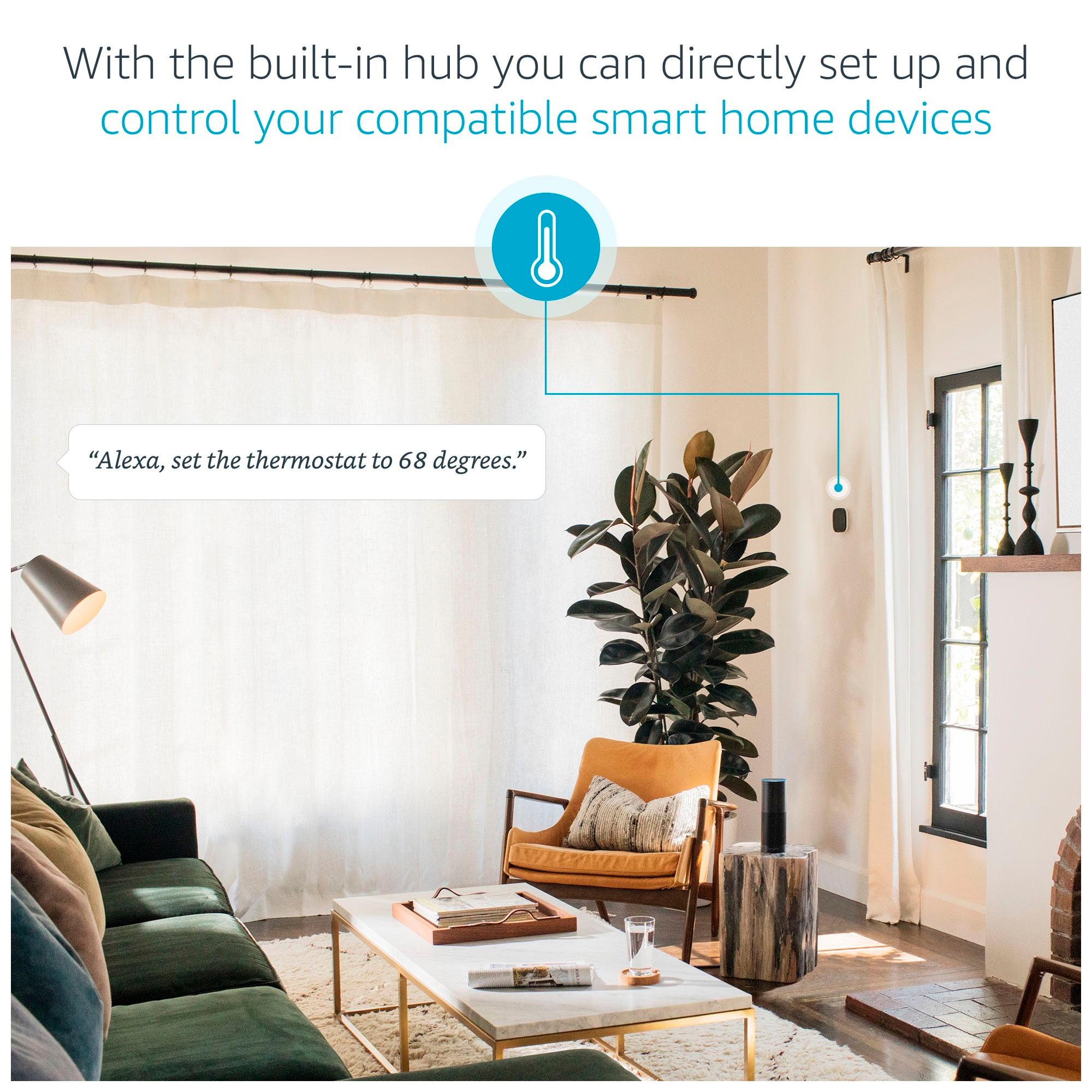
A:Answeryou don't need to separate, they are both on the same account, same wifi so the echo plus acts a hub, and the echo dot uses the echo plus to control the devices
A:Answerthe device acts as a hub whereas the Logitech hub uses a different technology to act as a remote to turn your home theater on and off. The hub will sync with Alexa where it can use what you have connected to the hub and create "scenes".