Monster deals on the tech you wantDoorBOOsters coming Oct. 31.Shop now

Skip to content
Gift Ideas
26 Cypress St
Williston, VT 05495
Open until 8 pm
Find Another Store
Main Content

Questions & Answers

Your price for this item is $174.99
Clearance
The comparable value price is $249.99
Page Showing 41-60 of 99 questions
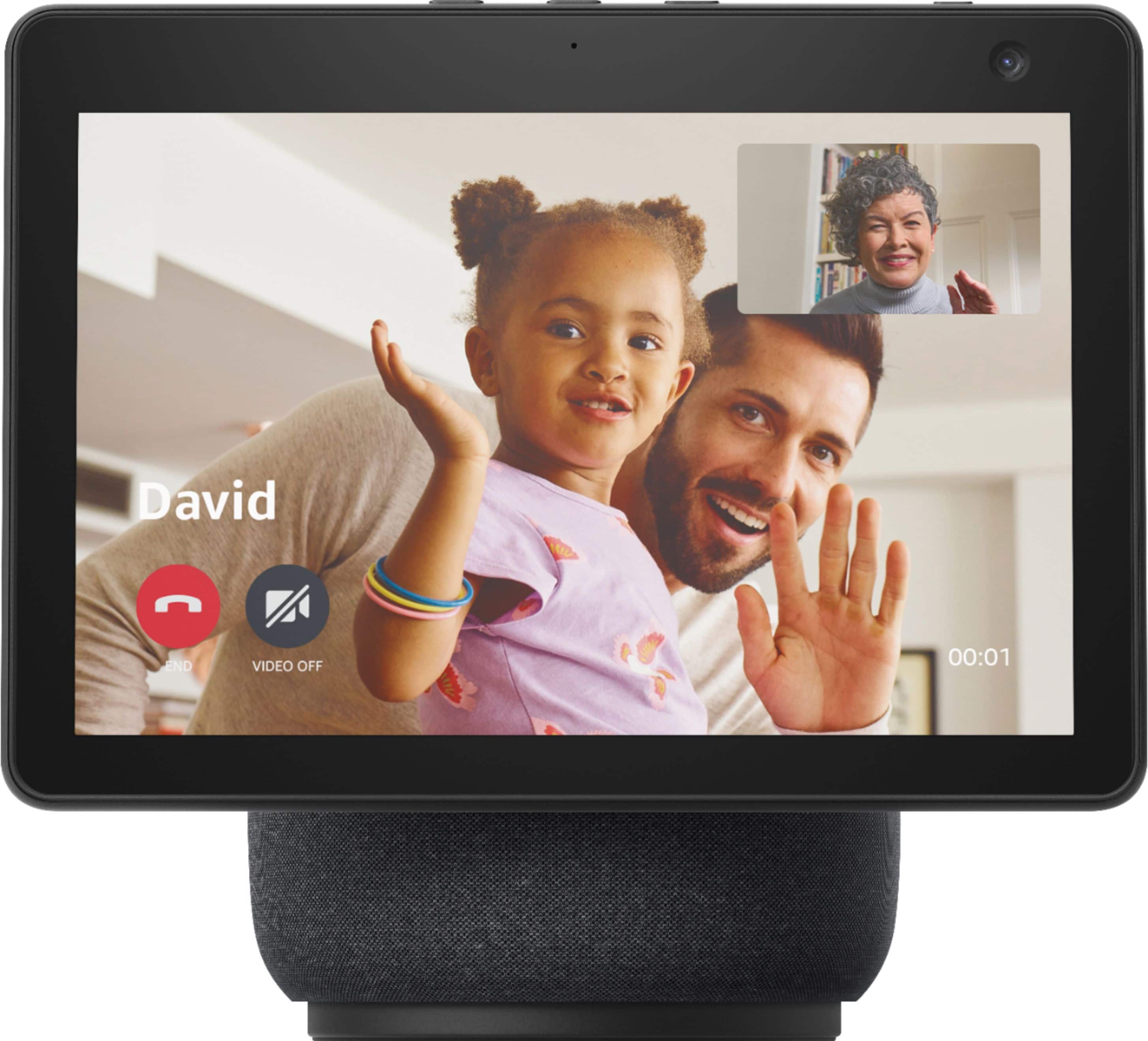
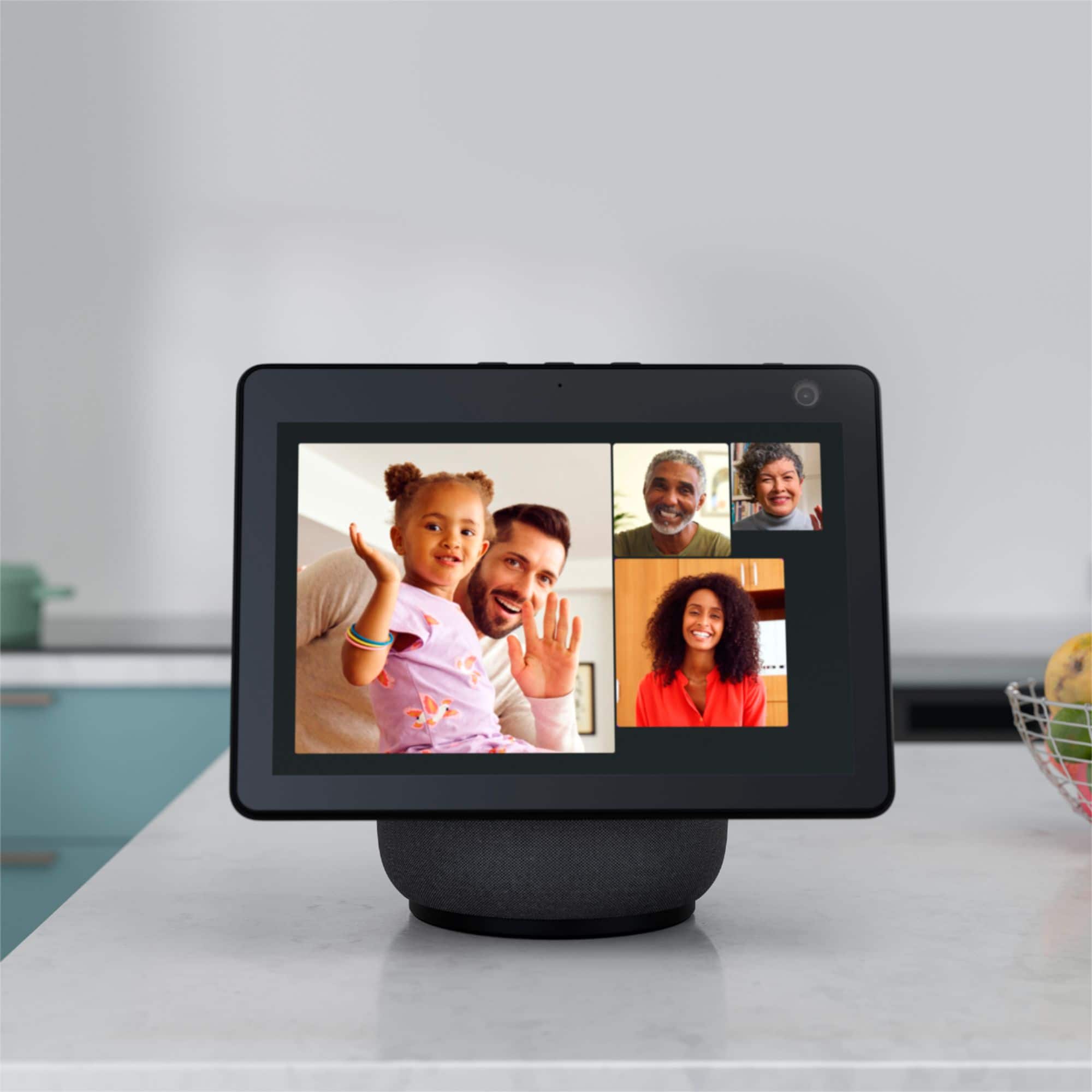
  • Questionis this device good for communication with your grandkids so that u can see them and they could see you

    Asked by ron.

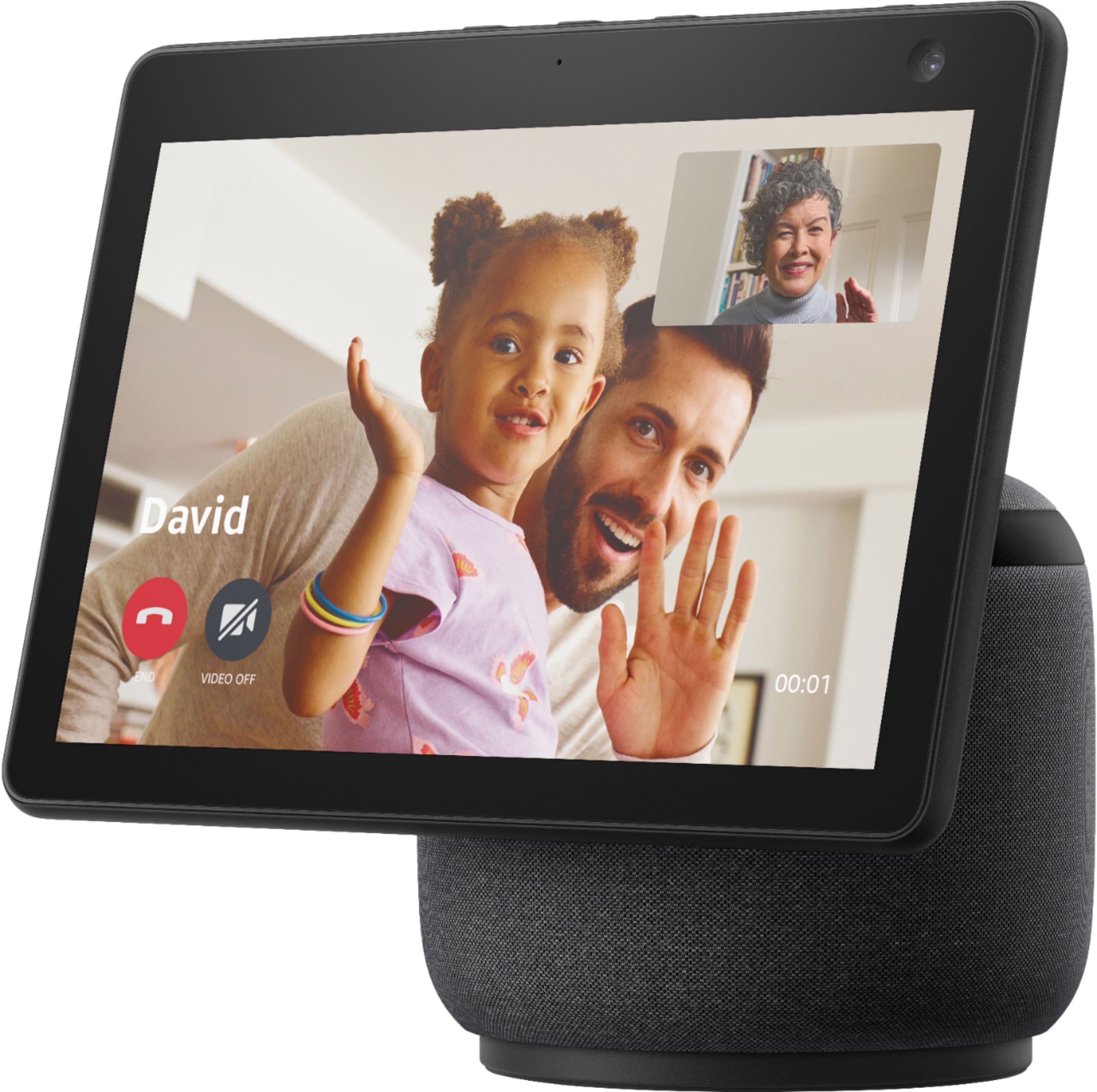
    • Answer Yes, it's okay for that. So far I've only been able to figure out how to connect from the Echo Show 10 to a person with the Alexa app on their phone. There may be a way to use Zoom on the device, but I haven't followed up on that. Basically any phone or tablet should be able to allow video calling, depending on what app/programs both parties have access to.

      Answered by andrewrnixon

  • QuestionDoes Echo Show work with Reolink?

    Asked by Granola.

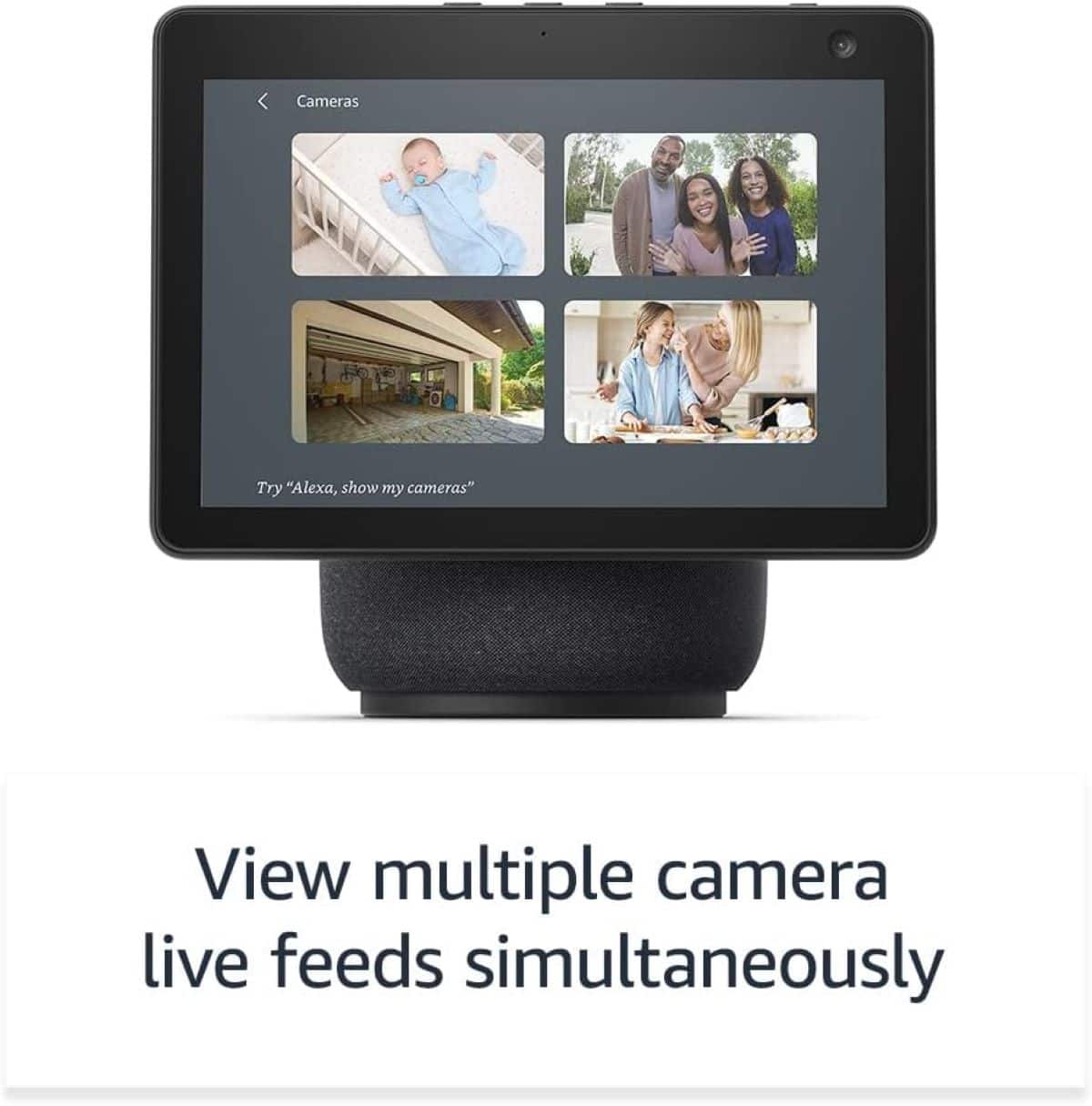
    • Answer Hello Reolink, thank you for your question. Reolink is compatible with Alexa and so you will be able to use your Echo Show 10 with your devices. Simply ask Alexa to "discover devices" or set up and pair directly through the Alexa app. Hopefully this was helpful. Have a great day!

      Answered by Amazon Devices Customer Support

  • QuestionDoes echo show 10 connect to lorex security cameras?

    Asked by NWPDX.

    • Answer Good morning NWPDX, Thanks for the question! The Echo Show 10 can connect with your Lorex security cameras by activating the Lorex skill through the Alexa App. This skill will enable access to both wired and wireless Lorex security systems using your voice to control functions, features and stream to Smart Home Amazon devices (eg. Amazon Echo, Amazon Echo Show). The skill functionality will allow to: • Display Lorex security cameras • via the recorder connected to a screen for wired systems • via smart home devices for Wi-Fi and wired cameras • via Amazon Fire TV or with an Amazon Fire TV Stick • Activate camera lights using voice commands through the smart home device • Activate camera sirens using voice commands through the smart home device To enjoy the Smart Home conveniences that Lorex devices have to offer, follow the set-up instructions below: 1. Download the Amazon Alexa app on your Apple or Android device. 2. From the Alexa app, go to Skills and Games and search for "Lorex Home" and tap Enable to use. 3. Log in using your Lorex Home credentials to enable the Alexa skill. 4. After discovering devices, you're all set! You are now ready to control your Lorex devices with Alexa. I hope this helps, have a great day!

      Answered by Amazon Devices Customer Support

  • QuestionCan you watch TV on this device

    Asked by Midgee.

    • Answer Yes, you can watch Netflix and Amazon prime

      Answered by LynnA

  • QuestionCan o use echo show with 220V is south america Peru?

    Asked by Gaby.

    • Answer Hello! The Echo Show 10 power cord supports 110-220v so this will work, however, you will need an adapter to be able to plug it into the outlet in South America/Peru. Hope this helps and have a great day!

      Answered by Amazon Devices Customer Support

  • QuestionWhat does the person with the Alexa see when the other person has called them on their phone? How is the network kept secured among the people who are speaking with the person with the Alexa? Who determines if the camera will be turned on?

    Asked by RobertG.

    • Answer Hi RobertG! When using Alexa to call another Alexa enabled device with a screen, the default will be a video call. This works on phones as well. If you have the Alexa app on your phone, you can make and receive calls just like you were using an Echo Show device using your phone's built in mic and camera. Like many other video calling services, there will be buttons on your screen to enable or disable things like the camera or mute your microphone. As for the security, your call is encrypted by Amazon, and nothing is stored aftewards. I hope that helps, have a great rest of your day!

      Answered by Amazon Devices Customer Support

  • QuestionHow many watts is it?

    Asked by spiderman.

    • Answer Hi there! From looking around a little bit online, the Echo Show 10 has three speakers (a 2.0" woofer along with 2 1.0" tweeters) that each seem to be 10W. Hope that helps, have a great rest of your day!

      Answered by Amazon Devices Customer Support

  • QuestionWe just purchased the Echo Show 10, and it said that it had Disney+ plus streaming however it does not. How do we access that?

    Asked by medlock.

    • Answer Hi Medlock! I apologize for the confusion but the Echo Show 10 can not currently stream from Disney+. As of now Prime Video, Netflix, Hulu, and YouTube are all accessible on the Echo Show 10. The only Echo Show that can currently stream from Disney+ is the Echo Show 15, via the recent Fire TV update. Hope that helps, have a great rest of your day!

      Answered by Amazon Devices Customer Support

  • Questioncan the Echo Show 10 3rd generation be used without Alexa

    Asked by jessie.

    • Answer Hello Jessie, all of the Amazon Echo devices use Alexa to function. In order to use a function on the device one must say; "Alexa, and then a command." For example, you could say; "Alexa, play my party playlist." or "Alexa, turn on the kitchen lights." Have a great day!

      Answered by Amazon Devices Customer Support

  • QuestionHi! If i buy the echo show in the us can I use it in Denmark with all the features?

    Asked by Cris.

    • Answer Hi Cris! This model of Echo only supports operation with an address in the US, UK, Canada, Germany, Australia, New Zealand, Japan, France, Italy, India and Spain. The power connector will be for US-style outlets as well. Your location is based on where your Amazon account is set to, so even in the US connecting it to an account based in Denmark will limit the functionality. Hope this helps, have a great day!

      Answered by Amazon Devices Customer Support

  • QuestionIs it touchscreen?

    Asked by Lamont.

    • Answer Yes

      Answered by Melomano

  • QuestionIm a tax preparer. i would like to have video appointments is it possible with iphone and android

    Asked by cash.

    • Answer Hi Cash. Great question. The answer is yes, as long as they have an Echo device or the Alexa App installed on their android or iPhone. With Alexa, you can make hands-free voice or video calls to anyone who has a supported Alexa-enabled device or the Alexa app. How to add contacts: 1. Open the Alexa app. 2. Select ‘Communicate’ from the bottom navigation bar. 3. Select the contact icon in the top right corner. 4. Select the menu icon in the top right corner. 5. Select ‘Add Contact’ to add individual contacts or select ‘Import Contacts’ to enable Alexa to upload contacts from your device’s address book. Hope this helps and have a great day!

      Answered by Amazon Devices Customer Support

  • Questioncan i take to INDIA and use. need voltage adapter to connect

    Asked by raj.

    • Answer thanks.

      Answered by rajendran

  • QuestionCan I stream a live news show like GMA on the Echo Show 10? How about streaming any local news shows?

    Asked by Annie.

    • Answer Hi Annie, You can stream live shows on your Echo Show 10 and local news depending on your subscriptions that you have linked via the Alexa App and on your device. For example, if you want to watch GMA, you can enable Hulu and depending on what you pay for you will be able to watch from your device! Subscription fees may apply. You can enable local news alerts based on your preferences via the Alexa app of ask Alexa to show you local news on your device. Hope that helps!

      Answered by Amazon Devices Customer Support

  • QuestionCan Alexa log in to Instagram? Can Alexa record videos for Instagram story’s?

    Asked by Deborah.

    • Answer yes alexa can log in to instagram and u can text family and friends but u can't do videos or photos I don't know if it's going to work on your Alexa but it didn't work on my Alexa.

      Answered by Niyah

  • Questionwill it work with youtubetv

    Asked by JEB.

    • Answer Yes absolutely

      Answered by Funelectric

  • Questionwill this work on a 220v socket?

    Asked by nikki.

    • Answer Hello Nikki, you want to know if the Amazon Echo Show 10 will work on a 220v socket. The Amazon Echo Show 10 comes with an 120v plug, it will support the 220v with appropriate adapter sold separately. Hope this has answered your question. Have an amazing day!

      Answered by Amazon Devices Customer Support

  • QuestionI was wondering how “senior” friendly the echo shows are. My 88-year-old mother is Not in the least bit technical.

    Asked by Mar.

    • Answer tldr; Depends on the senior and the situation. With support (especially with setup, which is complicated), many seniors can operate an ES even if they're not very technical. However, if the senior has impaired hearing/vision/memory or they're living in a care facility that may not allow ES, the ES may be a bad fit. Can your senior order food from a McDonald’s touchscreen? Can they speak simple commands like, "Alexa, drop in <your name>"? If so, they can probably learn to *** operate an ES ***. ** Setting up an ES *** is much harder, though. I recently walked my mom through ES setup. From long distance, by telephone. She has a flip phone. At first, we couldn’t get texting to work. Turned out she needed to upgrade her data plan. We needed to link her number to her Amazon account. That’s when we figured out that she’d been giving me the wrong mobile phone number. During the Alexa app setup, I had to keep logging in as her on my phone’s Alexa app and switching between her account and mine. Many challenges, we had. But between us and Consumer Cellular (we love those folks!), we finally got the ES working for drop-in video calls. It was so nice when we finally got drop-in working and I could see my folks on the screen! To run ES, the senior needs a mobile phone number. This number needs to be linked to their Amazon account (amazon.com > Your Account > Your Profiles > their profile). They need a cell phone and data plan that support SMS/texting so they can receive verification codes from Amazon, Alexa app, etc. If the Alexa app is available for the senior’s phone, install it. (I didn’t do that for Mom because I didn’t think to check whether the app was available for flip phones. I configured Mom’s Alexa ES drop-in settings by switching between her Alexa account and mine on my phone. When I logged in as her, Mom gave me the verification codes from her phone. Getting to the Alexa home screen after login is a royal pain if you haven’t set up voice profiles, but with much gnashing of teeth, I bumbled my way through.) So yeah, your senior will need setup support, from you or somebody like Geek Squad, Amazon, etc. Brace for some frustration, but if your only problems are technical, rejoice. My folks use the ES strictly for drop-in video calling, so I can't comment on whether other ES features are senior-friendly. Once the ES is set up and connected to Wi-Fi, it seems to stay working a long time despite power outages, etc. as long as the IT infrastructure (router, Wi-Fi password, etc.) doesn't change. Be aware that seniors can have any number of issues that may impede their ability to use an ES. How is their hearing? Their vision? Their memory? Do they have dementia? If they’re in a care facility, does the facility allow ES? Sadly, there are some seniors that ES is a bad fit for. As we discovered the hard way when we set up an ES for my MIL. In addition to being tech-illiterate, MIL has dementia with severe memory loss as well as severe hearing loss. ES audio can’t be amplified or equalized. There’s no real-time captioning for drop-in calls. (I think there might be captioning for YouTube videos and movies, but we didn’t play with that.) You may be able to work around dementia memory issues with simple paper instructions. (We couldn’t, though — lack of memory plus technical illiteracy was just too high a hurdle.) If your senior is in a care facility, check with them before purchasing an ES. Not all facilities allow ES, especially if the senior is sharing a room with another resident. (Once MIL moved to a private room, her facility did allow ES for her.) We connected easily to the facility’s public Wi-Fi. Bandwidth is sufficient for video calling but not for streaming movies. (Of course, if your senior has their own cable internet connection, they’ll probably have enough bandwidth.) Alexa language can be reset from English to a senior’s preferred language. However, if the younger generation doesn’t read that language, it will be harder for them to support the senior’s use of the ES. In our situation, MIL can read Chinese but only minimal English. My husband can read English but not Chinese. Whenever we communicate with MIL, we’re roundtripping between Cantonese, Mandarin, and English, with help of Google Translate and a whiteboard. For a while, MIL also kept unplugging the ES at night because the light bothered her, and of course she didn’t remember to plug it back in again the next day. (We solved that problem by putting the ES on a timer and securing it to the wall outlet.) After a lot of thrashing, we’re still using the ES with MIL, but mainly as a digital photo frame. We’ve done the occasional drop-in call to her, but all we can do is wave at her and hold up a whiteboard with writing on it. (And that’s if we can even reach her at all; often she’s away from her room.)

      Answered by GraySkyLady

  • Questionscreen size ?

    Asked by Anonymous.

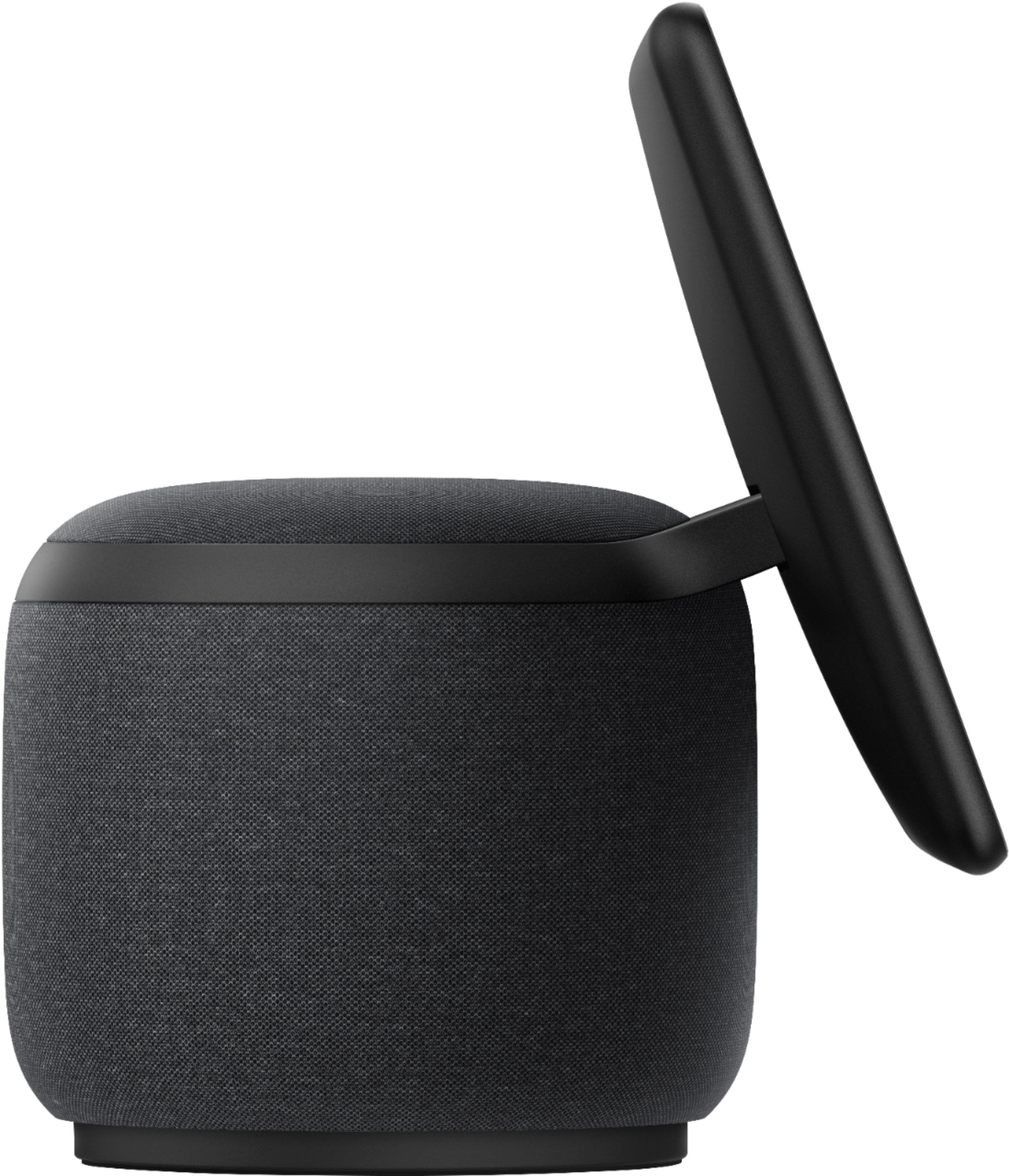
    • Answer Hello! The Echo Show 10 has a 10.1 inch screen. The screen rotates on a base which keeps you in focus during video chats and keeps the screen facing you while you're using it. I hope that helps. Have a great day!

      Answered by Amazon Devices Customer Support

  • QuestionDoes it work with Nest Hello doorbell?

    Asked by FKnaz.

    • Answer Hello, Yes, the Echo Show 10 is compatible with the Google Nest doorbell. Use your Alexa app to set up your device and follow the instruction from there, I hope this helps! Have a great day!

      Answered by Amazon Devices Customer Support