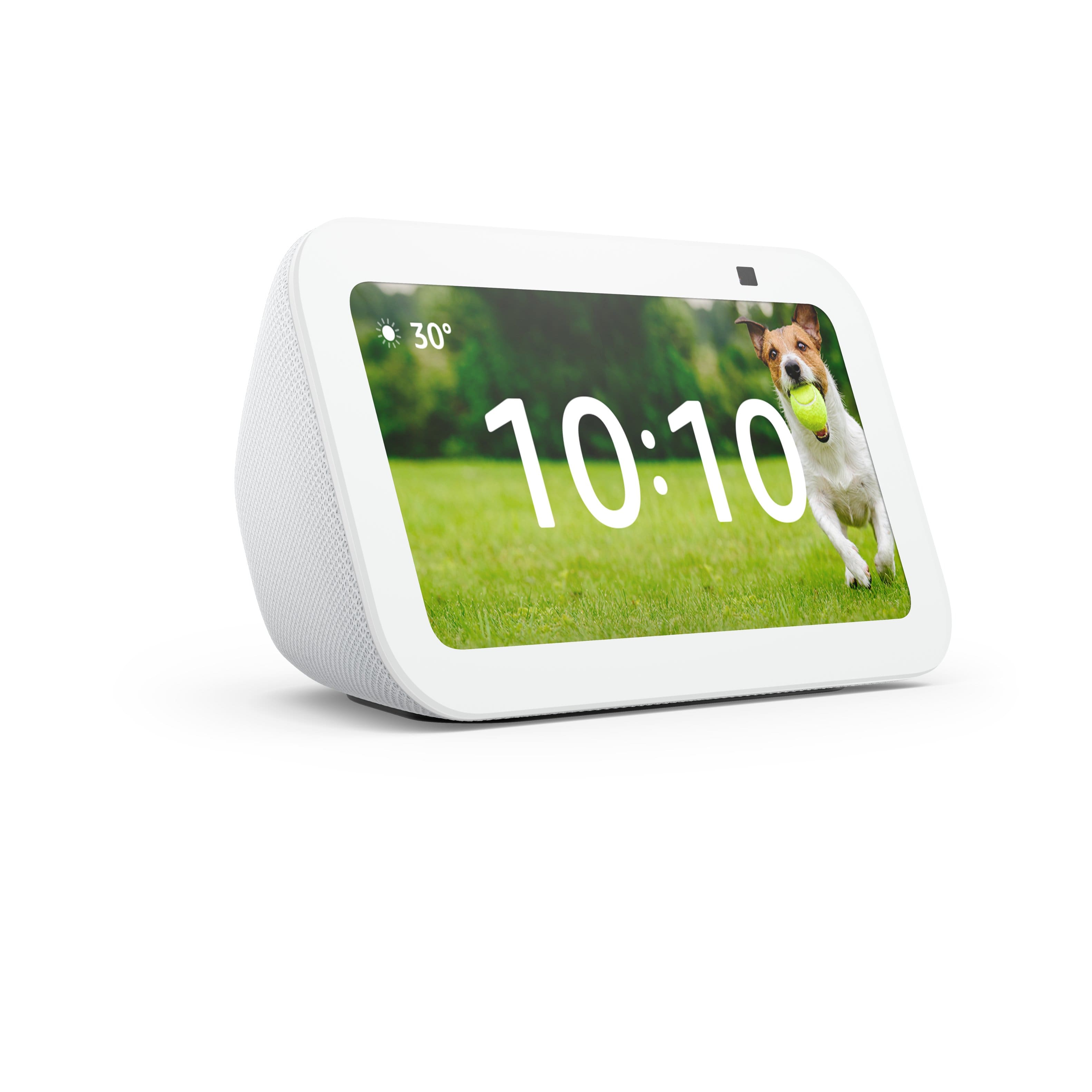
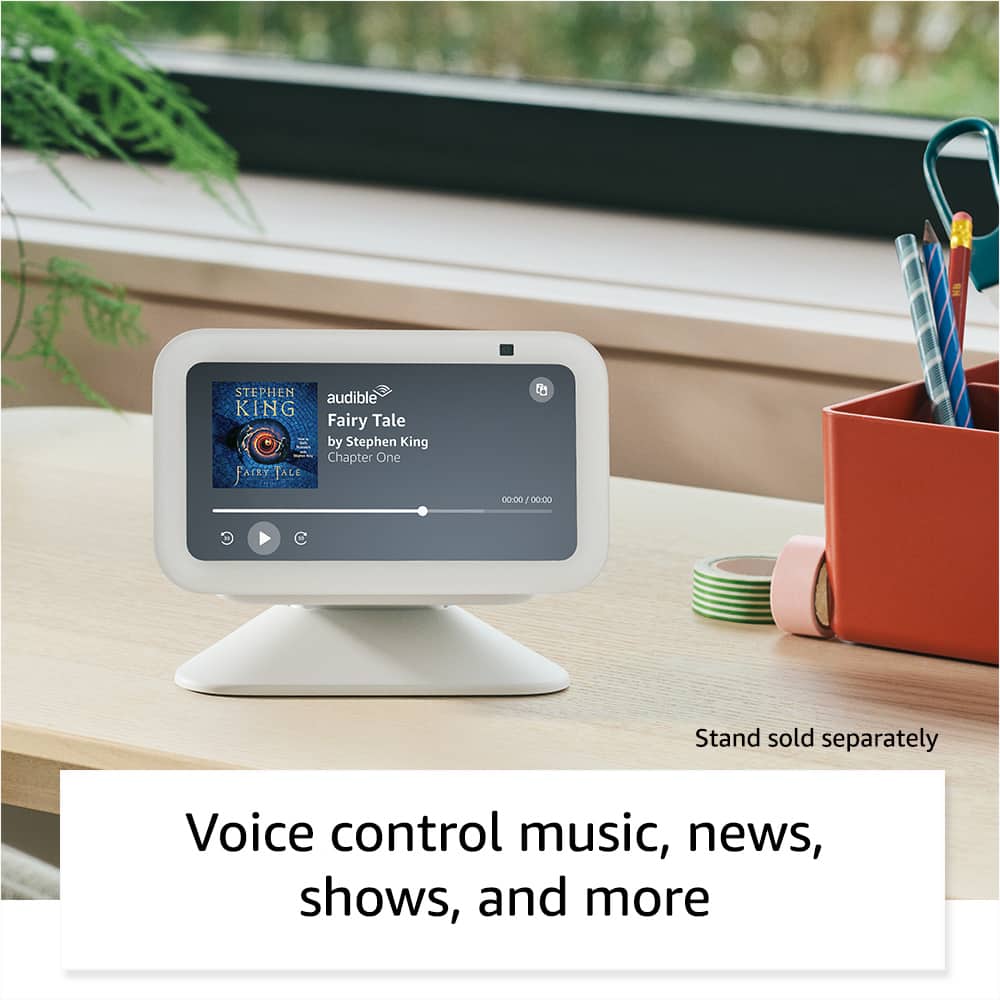
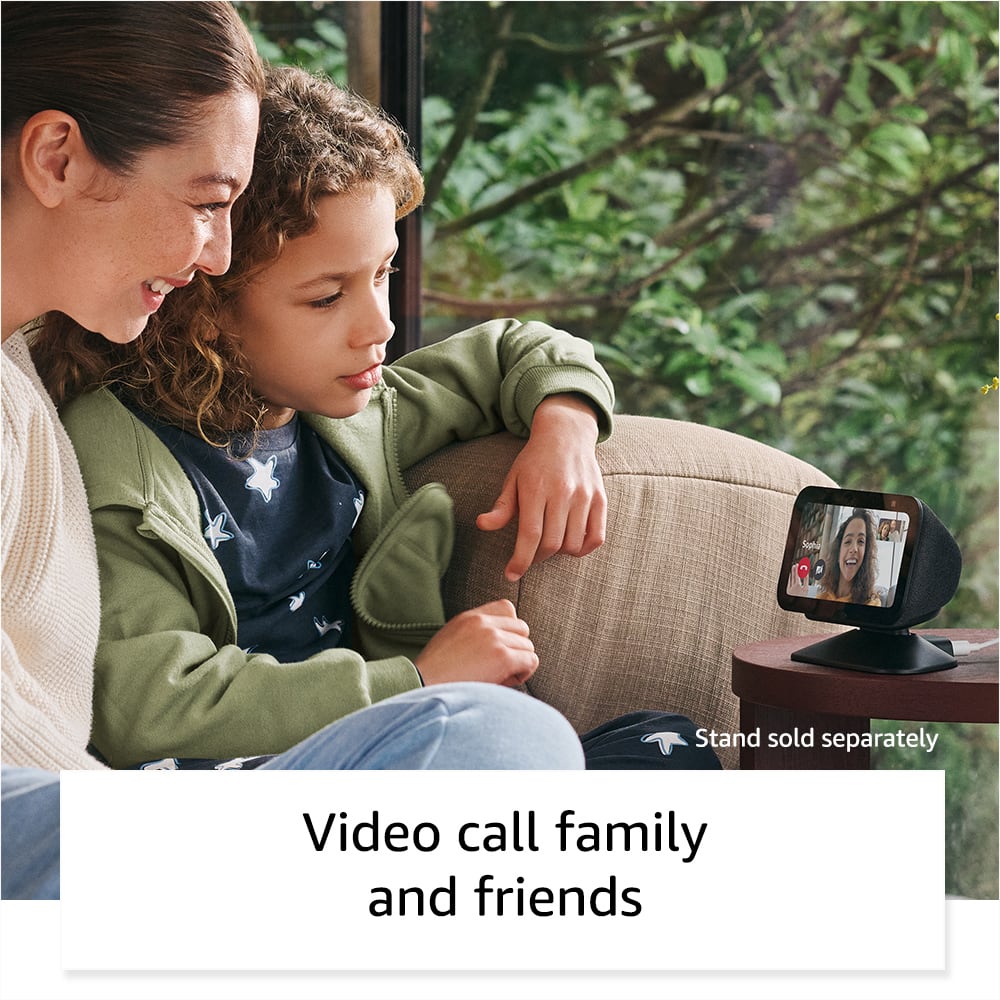
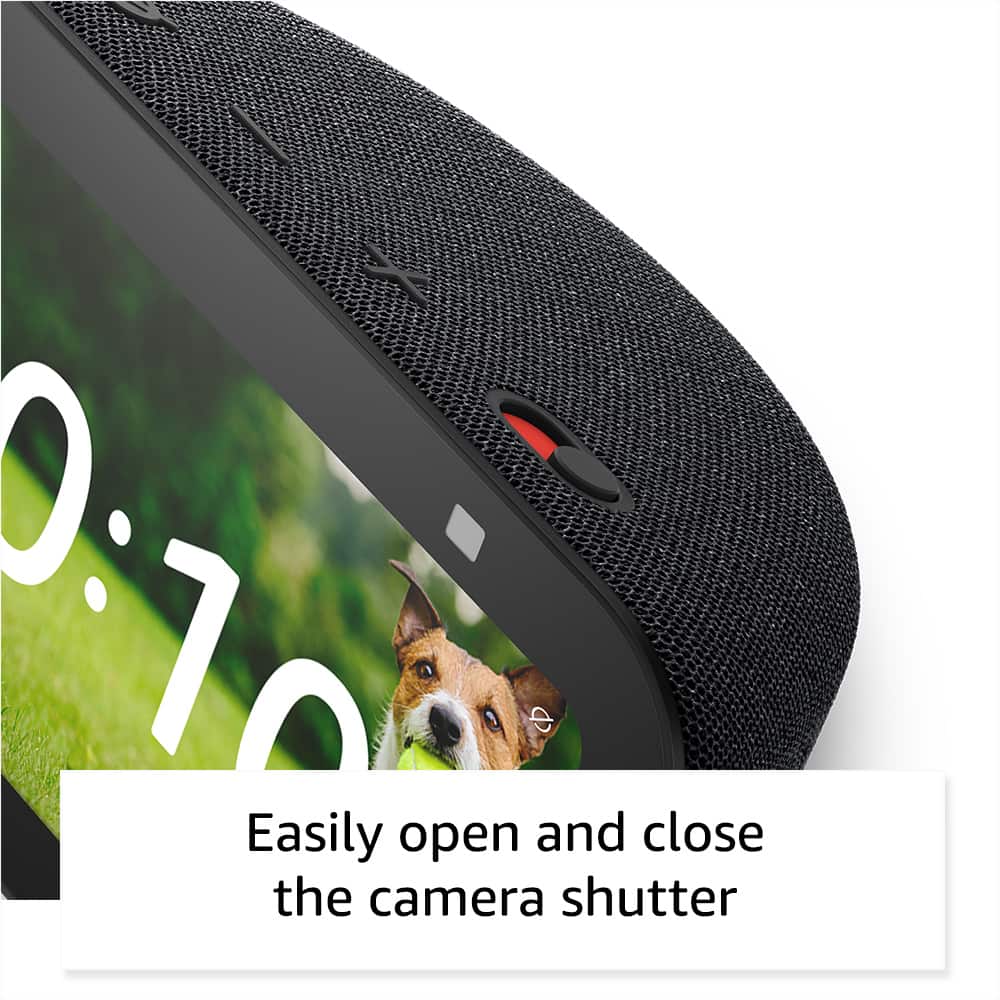
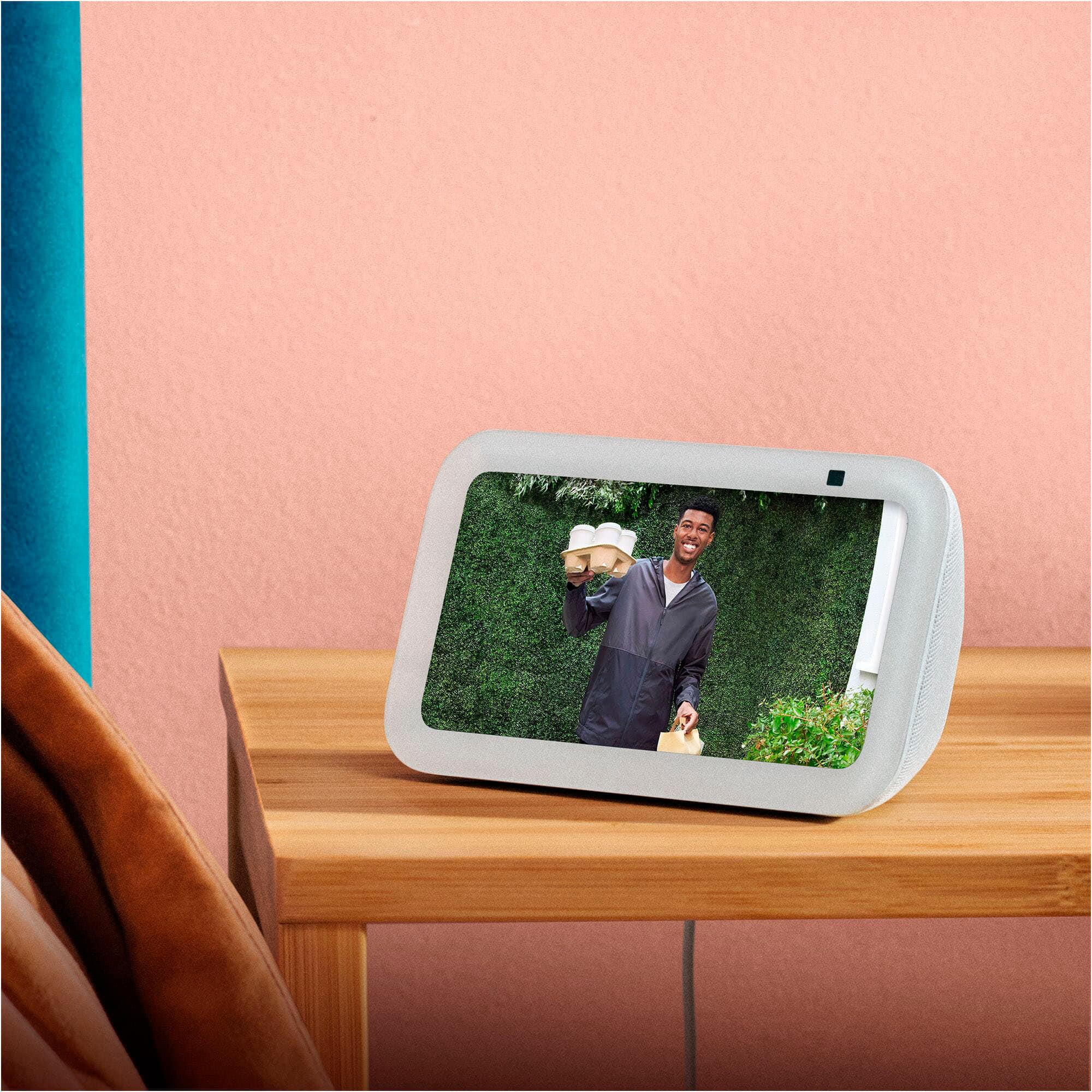
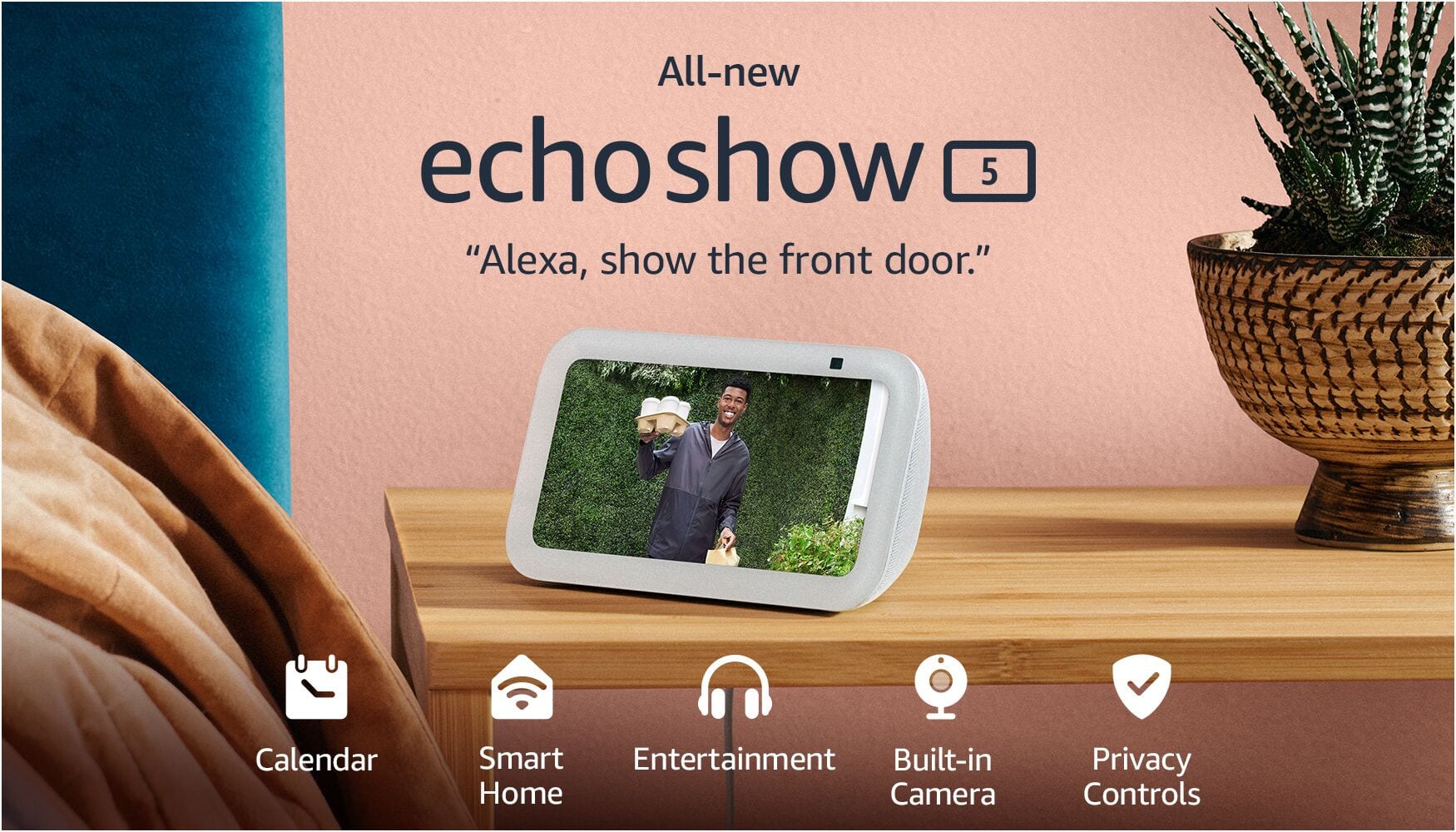
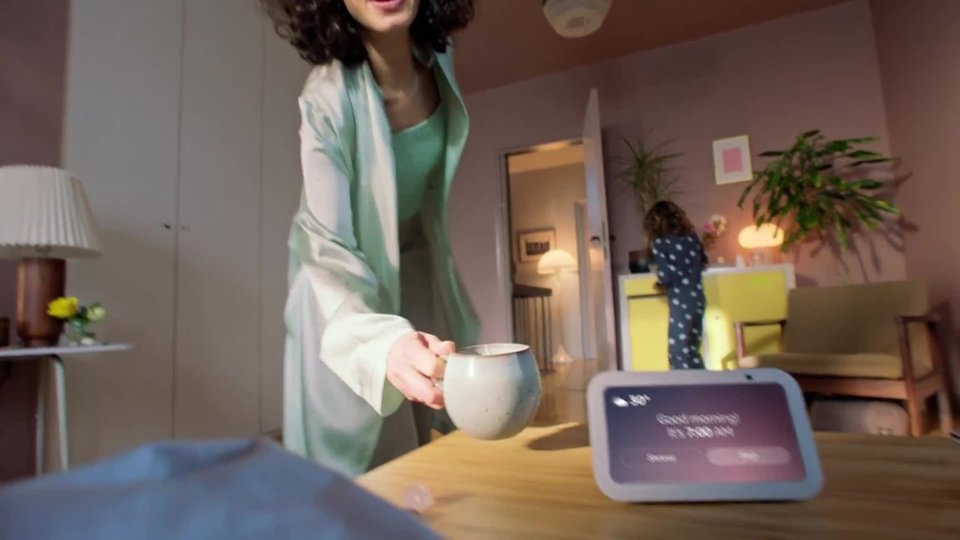
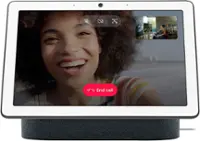
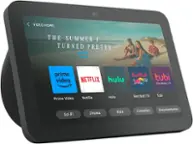
A:Answer Hello CJ, thank you for your question. Yes, an Echo Show 5's screen can stay on for "live view" when set up with the Home Monitoring feature to keep an eye on your kids, allowing you to see the camera feed from the Alexa app or another Echo device. While the screen can be manually turned off with a voice command like "Alexa, turn off the screen," the screen will automatically sleep to save energy after a set period of inactivity, but you can disable this auto-sleep in the settings. You can enable Home Monitoring in the device settings under Privacy & Permissions to use the Echo Show 5 as a baby monitor. I hope that helps, have a great day!