A:AnswerHello Lesterh!
Yes, and Echo show 5 is compatible with a 220v plug as it is designed to work with a wide voltage range of 100-240 volts, meaning you can use it in countries with 220v power outlets without any issues.Hopefully this answers your question. have a great day. Thanks!
A:AnswerI think this specific model is just glitchy. I have other Amazon display models and only this one constantly freezes in the middle of viewing content or disconnects from all devices
A:AnswerHello, the Aosu Doorbell Camera is compatible with the Amazon Echo Show devices. You can enable your Aosu account under the Skills section of the Alexa App. Once your account is linked, you can ask Alexa to show you your camera. Hope that helps, have a great day!
A:AnswerHi T!
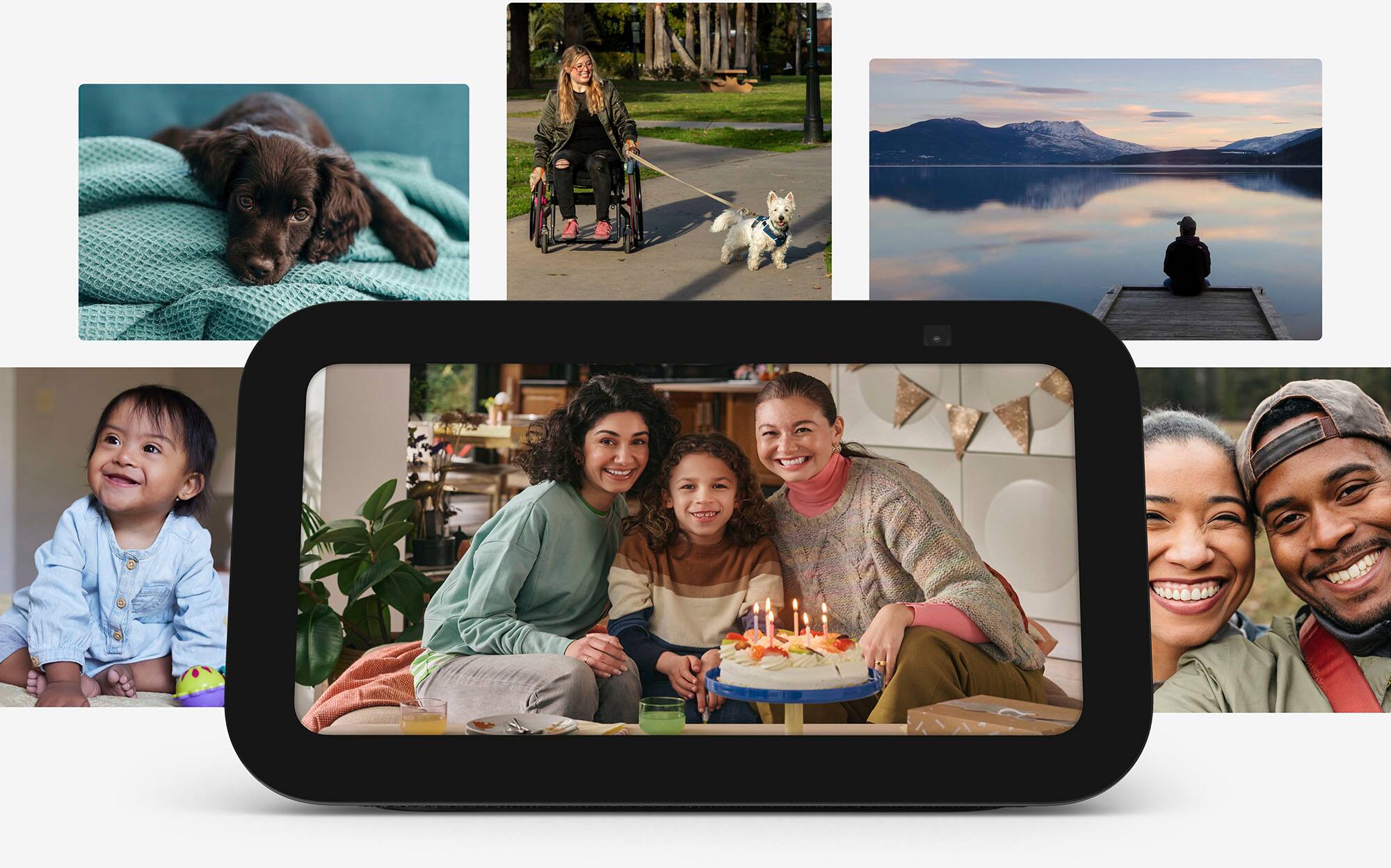
Your new Echo Show 5 must be paired with the features you enjoy on your other devices like photos! You must give access to the new device via the Alexa app to set preferred music, photo, and smart home preferences! Personalize your Echo Show to view photos in rotation with your home screen content. Follow these steps to set up your device:
Say, "Alexa, set up my photo display,” or swipe down from the top of screen and select Settings.
Select Clock & Photo Display > Amazon Photos.
- For Echo Show 5 or Echo Spot select Home & Clock > Clock & Photo Display > Amazon Photos.
Choose which photos to display by selecting any of the following:
Manual photo upload
Photo album (see photos from your selected Amazon Photos collections)
This Day (you’ll see photos from this day in years past)
Daily Memories (you’ll see an automatic selection of your pictures daily)
For Sirius XM pairing you will have to set it as the preferred music on the specific device in question by following the steps below. To enable the SiriusXM Skill with Alexa:
1. Select Skills & Games from the More menu in the Alexa app.
2. Search for SiriusXM and enable the SiriusXM Skill.
3. If you have the SXM App installed, tap Continue to allow seamless log in. If not, enter your SXM streaming username and password and follow the on screen prompts!
Hope that helps!
A:AnswerYes, you can use these as intercoms.
You can intercom via the app, too, if you only have one device.
Also? You can also call people on the phone by saying "alexa, dial 555-1234".