Questions & Answers
- Model:
- B07HZFG2XX
- |
- SKU:
- 6351531
Q: QuestionCan I use this with AT&T for internet without having WiFi at home?
Asked by Anonymous.
- A:Answer Hi there, If you mean using a Mobile Hot Spot from your cell phone, then yes, just be sure to know your mobile carriers rules on Tethering. If you mean that you want to add a sim card and add to your cell phone plan, then no, the Fire Tablets do not support Sim cards to be added to mobile networks. I hope that one of those answers helps. Have a good day!
Answered by Amazon Devices Customer Support
Q: QuestionAm I able to use Word or Google Docs or anything like that on this tablet?
Asked by Anonymous.
- A:Answer Hello, You could access your Google Docs through the web browser. Microsoft Word is not available at this time, but there are apps that you can download for word processors/Notes. I hope some of this info helps. Have a great day.
Answered by Amazon Devices Customer Support
Q: QuestionCan you increase the size of the typing?
Asked by Anonymous.
- A:Answer Hi there, You sure can. When you have a book open to read, if you tap on the screen, controls will show up at the top right of the screen. There will be an icon that looks like this "aA", you will tap on that icon and it will let you adjust the font. Hope this info helps. Have a great day!
Answered by Amazon Devices Customer Support
Q: QuestionCan the Kindle 7 print to a desktop computer and printer?
Asked by brubru.
This question was asked about the related product: Amazon - Fire 7 Tablet (7" display, 32 GB) - Sage
- A:Answer Hello! Yes, you can print from a Fire Tablet. First, you will need to pair your compatible wireless printer to your device. Here are the steps to do that: 1. Download an office app or a PDF viewer from the Amazon App store 2. Select the menu icon (three vertical dots) or select File for the item you wish to print then select Print. 3. Select Save as PDF then select All printers.... 4. Locate the IP address for your printer (refer to your printer's product's user guide). 5. Select the Add Printer icon (plus sign) to add a printer manually using the IP address of the printer. After you have done this, you should have access to print from that printer. Be sure to follow these steps to make sure you have the correct printer: 1. Make sure that your printer is turned on and connected to Wi-Fi. 2. Select the menu icon (three vertical dots) for the item or web page that you want to print, and then select Print. 3. Select your printer from the list or select All Printers for nearby printers. 4. Select the number of copies or tap More options to choose the paper's size, color, and orientation. 5. Tap Print. Have a great day!
Answered by Amazon Devices Customer Support
Q: Questioncan I use this to make calls using verizon?
Asked by Myself.
This question was asked about the related product: Amazon - Fire 7 Tablet (7" display, 32 GB) - Sage
- A:Answer I don’t think you can do that! But you can download a Line or Zoom app, then you can use it as a phone or video call.
Answered by Wanda
Q: QuestionIs this tablet compatible to use with a flat screen tv that does have an HDMI port?
Asked by Angel.
- A:Answer Hello Angel, the Amazon Fire Tablets do not have an HDMI output on them so they won't work on your TV. It would require some extra devices to get screen mirroring to work. Have a great day!
Answered by Amazon Devices Customer Support
Q: QuestionCan I connect this tablet in Central America. And do this have chip
Asked by Sylvia.
- A:Answer Hello Sylvia, the Amazon Fire Tablets require a wifi signal to operate and do not support cellular data. There is no SIM card slot available to use. When you are in Central America you can use the tablet as long as you have a wifi connection. Hope this answers your questions, have a great day!
Answered by Amazon Devices Customer Support
Q: QuestionDoes this support Alexa Echo Show and the app that is required for it?
Asked by TAnnC.
- A:Answer Hello, The Echo Show and the tablets operate on their own. Alexa is built into the tablets now, so they would be synced with your Alexa app. I'm unsure of what exactly you would like to do, but if you were to make an announcement through your tablet with the Alexa app, it would announce through the Echo Show (as long as communications are enabled on it and they are registered to the same Amazon Account). Hope that info helps.
Answered by Amazon Devices Customer Support
Q: Questionwhat are the dimensions of the screen?
Asked by Anonymous.
- A:Answer 7inch screen
I would recommend:
Answered by escaqpe
Q: QuestionCan I download Audible books on it?
Asked by cat.
This question was asked about the related product: Amazon - Fire 7 Tablet (7" display, 32 GB) - Plum
- A:Answer Hello, cat! Yes, you can download the Audible app and listen to books on this device! Have a great day!
Answered by Amazon Devices Customer Support
Q: Questionis this table compatible with remote learning,
Asked by Momski.
This question was asked about the related product: Amazon - Fire 7 Tablet (7" display, 32 GB) - Plum
- A:Answer Hello, Momski! It really depends on what apps you are needing it to have. The device has a web browser, so you can look at things online and access some stuff through that. I hope that helps! Have a great day!
Answered by Amazon Devices Customer Support
Q: QuestionIs there a keyboard that can go with it
Asked by Anonymous.
This question was asked about the related product: Amazon - Fire 7 Tablet (7" display, 32 GB) - Plum
- A:Answer Hi there! You can connect a bluetooth keyboard to this tablet. Hope this helps!
Answered by Amazon Devices Customer Support
Q: Questionhow to remove icon from home screen
Asked by robert.
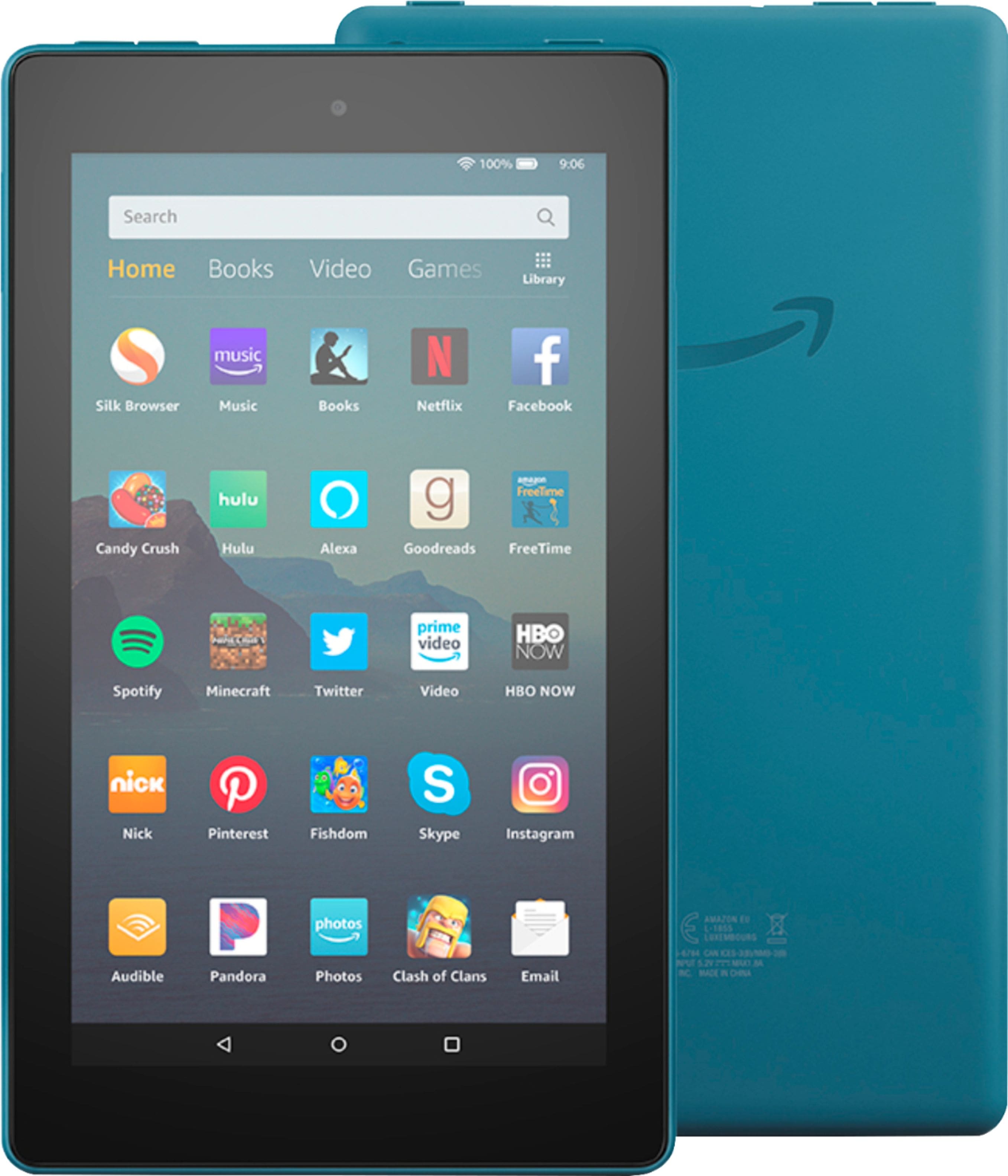
- A:Answer Hello, Do you mean an app? If so, you hold it down and then an "x" will appear at the corner or a screen will pop up at the top and it will say "uninstall"
Answered by Amazon Devices Customer Support
Q: QuestionIs this cellular compatible
Asked by Cortney.
- A:Answer Hi Cortney, No, the Fire tablets are not available for cellular services.
Answered by Amazon Devices Customer Support
Q: QuestionCan I order books on here
Asked by Trelly.
This question was asked about the related product: Amazon - Fire 7 Tablet (7" display, 32 GB) - Sage
- A:Answer Hi there, You can, through the Amazon App, or the Kindle app, or even through your local library. Hope that helps.
Answered by Amazon Devices Customer Support
Q: QuestionIs this lightened screen?
Asked by Siska123.
This question was asked about the related product: Amazon - Fire 7 Tablet (7" display, 32 GB) - Plum
- A:Answer Hello, Yes, this is a regular tablet screen, so the tablet can be used in the day or night. Hope that helps.
Answered by Amazon Devices Customer Support
Q: QuestionCAN YOU DOWNLOAD THE APP ABC MOUSE FOR THIS DEVICE?
Asked by MOM.
This question was asked about the related product: Amazon - Fire 7 Tablet (7" display, 32 GB) - Plum
- A:Answer Hello MOM, Yes, you can download that app on the Fire 7 Tablet. Have a great day!

Answered by Amazon Devices Customer Support
Q: QuestionDo these tablets have an Alexa on it
Asked by Anonymous.
- A:Answer Hello, The Alexa app is available for download.
Answered by Amazon Devices Customer Support
Q: QuestionDoes the Amazon -Fire 7 7" Tablet 32GB have NOOK app capability with Barnes & Noble?
Asked by BEBE.
- A:Answer Hello, BEBE! The Nook app is currently not available in the Amazon App store for this tablet. Have a great day!
Answered by Amazon Devices Customer Support
Q: QuestionCan you Soon on the Amazon Fire?
Asked by Judy.
This question was asked about the related product: Amazon - Fire 7 Tablet (7" display, 32 GB) - Sage
- A:Answer Hello, I am wondering if you meant "zoom" on the Amazon Fire, and if that is what you meant, then yes. you can access zoom.com in the internet browser.
Answered by Amazon Devices Customer Support