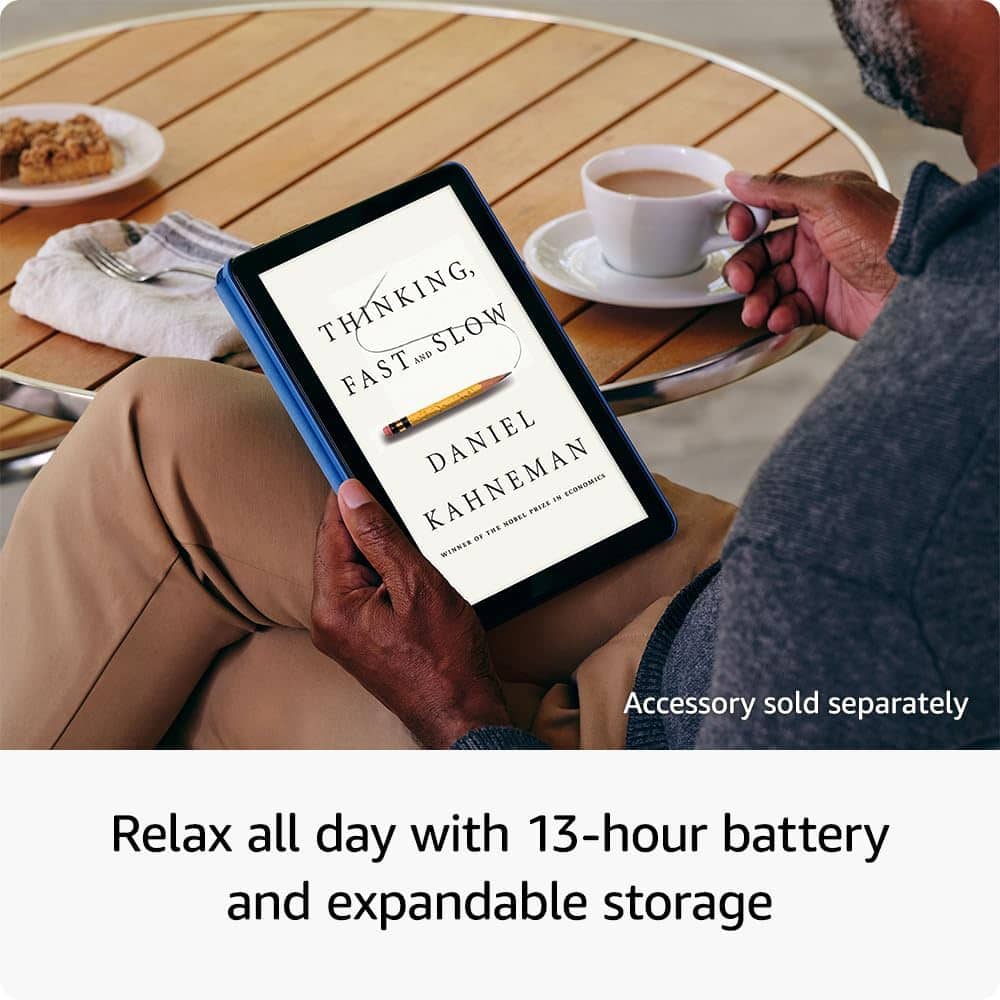
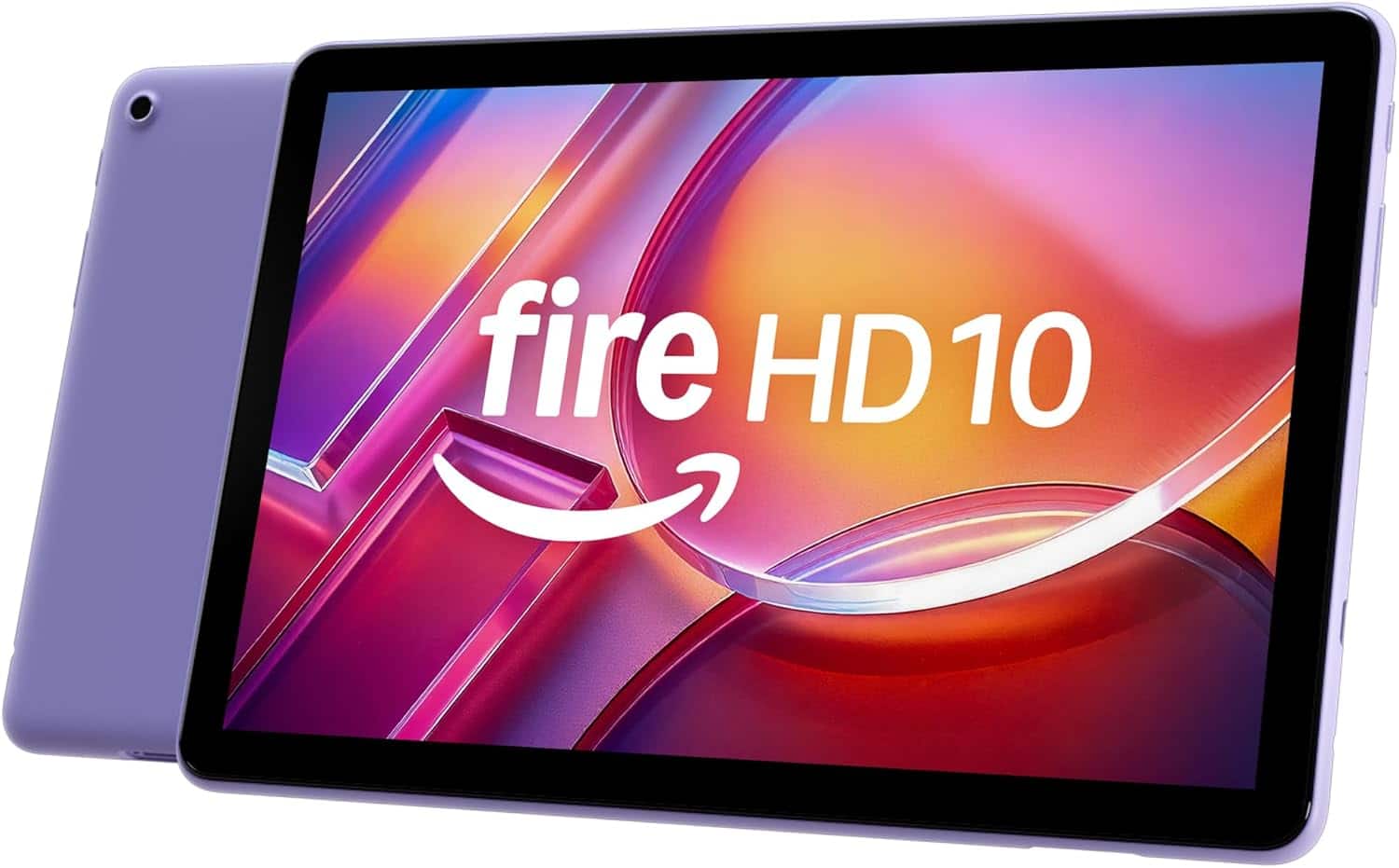
A:AnswerHello MAC and thank you for your question! The Amazon Fire HD 10 has the ability to delete any unused apps on the device, except applications that are required for the Operating System. The Amazon Fire HD Tablet also has the ability to expand storage with the addition of an (up to) 1TB microSD card. Hope this helps! Have a great day!
A:AnswerHi GrandmaBettye! The Fire HD 10 supports Micro SD cards up to 1TB, so you'll have plenty of space available to take your favorite TV shows and movies with you wherever you go! I hope that helps, have a great rest of your day!
A:AnswerHello!
The Fire HD 10 Tablet can handle light drawing and sketching. The product has 4096 levels of pressure sensitivity with the Made for Amazon Stylus Pen sold separately. It is good for basic drawing, I hope this information helps. Have a great day!
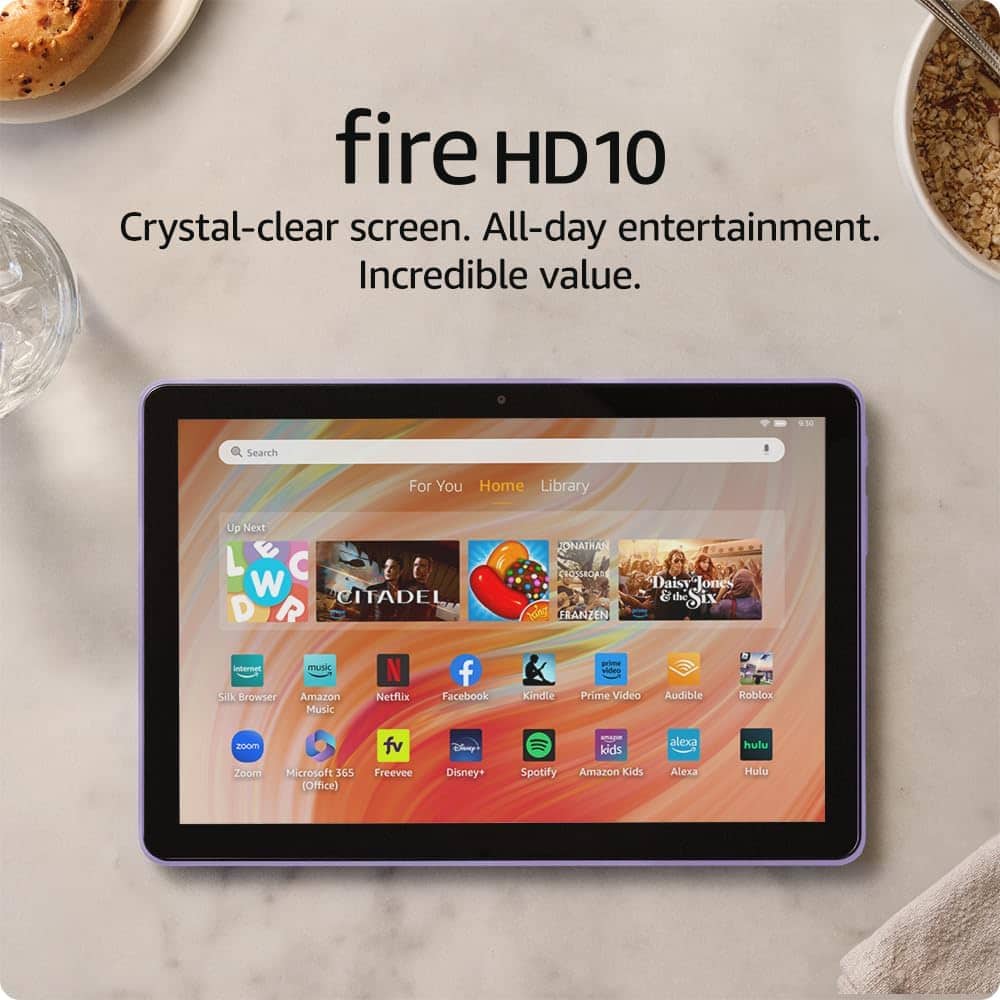
A:AnswerHi JB! Microsoft 365 is available on the Fire HD 10, though you'll need a subscription for anything more than viewing documents on the tablet. The free Web version of Excel worked just fine on my Fire 11 Max though, so that might also be a good solution. Your Fire HD 10 is also compatible with Bluetooth accessories like a mouse or keyboard, perfect for productivity on the go! I hope that helps, have a great rest of your day!
A:AnswerGood Morning,
Thanks for reaching out. You absolutely can use Turbo Tax on the Fire HD 10 inch tablet. To access the Turbo Tax website you would enter https://turbotax.intuit.com into the Silk browser and that will take you to the full desktop site. I hope this helps, have a great day!
A:AnswerHello,
Yes, the Fire HD 10 2023 release is the 13th Generation of the Tablet. This can be found by clicking "Settings" followed by About this Tablet and scrolling down to the Tablets Model Number, this will show the devices Model and Generation. If you are purchasing a secondhand tablet, I would strongly recommend it be done from a authorized retailer such as Best Buy, Staples or Target. Without it being a reputable dealer, I would be concerned about the Tablets functionality and Warranty.
I hope this answers all of your questions.
A:AnswerHello Diamond! To remove special offers from your Fire Tablet, follow these steps:
1. Go to Manage Your Content and Devices.
2. Select Devices, and then select your device.
3. Under Special Offers, click Remove offers.
A pop-up window then displays the price to remove special offers. Select End Offers and Pay the Fee to proceed. Have a great day!
A:AnswerHello, Minne! Amazon tablets do not support cellular service as they are designed for Wi-Fi connectivity. These tablets do not have a SIM card slot, so it's not possible to add a SIM card for cellular service. For internet access on the go, you can use a mobile hotspot or tether the tablet to a smartphone that has cellular data capabilities. Have a great day!
A:AnswerHello BJ, you want to know if your galaxy information will transfer to an Amazon Fire HD 10 - 10.1” Tablet even if your Amazon account is not under your name. You will be able to transfer your information from your galaxy to your Amazon Fire HD 10 - 10.1” Tablet via Bluetooth even if your Amazon account is not under your name. Hope this has addressed your concern. Have an amazing day!
A:AnswerHello! Yes, this tablet contains "Special Offers" on the lock screen. It can be removed via your Amazon account for a one-time fee after purchase. I hope this answers your question and I hope you have a great day!
A:AnswerHello, BruinFan! Yes, Webroot can be loaded onto your Fire HD 10 (2023 Release), but there is a major catch regarding how you have to download it.
Because Amazon Fire tablets use Amazon's own custom operating system (Fire OS) instead of standard Google Android, the traditional Google Play Store is not installed on the tablet out of the box. Webroot has historically kept an official version of Webroot SecureAnywhere Mobile directly inside Amazon’s built-in Appstore. So search for it to install. I hope this helps!
A:AnswerHi,
Yes, the Amazon Fire HD 10 is a touch-screen product. It features a 10.1-inch, high-definition display that is fully responsive to taps, swipes, and pinch-to-zoom gestures.
I hope this answers your question!
A:AnswerHi BruinFan, this is the 13th Generation Fire HD 10, released in 2023.
It features a 10.1" display and runs the latest Fire OS designed for the 2023 model. Hope this helps!
A:AnswerHello and thank you for asking this question. This is the 11th generation Fire HD 10 that was released in 2023. I hope this answers your question and that you have a great day.
A:AnswerHello Billhilly,
The Amazon Fire HD 10 does not have a SIM card tray for cellular usage. The Amazon Fire Tablets are WIFI only devices. They also can connect to Hotspot networks. I hope this information helps. Have a great day!