Skip to contentGo to Product Search
Main Content

Questions & Answers

Page Showing 21-40 of 109 questions
  • QuestionCan you take notes on this and save them?

    Asked by Anonymous.

    • Answer Hi There, Thanks for your question! Yes, there are many ways to take notes on the Fire HD8 Tablet. You can download note taking apps, utilize Bluetooth capabilities for note taking, or attach a keyboard! Accessories are sold separately. Also, Microsoft Office and OneNote apps are available for Amazon Fire tablets in the Amazon Appstore if you wish to utilize those! Hope that helps!

      Answered by Amazon Devices Customer Support

  • QuestionWhat color does it vm in How much or covers

    Asked by Anonymous.

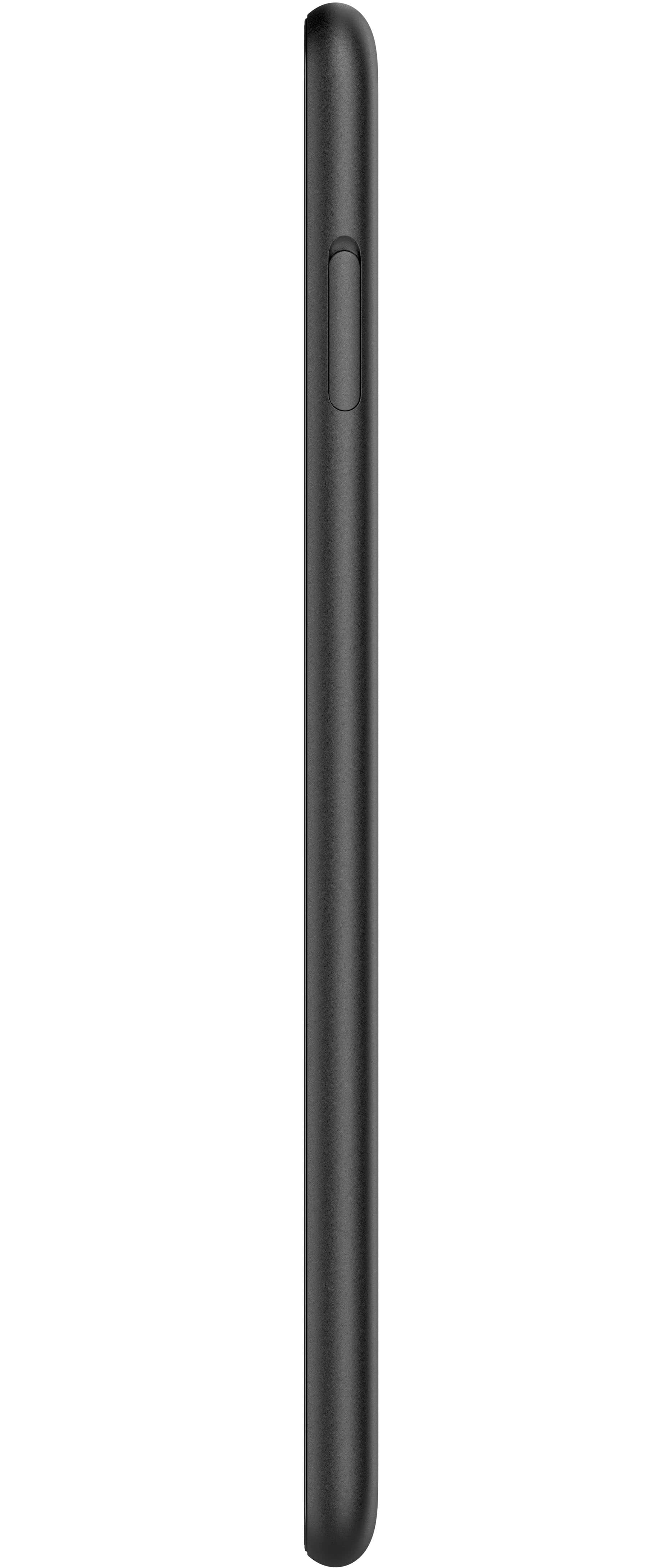
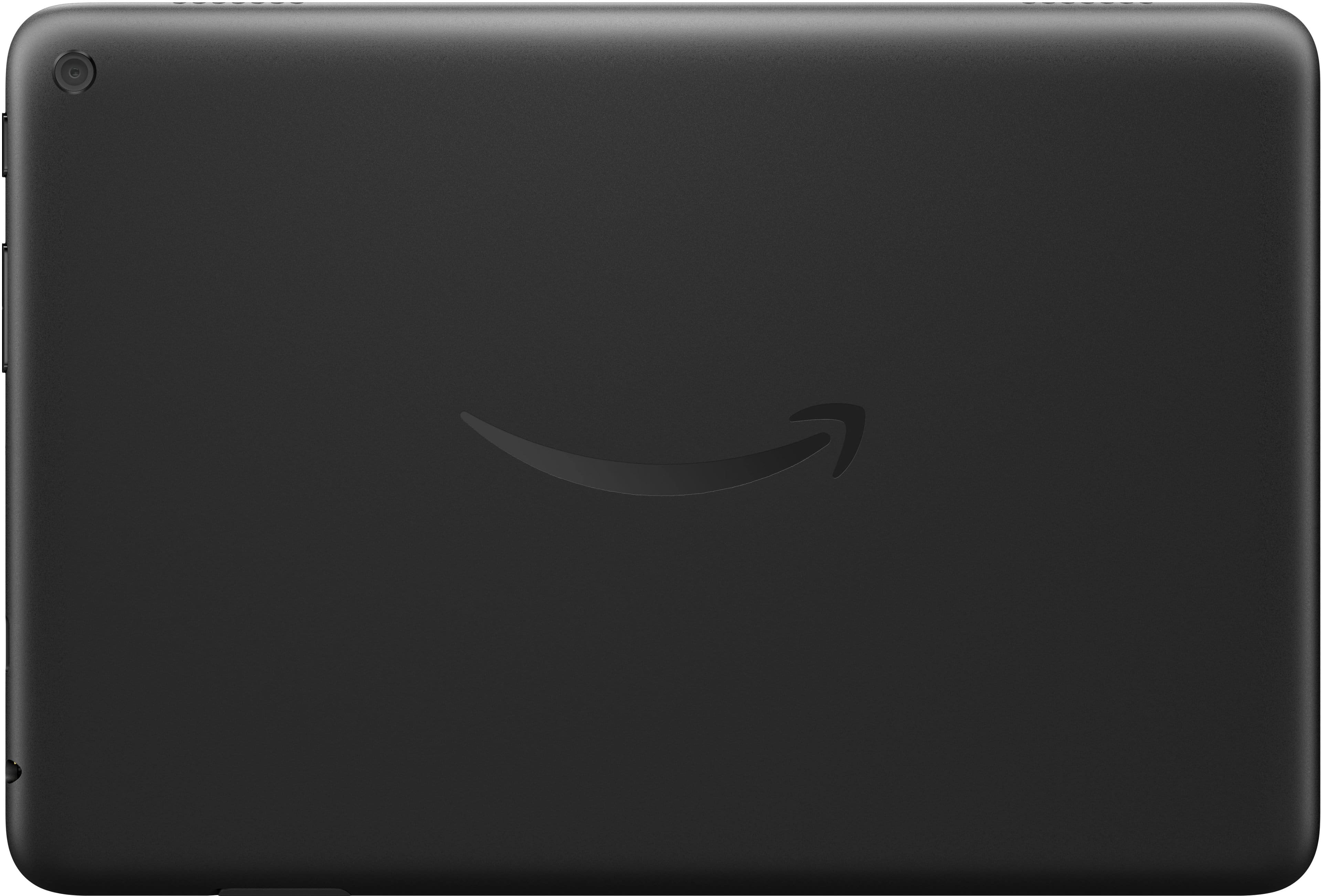
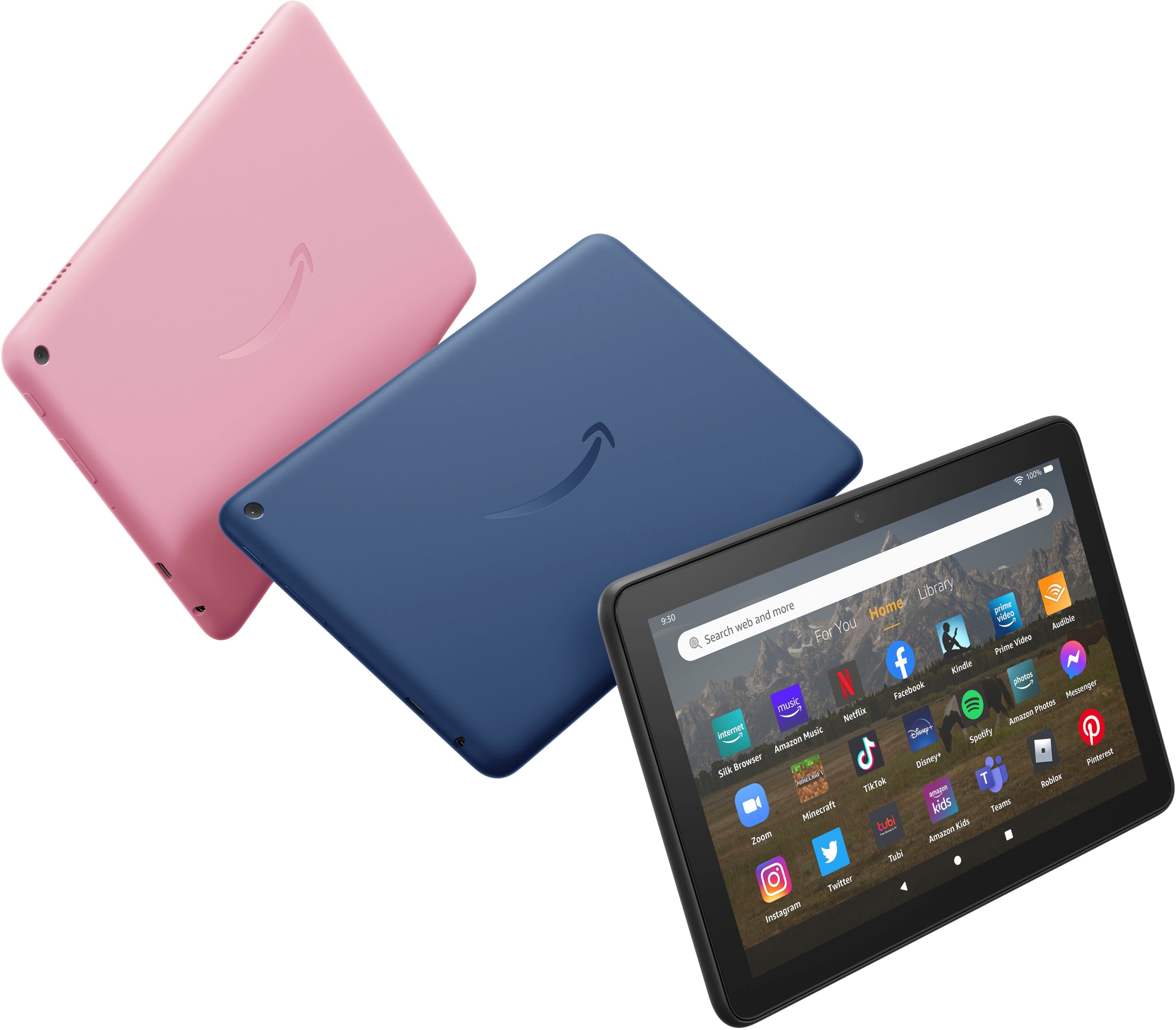
    • Answer Hello and thank you for your questions! This device comes in 3 available colors (Rose, Denim, and Black) and the Amazon branded covers are priced at the retailer level but are normally priced at $30.99. I hope you have a super day!

      Answered by Amazon Devices Customer Support

  • QuestionIs the Hoopla app available on this device?

    Asked by Torrii.

    • Answer Not directly, but see my comment elsewhere on Aurora. I did get both Libby and Hoopla to work using Aurora as a Play Store alternative.

      Answered by PhillyGuy

  • QuestionWhat cover works with this?

    Asked by Sid.

    • Answer Hello Sid, you want to know which cover works for the Amazon for the Amazon Fire HD 8 (2022) 8” HD Tablet with Wi-Fi 64GB. You are able to find covers made specifically for the Amazon Fire HD 8 (2022) 8” HD Tablet with Wi-Fi 64GB, or you can use a universal cover for an 8” Tablet. Hope this has answered your question. Have an amazing day!

      Answered by Amazon Devices Customer Support

  • QuestionWould we be able to set custom alarm / notification sounds? I'm using the Fire 7 tablet which for whatever reason does not allow it.

    Asked by Kal.

    • Answer Hello, Yes, you should be able to easily set notification sounds in Settings. To manage notifications, head to Settings>Sound & Notification> App Notification. Next scroll through the list of apps and tap the one you no longer want to see or hear notifications for etc etc I hope this information helps, have a great day!

      Answered by Amazon Devices Customer Support

  • QuestionHello I bought 3yrs ago the Amazon Fire tablet for my daughter. kit is slow. Wanted to know if its worth getting insurance on geeksquad to fix it? she does have games, pictures and apps downloaded. Any help is greatful.

    Asked by Lina.

    • Answer i wouldn't get the insurance. if you can just purchase another one and move everything to the new tablet.

      Answered by LDW72

  • Questioncan I connect a hdmi cable to Fire 8 plus

    Asked by b.

    • Answer yes

      Answered by LDW72

  • QuestionDoes this tablet support mircrosoft 365. I have a family subscription

    Asked by Anonymous.

    • Answer Hello, You want to know if the Amazon Fire HD 8 Plus (2022) 8” Tablet support Microsoft 365. The Amazon Fire HD 8 Plus (2022) 8” Tablet is able to support Microsoft 365. You are able to download the application from the Amazon AppStore. Hope this has answered your question. Have an amazing day!

      Answered by Amazon Devices Customer Support

  • QuestionCan you play Minecraft and Roblox on these devices?

    Asked by Rob.

    • Answer Hi Rob! Yes, you can play Minecraft and Roblox on your Amazon Fire HD 8 Plus tablet. Simply download these apps by searching for them in the Amazon Appstore. Hope this helps, have a great day!

      Answered by Amazon Devices Customer Support

  • QuestionWhat steps do you follow to remove ads and what is the cost?

    Asked by GrammaP.

    • Answer Hi GrammaP! Here are the steps to remove ads from your Fire HD 8 tablet; the cost is a one time fee of $15. - Go to Manage Your Devices (https://www.amazon.com/mydevices). - Select Devices, and then select your Kindle e-reader or Fire tablet. - Under Special Offers, click Remove offers. A pop-up window then displays the price to remove ads. Select End Offers and Pay the Fee to proceed. Have a great day!

      Answered by Amazon Devices Customer Support

  • QuestionHow do I switch the background from black to white when reading a book?

    Asked by CowboysFan.

    • Answer Hello Charlie, Thank you for your question! Here are the steps to change your Fire HD 8 from black to white: -Open a book: Start reading the book you want to adjust the background color on. -Access settings: Tap the "Aa" icon which typically appears near the top of the screen. -Select color mode: In the menu that appears, choose the "Color Mode" option. -Choose white background: Select the "White" color option to have a white background for your reading experience. Hope this helps, have a nice day!

      Answered by Amazon Devices Customer Support

  • Questionwant to fly a drone with it,, will it once I scan the ios/andropid QR code

    Asked by james8.

    • Answer Hello James8 and thank you for your question! Unfortunately, since there is a large degree of variance when it comes to drone technology, there is no way to know if the Amazon Fire HD 8 Tablet would work with a drone. Most drone manufactures provide a list of recommended specifications in order to operate, I would consult that to determine if the hardware in the Amazon Fire HD 8 Tablet could work. You would also want to see if that drones specific application is available in the Amazon App store, so that you can download and run that app. Hope this helps! Have a great day!

      Answered by Amazon Devices Customer Support

  • QuestionCan I read books with the app SimplyE on this?

    Asked by Ing.

    • Answer Hello Ing! Unfortunately, the SimplyE app is not available on Amazon tablets. However, Fire HD 8 tablet users do have access to local library services through the Libby app, which is available for download and provides a great alternative for accessing local library resources. You can download apps and use them on the go by following these steps: 1. Select Games & Apps or open the Apps or Games app. 2. Select an app from your Library to download it or search for a new app in the Store. Have a great day!

      Answered by Amazon Devices Customer Support

  • QuestionCan you use the square app on this tablet?

    Asked by CDS.

    • Answer Hello CDS, Thank you for your question. Here is how to download the Square app using the Amazon Appstore: -Tap the Amazon App store icon on your device. -Tap the search field or icon (magnifying glass) -Search for Square Point of Sale. -Tap the result Square Point of Sale -Select Get -Follow the onscreen instructions to complete the download. -Once you have downloaded the app, tap Open or locate the Square icon in your home screen -Open the app. Please note, while you're able to download the Square app from the Amazon Appstore, the Square Point of Sale app is not supported on Amazon devices like Fire or Kindle. Hope that helps, have a nice day!
      Answered by Amazon Devices Customer Support

  • QuestionHow much does this device weigh?

    Asked by Abc.

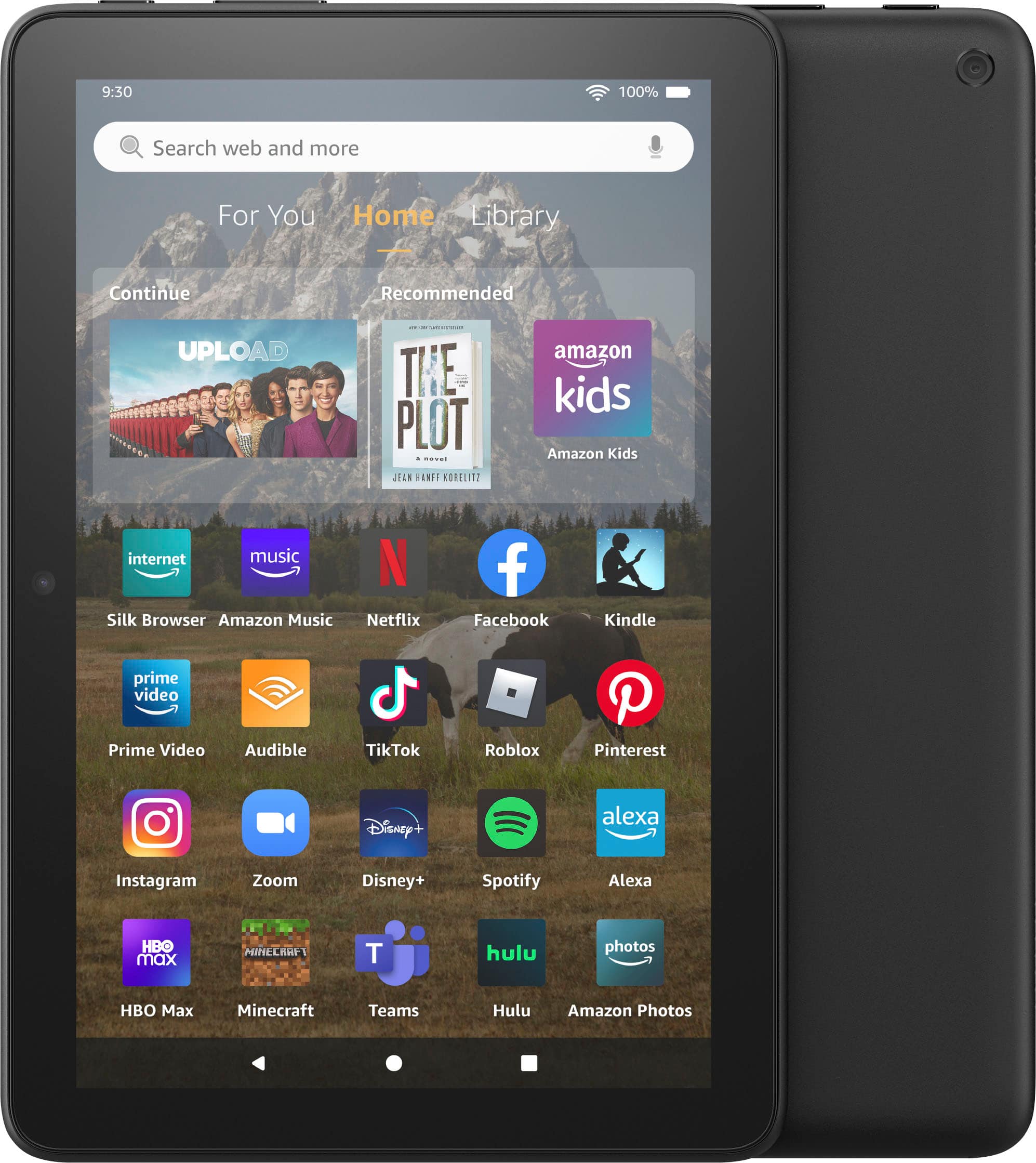
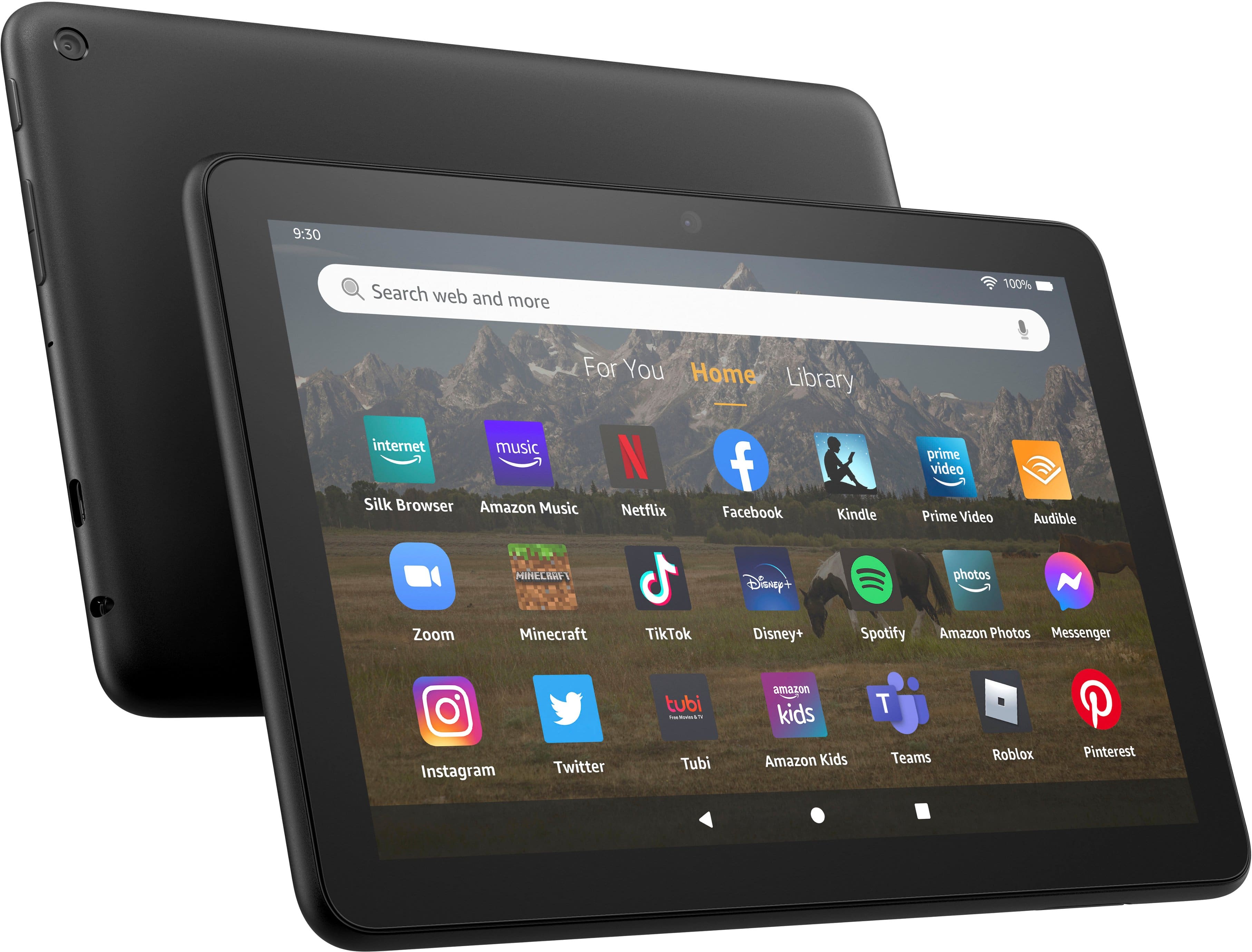
    • Answer Hi Abc! The Fire HD 8 weighs around 12 ounces, making it great for watching your favorite movies and shows on the go. This version features a USB-C charging port, making it compatible with a wide variety of USB-C charging cables and devices so that you don't need to bring dedicated equipment to top up away from home. I hope that helps, have a great rest of your day!

      Answered by Amazon Devices Customer Support

  • QuestionCan I check out books from the public library from Libby and hoopla

    Asked by Anonymous.

    • Answer Yes. I use both apps on this device.

      Answered by JenniferT

  • QuestionWill they help me transfer my data from old device

    Asked by Rhonda.

    • Answer Hello Rhonda and thank you for your question! There are a variety of applications and built in prompts that can help you transfer data from your old device to the new Amazon Fire HD 8 Tablet. In addition, many retailers offer services that can help you transfer data at the store level. Hope this helps! Have a great day!

      Answered by Amazon Devices Customer Support

  • QuestionHow transfer files from older version to new tablet

    Asked by Mike.

    • Answer Hi Mike! If the files are primarily apps, you'll be happy to know those are saved to the Amazon account that you used when setting up the tablet. Just sign in on the same Amazon account on the new tablet and all your app store purchases will be available right away! If you've added files like PDFs or photos, the Fire HD 8 Plus features a Micro SD Card slot which can be a great way to easily transfer files from one device to another as long as you still have physical access to the older tablet. You could also download a free file storage solution like One Drive to move files via the cloud. I hope that helps, have a great rest of your day!

      Answered by Amazon Devices Customer Support

  • QuestionHas the sound been improved on any Kindle Fire models? The sounds is not loud enough on the Kindle I have now.

    Asked by Missy.

    • Answer Hello Missy, The Fire HD 8 Plus has been improved over the previous 2020 version. It does have a faster processor as well as better RAM. As far as your question goes about speakers, I have found that the the newest Fire devices do have improved speakers over the previous models. I have found from my interaction with them that the new units seem to be louder as well as have deeper bass. The tablets can also be connected to an external Blue Tooth Speaker or you can utilize the 3.5 mm headphone jack to use any type of wired headphones as well. I hope this helps, Have a great day!

      Answered by Amazon Devices Customer Support

  • QuestionDoes it have a USB plug?

    Asked by T.

    • Answer Hello T and thank you for asking this question! The fire tablet 10 comes with a USB-C charging port built into the device, a USB-C cable and a charging brick! everything you need to keep the device running. I hope this answers your question and that you have a wonderful day!

      Answered by Amazon Devices Customer Support