A:AnswerHello Curious and thank you for your question. No, the Notable app is not available on the Amazon App store for the Fire HD Tablets. Hope this helps! Have a great day!
A:Answerthe battery probably went bad
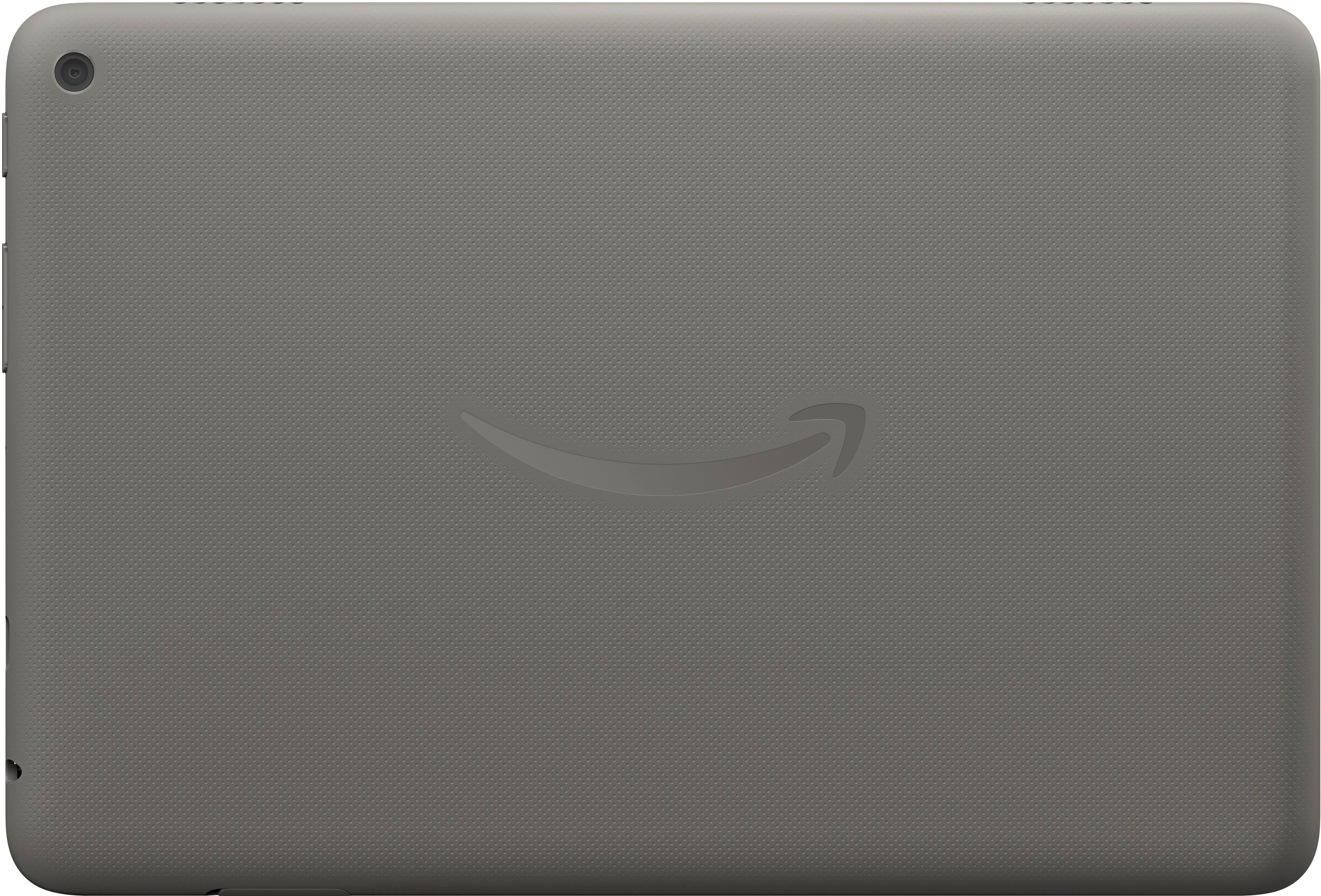
if you notice a bulge or a deformation on the back, it would mean that the battery is severely damaged and is a fire risk. put it outside if it's the case.
A:AnswerHello Chantel, the Amazon Fire HD8 is designed for people of any age. There are options in the settings for Parental Controls where you can set the age of the child so that you can control what the child is able to access.
Have a great day!
A:AnswerHi CSWMOB,
You do need an Amazon account to register the Fire HD 8 tablet. If you don't have one already, no problem. You can create one for free right from the tablet!. Thanks for reaching out, and have a great day!
A:AnswerHello and thank you for your question! The Amazon Fire HD 8 HD tablet comes with a preinstalled "Amazon App Store". In order to download apps from the App Store, you will need a valid Amazon account. Hope this helps!
A:AnswerHello Julie and thank you for your question. Currently, we do not offer an Amazon Fire HD tablet without a built in camera.
Hope this answers your question.
A:AnswerGood Morning - Thanks for reaching out. The exact measurements for the Amazon Fire HD 8 tablet are 8.43 x 5.04 x 0.30 inches. I hope this answers your question. Have a great day!
A:AnswerHi Kay, thanks for reaching out. At this time, YouTube is not available in the Amazon App Store. You can still access youtube.com through the Silk Browser web app. Hopefully this helps. Have a great day!
A:AnswerHi International! You can absolutely use the Fire HD 8 internationally, though what apps and functions you have access to may vary based on where you connecting to the internet from. You can always download your favorite shows and movies to the tablet itself to make sure you are good to go no matter where you are, and the Fire HD 8 supports micro SD cards up to 1 TB so you'll have plenty of space. I hope that helps, have a great rest of your day!
A:AnswerHi Beaver2! You can definitely hook a controller up to the Fire HD 8! If your controller uses USB-C you can use a USB-C to USB-C cable for a direct connection, alternatively you may want to sync the controller via Bluetooth. For instructions on how to get your controller into Bluetooth sync mode you'll have to check with the manufacturer, but once it's ready just swipe down from the top of your tablet and long press on the Bluetooth icon and select Pair New Device from the Bluetooth menu. I hope that helps, have a great rest of your day!
A:AnswerHi Jen! The Fire HD 8 is a WiFi enabled device, and does not come with any sort of data plan. You'll have to connect the tablet to WiFi in order to use the internet and download media and games, but the tablet will work just fine for tons of things even if it isn't connected to the internet. You can even add a micro SD card if you need additional space. I hope that helps, have a great rest of your day!
A:AnswerHi Suzie, thank you for your question. The Fire 8 is a color tablet, offering access to web browsing, an app store, and more, whereas a Kindle device is an "e-Ink" reader, offering access to books only. Hopefully this information is helpful. Have a great day!
A:AnswerHello, Alla! The Fire HD 8 can download games via the pre-installed App Store. You can find the Game section inside the App Store at the bottom of the homepage. The Fire HD 8 can also download the Luna App to stream Luna games directly from the cloud. Prime members play a rotating selection of games on the Prime Gaming Channel for free. I hope this helps, have a great day!