A:AnswerHi Paul52345!
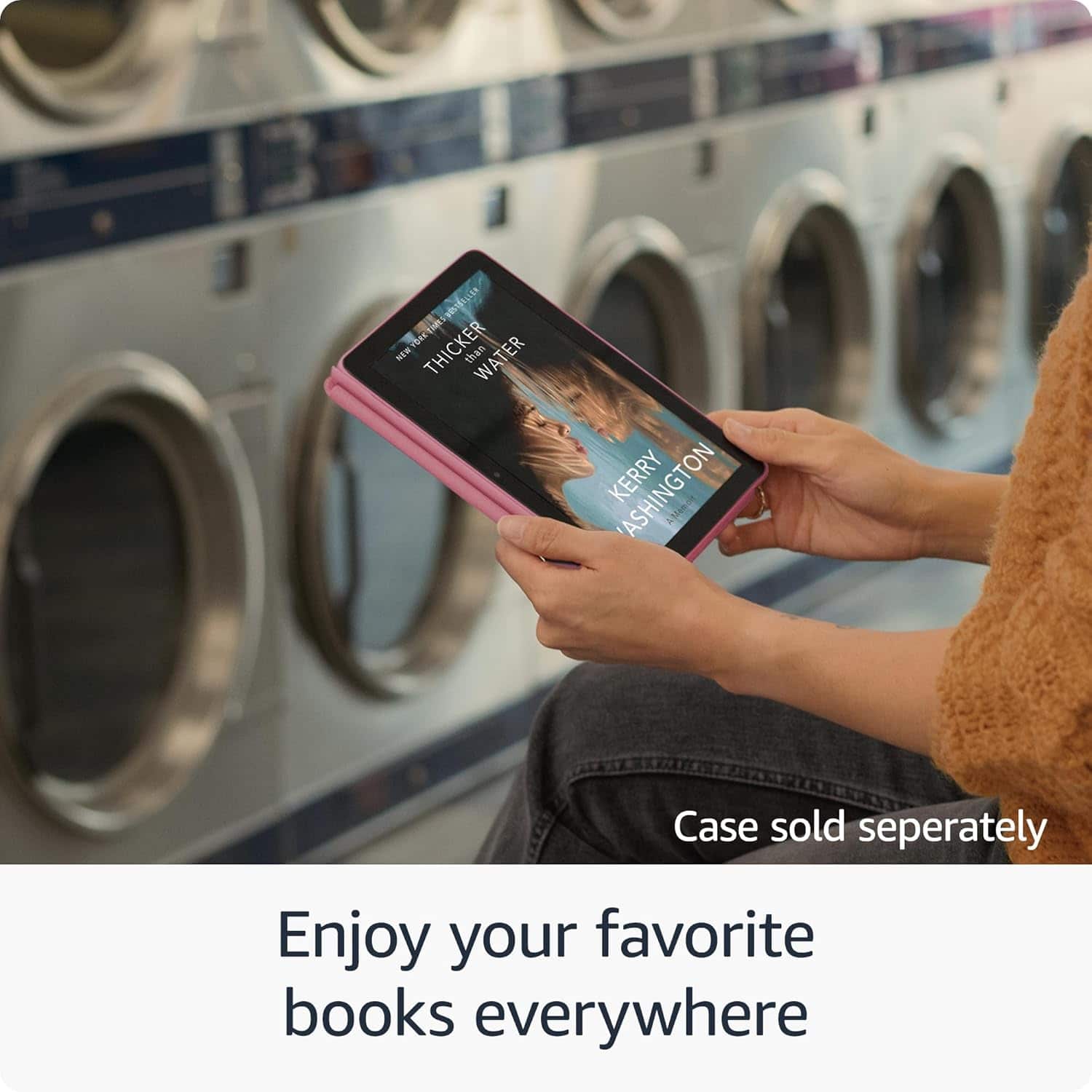
Yes, you can read along with an audiobook on a Kindle Fire HD 8 using Immersion Reading if you have purchased both the Kindle eBook and the Audible audiobook version of the same title. This feature, known as Whispersync for Voice, allows you to read and listen simultaneously, with the text highlighting as the audio plays.
I hope this answers your question!
A:AnswerHi Isk123,
You can download Libby from the Amazon Appstore by searching “Libby by OverDrive.” Once installed, open the app and sign in with your library card. If you're not able to see the app via the Amazon Appstore, this link can help you download Libby: https://help.libbyapp.com/en-us/6279.htm
Hope this helps!
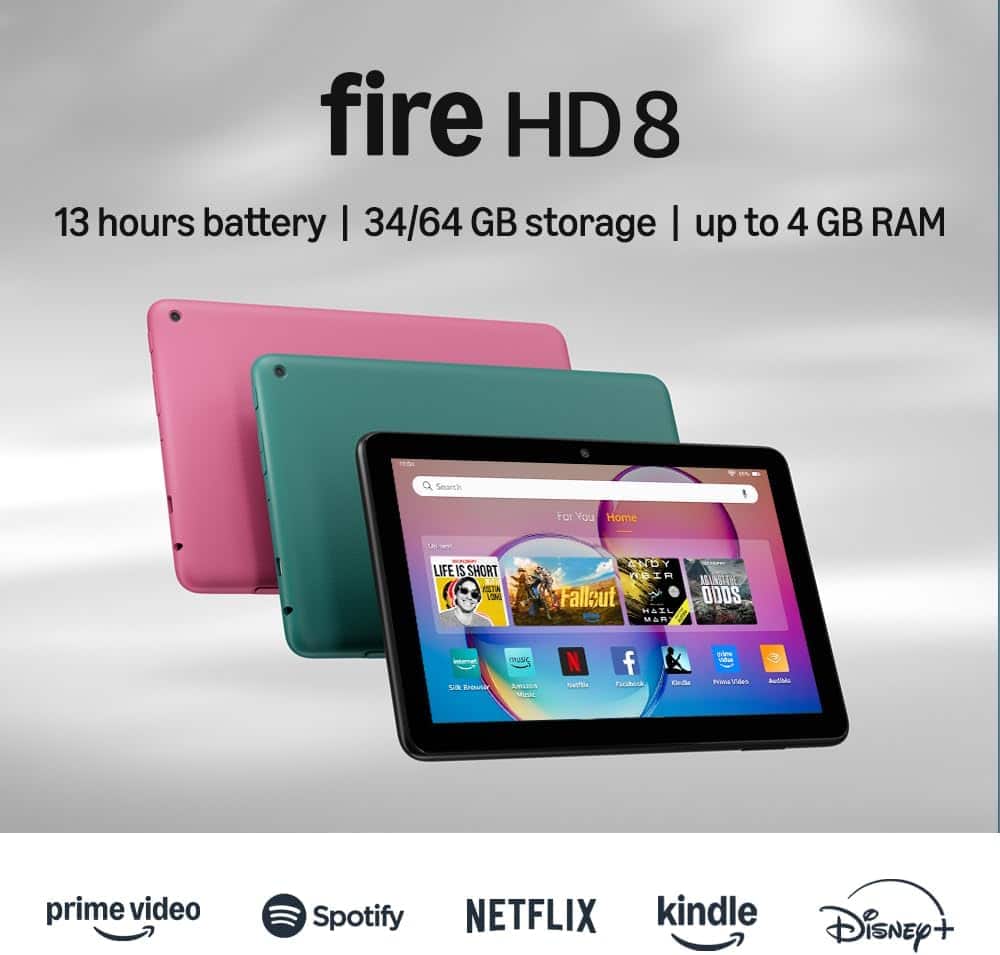
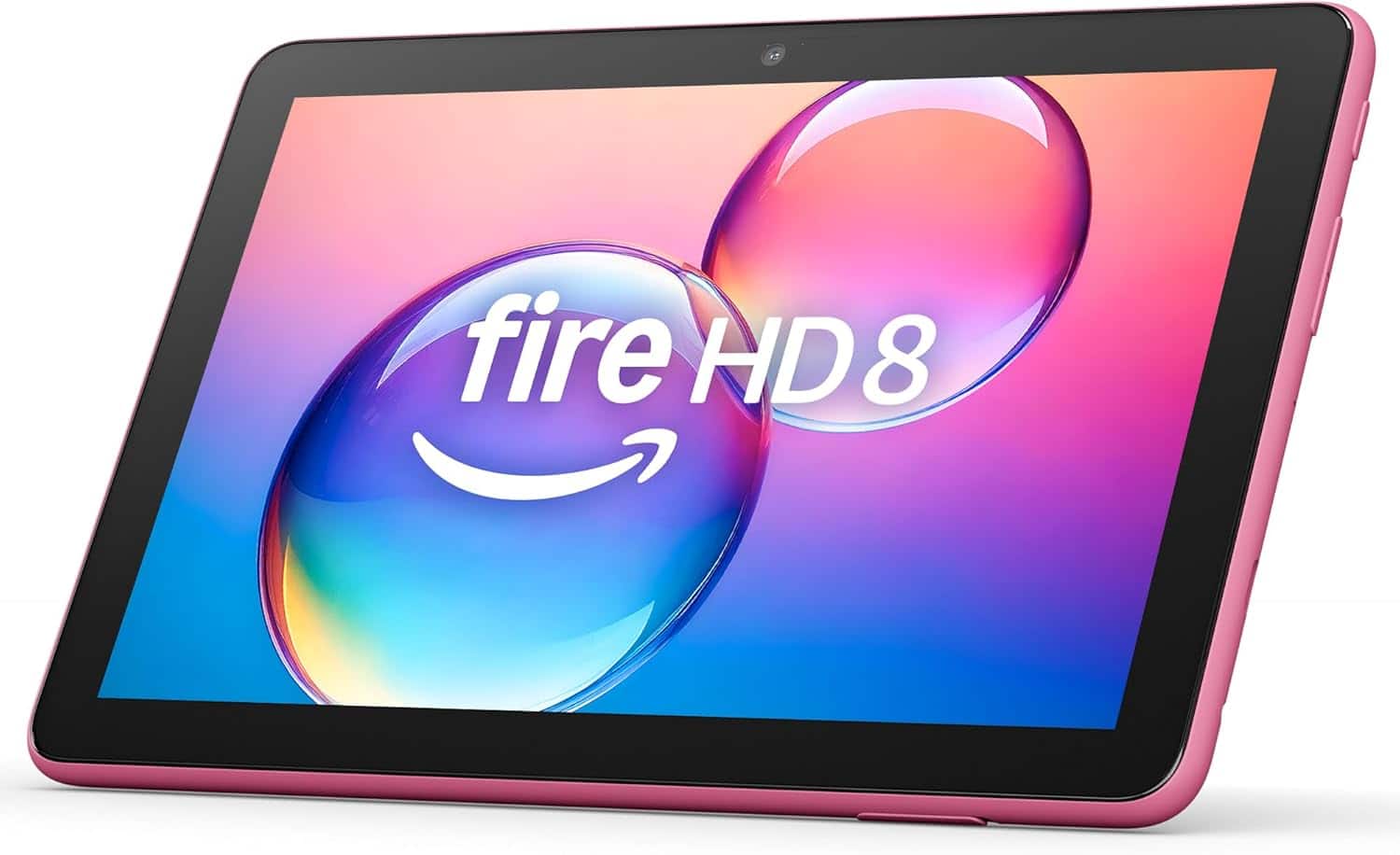
A:AnswerHello Ron, you want to know the overall dimensions of the Amazon - Fire HD 8 tablet, 8” HD Display, 3GB memory, 32GB, designed for portable entertainment (2024 release). The overall dimensions for the Amazon - Fire HD 8 tablet, 8” HD Display, 3GB memory, 32GB, designed for portable entertainment (2024 release) are as follows size: 7.94” x 5.40” x 0.37” (201.90 mm x 137.34 mm x 9.60 mm) and weight: 11.88 ounces (337 grams). Actual size and weight may vary by configuration and manufacturing process. Hope this has answered your question. Have an amazing day!
A:AnswerHi!
No, the Fire HD 8 tablet does not support SIM cards. It is a Wi-Fi only device and does not have a cellular capabilities. It can only connect to the internet via Wi-Fi networks.
I hope this answers your question!
A:AnswerHi Jane,
No, you do not need Wi-Fi to read downloaded books or watch downloaded movies on your Fire HD 8 tablet once they are downloaded. You can access all downloaded content offline.
I hope this answers your question!
A:AnswerHi there! The easiest way to copy files from a computer to a Fire HD 8 is probably going to be via micro SD card. Load the micro SD card up with your pictures and insert it into the Fire HD 8, you'll see a pop up asking how you want to use the SD card. Select external storage and then you'll be able to access all of your pictures that are stored on the card. You could also use an app like Amazon Photos or One Drive to transfer between devices via the internet. I hope that helps, have a great rest of your day!
A:AnswerYes. Bluetooth is an option right in your settings. Simply turn it on and pair your device. It’s super easy and convenient as it remembers devices as well
A:AnswerHi Tim, Thanks for reaching out. The game Evony is available to download through the Amazon App store. The App is free and all you would need is a WiFi connection.I hope this helps, Have a great night!
A:Answer"Hello Rene! Yes, the Netflix and HBO Max app can be downloaded to your Fire Tablet. You can download games and apps and use them on the go by following these steps:
1. Select Games & Apps or open the Apps or Games app.
2. Select an app from your Library to download it or search for a new app in the Store.
Have a great day!
A:AnswerHi Casting! Currently the feature to cast from a Fire Tablet to a Fire TV is based on the individual Fire Tablet app (for example Prime Video) and whether or not it supports that feature. There is no way to universally cast from the tablet interface itself. I hope that answers your question, have a great rest of your day!