A:AnswerHi Annie! When you're moving to a new device all of your purchases are saved to the Amazon account you used to set it up. All you'll have to do is set up the new device using the same Amazon account and your purchases (including free to download apps) will be available to redownload. I hope that helps, have a great rest of your day!
A:AnswerHello video,
Thank you for your question. Yes the Fire HD tablet can video record it has a front and rear camera. The front camera is 2MP with 720p HD video recording, and the rear camera 5MP with 1080p HD video recording. Hope this helps, have a nice day!
A:AnswerHello Kim and thank you for your question! Yes, you can download YouTube TV on the Amazon Fire HD 8 Tablet. As far as streaming live TV, you can download a variety of streaming apps that include live TV to stream to the Amazon Fire HD 8. Hope this helps! Have a great day!
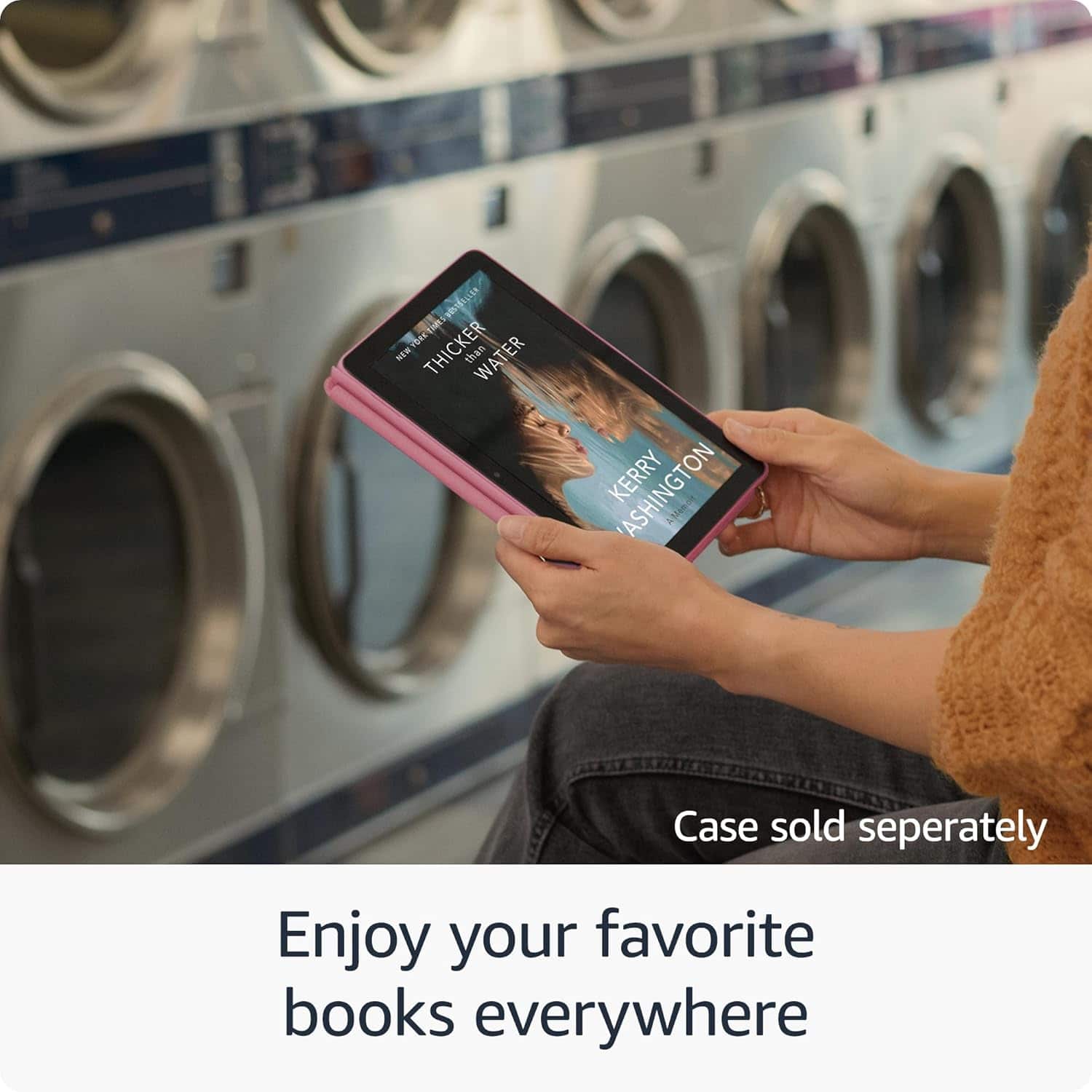
A:AnswerThe Fire HD 8 tablet is great for the many books I have purchased! It's small enough to just drop in my purse but large enough to read the texts easily. The battery holds it's charge for a very long time. I can basically do everything on this tablet that I can do with my laptop except print documents. It's everything I was looking for and more.
A:AnswerHello Joh! Yes, you can use a Fire Tablet as a Blink security monitor if it meets the system requirements. Alexa must be enabled on the Tablet. The Blink app must be compatible with the Fire Tablet. I hope this information helps, have a great day!
A:AnswerHello!
Yes the Fire HD 8 Tablet comes with a 90 day limited warranty and service. Optional 1 year, 2 year, and 3 year extended warranty plans are also available for purchase separately for customers in the U.S.. I hope this information helps, have a great day!
A:AnswerHi looking,
That's a great question. The Google play store is not available on the fire HD 8 so you can not download the Google maps App.There are other mapping apps available in the Amazon Appstore, such as HERE WeGo or MapFactor Navigator. Keep in mind that Fire HD tablets don't have built-in GPS. For accurate location services, you'll need to be connected to Wi-Fi or use a Bluetooth-connected GPS receiver. I hope this helps. Have a great day!
A:AnswerIt has the kindle reader app preinstalled. That app can be used for Amazon/AZW file version books. It also apparently supports txt, PDF, kindle compatible epub ,..But from what I read not open Epub.
But there are also epub (and other format) book readers you can download.
The Amazon app store (pre-installed as well) shows several different ones, like the Moon+ Reader app that is free and lists supported formats epub, mobi, chm, txt, HTML, and more.
You can also download library apps like Libby or Hoopla.
So depending on which file version of the book you would download you could use the appropriate reader.
Good luck and happy reading.
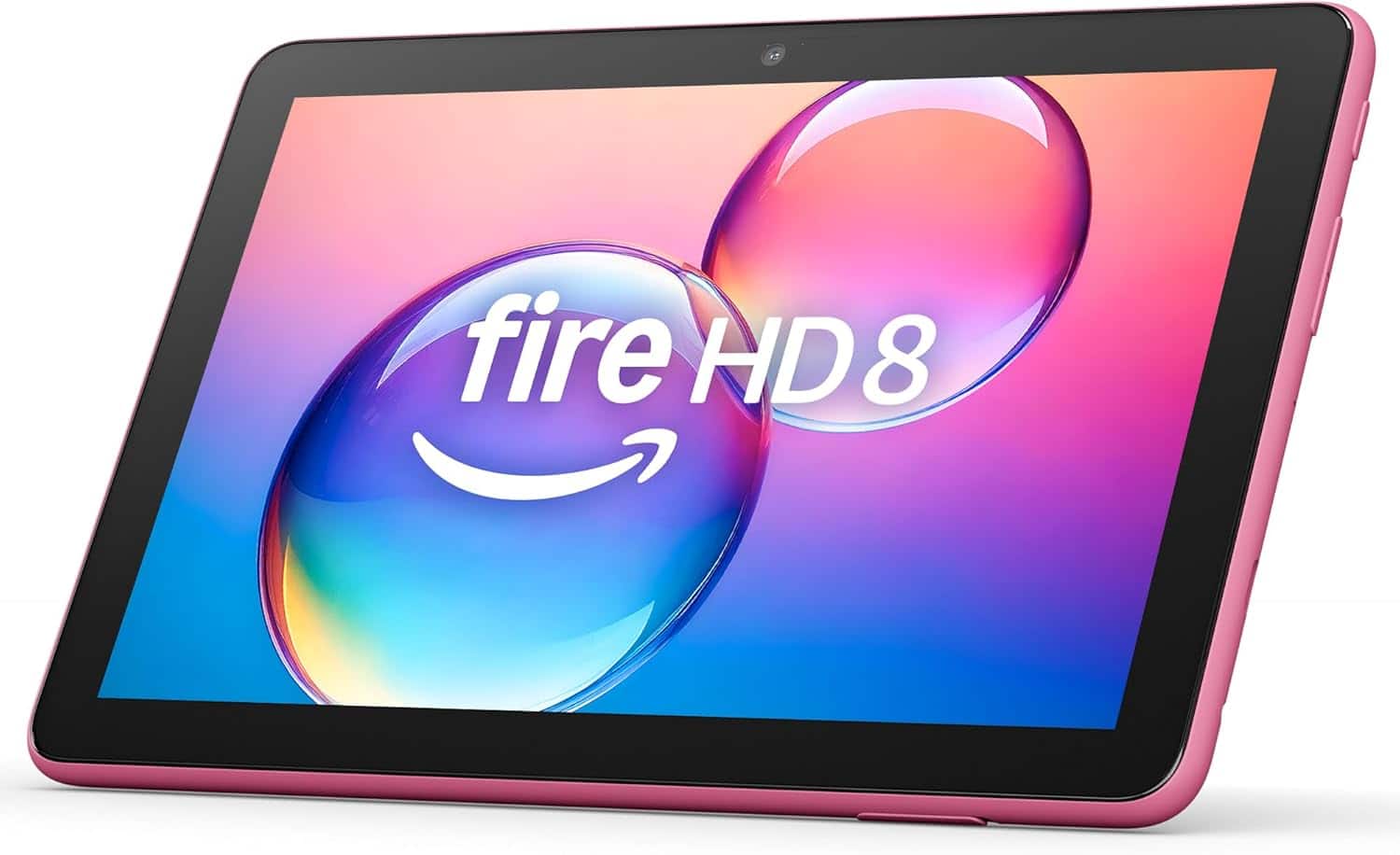
A:AnswerHello Reese, there are several journal apps available in the Amazon app store that you could use to type out journal entries. Hope that helps, have a great day!
A:AnswerHello and thank you for asking this question. Fire tablets do not have an HDMI output, however you can connect them to HDMI devices with a USB-C to HDMI adapter. I hope this answers your question and that you have a wonderful day.
A:AnswerHi there! The Fire HD 8 can absolutely store digital photos, and with the micro SD card slot you can even expand the storage on the device by up to 1 TB. Additionally, you'll be able to download apps like Amazon Photos or Microsoft One Drive to make moving and backing up photos a breeze. I hope that helps, have a great rest of your day!
A:AnswerHi Fish,
Yes, the Fire HD 8 tablet does have a speech-to-text feature. This feature is called "Voice Access". It allows users to control their tablet and interact with content using voice commands.
How to enable Voice Access:
Go to Settings on your Fire tablet.
Select Accessibility.
Then, choose Interaction Controls.
Finally, enable Voice Access
I hope this answers your question!