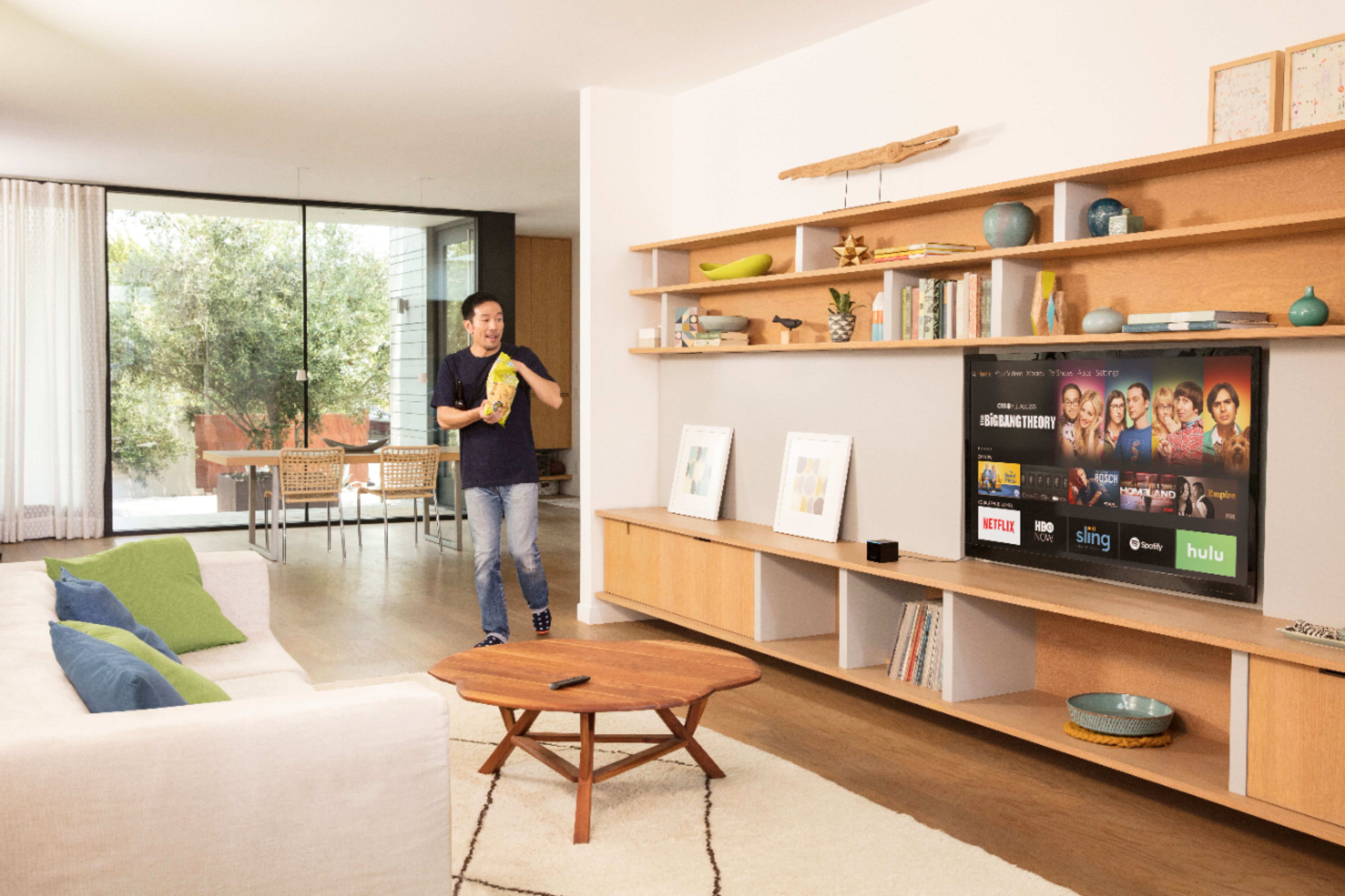
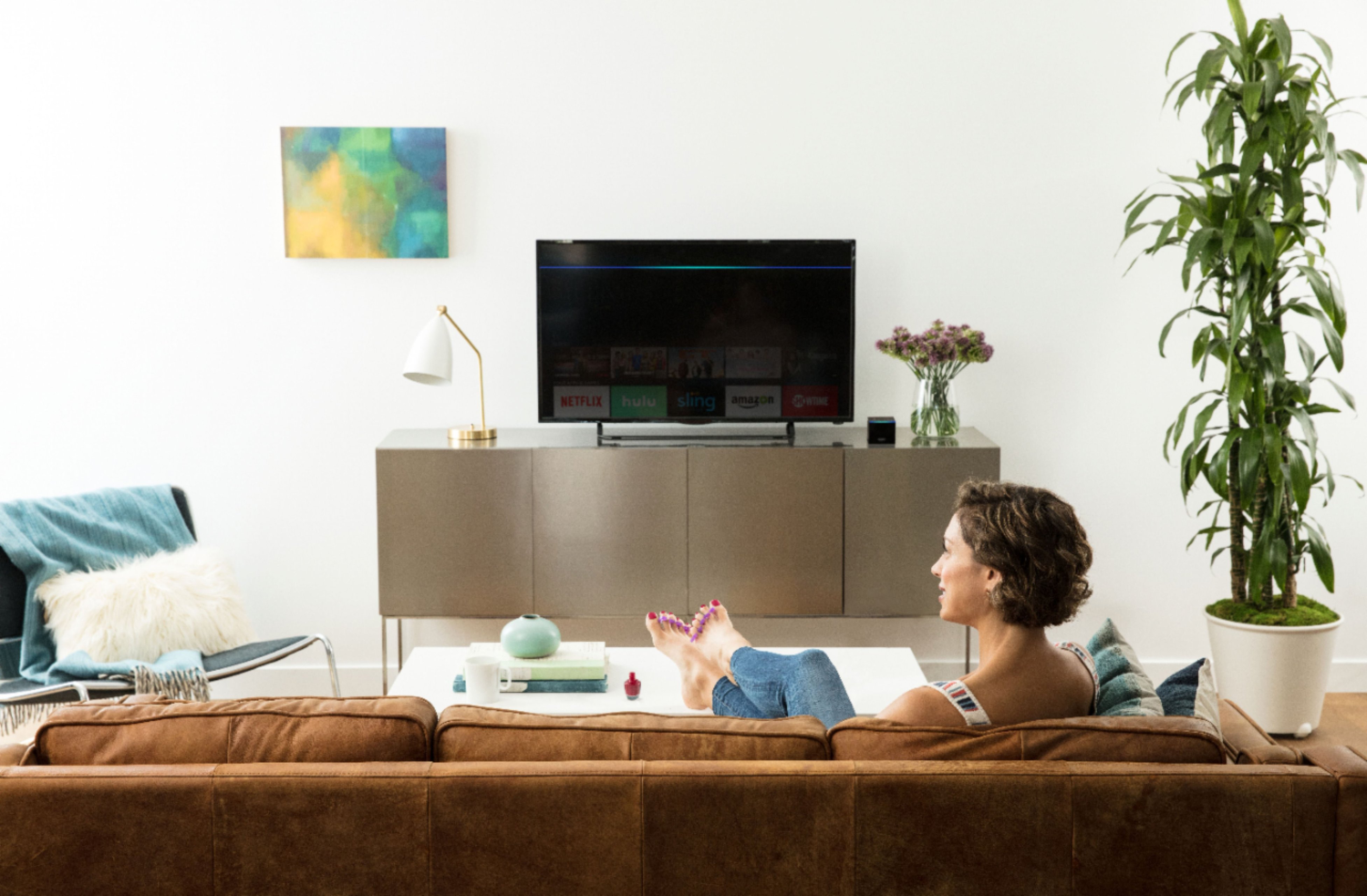
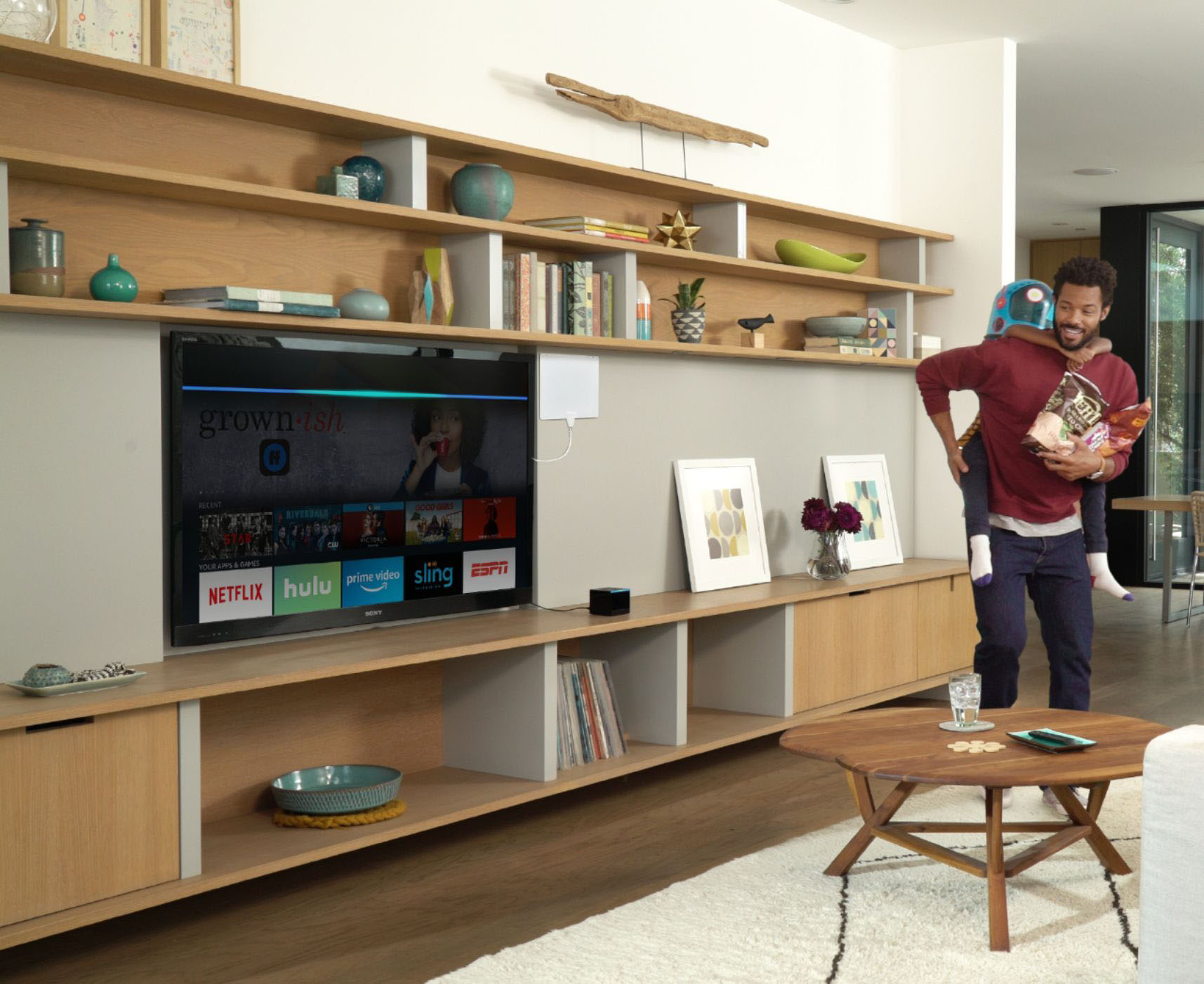
A:AnswerYes. You have to go into the "Apps" section of the box and download the Hulu app in to the Fire TV Box. There are many other apps that you have to do this with also.... so that your box isn't filled with apps you won't or don't use.
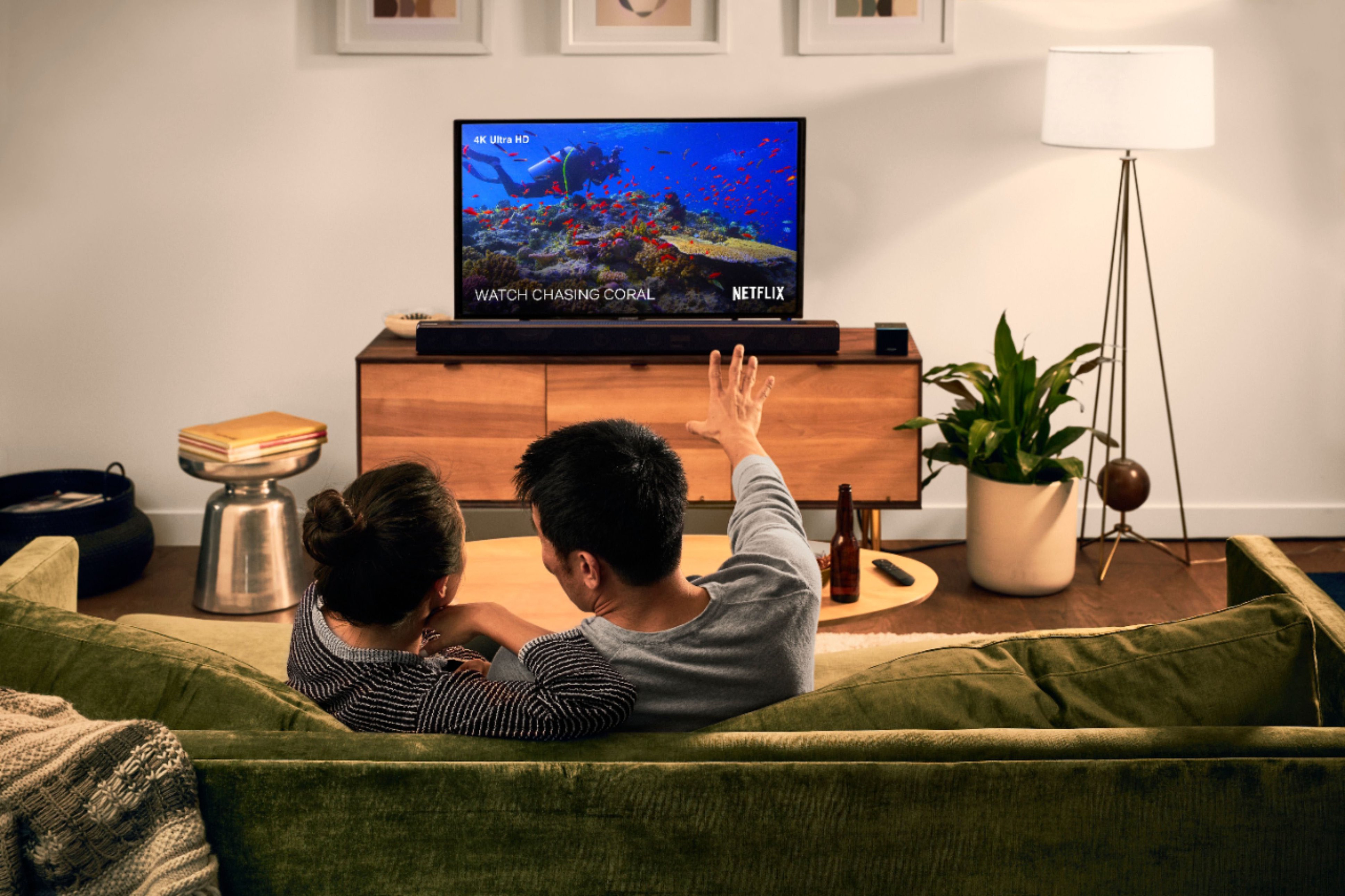
A:AnswerI don't know the full answer to your question but in my setup the Sony sound bar I'm using is NOT 4k capable...neither is my TV. Yet the Fire TV, Soundbar and TV are working well. Beyond my configuration I couldn't tell you if you could expect 4K quality when passing the all your HDMI connections (including the Fire TV Cube) through a 1080p based sound bar. Hope that helps a little.
A:AnswerIF YOU PAY FOR HULU LIVE YOU CAN RECORD SHOWS MOVIES ETC. TO WATCH THEM LATER. Other apps may also have this feature. For example With hulu live you can watch your local channels and tv shows or record them also to watch later. You can also setup and record different channels while you are watching another. Hope this helps
A:AnswerYes you can connect an ethernet cable directly to your router from the Fire Stick Cube for a better streaming experience if you have some lag when using the WiFi connection.
A:AnswerI have both the fire tv cube 4K and a 4K fire stick. Can’t answer the question directly but can provide anecdotal evidence to support that it will work. The cube is plugged into a 4K tv. The fire stick is plugged into a tv that is only 720p and works fine. Hope this helps. Thanks!