Black Friday in JulyEnds Sunday. Limited quantities. No rainchecks.Shop now

Skip to contentGo to Product Search
Main Content

Questions & Answers

Loading...
Page Showing 1-20 of 137 questions
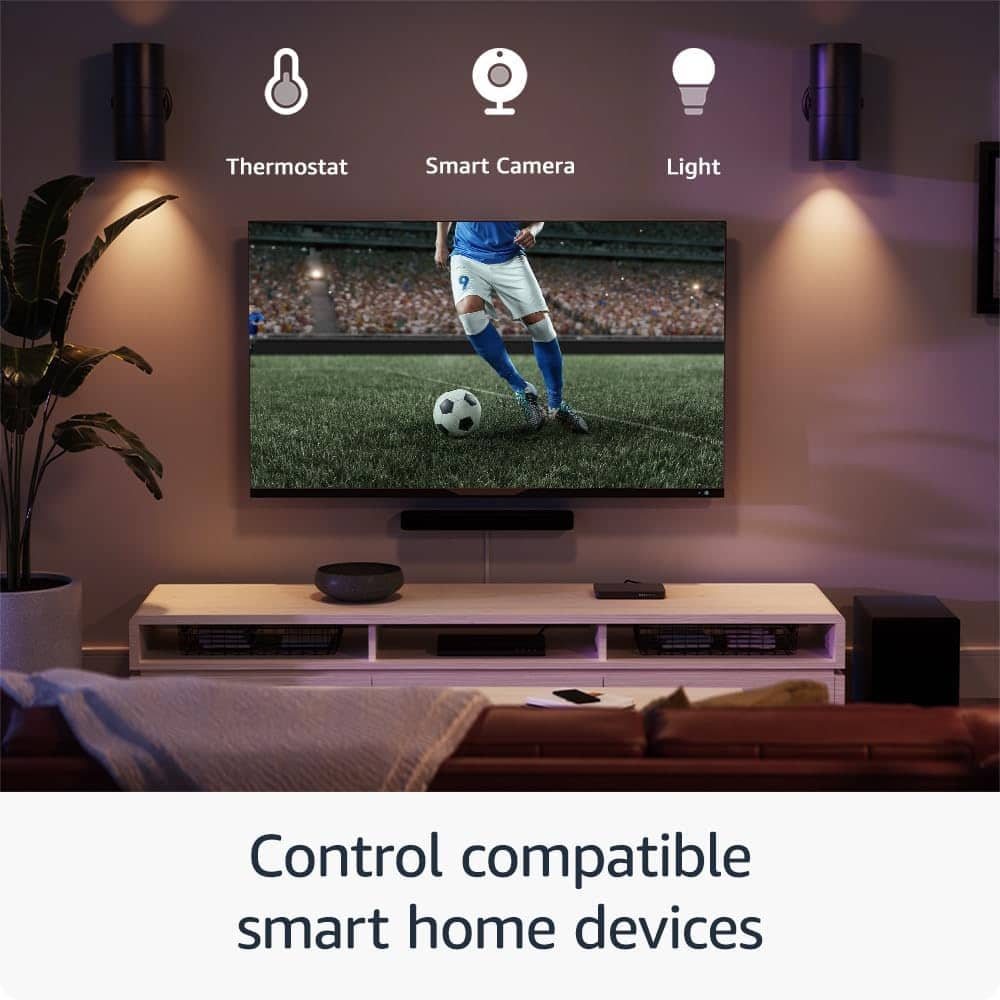
  • QuestionCan I control my smart home devices with this Fire TV Stick?

    • Answer Yes, you can control compatible smart home devices like cameras and lights using the Fire TV Stick's remote.
    This question and answer was generated by AI based on customer and product data.
  • QuestionHow much storage space does this Fire TV Stick have?

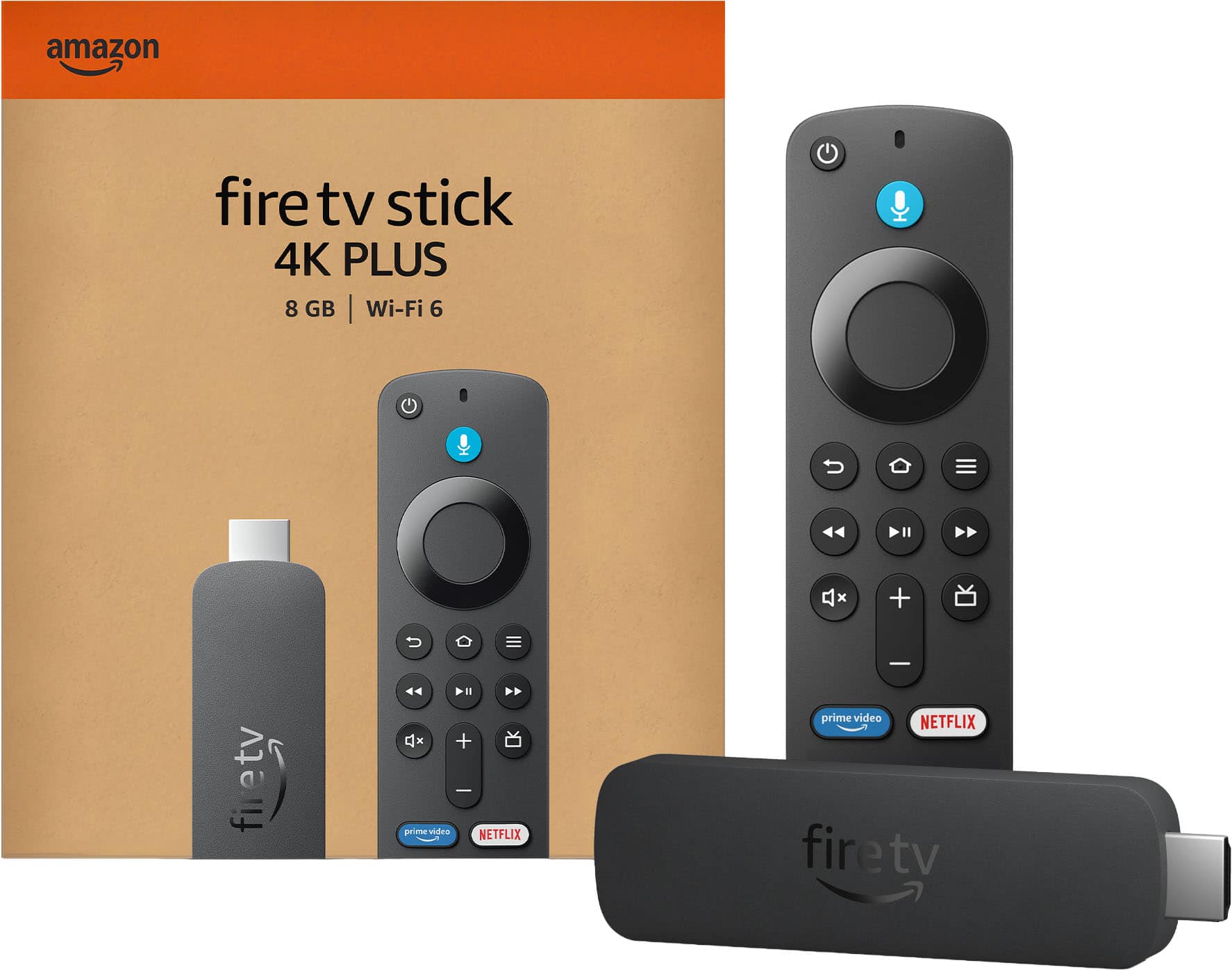
    • Answer This Fire TV Stick has 8 gigabytes of internal storage.
    This question and answer was generated by AI based on customer and product data.
  • QuestionWhat is the maximum resolution supported by this streaming device?

    • Answer The maximum resolution supported is 2160p (4K).
    This question and answer was generated by AI based on customer and product data.
  • QuestionDoes this Fire TV Stick support Dolby Atmos?

    • Answer Yes, the Fire TV Stick 4K supports Dolby Atmos for an immersive audio experience.
    This question and answer was generated by AI based on customer and product data.

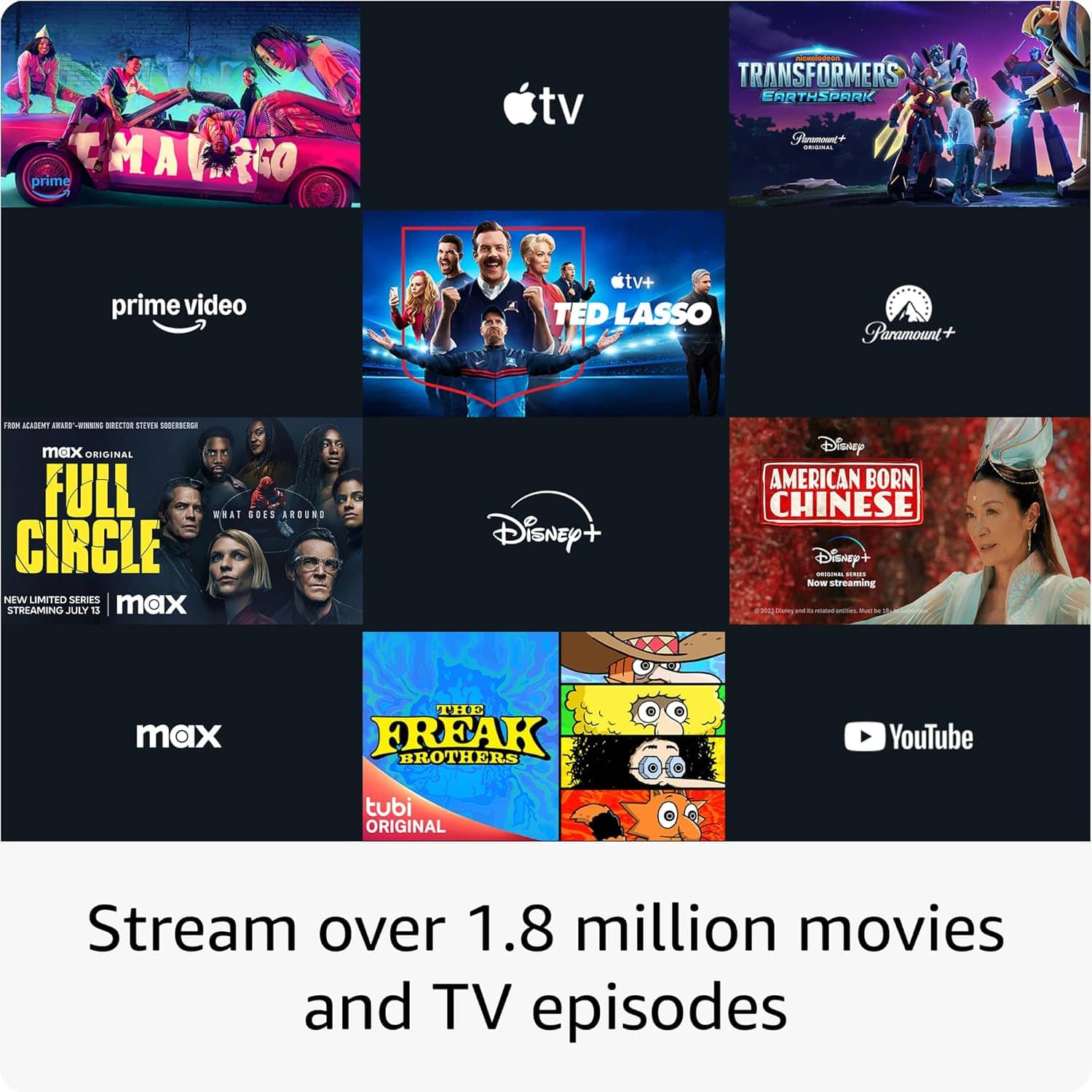
  • QuestionWhich streaming services are featured on this device?

    • Answer This Fire TV Stick features popular streaming services like Netflix.
    This question and answer was generated by AI based on customer and product data.
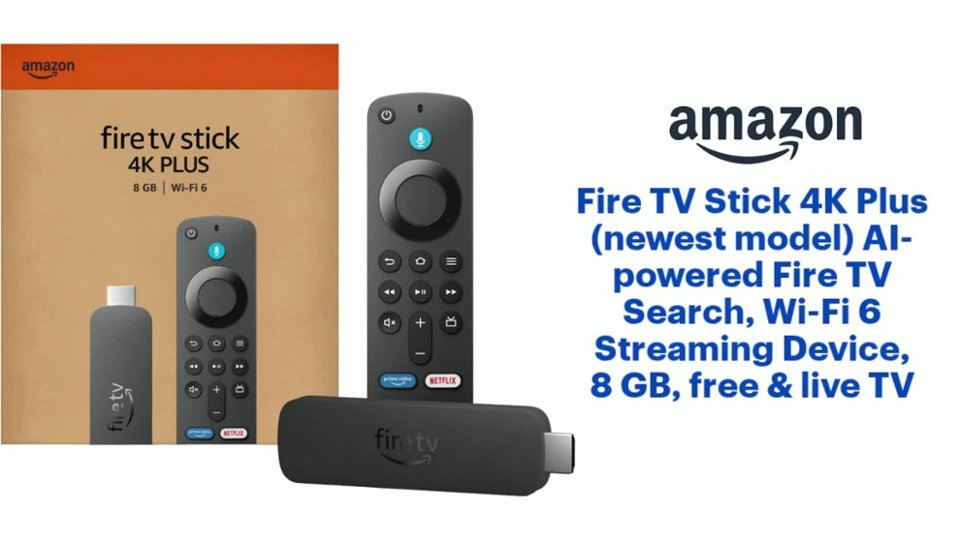
  • QuestionDoes this Fire TV Stick come with a voice remote?

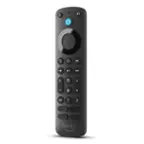
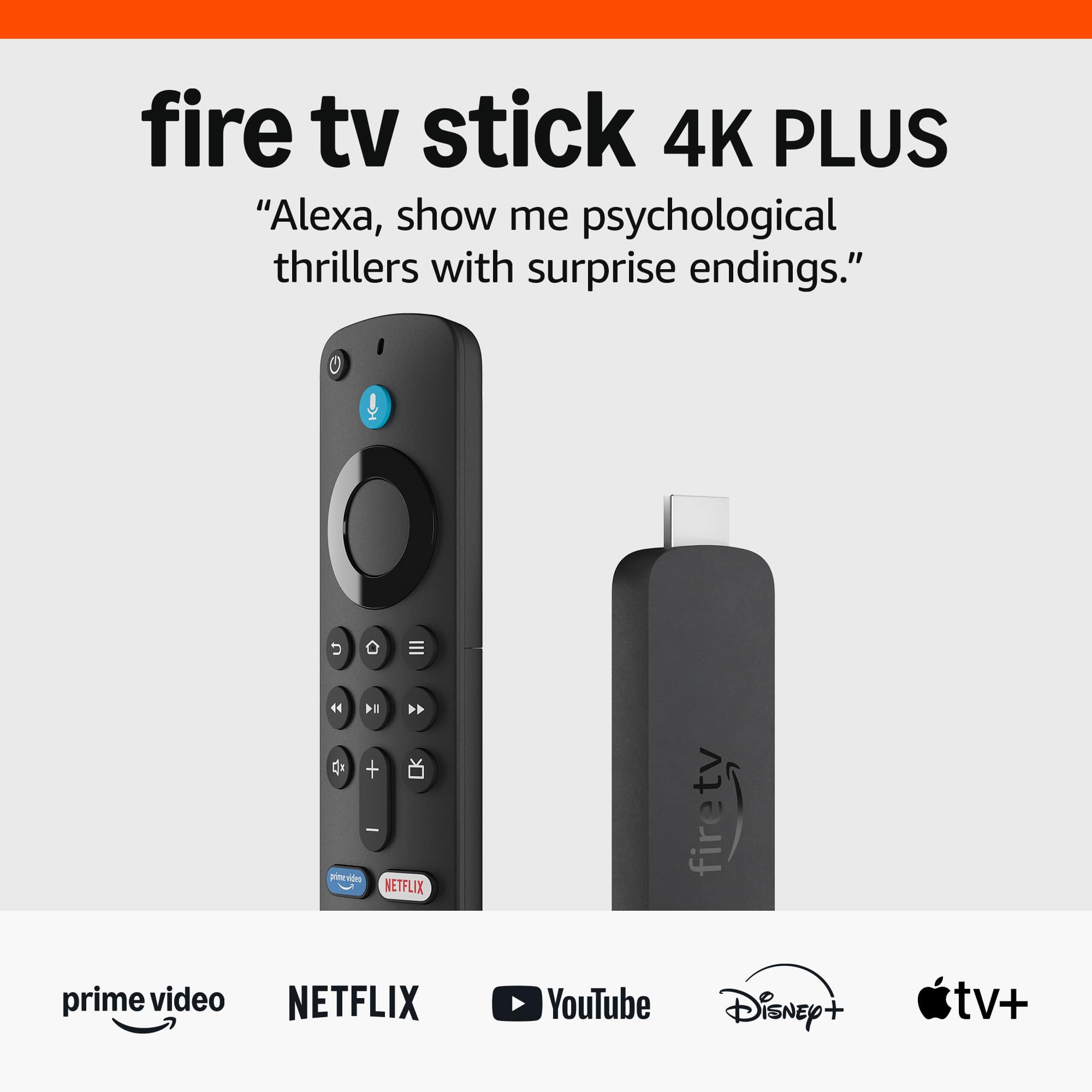
    • Answer Yes, the Fire TV Stick includes an Alexa Voice Remote for easy control.
    This question and answer was generated by AI based on customer and product data.
  • QuestionHow do I know if its compatible for my Samsung TV, which is not a Smart TV? If this is not compatible, please let me know which one to buy. I've included pictures.. Samsung's 40" Class H5003 LED TV Model UN40H5003AF / UN40H5003AFXZA Thanks!

    Asked by Julie.

    • Answer I use it on my old Samsung that was not wi-fi ready since it was so old. Very happy with all 3 of my fire sticks.

      Answered by DarleneK

  • QuestionCan I watch a cable news such a MSNBC with a fire stick on a not Smart TV

    Asked by Maggie.

    • Answer You can watch any channel in the world by paying $30 every six months and get kemosat.com Works Great using Firetv

      Answered by RyanE

  • QuestionMy iptv is constantly buffering. I was told by the provider by getting Amazon fire stick it will solve the problem. Is that true?

    Asked by Tom5439.

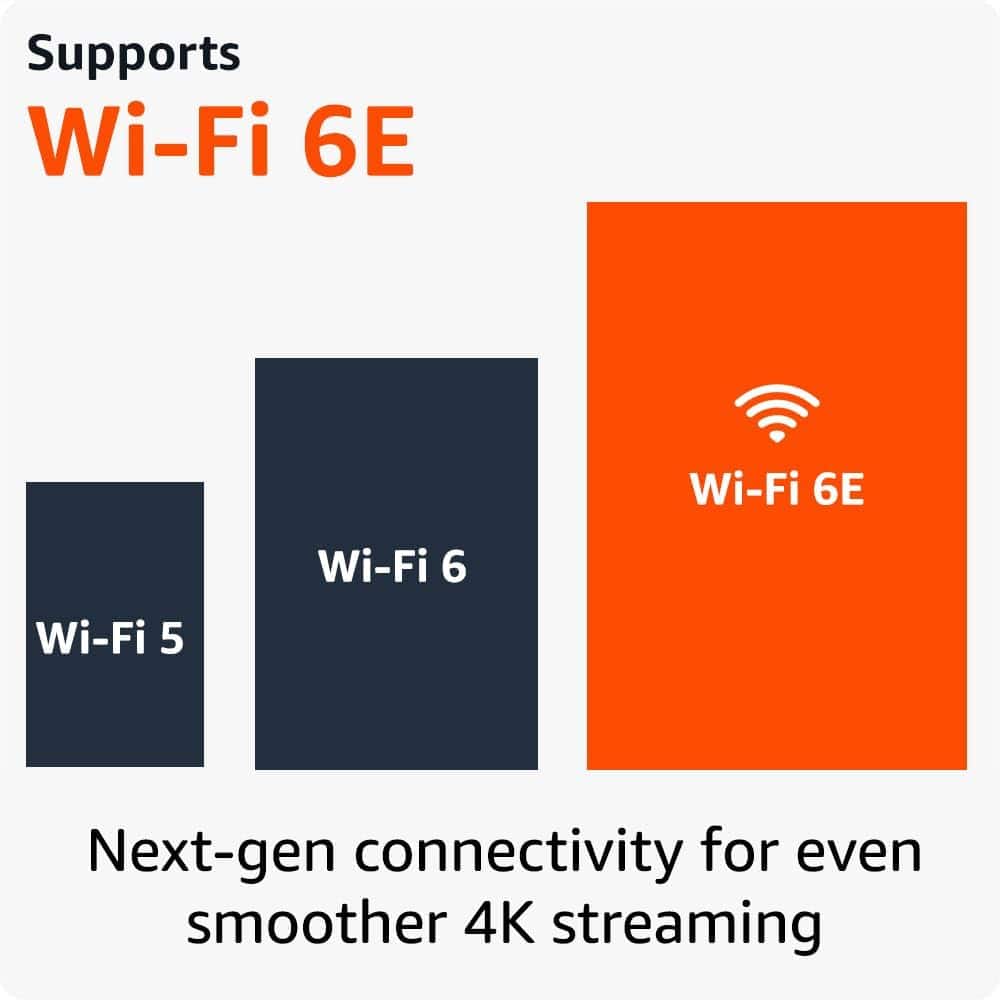
    • Answer Hi Tom5439, Thanks for your question! The Fire TV Stick 4K streaming device can create a home theater experience in your home, but unfortunately, it will not solve the issue of IPTV buffering. Chances are you are continuing to have this issue because of slow or intermittent internet speeds. While Fire TV Stick 4K is our best-selling 4K stick, with improved streaming performance. It does not provide Wifi 6 to customers unless they are paying for that through their service provider. You can enjoy smooth 4K streaming, even when other devices are connected to your router. The following may help: -power cycling your modem or router combination -relocating these in your home to a better spot with a stronger signal -ensuring with your internet provider that your are getting the speeds you are paying for. If buffering is your only issue it appears that connectivity is the root cause. Hope that helps!

      Answered by Amazon Devices Customer Support

  • Questionhow to get local tv channels

    Asked by May.

    • Answer Hi May, You can download local apps for channels near you and stream the latest news updates with the Fire TV Stick 4K. Simply search for the app or press the Alexa icon at the top of your remote and ask for specific apps. Subscription rates may apply. You can also explore the Fire TV Channels on your Fire TV Stick along the top right side of the Fire TV home page on your television! Hope that helps!

      Answered by Amazon Devices Customer Support

  • QuestionReceived my fire stick however having problem setting it up...

    Asked by Anonymous.

    • Answer Hello! To start setting up your Fire TV Stick 4K all you need to do is plug the Fire TV Stick 4K directly into your HDMI input, attach the power cable, and plug it into a wall outlet. After completing these steps, turn the TV on, switch to the HDMI input that the Fire TV Stick was installed in, and follow the on-screen prompts. Also, you can visit amazon.com and go to customer support where you can search "Fire TV Stick." There an article will populate with a how-to video at the bottom. I hope this helps, have a great day!

      Answered by Amazon Devices Customer Support

  • QuestionI am looking for a remote, Sony system Audio RM-SC3

    Asked by Tee.

    • Answer Hello! Yes, supported devices can be controlled with your Fire TV remote. Here are steps on how to set that up: Before getting started, locate the remotes for the devices you're connecting to Fire TV. To connect your devices: 1. Go to Settings on your Fire TV. 2. Select Equipment Control. 3. Select Manage Equipment. 4. Select Add Equipment and choose the equipment you'd like to add. Have a great day!

      Answered by Amazon Devices Customer Support

  • QuestionWill I have to pay for Amazon prime subscription to use fire stick

    Asked by Kat.

    • Answer Hello and thank you for asking this question. Fire sticks do not require a prime subscription to be used. They do require an amazon account, but you do not need to pay monthly to use them. Individual apps like Prime Video, Netflix, Hulu may also require subscriptions on the Fire stick. I hope this answers your question and that you have a great day.

      Answered by Amazon Devices Customer Support

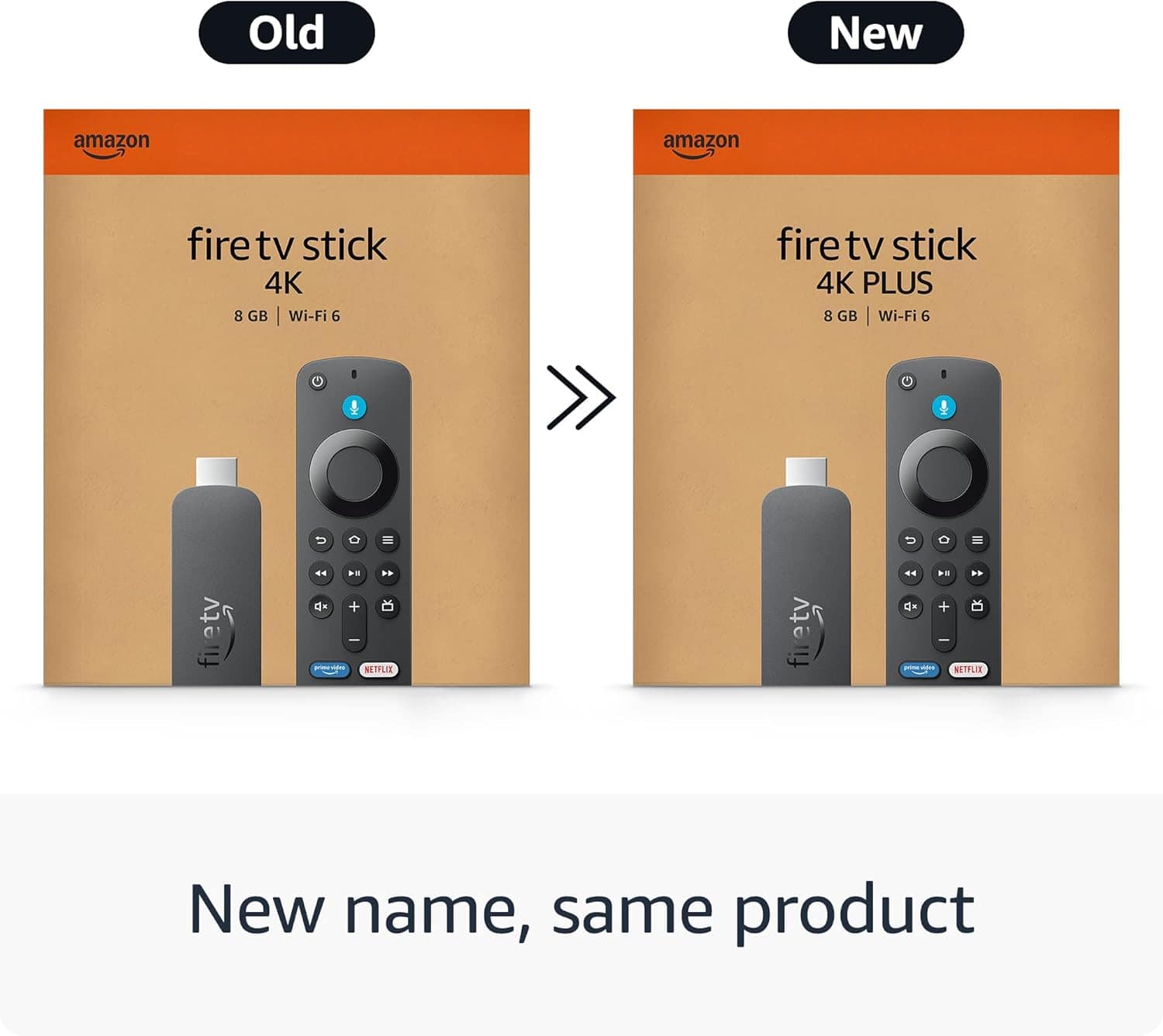
  • QuestionWhat is the difference between Firestick 4K and Firestiick 4K Select?

    Asked by Marie.

    • Answer The most critical difference is the Operating System. The Fire TV Stick 4K runs on Android-based Fire OS, which supports over 30,000 apps and allows for sideloading. The Fire TV Stick 4K Select uses the new Linux-based Vega OS, which currently has a much more limited app selection (around 900) and does not support sideloading.

      Answered by SmartShopper

  • QuestionIs it a prerequisite to have wifi 6 to use the fire stick and cut the cord with dish TV. Or simply use regular Wi-Fi for this model or which one for a non smart tv

    Asked by Mdmaviation.

    • Answer With the gire stick you can use regular wifi but the more powerful your wifi is you will have better experience

      Answered by WarrenC

  • QuestionIs the firestick dual voltage

    Asked by TravistD.

    • Answer Hello, the Amazon Fire TV Stick comes with a USB wall adapter that supports 100-240V and is designed to work with US outlets. Have a great day!

      Answered by Amazon Devices Customer Support

  • QuestionDoes this fire stick support latino chanels, from latin american countries

    Asked by ROLO6199.

    • Answer Hi ROLO6199- Yes, the Fire TV Stick 4K supports many Latino channels and content from Latin American countries! Latino Channel Options Available: Free Apps: Pluto TV - Multiple Spanish channels including Cine Estelar, Cine Clásico, and telenovelas Tubi - Free Spanish movies and TV shows IMDb TV - Some Spanish content Subscription Services: Sling Latino - 20+ channels including Universo, Azteca, Estrella TV, and HISTORY en Español FlixLatino - $4.99/month with 4,000+ hours of Spanish content including telenovelas and films Univision Now - Live Univision programming and on-demand content Telemundo - Through Peacock Premium Prime Video Channels: Over 100 channels available to Prime members, including HBO Latino, STARZ en Español The Fire TV Stick 4K works with all these services and gives you access to content from Mexico, Central America, South America, Spain, and the Caribbean. I hope this helps, have a great day!

      Answered by Amazon Devices Customer Support

  • QuestionDo I need WiFi for the it to work

    Asked by Anonymous.

    • Answer Good Morning, Thanks for the question, Yes, you do need Wi-Fi for the Amazon Fire TV Stick 4K to work. The device relies on an internet connection to stream content from various services like Netflix, Amazon Prime Video, Hulu, and others. It also needs Wi-Fi to download apps, receive updates, and use features like Alexa voice control. I hope this answers your question, have a great day!

      Answered by Amazon Devices Customer Support

  • QuestionCan I get live feeds for ABC, NBC, CBS, and CNBC?

    Asked by Steve.

    • Answer Yes most definitely

      Answered by ArlindaM

  • QuestionCan more than one fire stik shre an account and it’s subscriptions?

    Asked by BEW.

    • Answer Hi BEW, Thanks for reaching out about the Fire TV Stick 4K streaming device. Yes, more than one Amazon Fire Stick can share an account and its subscriptions. Services like Amazon Prime Video, Netflix, Hulu, etc., that are linked to your Amazon account can be accessed on all Fire Sticks registered to that account and any movies, TV shows, or apps purchased through your Amazon account will be available on all linked devices. I hope this info helps, have a great day!

      Answered by Amazon Devices Customer Support