Questions & Answers
- Model:
- B0CJM1GNFQ
- |
- SKU:
- 6560339
Q: QuestionDo I have to buy some else besides the fire stick to connect to the tv
Asked by Anonymous.
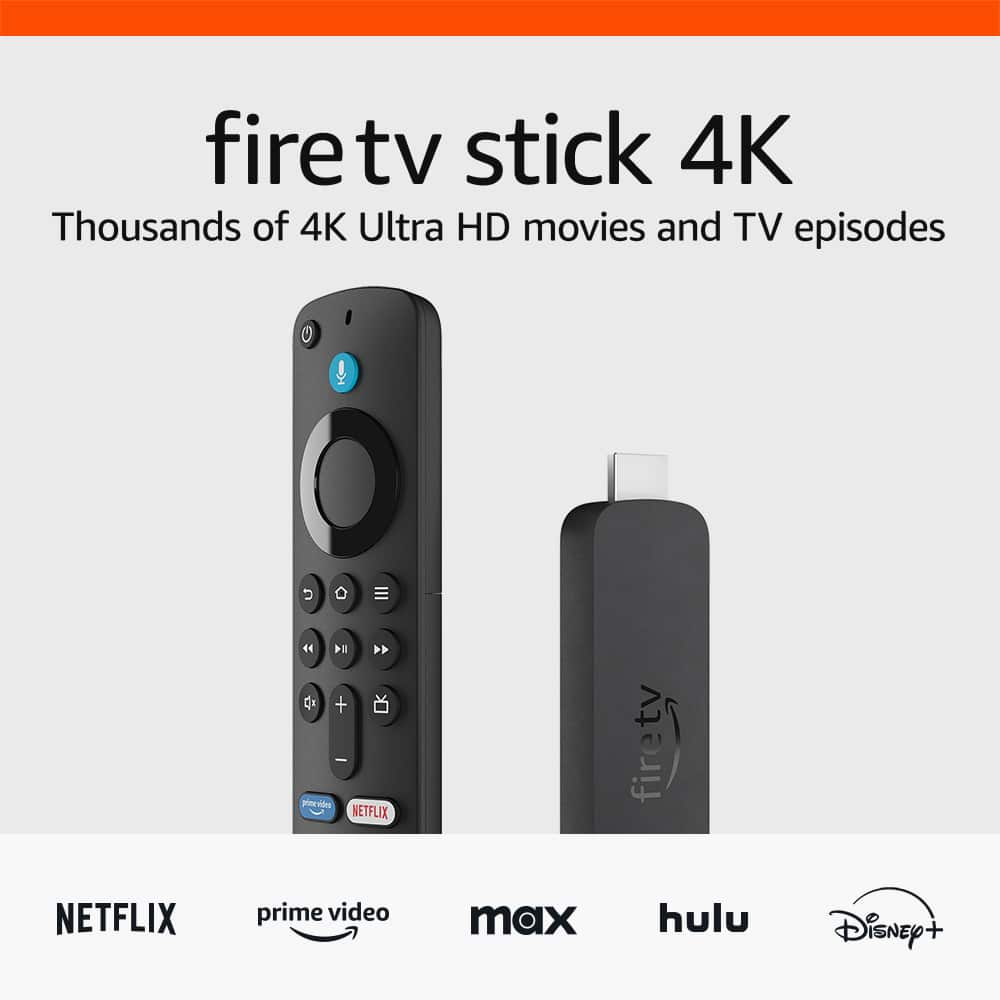
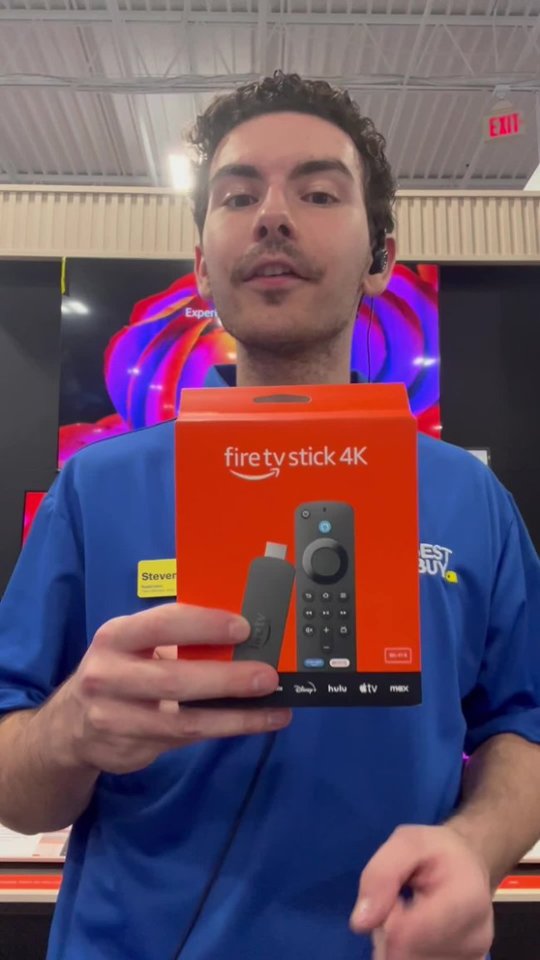
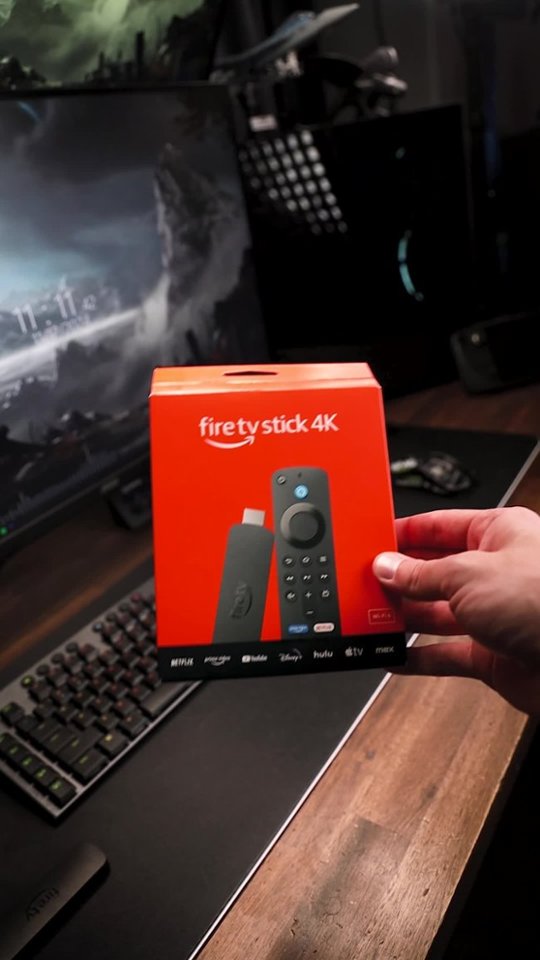
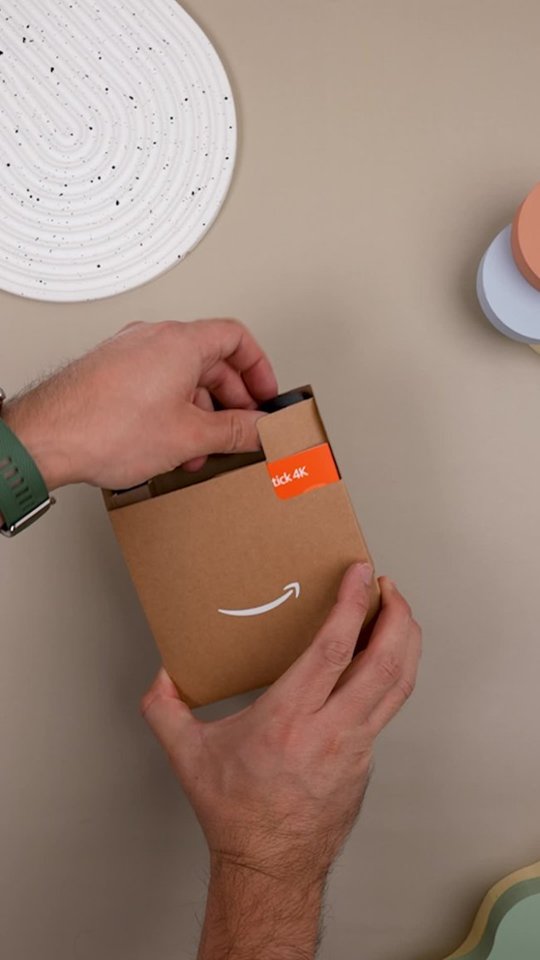
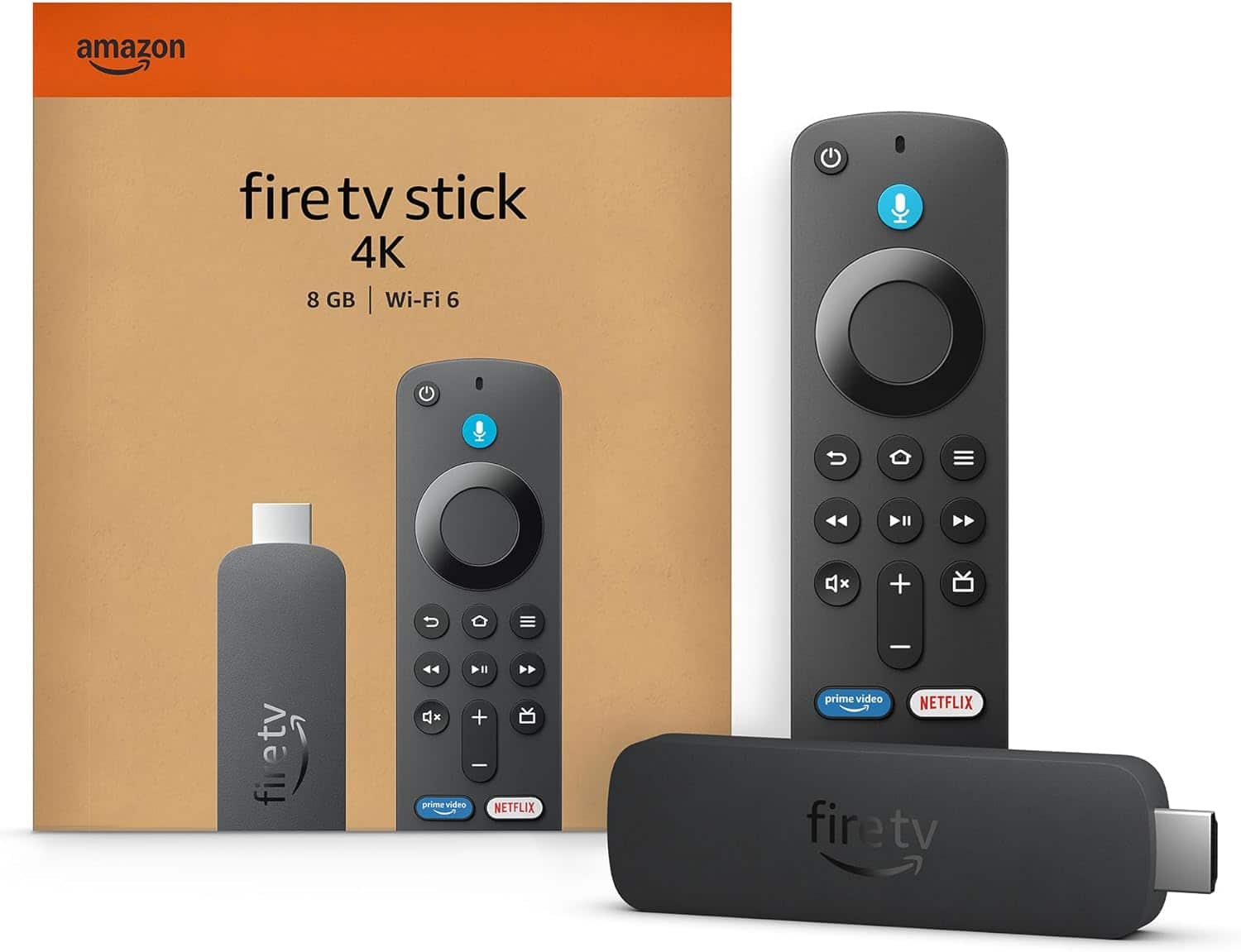
- A:Answer Hello! The Fire TV Stick 4K comes with an Alexa Voice Remote, power cable and power adapter, HDMI extender cable for Fire TV Stick 4K, and 2 AAA batteries, which is all you need to connect it to your TV. I hope this information is helpful. Have a great day!
Answered by Amazon Devices Customer Support
Q: QuestionHow many channels do you get
Asked by Mee.
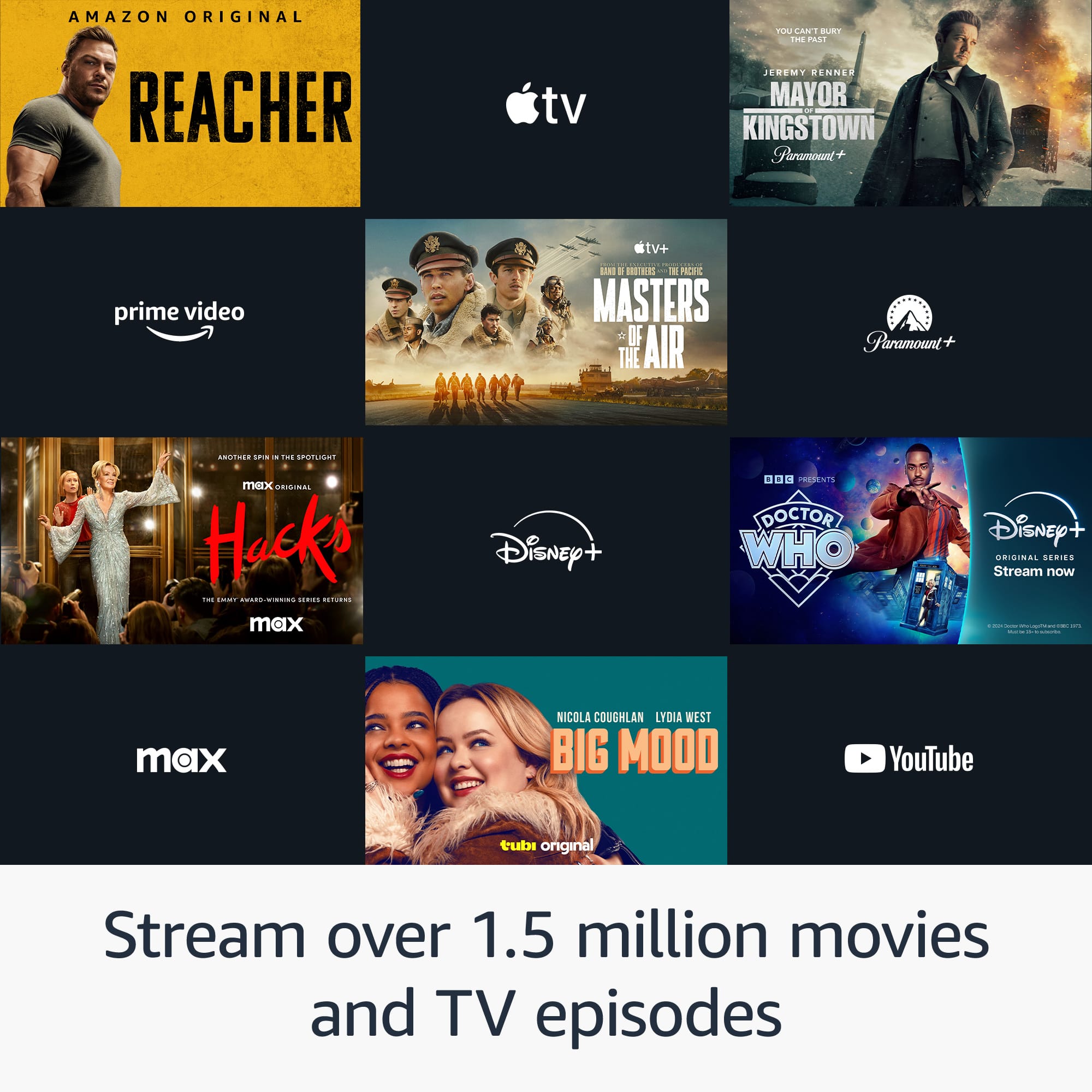
- A:Answer Hello Mee, Thank you for your question. You can stream 500,000+ movies and TV episodes by downloading your favorite services. Tens of thousands of channels, Alexa skills, and apps - Including Netflix, YouTube, Prime Video, Disney+, Apple TV, and HBO Max. Subscription fees may apply depending on what you wish to stream. You can also watch your favorite live TV, news, and sports with subscriptions to SLING TV, YouTube TV, and others. Use the Guide button to see what's available and when. Hope this helps, have a nice day!
Answered by Amazon Devices Customer Support
Q: QuestionIs there a monthly fee
Asked by Anonymous.
- A:Answer There is no monthly fee unless you sign up for one of the apps that is a paid subscription. There are plenty of apps that are free and have great quality and content
Answered by FrankP
Q: QuestionInvite necessary to have an Internet connection? Or will it work on my smartTV that’s not connected to the Internet? Thank you
Asked by Gnomee4.
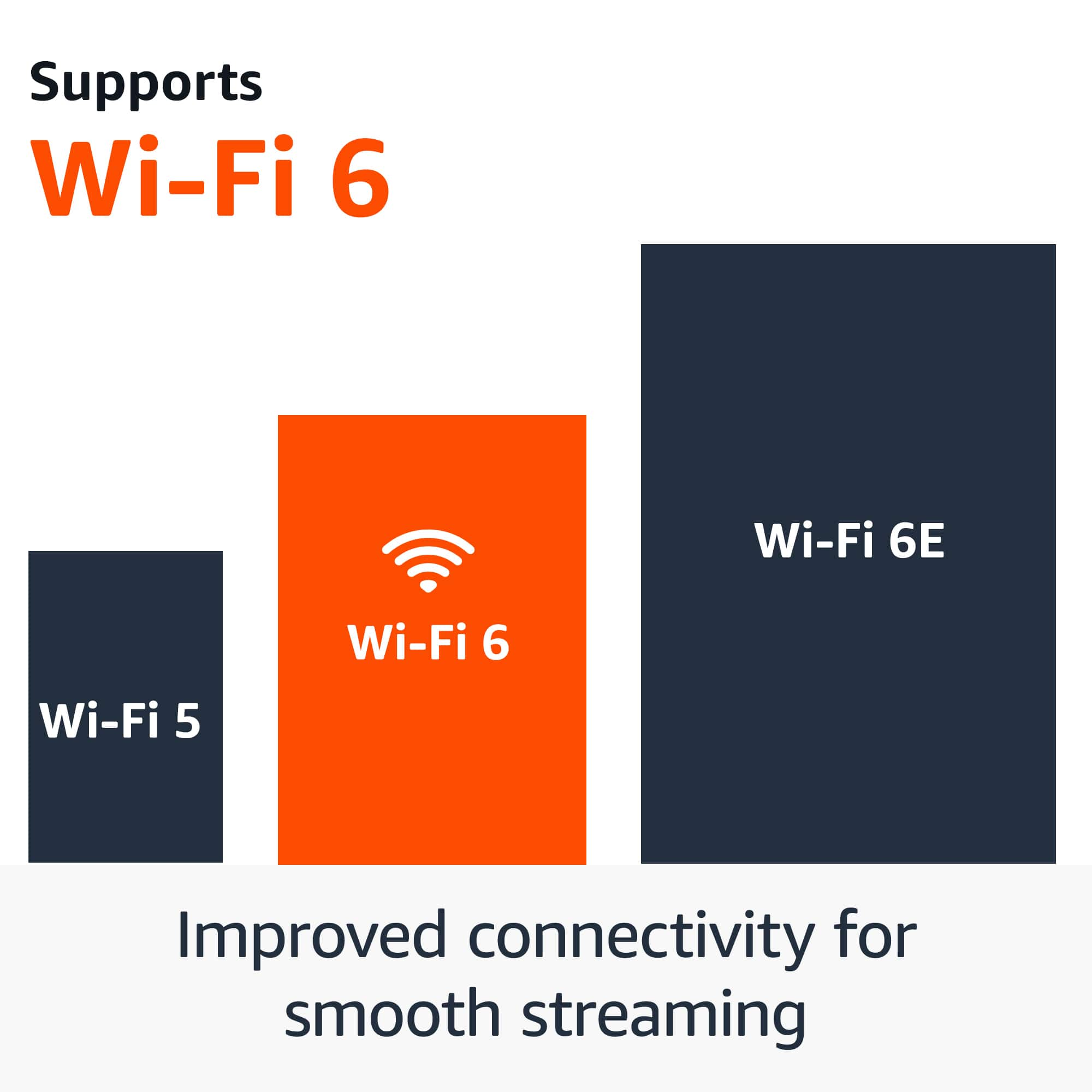
- A:Answer Have to have an internet connection. You can enter your Wi-Fi password via the setup process.
Answered by shredder
Q: Questioncan i power this by connecting it to the usb port of my tv?
Asked by dennys.
- A:Answer Hello dennys. Thank you for your question. It will really depends on the power supplied to the USB port from your TV. If it is not sufficient, the Fire TV Stick will give you a message to connect the supplied USB power adaptor. Have a great day!
Answered by Amazon Devices Customer Support
Q: QuestionWe bought 3 fire stick 4 r 3 TVs. we disconected the cable yes I kept xfinity internet. 1 tv is working other 2 tvs r not. what do w need to do. was working until I took off cable
Asked by Anonymous.
- A:Answer Hi there! If none of your streaming apps are working on the other two Fire TV Sticks, I would check that they are connected to the correct WiFi network (the same as the working one). Turn on the TVs and make sure they are set to the correct HDMI input, check with the manufacturers instructions if you're unsure how to do that. Next, check the network status on your Fire TV device: Go to Settings (gear icon). Select Network. Find your network name. Press Play/Pause on your remote to see your network status and follow the recommended steps. Tip: On compatible devices you can also select Run Speed Test or Advanced to see detailed information about your connection. To learn more, go to What is the Fire TV Network Status Tool? If you still can't connect, or don't see your network name, scroll down to Wi-Fi. Then, turn Wi-Fi off and on. Forget your Wi-Fi network and then try connecting again. Have your Wi-Fi password and network name ready. If you can't find your password, go to Locate Your Wi-Fi Password for more help. To forget your network: Go to Settings on your Fire TV. Select Network . Find your network name. Press the Menu button and then the Select button on your remote to forget the network. Restart your modem and router. If possible, move your Fire TV device and router closer to each other. To restart your home network devices: Unplug your modem and router and then wait 1 minute. Plug in your modem first and wait for the lights to turn on and for it to connect to the internet (about 1 minute). Plug in your router and wait for the lights to turn on and for it to connect to the internet (about 1 minute). If you are still having issues at this point, I would reach out to Amazon's customer service directly. I hope that helps, have a great rest of your day!
Answered by Amazon Devices Customer Support
Q: QuestionIs this voice command also can't it control volume and turn tv off and on
Asked by Chet.
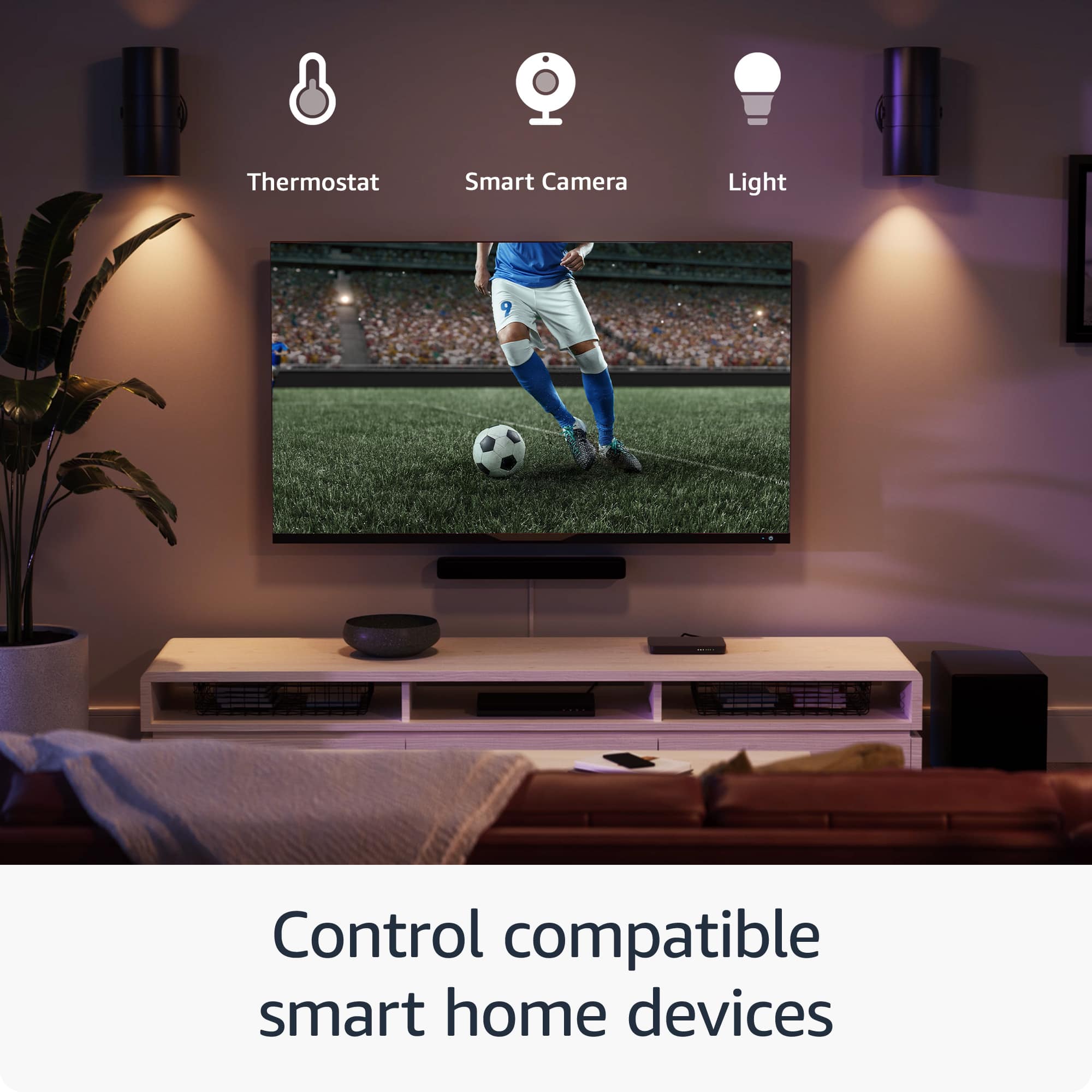
- A:Answer Hello Chet, Thank you for your question. Yes you can control TV power and volume with the remote that is included with your Fire TV Stick 4K. Hope this helps, have a nice day!
Answered by Amazon Devices Customer Support
Q: QuestionHow many gigabytes does it have?
Asked by Jona.
- A:Answer Hello Jona. Thank you for your question. Our Fire TV Stick 4K streaming device has 8GB of storage and 2GB or RAM. Have a great day!
Answered by Amazon Devices Customer Support
Q: QuestionDoes this stream 4K at 120 hz?
Asked by TJE.
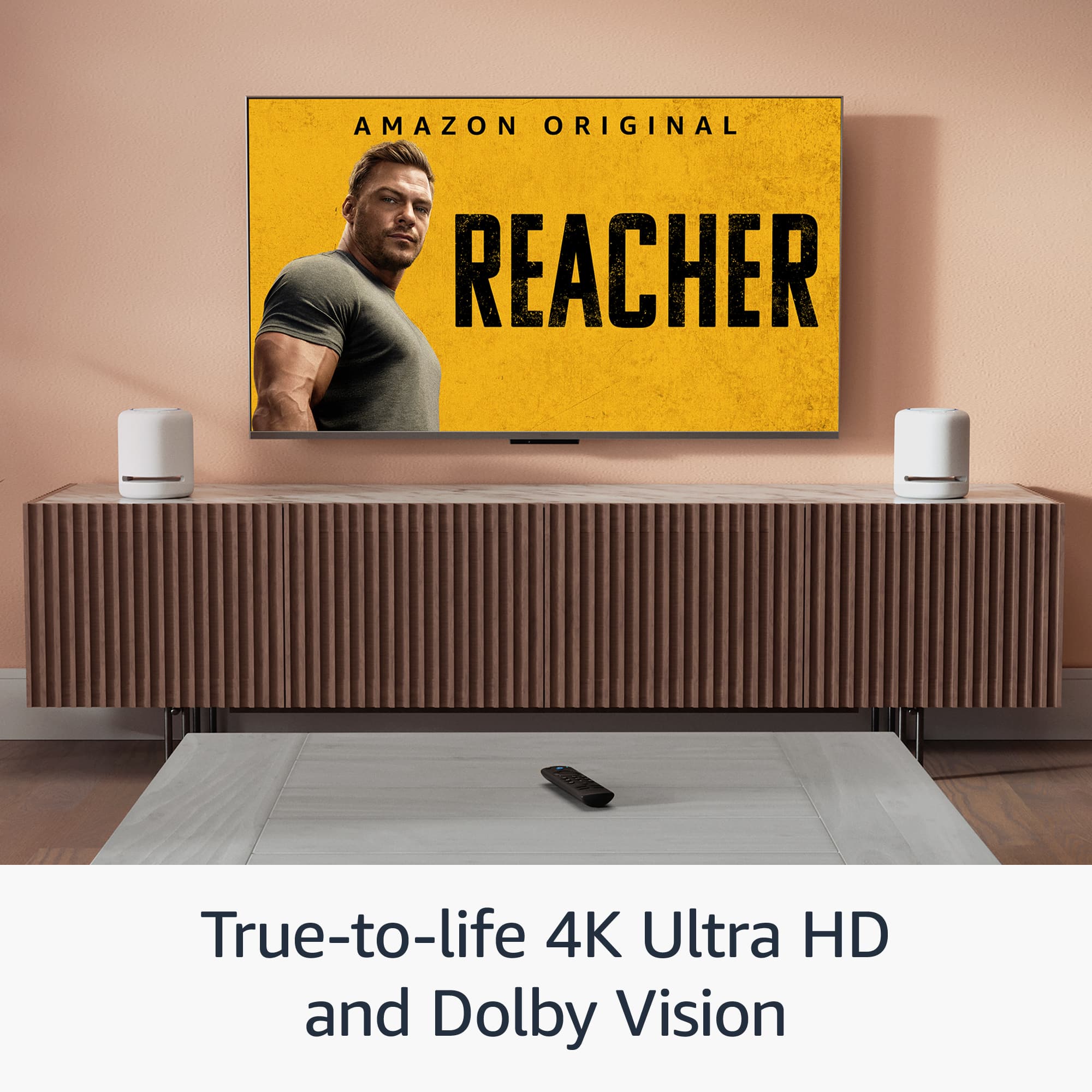
- A:Answer Hello TJE, The Fire Stick 4k does support Dolby Vision, Dolby Vision Plus HDR, HDR10, HDR10+ and HLG. The Firestick 4k does not support 120hz pass through. Depending on your television it will scale the content streaming to 120hz or 60hz. I hope this helps!
Answered by Amazon Devices Customer Support
Q: QuestionCan I watch regular tv with my fire stick
Asked by Bob.
- A:Answer Hello Bob and thank you for your question! Yes, You can watch live TV on supported apps and browse what's airing from the Fire TV home screen or the Live tab. Some apps do require a paid subscription. To watch live TV on your device: 1. Download apps that offer live TV content from the app store. You can also pair a Fire TV Recast to watch over-the-air TV. If you have a Fire TV Edition TV, you can connect a live TV source (like a digital antenna) to your device. 2. Browse what's currently airing from the On Now row on your Home screen or the Live tab. You can also use the channel guide button on your remote. Hope this helps! Have a great day!
Answered by Amazon Devices Customer Support
Q: QuestionHow can I turn up the brightness ??
Asked by Momonthego59.
- A:Answer Hi Momonthego59! The Fire TV Stick 4K doesn't have a brightness setting, you'll have to check adjust the brightness via the display that the Fire TV Stick is plugged into. Typically this is done via the picture settings on your TV, but check with the manufacturer's instructions for your particular brand and model. I hope that helps, have a great rest of your day!
Answered by Amazon Devices Customer Support
Q: QuestionCan I down lode any app on this
Asked by Anonymous.
- A:Answer Hello, there are thousands of apps to choose from that can be downloaded on the Amazon Fire TV Stick. All the most popular apps such as Netflix, Hulu, Disney+, YouTube and HBOmax are available. Have a great day!
Answered by Amazon Devices Customer Support
Q: QuestionIs the fire stick compatible with Hulu?
Asked by Anonymous.
- A:Answer Yes
Answered by Anonymous
Q: QuestionDoe,s the fire stick come with games?
Asked by Jack.
- A:Answer Yes, You’re Able To Search And Choose Any Game From The App Store And Amazon Luna!
Answered by MoisesC
Q: QuestionAs usual in specs , doesn't say what version of USB or hdmi it's compatible with...this stick is same as a ryku which isn't compatible with some Sony products ,cpu in these are awful slow nowhere near ghz level , suspect old tech in a new cover.
Asked by Skunkape.
- A:Answer So Far It’s Been Compatible With All The USB Ports And HDMI Ports In All The Smart TVs I’ve Used…
Answered by MoisesC
Q: QuestionDo I need 2 sticks if I have 2tvs
Asked by Anonymous.
- A:Answer I believe so. I have one for each of my three TVs. Well worth it.
Answered by DavidT
Q: QuestionWill the fire stick work on my phone hot spot
Asked by NATEWW.
- A:Answer Yes
Answered by Anonymous
Q: QuestionCan I install this Amazon fire stick to my 2014 Samsung smart TV myself or do I need geek squad help?
Asked by Anonymous.
- A:Answer You can install it your self and just follow the instruction given by the stick.
Answered by Bree
Q: QuestionCan I watch youtube with a fire stick
Asked by Mondi.
- A:Answer Yes you can and many other streaming apps!
Answered by ScottdS
Q: QuestionCan fire stick stream to hearing aids and play TV sound at same time?
Asked by jerry.
- A:Answer Depends on the brand and quality of the product
Answered by JanetM
Most-viewed items
- $129.99Your price for this item is $129.99
- $149.99Your price for this item is $149.99
- $21.99Your price for this item is $21.99$39.99The comparable value for this item is $39.99
- $39.99Your price for this item is $39.99$59.99The comparable value for this item is $59.99
- $24.99Your price for this item is $24.99$49.99The comparable value for this item is $49.99
- $79.99Your price for this item is $79.99$99.99The comparable value for this item is $99.99
- $99.99Your price for this item is $99.99
- $15.99Your price for this item is $15.99$29.99The comparable value for this item is $29.99
- $199.99Your price for this item is $199.99
- $19.99Your price for this item is $19.99$39.99The comparable value for this item is $39.99
- $29.99Your price for this item is $29.99$49.99The comparable value for this item is $49.99
- $99.99Your price for this item is $99.99
- $650.00Your price for this item is $650.00
- $109.99Your price for this item is $109.99$139.99The comparable value for this item is $139.99
- $14.99Your price for this item is $14.99
- $27.99Your price for this item is $27.99$34.99The comparable value for this item is $34.99
- $79.99Your price for this item is $79.99