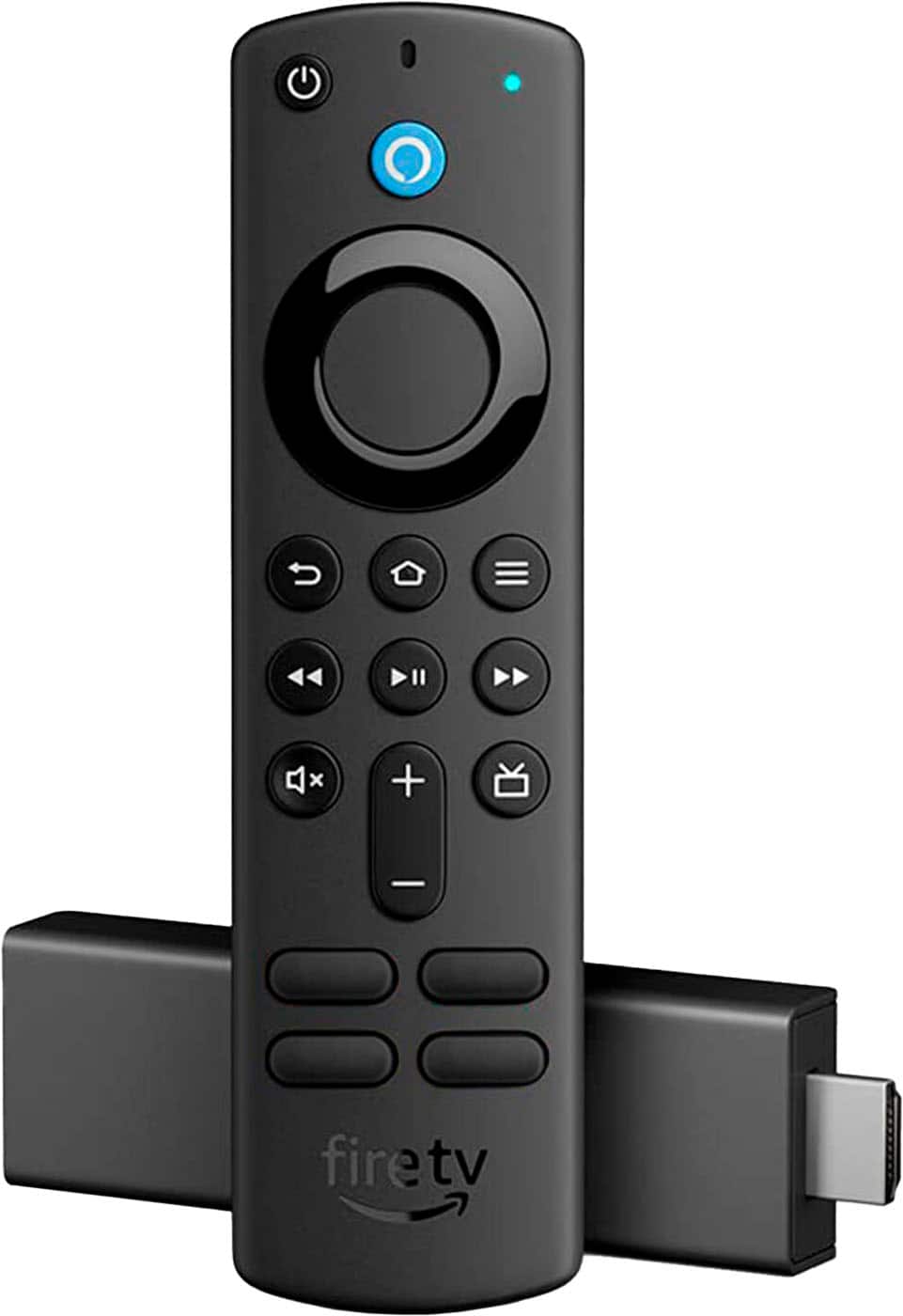
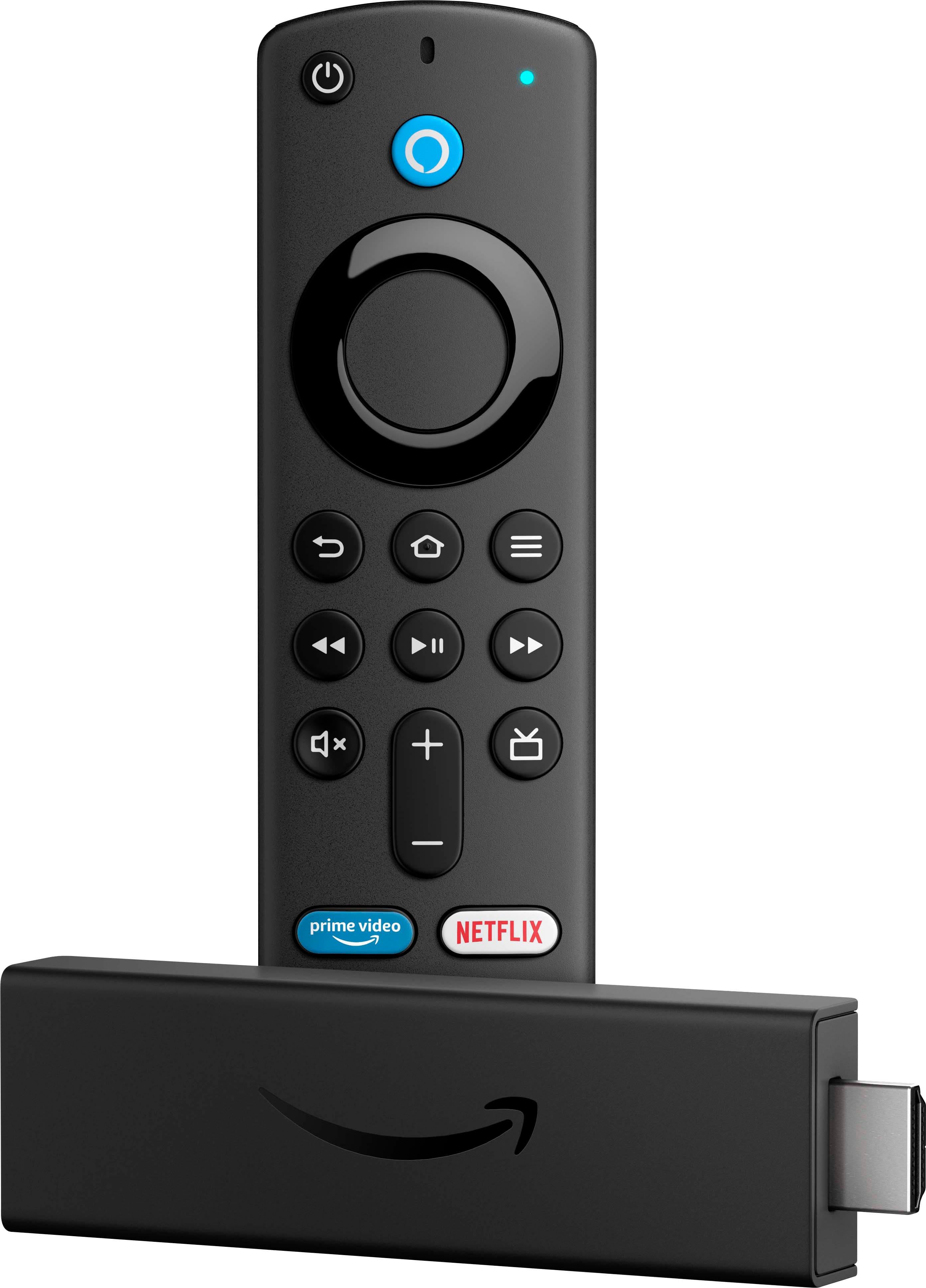
A:AnswerI have no idea why it wouldn't. Fire Sticks are great. Especially the newer 4K and 4K Max. I splurged and bought a Fire TV and a Fire Cube. Cubes are awesomeeeeee
A:AnswerNot if you dont subscribe to a cable provider, MLB, or a streaming company. Anything free downloaded on any streaming device is generic and good stuff takes subscriptions.
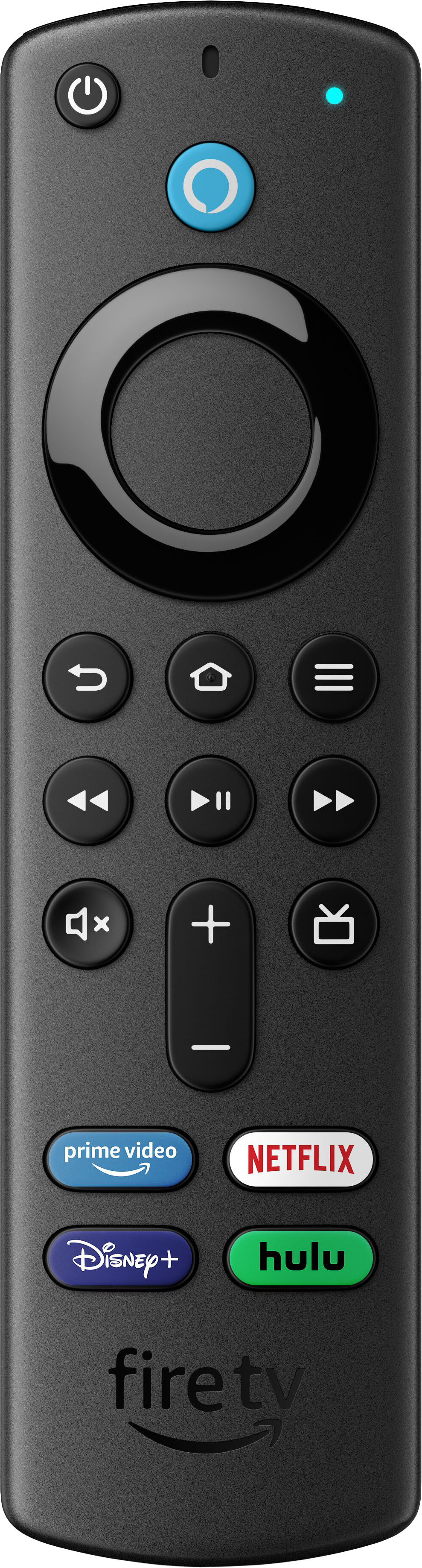
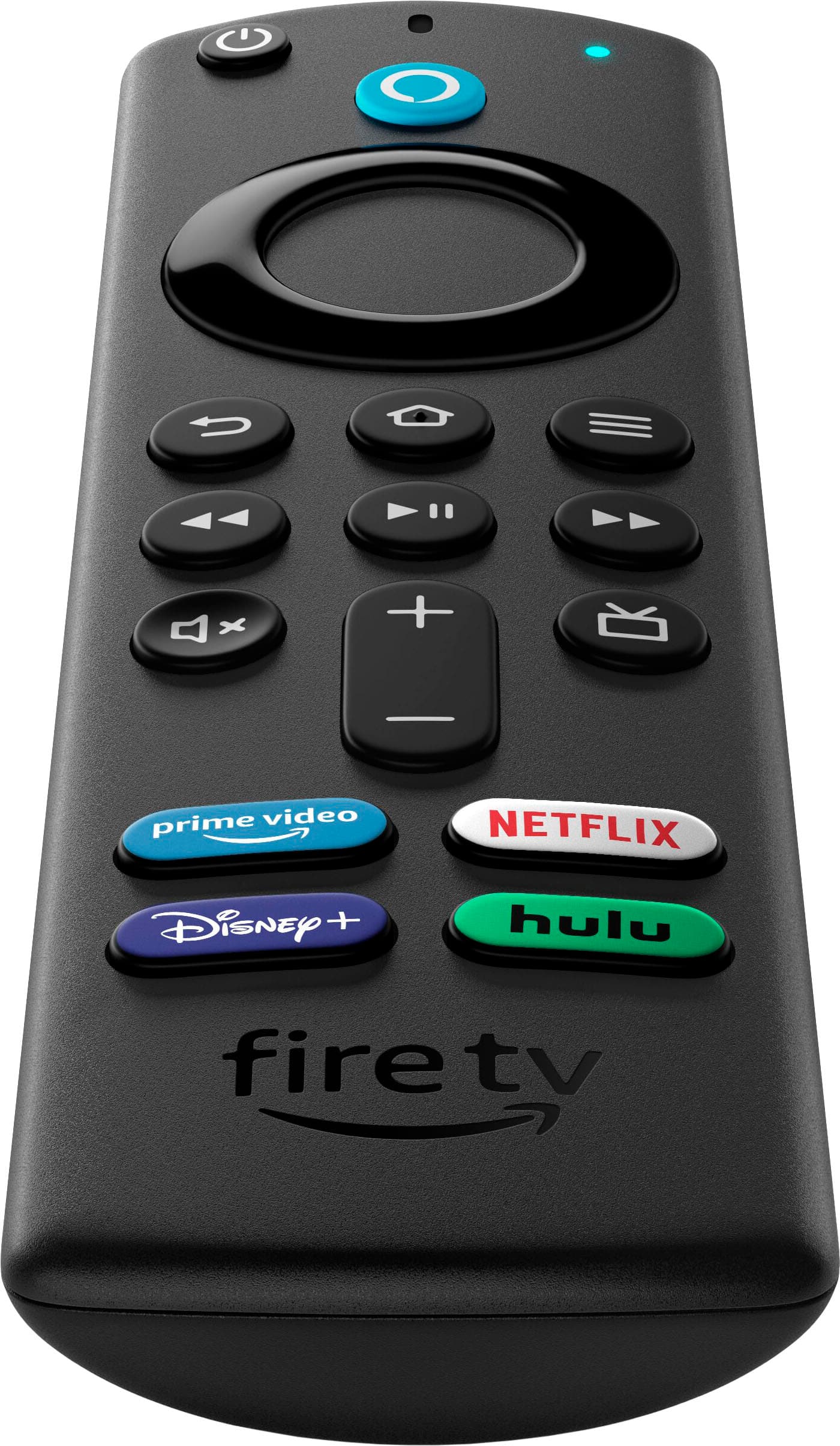
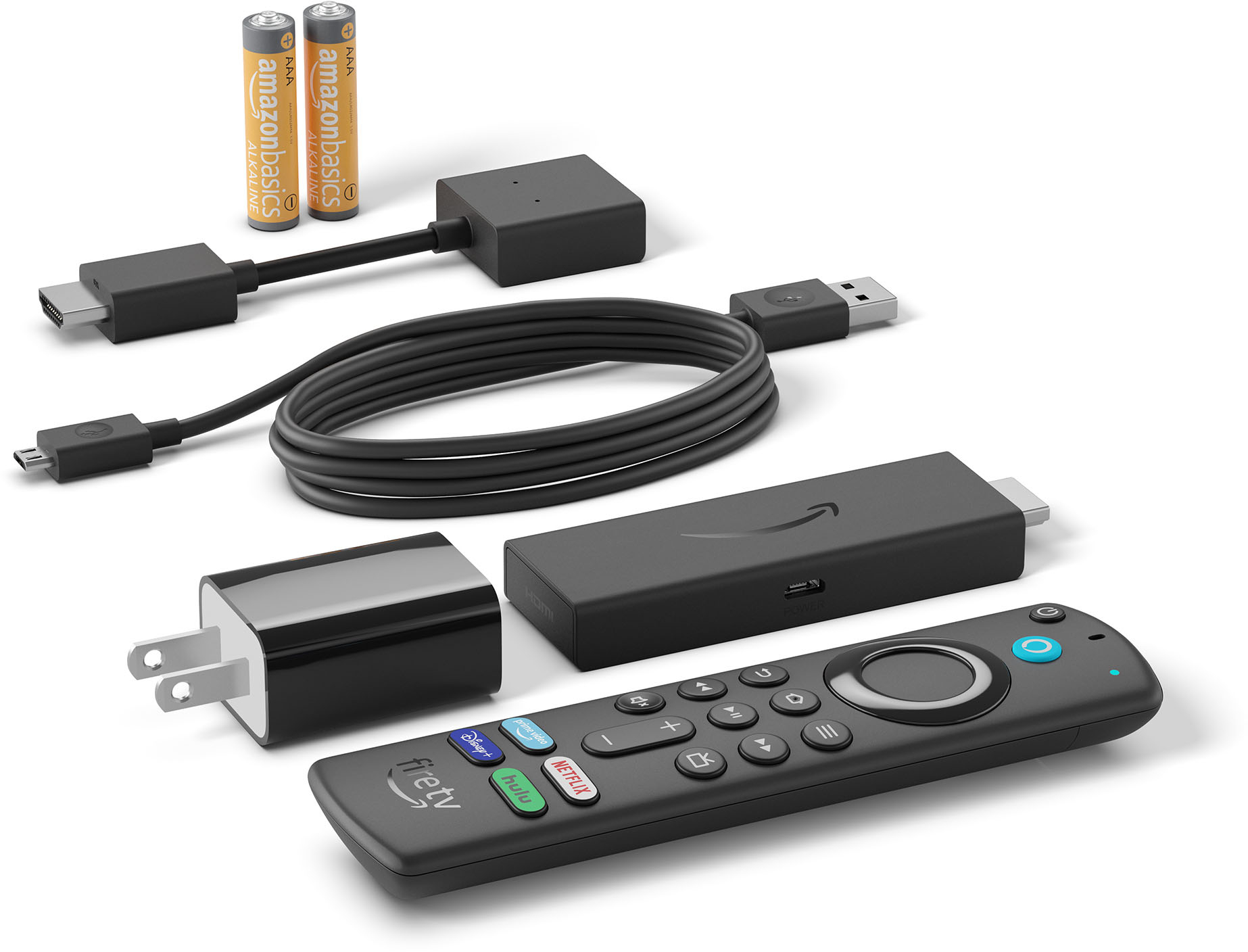
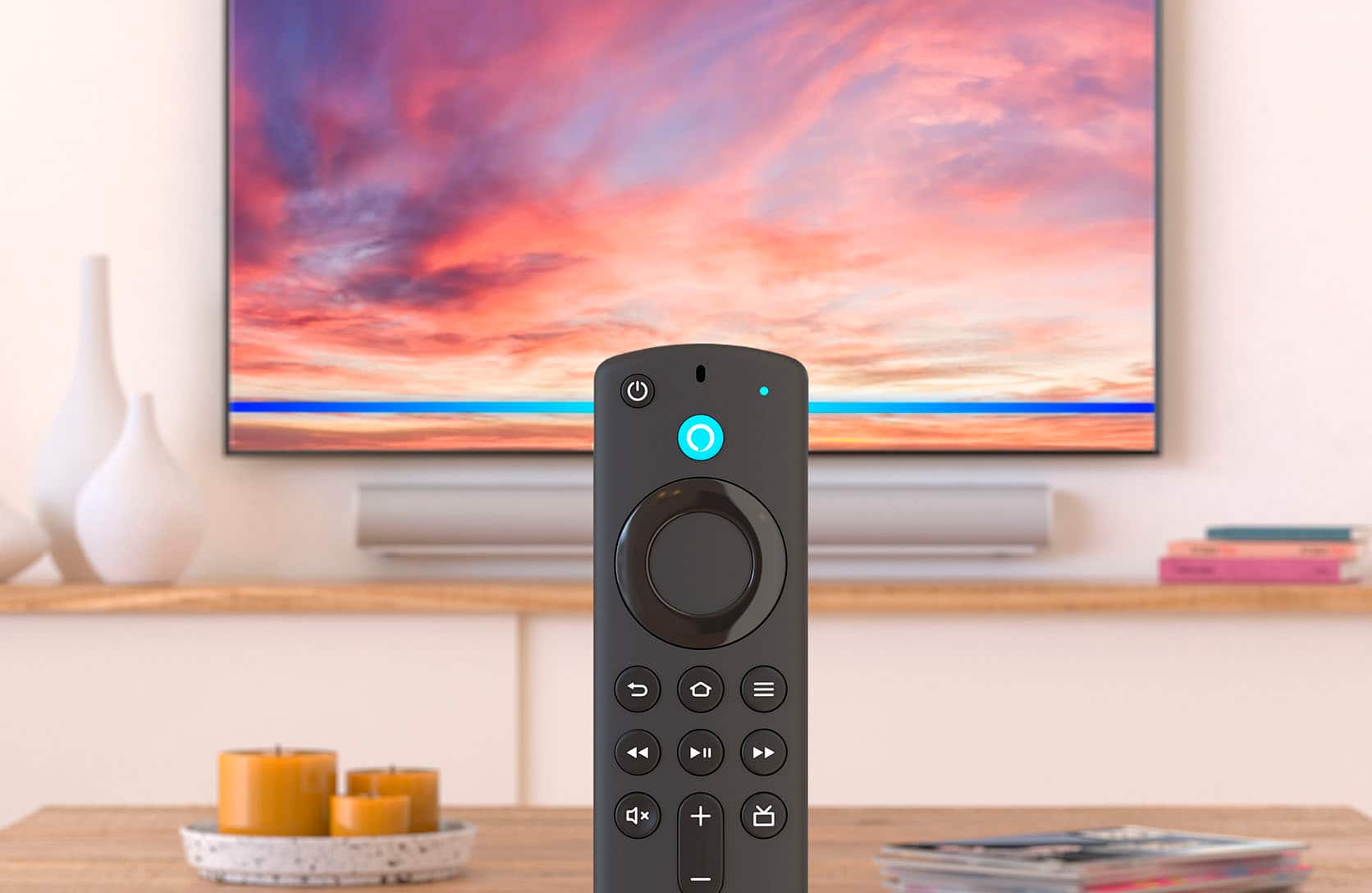
A:AnswerHi Ceh! The Amazon Fire TV Stick 4K is set up using the included Alexa Voice Remote. Mostly you'll just need to connect to WiFi and then log into your Amazon account. From there, the Fire TV Stick 4K will walk you through some apps you can download and you'll be good to go! Hope that helps, have a great rest of your day!
A:AnswerThat means that the TV is most likely identifying another hdmi connection and switching to it.
I had an issue at an Airbnb where pressing certain buttons on the fire stick remote, would change me to another input that wasn’t the fire sticks (cheap TV), not sure if that’s what happening to you. Best option is to deactivate the automatic input switching either on the TV or fire stick or both.