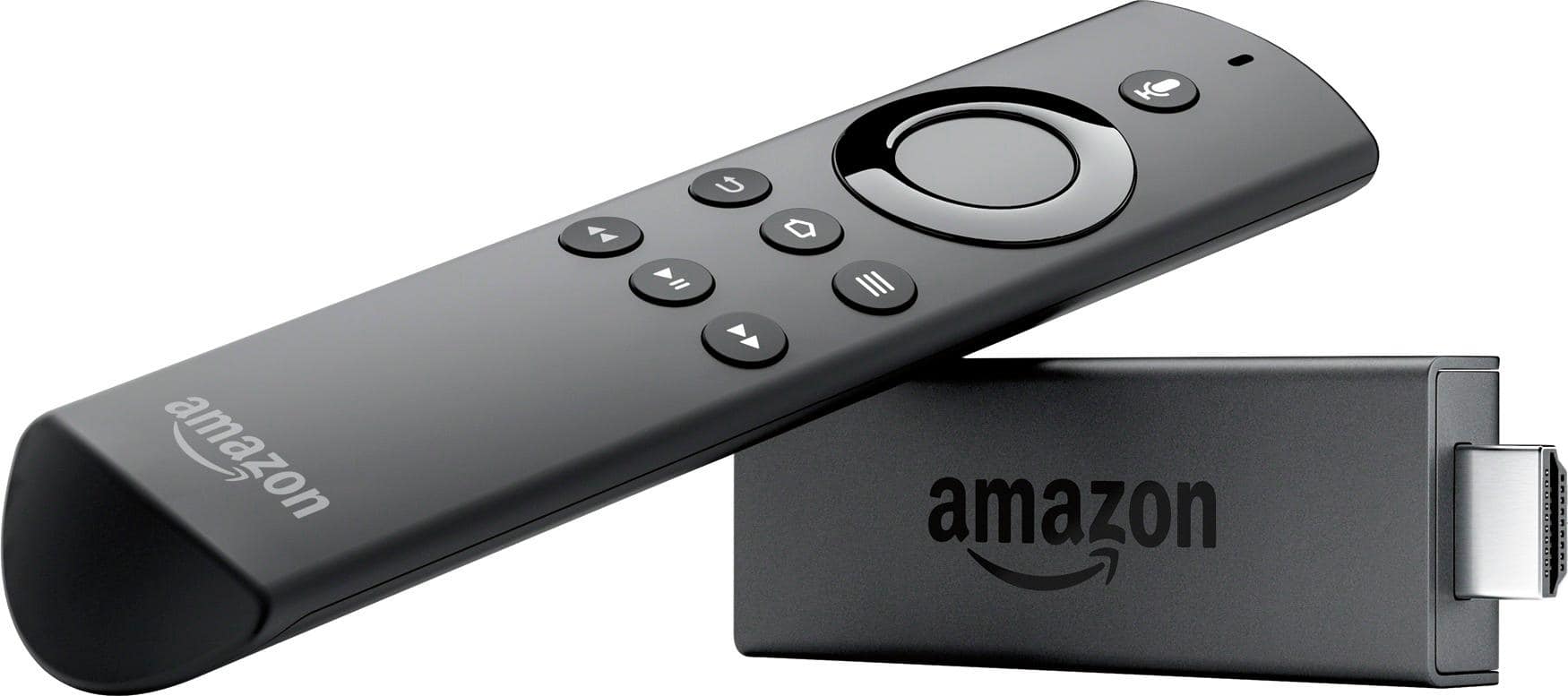
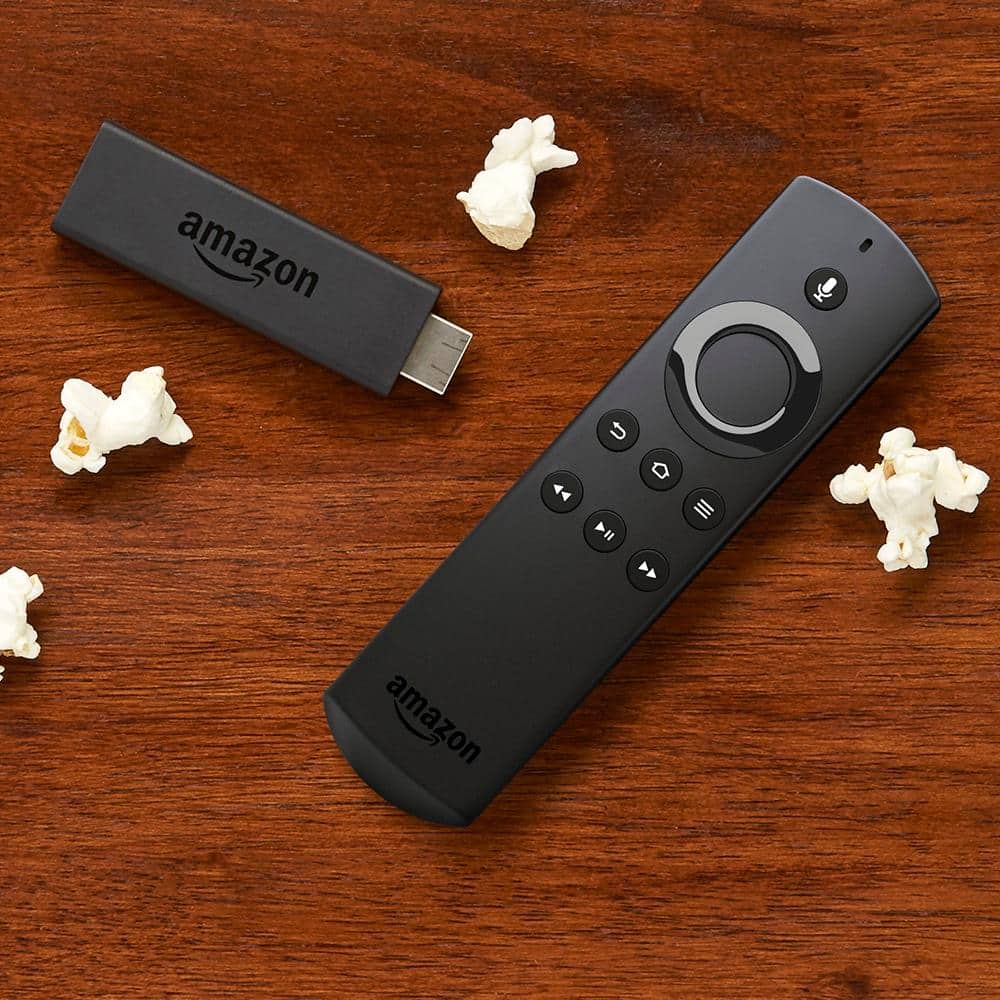
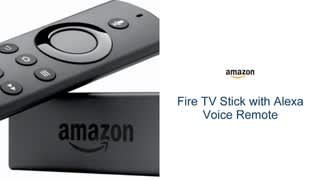
A:AnswerIf you are using a wifi router you do not need one for each tv using this device the firestick will work on each tv but you need a stick for each TV
A:AnswerI have a Dynex tv that is approximately 5 years old. I am trying to stream video content on it using a fire stick. When I plug the fire stick into the hdmi slot and hit the corresponding. Input button on the tv, it is not recognized by the tv. Is the tv compatible with fire stick or Tokugawa streaming devices?
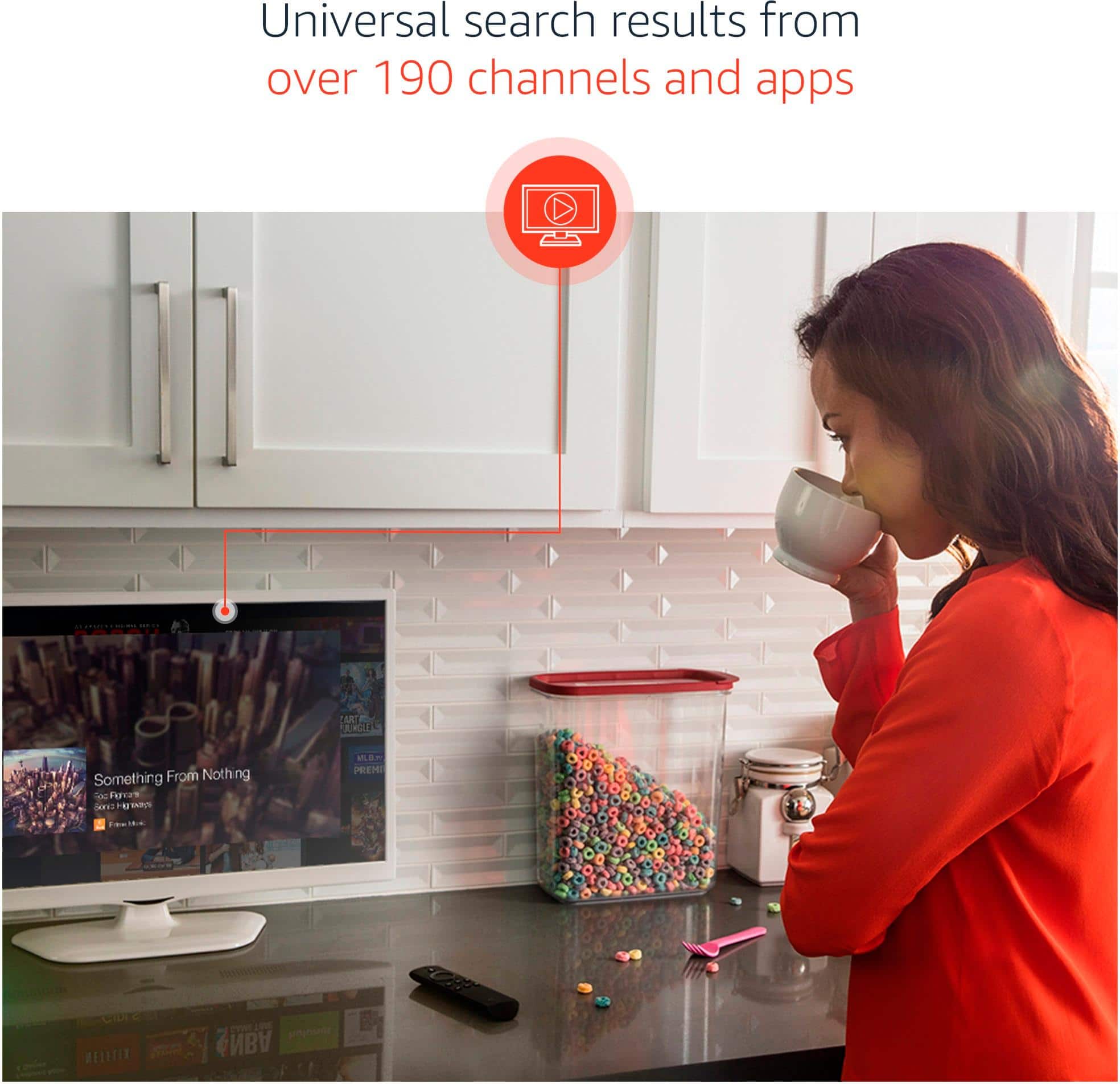
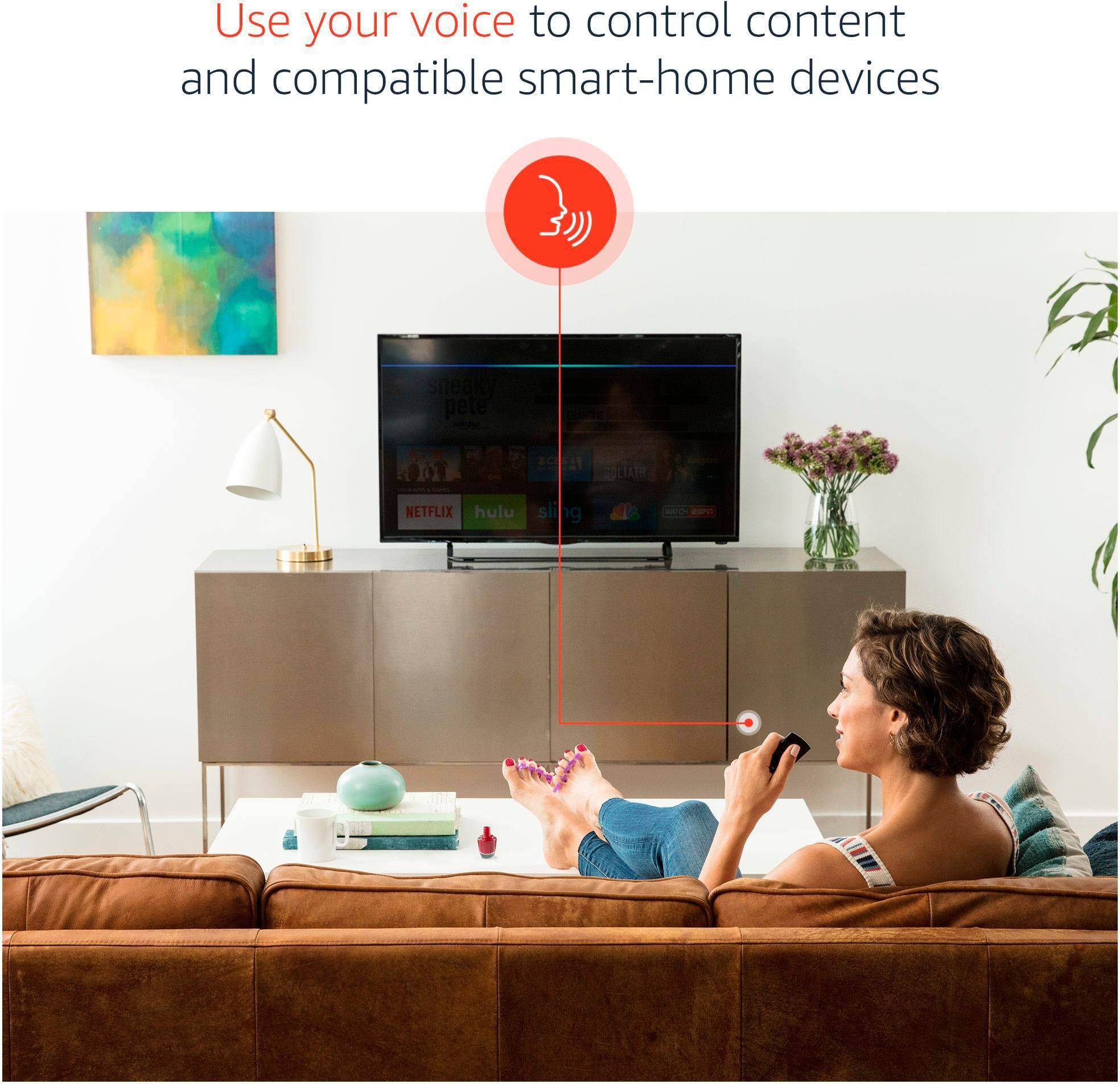
A:Answerhaving the option to talk to the remote and it finds your programs for you is way better and faster than having to scroll and type every letter to find your program
A:AnswerYes it can be downloaded onto the fire stick. Top left corner Select Search, then type or say "JW TV". Press enter and download. It'll then show up on the home page my sister
A:AnswerMake sure to apply the update in the fire tv stick. If you got it at bestbuy exchage it for another one. Then take it to the geek squad and they can set it up there for you before you take it home. Just tell them that you got one already that didnt work. The fire tv stick should work on any tv with hdmi input.
A:AnswerYou don't need a wifi to make the mirror screen from your phone. Just activate the mirror feature on the fireTV stick then activate on the phone and search for the device. You will be able to mirror the content of your phone screen into the fireTV. Good luck!