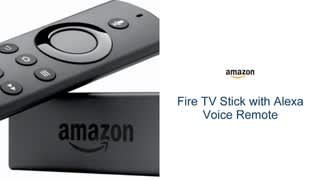
A:AnswerYes, you get local channels with firestick. Jailbreaking for a fire stick is essentially unlocking the device to allow other software to be downloaded
A:AnswerNo code needed to use the firestick or firetv. Some APPs require a registration. I cut my Satellite TV a while ago, haven’t missed it since. I use my APPs and da watch the same things with a fraction of the cost. Only things that’s hard to get is live sports, they are there but expensive. Good luck!
A:AnswerI don't think the Fire Stick cares what your network stems from as long as your Internet speed is fast enough to stream. I would think if you can stream video on your phone, the Fire Stick would be able to handle it.
A:AnswerMirroring I assume you mean having you PC or laptop screen displayed on your flat screen TV. Depending on the PC/Laptop you can directly wirelessly connect your PC/Laptop to your smart tv. If you don't have that option on your PC then you have to buy a dongle (example from netgear) to connect your pc to the smart tv. The pc wirelessly connects through the dongle performing the same function of displaying your pc on the smart tv. There are several miracast dongles out there and all do the same thing. Easy to install just plug in and follow on screen instructions.
A:AnswerNo, however your tv should at least have an HDMI IN port as well as a USB connection. However a wall outlet also works with the provided adapter and cable if it is close enough to your tvs HDMI port.
A:AnswerHow old is your tv ? It should be a place to plug an hdmi cord that's where the firestick would go . If you have other devices occupying that slot you need to choose what device you'd rather plug in