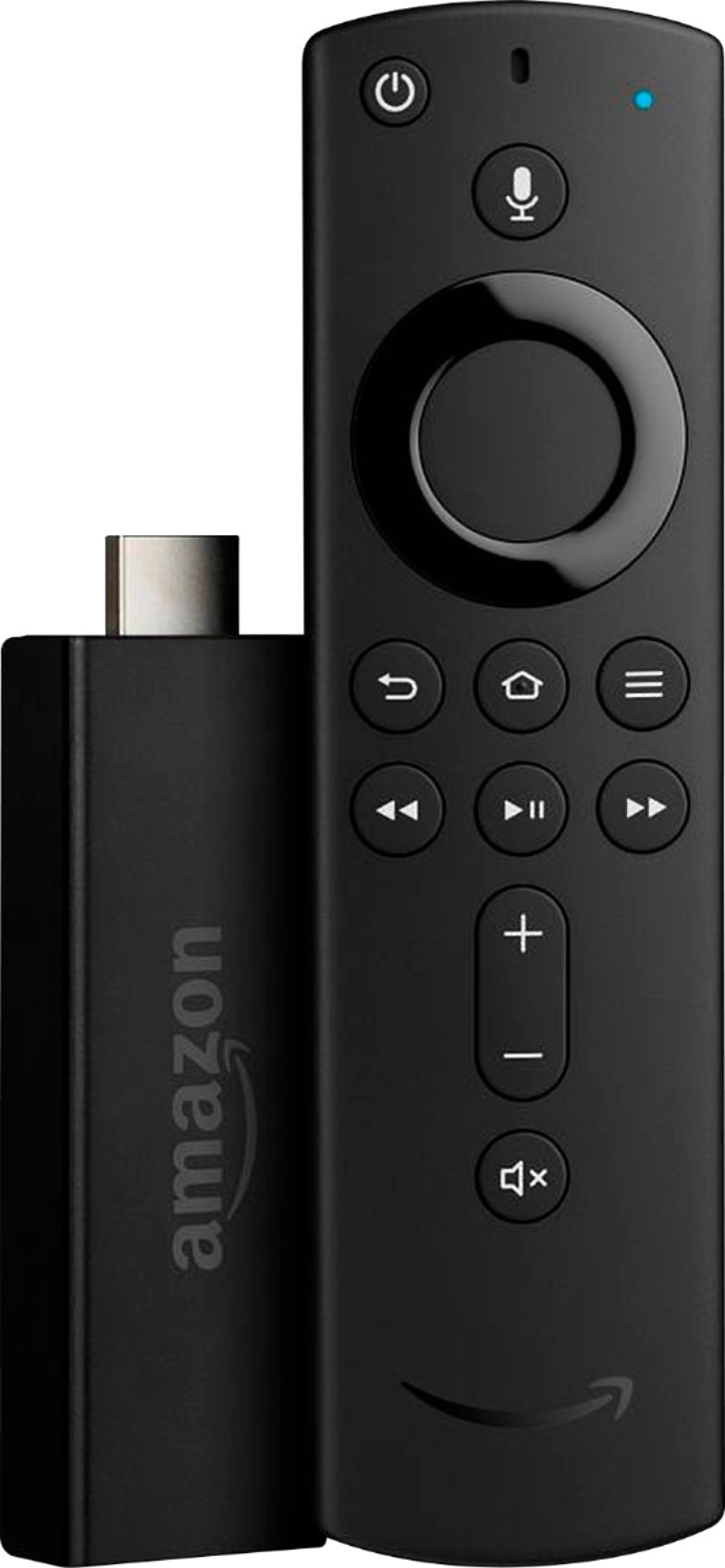
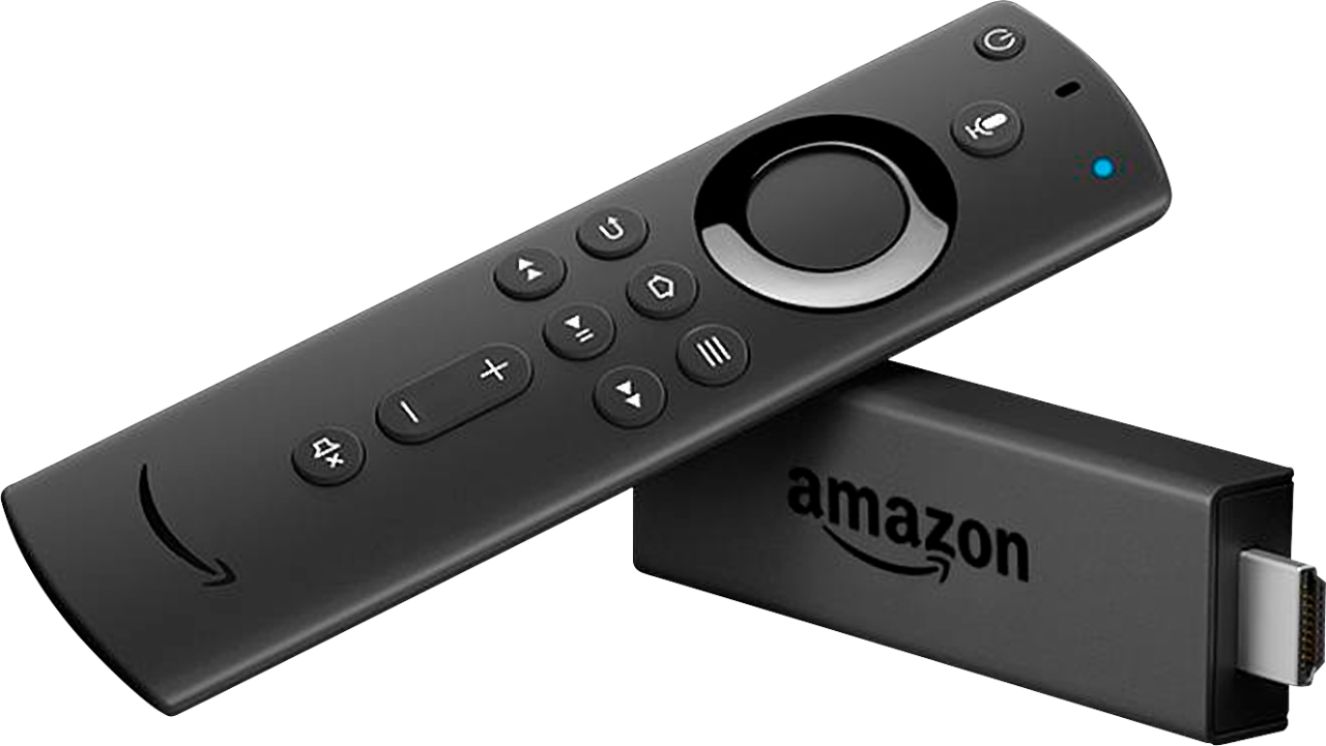
A:AnswerIt’s very easy. It connects very easily to your HDMI port. It walks you through the set up process. As long as you have a WiFi conbection and your tv has an HDMI port, you’re good.
A:AnswerYes, you can get tons of free apps yet espn is not one of them. It will let you download it and it will play flawlessly but, you still have pay for a subscription.
A:AnswerIt depends on what the meaning of "I don't have Alexa" is. In a sense once you have the device you "have Alexa" because there is a mic on the remote that accepts Alexa commands for the stick. You don't a Echo or any other Alexa enabled device, just WiFi so that the stick can find the Internet.
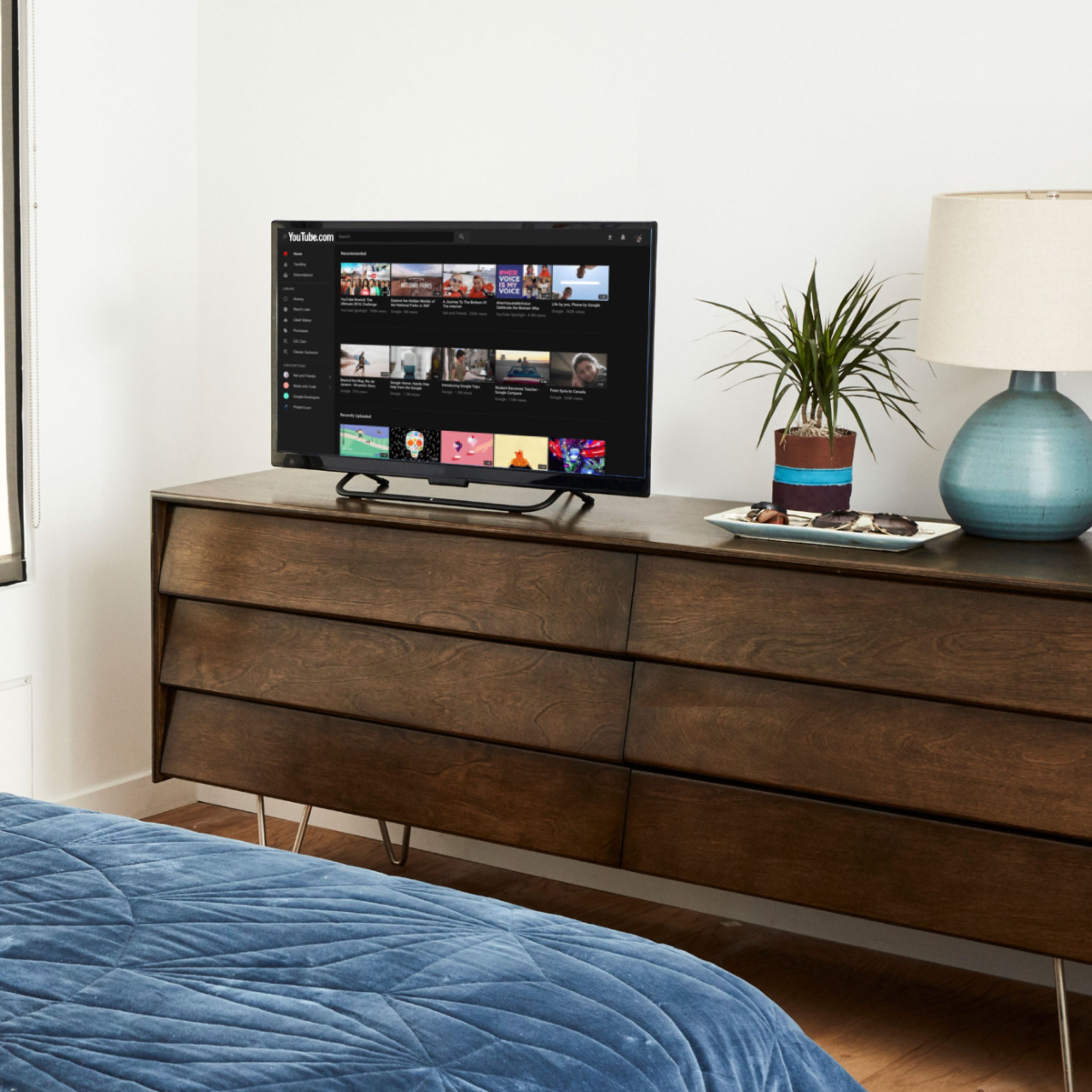
A:AnswerThe FireStick contains the popular streaming applications like Amazon Prime, HULU, Netflix and YouTube. It plugs into one of your HDMI inputs and gives you the options of movies, series' and television programming; all streaming.
A:AnswerMost apps on your firestick usually asks if you are still watching or listening. If not answered, then usually the firestick will go into a screensaver mode and will eventually go into sleep mode
A:AnswerHello Carol356,
No you do not have to pay for another subscription, you can simply sign in with your Netflix account information and start watching.
Hope this helps!