Black Friday is hereShop new DoorbustersShop now

Skip to content
Gift Ideas
26 Cypress St
Williston, VT 05495
Open until 9 pm
Find Another Store
Main Content

Questions & Answers

Your price for this item is $229.99
The comparable value price is $279.99
Page Showing 1-20 of 20 questions
  • QuestionCan I highlight text on this Kindle?

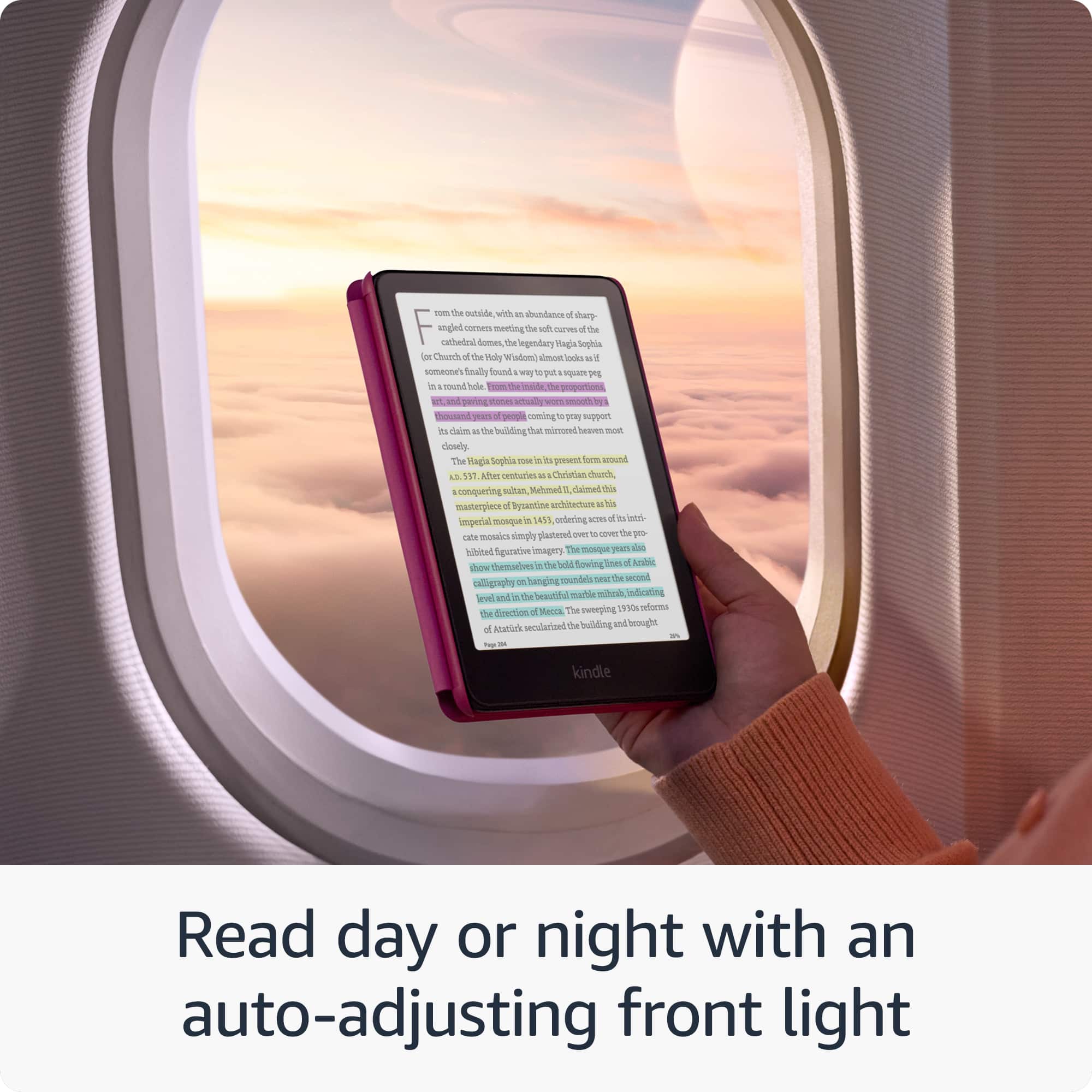
    • Answer Yes, you can highlight your favorite scenes in yellow, orange, blue, and pink.
    This question and answer was generated by AI based on customer and product data.
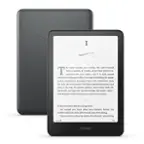
  • QuestionWhat is the storage capacity of this Kindle?

    • Answer This Kindle comes with 32 GB of storage.
    This question and answer was generated by AI based on customer and product data.

  • QuestionDoes this Kindle have a color display?

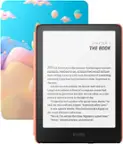
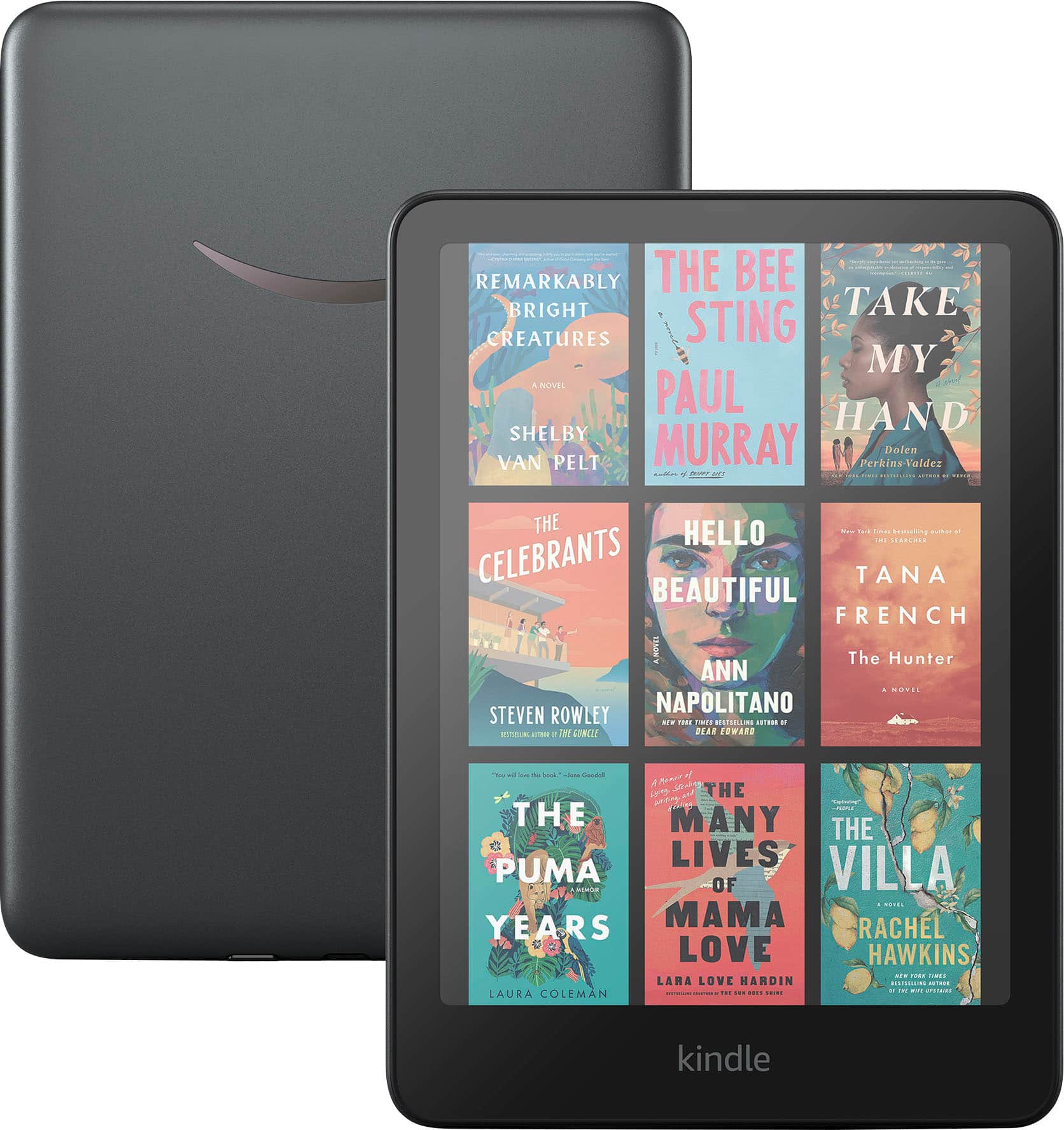
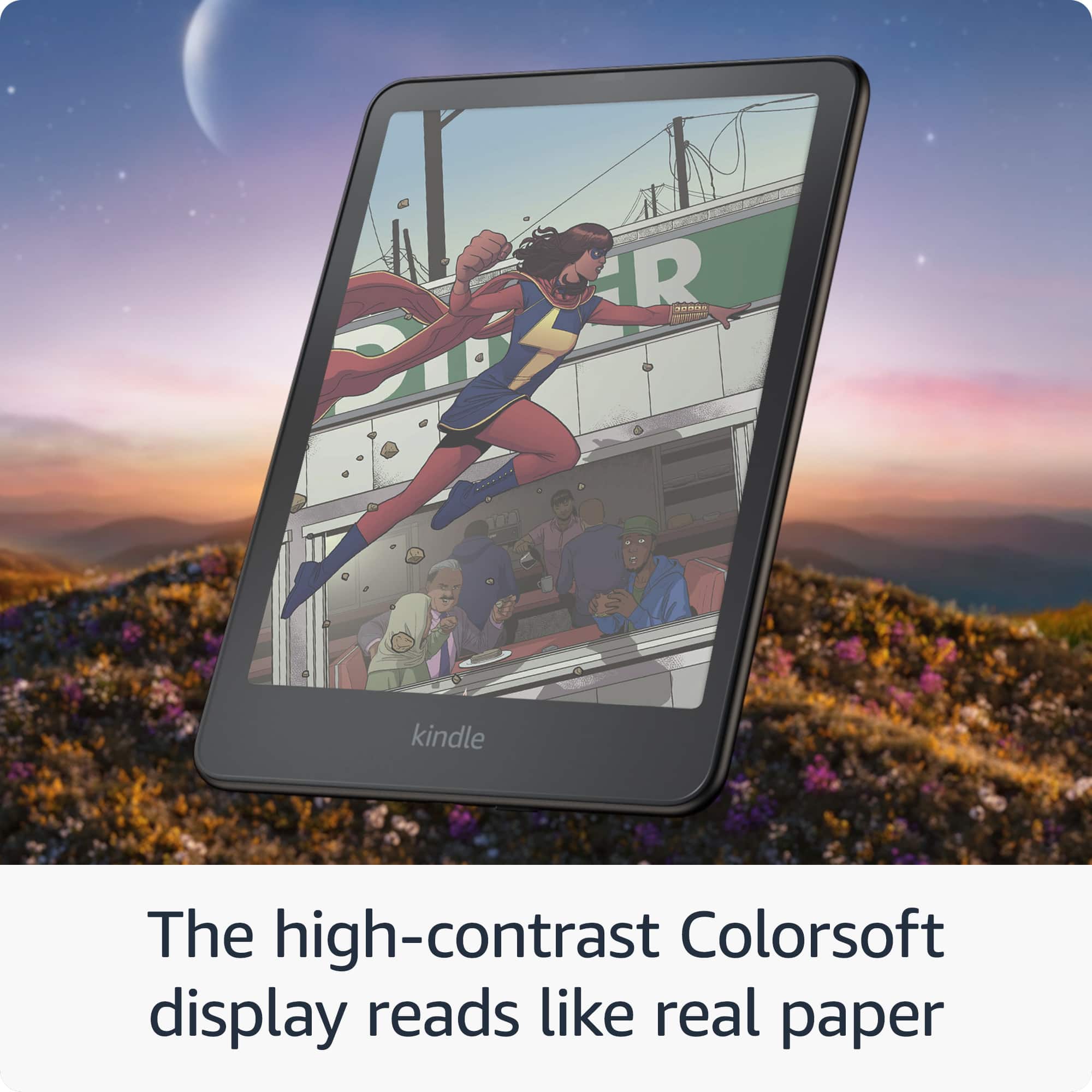
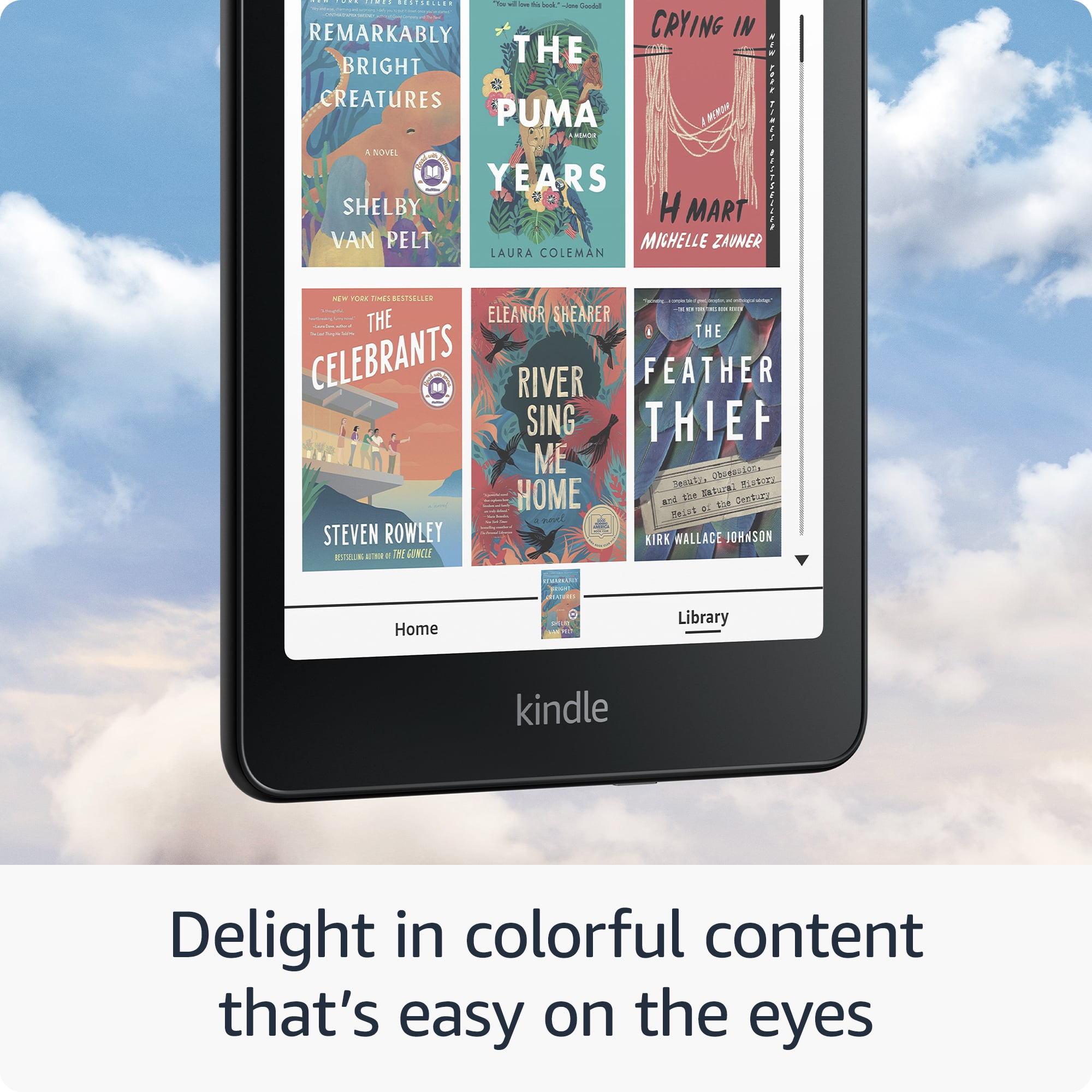
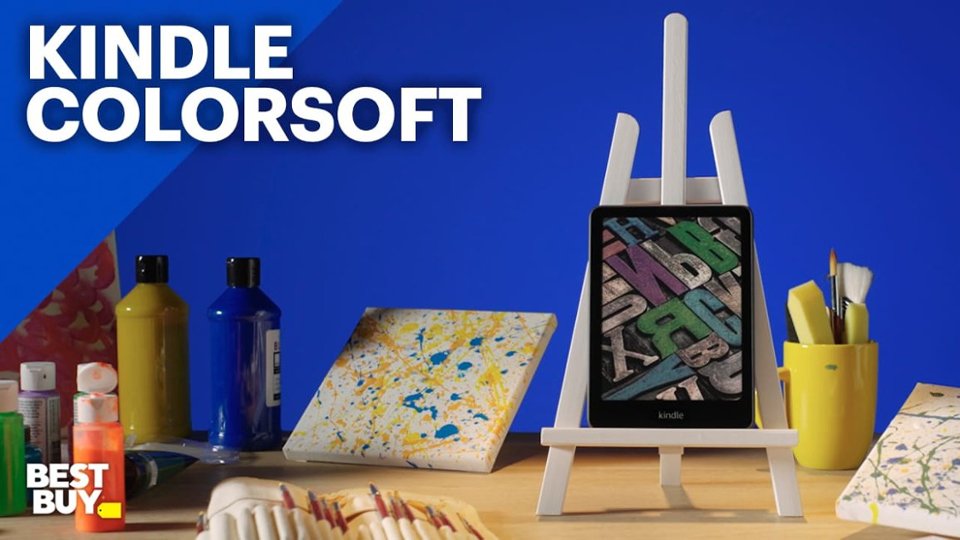
    • Answer Yes, this Kindle features a 7" Colorsoft display.
    This question and answer was generated by AI based on customer and product data.
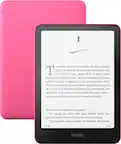
  • QuestionIs this Kindle waterproof?

    • Answer Yes, this Kindle is waterproof and can be used by the pool, in the bath, or anywhere in between.
    This question and answer was generated by AI based on customer and product data.
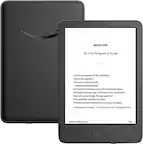
  • QuestionHow long does the battery last on a single charge?

    • Answer The battery of this Kindle can last up to 8 weeks on a single charge.
    This question and answer was generated by AI based on customer and product data.

  • QuestionCan you listen to audiobooks with this device?

    Asked by Audiobooks.

    • Answer Hi Audiobooks! You can definitely listen to audiobooks on the Kindle Colorsoft Signature Edition using a connected Bluetooth device. You'll be prompted to pair and connect a Bluetooth device on opening an audiobook, as the device itself does not feature speakers. I hope that helps, have a great rest of your day!

      Answered by Amazon Devices Customer Support

  • QuestionDoes this kindle have a black and white mode?

    Asked by Dw40.

    • Answer Hi Dw40! The Kindle Colorsoft doesn't have a full dark mode like the Kindle Paperwhite. The Colorsoft does offer a page color feature that allows you to change the background from white to black while reading. This feature simulates the dark mode available on the Kindle Paperwhite. Hope this helps, have a great day!

      Answered by Amazon Devices Customer Support

  • QuestionWill it show page number and how many pages left

    Asked by Bennyj29.

    • Answer Hi Bennyj! Yes, a Kindle will display how many pages are left in a book by showing the current page number along with the total number of pages at the bottom of the screen while you are reading. While the exact page number might now be identical across devices due to font size adjustments. The "location" indicator (a percentage or a chapter marker) can be used to track your reading progress consistently across different Kindles and kindle apps. Have a great day!

      Answered by Amazon Devices Customer Support

  • QuestionHow does it charge?

    Asked by Anonymous.

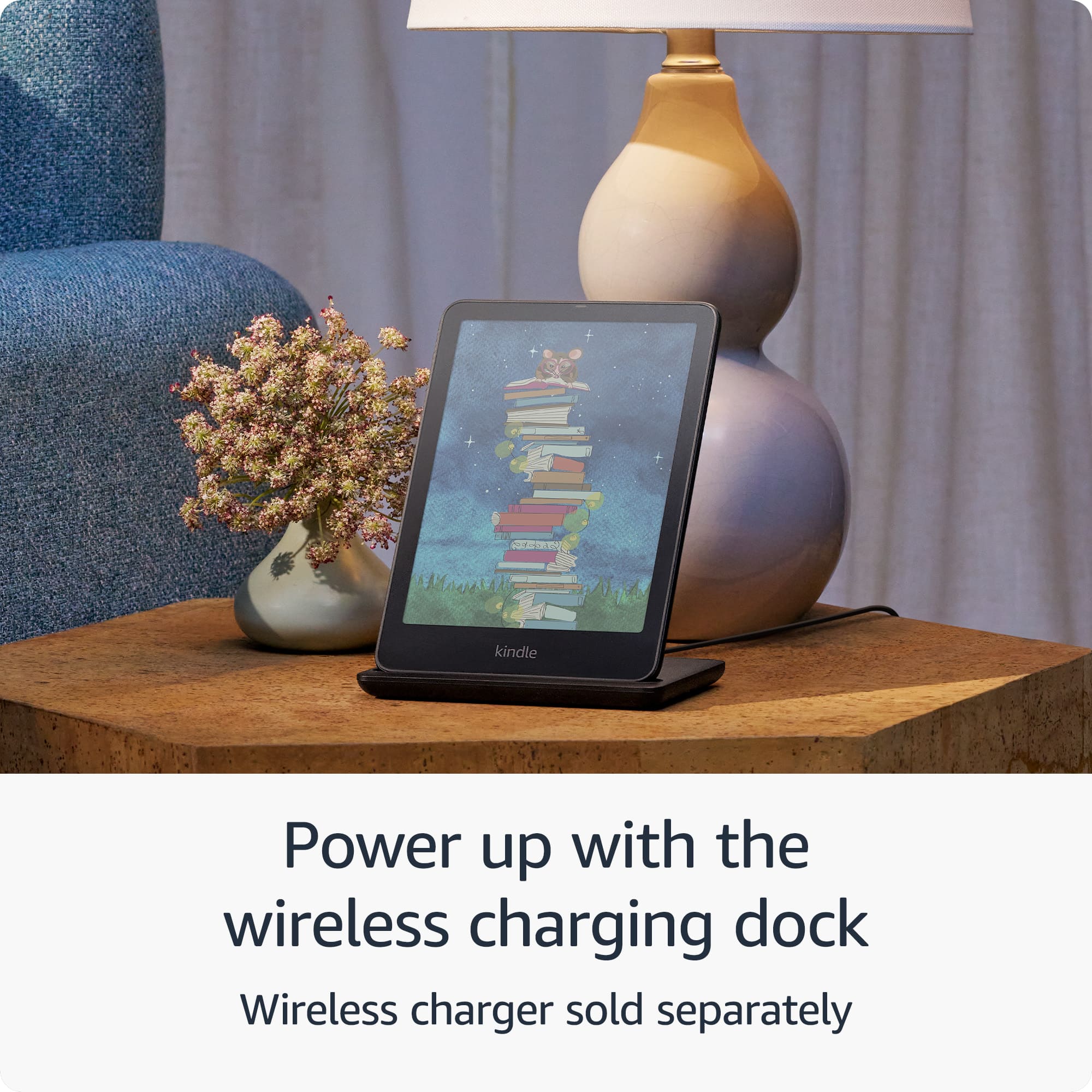
    • Answer USB-C or wireless if you get the Anker wireless Qi charger.

      Answered by MarkC

  • QuestionDoes this kindle have a ad lockscreen

    Asked by Jojoe.

    • Answer Hello, Jojoe. No, the Kindle Colorsoft Signature does not feature lockscreen ads. The Kindle Colorsoft Signature Edition does feature wireless charging (sold separately), an auto-adjusting front light, and 32GB of storage. I hope that helps, have a great day!

      Answered by Amazon Devices Customer Support

  • QuestionIs the Kindle Colorsoft easier on the eye like the Kindle Paper White

    Asked by Granny.

    • Answer Hello and thank you for asking this question. The Kindle Colorsoft has all the brightness and comfort features included in the Kindle Paperwhite, and can also display colors on the E-ink display. I hope this answers your question and that you have a great day.

      Answered by Amazon Devices Customer Support

  • QuestionCan you text or chat with a friend with the kindle colorsoft? Or add apps or web surfing?

    Asked by Pande.

    • Answer Hello Pande, the Amazon Kindle Colorsoft does not have texting or app capabilities. With the Kindle Colorsoft you can read books and listen to audio books. The 32GB of storage allows you to save thousands of books on the device for reading anywhere you want without having to be connected to WI-FI. Have a great day!

      Answered by Amazon Devices Customer Support

  • QuestionIs the yellowing that occurs fixed yet

    Asked by Anonymous.

    • Answer I think so. Mine doesn't have the yellowing and before I bought this, I read a ton of reviews. The later adopters of this product do not report the yellowing in their reviews.

      Answered by ravenmad1

  • QuestionCan I borrow and read books from Hoopla?

    Asked by Jani.

    • Answer Hello and thank you for asking this question. Kindles do not have access to the Hoopla application. I hope this answers your question and that you have a great day.

      Answered by Amazon Devices Customer Support

  • QuestionDoes it come with a limited time free subscription for kindle

    Asked by JIll.

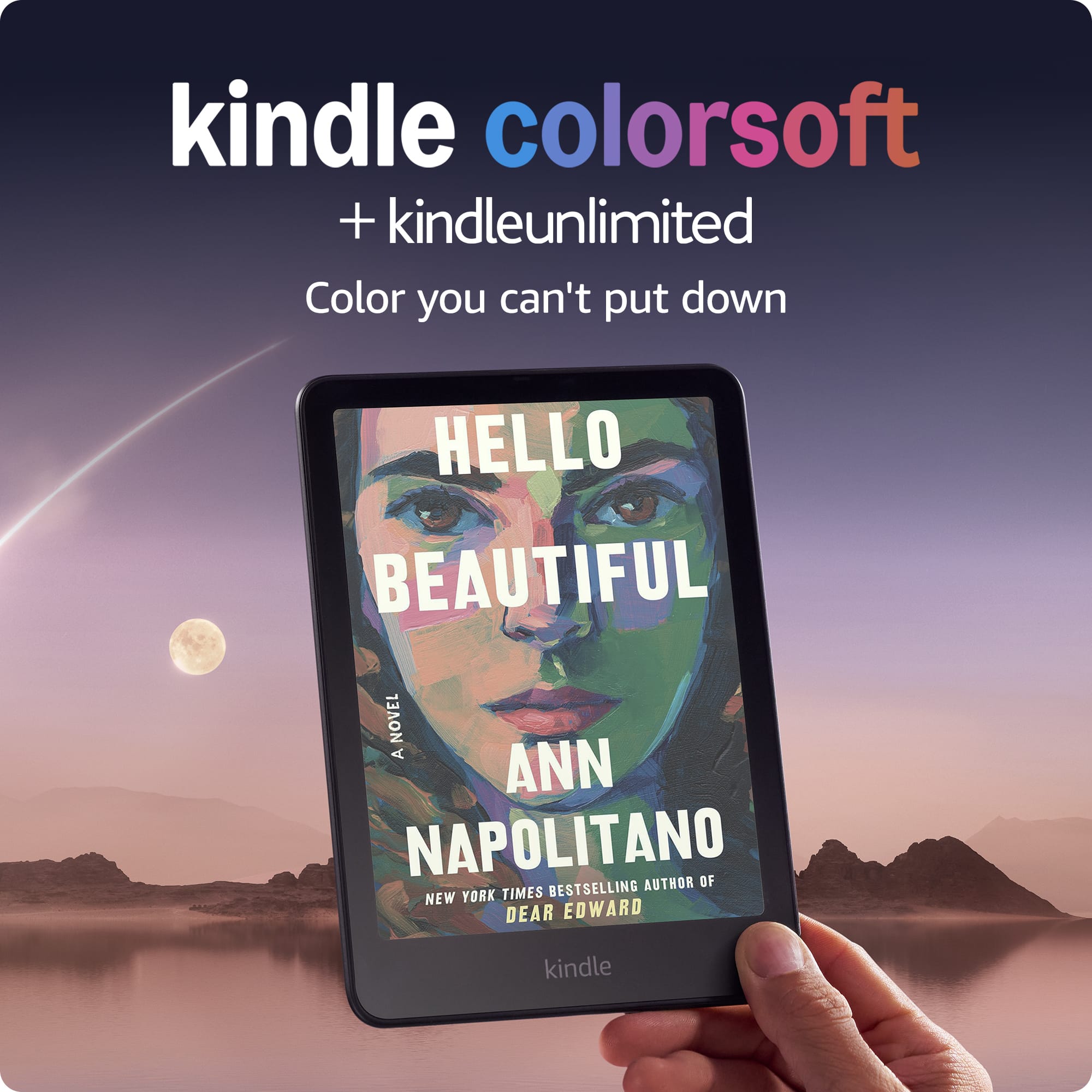
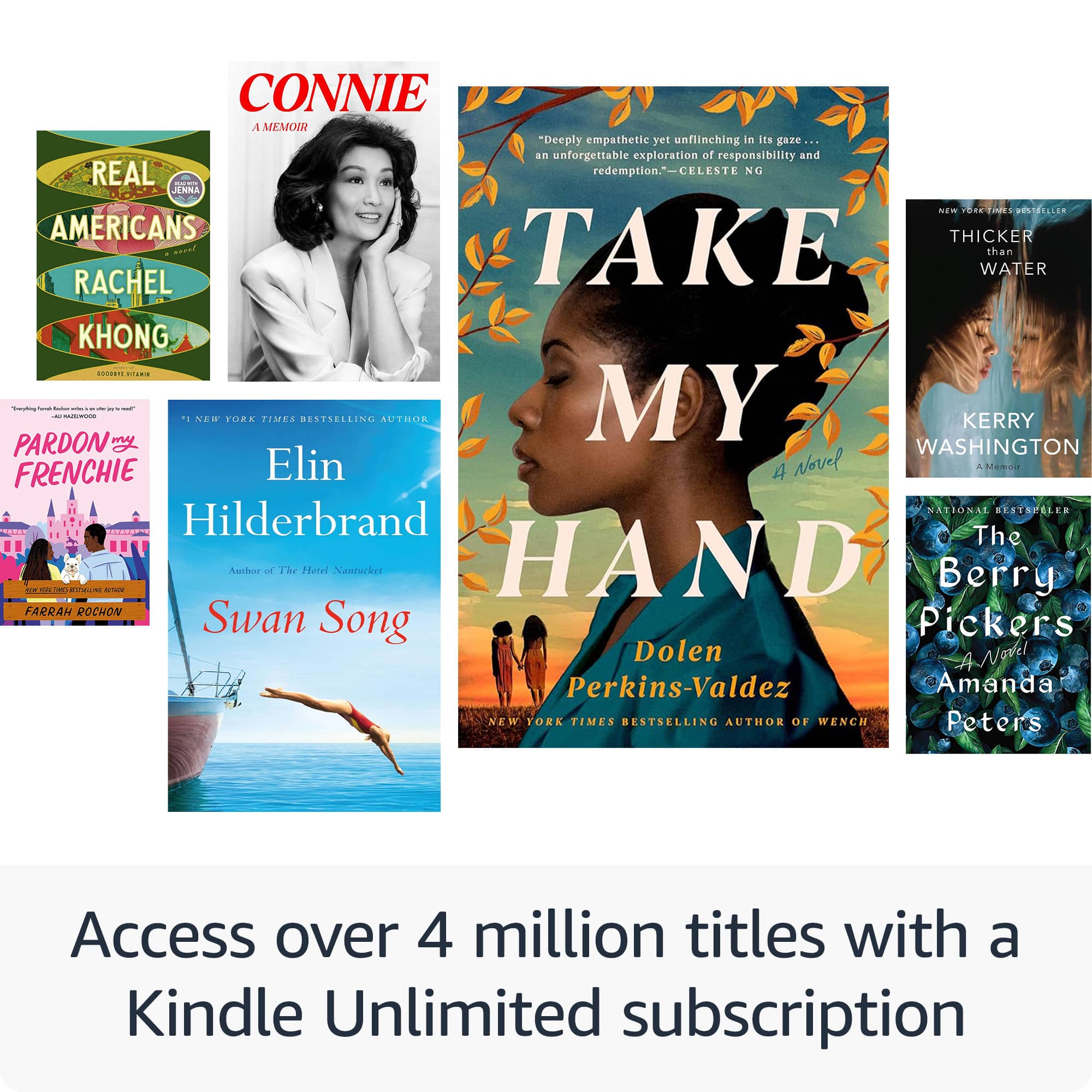
    • Answer Hi Jill, Yes, the Kindle Colorsoft does come with a 3-month limited-time free subscription to Kindle Unlimited!

      Answered by Amazon Devices Customer Support

  • QuestionHow do I download a book?

    Asked by Bill.

    • Answer Hello Bill and thank you for your question! There are a variety of different ways to download a book onto the Amazon Kindle Colorsoft Signature Edition. It is essential that the device is connected to WiFi in order to download. Here are some of the ways to download a book: 1. Purchasing and Downloading from the Kindle Store: - Find the book: Open the Kindle app on your device and navigate to the Kindle Store or visit the Amazon website and go to the Kindle Store. - Purchase the book: Select the book you want and click "Buy Now". - Download: Once purchased, the book will be available in your library. Select the book and it will download to your device. 2. Downloading from your Amazon Account: - Go to your Content and Devices page: On the Amazon website, navigate to "Your Account" and then "Content & Devices". - Select your book: Find the book you want to download and click on it. - Deliver to your device: Choose "Deliver or Remove from Device" and select your Kindle device. - Download: On your Kindle, go to your library and download the book. 3. Downloading from your Computer: Using Send to Kindle: - Download the "Send to Kindle" application from Amazon. Select the book on your computer and choose "Send to Kindle". Transfer via USB: - If you have a .mobi file, you can download it from your computer to your Kindle via USB cable. 4. Borrowing from your Library: - Get a library card: Ensure you have a library card and PIN from your local library. - Find Kindle books on the library website: Search for Kindle books or eBooks on your library's website. - Borrow and send to Kindle: Follow the instructions on the library's website to borrow the book and send it to your Kindle. Hope this helps! Have a great day!

      Answered by Amazon Devices Customer Support

  • QuestionCan you have games on this device like solitaire or word puzzles etc? Or is it only for reading? (I have a very old kindle fire, im trying to compare)

    Asked by BritHug.

    • Answer Hello BritHug and thank you for your question! The Amazon Kindle Colorsoft Signature Edition is specifically for reading. You will not be able to add/play games on the device. Hope this helps! Have a great day!

      Answered by Amazon Devices Customer Support

  • QuestionWhen will Best Buy have this displayed on the floor? I want to see it before preorder/buying.

    Asked by Jayordan.

    • Answer No. I have checked a few stores. They don't have it on the display.

      Answered by bestbuycustomer

  • QuestionCan I read newspapers and magazines on this? How is it done?

    Asked by Curious.

    • Answer Hi Curious, thank you for your question. You can access magazines and newspapers on the Kindle Colorsoft Signature Edition through the Kindle app by subscribing to Kindle Unlimited, or by using library apps like Libby or PressReader, which allow you to read digital magazines. I hope that helps, have a great day!

      Answered by Amazon Devices Customer Support