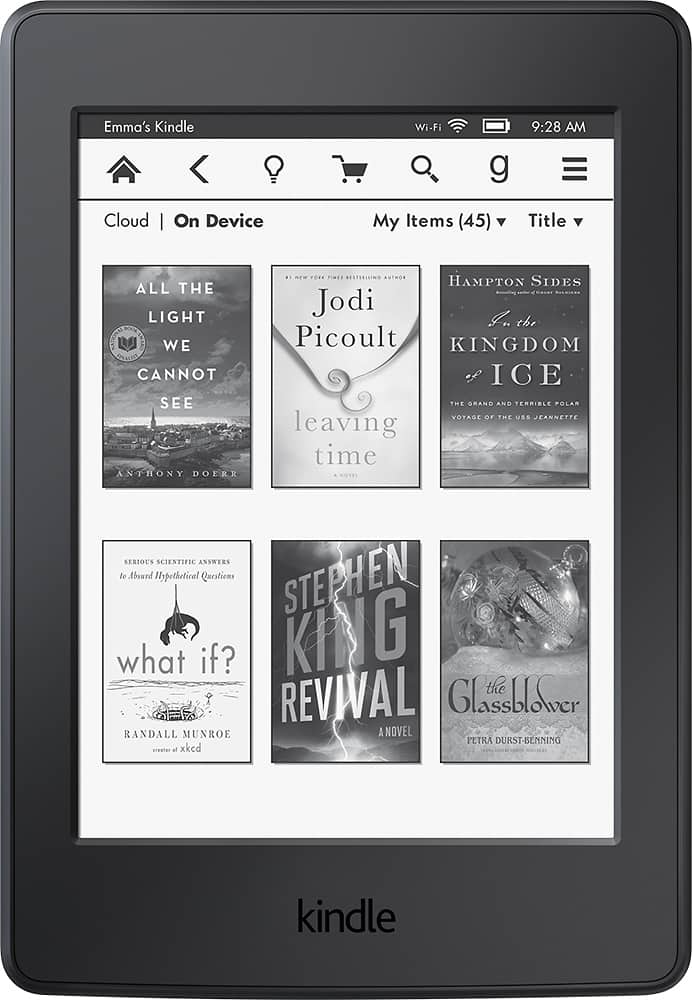
A:AnswerI was able to view websites connected to wifi but I haven't used Facebook. You can not Text with the kindle Paperwhite. The website connection would be slow and have a lag but will work. this device is mainly used for reading books,
A:AnswerYou should be able to connect your Kindle to a computer and download files to its "books" directory. The books will have to be kindle books or *.mobi files to be able to be read on the kindle. Don't know what format Oddissey files are.
A:AnswerYes. The page turn is so slow and ridiculous that it will make you want to get done with your business as quick as you can in order to not read with this any longer. Not an 'enjoyable' time like you probably have with a paper book. Good luck with your problem though.
A:AnswerYes you can using overdrive. Once you send your book to kindle you can read it on paper-white, or on your kindle phone app. And even switch between without losing your place
A:AnswerYou have two ways to do that, over the internet using the Paper white and also through a computer at Amazon.com select a book for kindle and then specify the device you want it on. Or after you buy it you just synch your Paperwhite and it will appear in the Library.
A:AnswerNo, I have found no way to turn the light off. However, the light has 24 levels of adjustment for illumination. When at the lowest adjustment of "1", you can still see a glow in a completely dark room and can only see images on the screen. The only way to not have any light coming from it is to turn it face down or purchase a cover and close it.