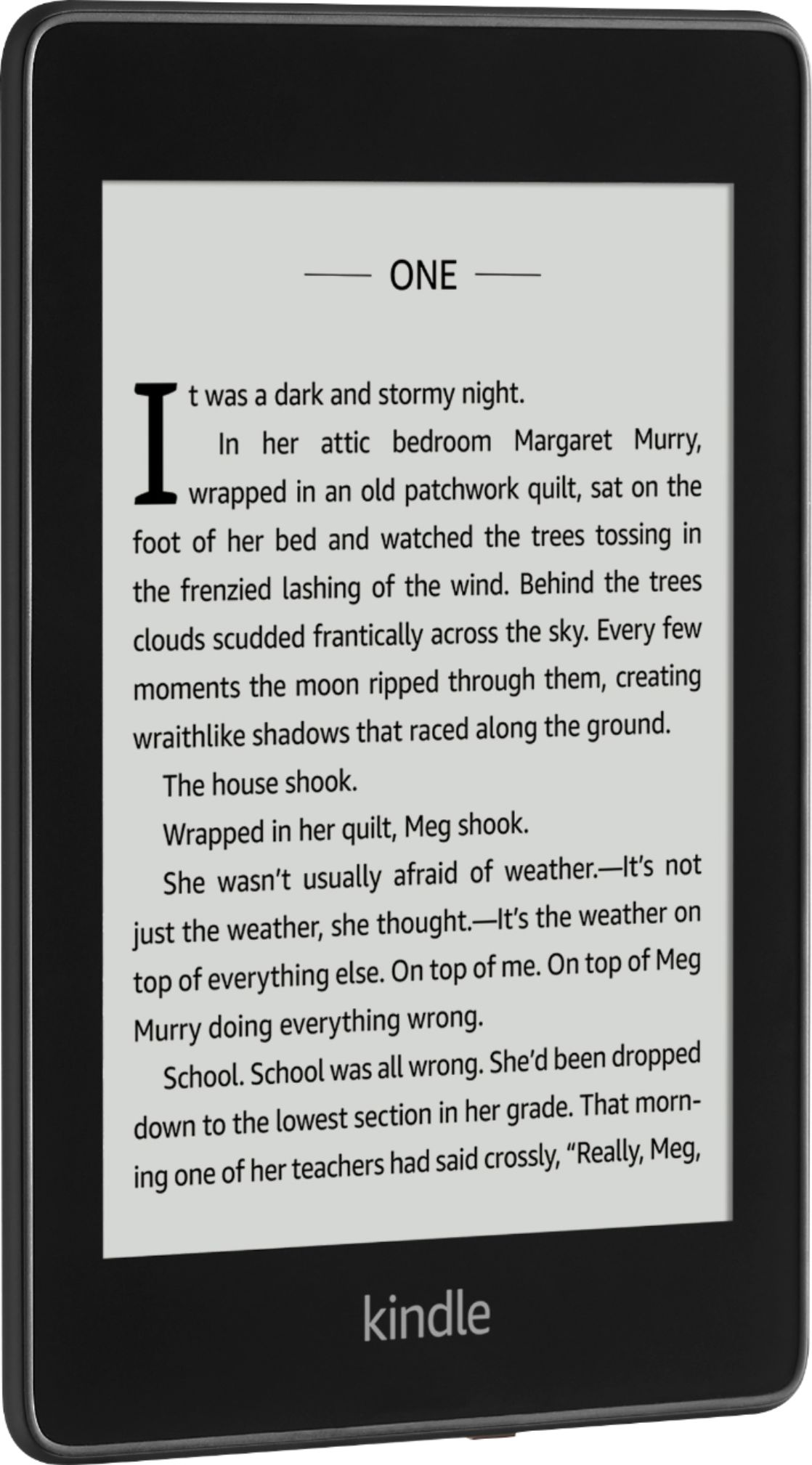
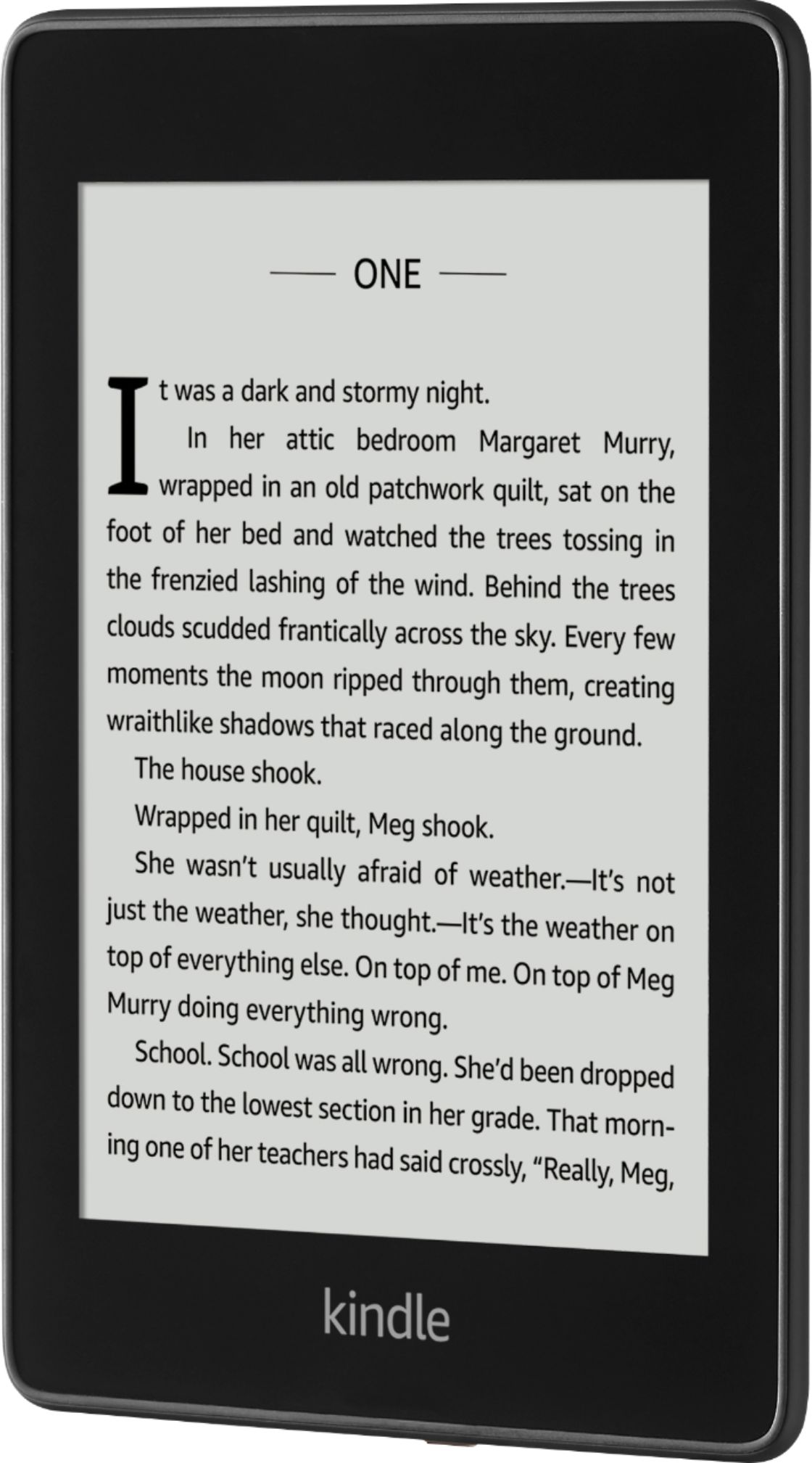
A:AnswerHello Bubba! This is a great question and the answer is, absolutely! You can access the font sizes easiest while directly in the book you are reading by using two fingers and pinch in to decrease font size or pinch out to increase font size. You can also access font and other settings directly in the settings menu accessible via swiping down from the top or tapping the 3 dots in the upper right corner of the home screen. I hope this answers your question and you have a spectacular day!
A:AnswerHello Nikki! This device is the 2018 10th generation release. There are a number of cases available for this device so just be on the lookout for any that are compatible with this generation or those that say they fit most 6" e-readers. I hope this helps and that you have a fantastic day!
A:AnswerNo. The Kindle Paperwhite is an excellent book reader but is not a general purpose tablet. It has a limited function web browser but that does not work very well. It also does not display colors. It does not work well for photographs. It is an excellent book reader for text based books.
A:AnswerYes. If you return a purchased book for a refund it is removed from all your devices. Or if you return a borrowed library book it will be removed from all devices. You can “Remove download” from only one device and leave it on your other devices.
A:AnswerHello, MissMissy64!
The Kindle Oasis is our largest Kindle device. It has a screen size of 7 inches compared to our Kindle and Kindle Paperwhite with 6 inch screens. With all of the Kindles, you will be able to change the fonts to adjust to what works best for you. I hope that helps! Have a great day!
A:AnswerHello ProStudent! Thanks for your question on the Kindle Paperwhite E-Reader. Books can definitely be deleted after you're finished with them which would free up that space. The size would just matter for people who would like to store and use many books at a time or have quick access to them so you do not have to download them every time you want to access them again. Many people like to carry full libraries on their device and many store only 1 or a few books at a time. I hope this answers your question and that you have an optimal day!
A:AnswerNo. The Paperwhite is an excellent book reader for black and white text based back oks, but it is nit a tablet. It does nit run apps or games of any type.
A:AnswerHello Warrior95 and thanks for your question on our Kindle Paperwhite! Kindle Unlimited will follow you from device to device when you use your Amazon login during the setup of the new Kindle! Then using Whispersync technology, it will allow you to see your whole library of books as well as sync your place in those books across each device. In addition to that, the benefits of having a Kindle Paperwhite as opposed to a phone, is the Kindle will be distraction free, lightweight, last a lot longer on a battery charge than draining your phone's battery, and also have a screen that would be easier on the eyes as it is the closest to reading from paper you can get with a digital device. I hope this answers your question and that you have a phenomenal day!
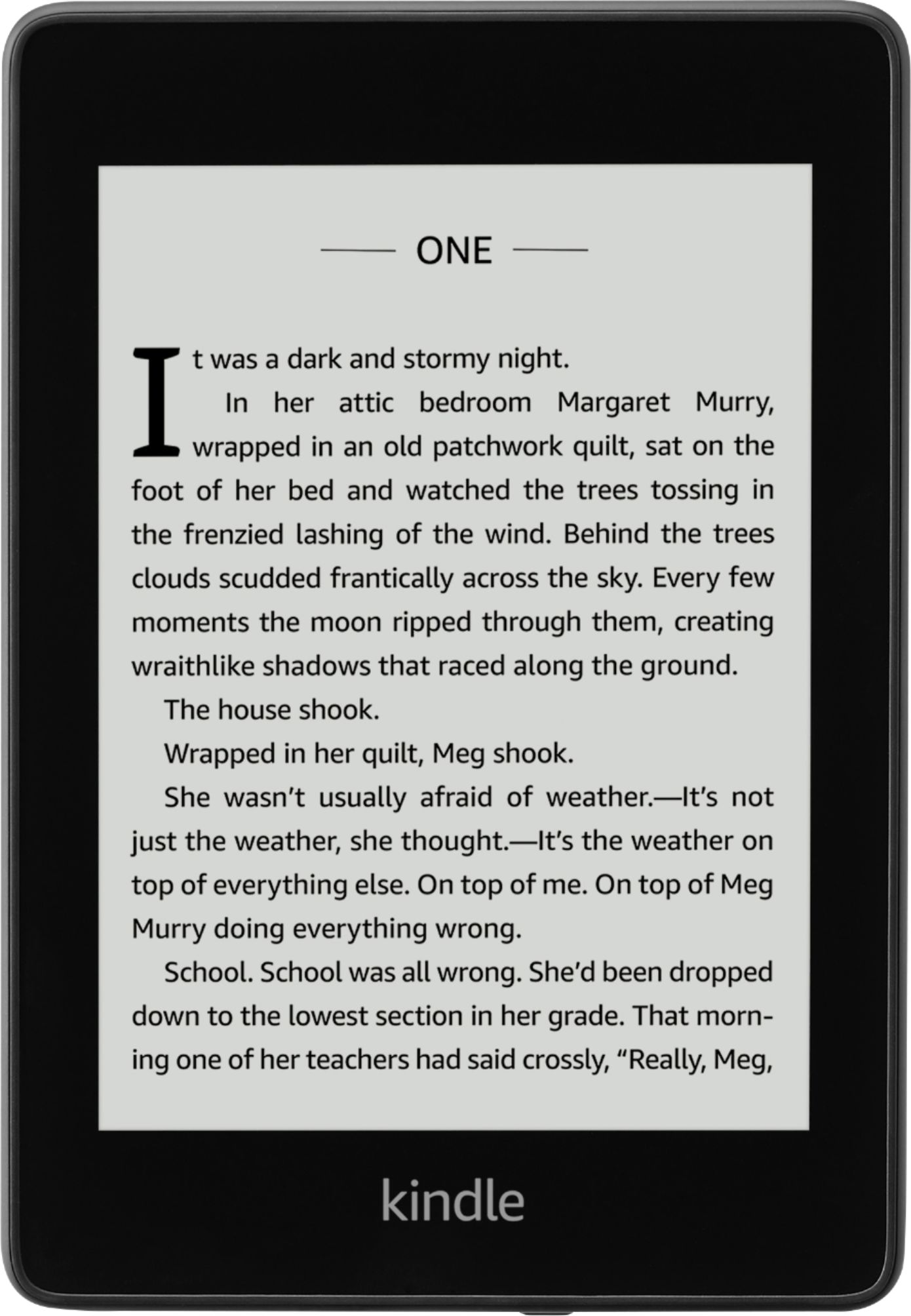
A:AnswerHello, george! There are two different sizes of the Kindle Paperwhite, one with 8 GB or storage space and one with 32 GB. This one you have written this question is the 32 GB one, which is a bit more expensive than the 8 GB one since it has significantly more storage available. I hope that helps! Have a great day!
A:AnswerHi there Jim,
This model Kindle Paperwhite E-Reader does not have a port for headphones. In order to listen to your audiobooks, you would need to pair your Paperwhite with Bluetooth headphones or speakers to listen to your story.
I hope this helps.
A:AnswerI have been using a CoBak Kindle case I found on Amazon- it has both a stand for propping up and an elastic band to slip around your hand. It puts the Kindle to sleep when the cover is closed. I would purchase that case again if I had another Kindle.
A:AnswerHello,
Yes, you can enlarge to almost approx 40pt, but then you will have less words per page. Hope that info helps. You can also adjust the brightness of the screen to help with how well you see the screen as well.
A:AnswerHello, yes you do need an Amazon account. The account is free to set up and then you can pay per book or sign up for different plans.
Have a great day!
A:AnswerThe Kindle Paperwhite is an eReader that gets the books from the Amazon Library. It is only designed for reading. There is no way to add additional apps to it.