A:AnswerHello,
You can gift a Kindle Unlimited Membership by visiting Kindle Unlimited and making sure "this is a gift" is checked off before purchasing. Or Best Buy does sell Amazon Gift Cards, you could purchase and give that with the Kindle so they could get their own books or the membership. Hope that helps.
A:AnswerHello. I have enough space to download as many books as I want plus you get kindle unlimited free for 3 months to try out. It’s cost is $10 a month that lets you choose from any books in their wide selection. You can download up to 10 books at a time but once you finish reading and return you can download more to replace it. Hope that helps! Also if you buy books it doesn’t count towards your 10 for kindle unlimited it’s completely separate. I use kindle unlimited, books I buy and books I borrow from my elibrary app and I haven’t had any issues having so many books on my kindle. I honestly love it and all the options it offers me.
A:AnswerTechnically yes, but a better question is will you even notice them - no you likely will not. I am new to Kindle but for me ads are static (as in a print magazine) and only appear on the screen prior to opening the device to read. Once reading commences, no more ads. Do not fret over the ad version.
A:AnswerHi Robin,
Yes, you can use this just as you've been using Kindle already. It's all synced with your Amazon account, so just make sure your existing devices are connected to wifi and synced. Then once you get your new Kindle, login with your Amazon account and it will sync up.
A:AnswerHonestly the ads don’t even bother me they only show up when you’re reader is sleeping and it’s usually deals or sales on books but goes away once you swipe up to get to your screen. I believe it’s $20 or $30 to remove which again isn’t that bad. But they have specific kindles that already have it removed for you they are just higher in price by $20 or $30 (can’t remember which one it is). Hope this helps!
A:AnswerHello, Curious! You can remove the ads from a Kindle through your Alexa account. You can find that option from the "Manage Content and Devices" part of your Amazon account. I hope that helps! Have a great day!
A:AnswerHello: My Kindle Paperwhite (newest model, 32 G) is operated by wi-fi only but a kindle with wi-fi and cellular capabilities could be purchased. I’ve never had the necessity to do this and it operates just fine. I’m not sure about the 3g capabilities. The Kindle Paperwhite can only be used as a reader but you can listen to audio books. I hope this helps.
A:AnswerHello, PamS! If you purchased a digital copy of the book, there is no charge for downloading it to your Kindle device. You would simply need to select the book in your library and then click on it to download it. If it is a physical copy, it is not free to download the digital version to your Kindle device. I hope that helps answer your question. Have a great day!
A:AnswerHello, Dinosaur! For the Kindle Paperwhite, a single charge lasts up to six weeks, based on a half hour of reading per day with wireless off and the light setting at 13. Battery life will vary based on light settings, wireless usage. Audible audiobook streaming over Bluetooth will reduce battery life. Have a great day!
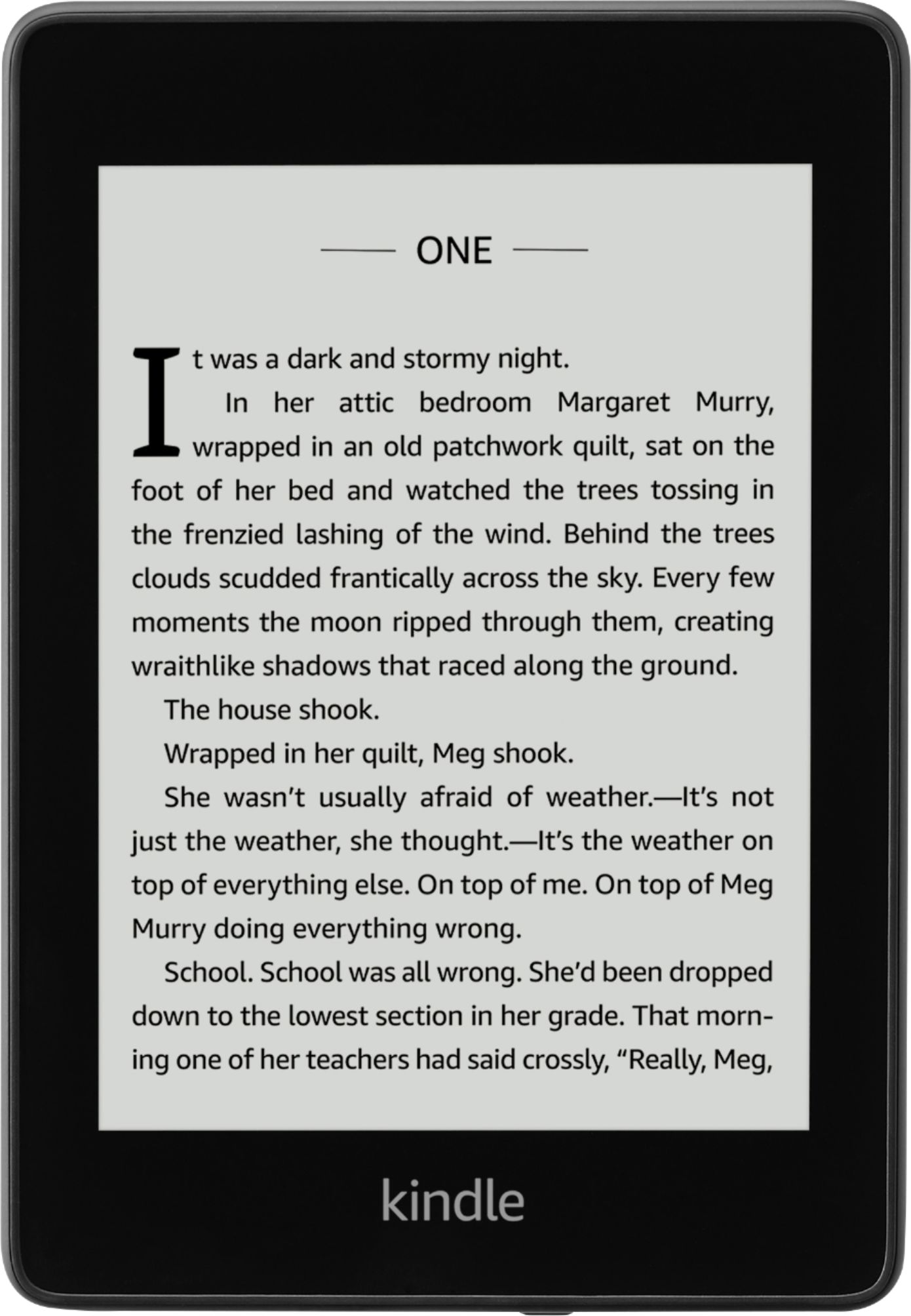
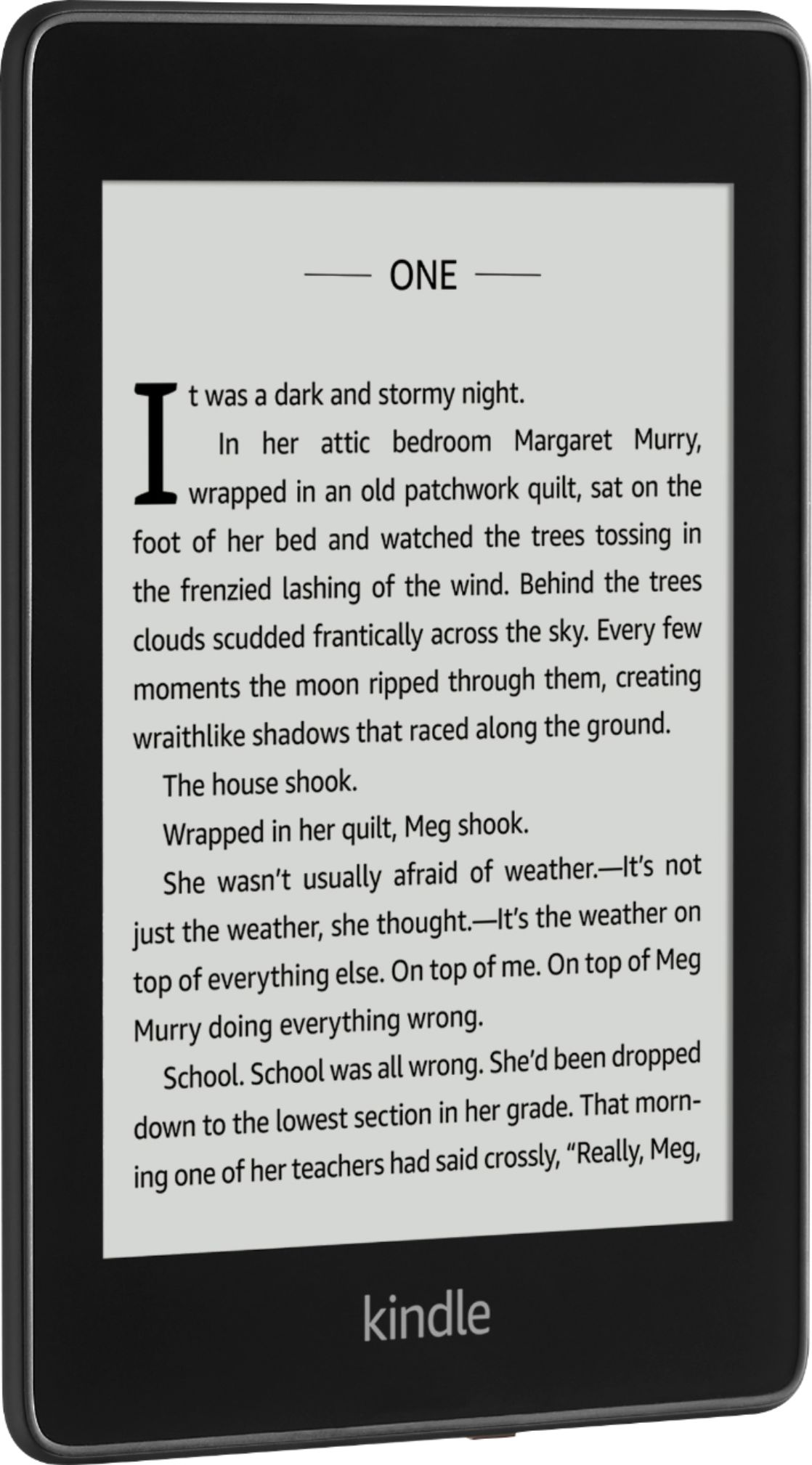
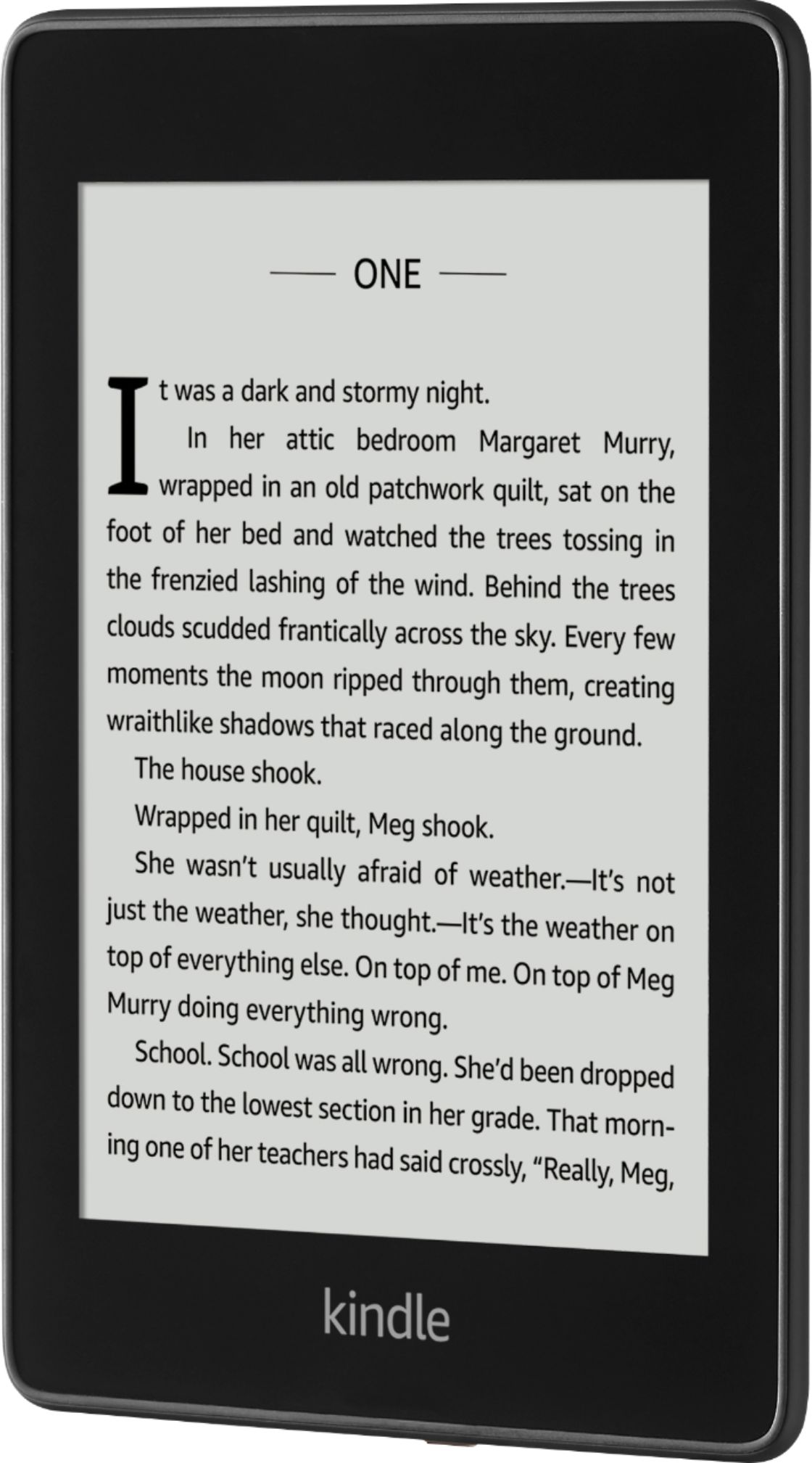
A:AnswerHello, Mick! It appears this is the Kindle Paperwhite with special offers. The special offers are ads on the lock screen of the device when it is not in use. You can remove those through your Amazon account if you wish. I hope that helps! Have a great day!

A:AnswerAt this time, you can't download books from Barnes and Noble onto the Kindle. Keep in mind that Amazon offers thousands of books along with libraries and more. Hope this helps!
A:AnswerThe settings are the same as the last paper white. Fonts and size are available. I love the new Kinndle!
I bought it on line at Best Buy. It came in a couple days.