A:AnswerIf possible, please try the following steps to see if the issue persists:
- Plug both ends of the USB-C cable into the input and output port of the battery at the same time for 3-5 seconds.
- Fully recharge and use up the battery again to see if everything works properly.
- Try a different wall charger and cable.
If those don't help, please reach out to us via [email protected] or call us at +1 (800) 988 7973. We are more than happy to assist you further.
We offer an 18-month warranty for this product, plus lifetime technical support. Our standard for responding to email quests is less than 24 hours, and we look forward to hearing from you!
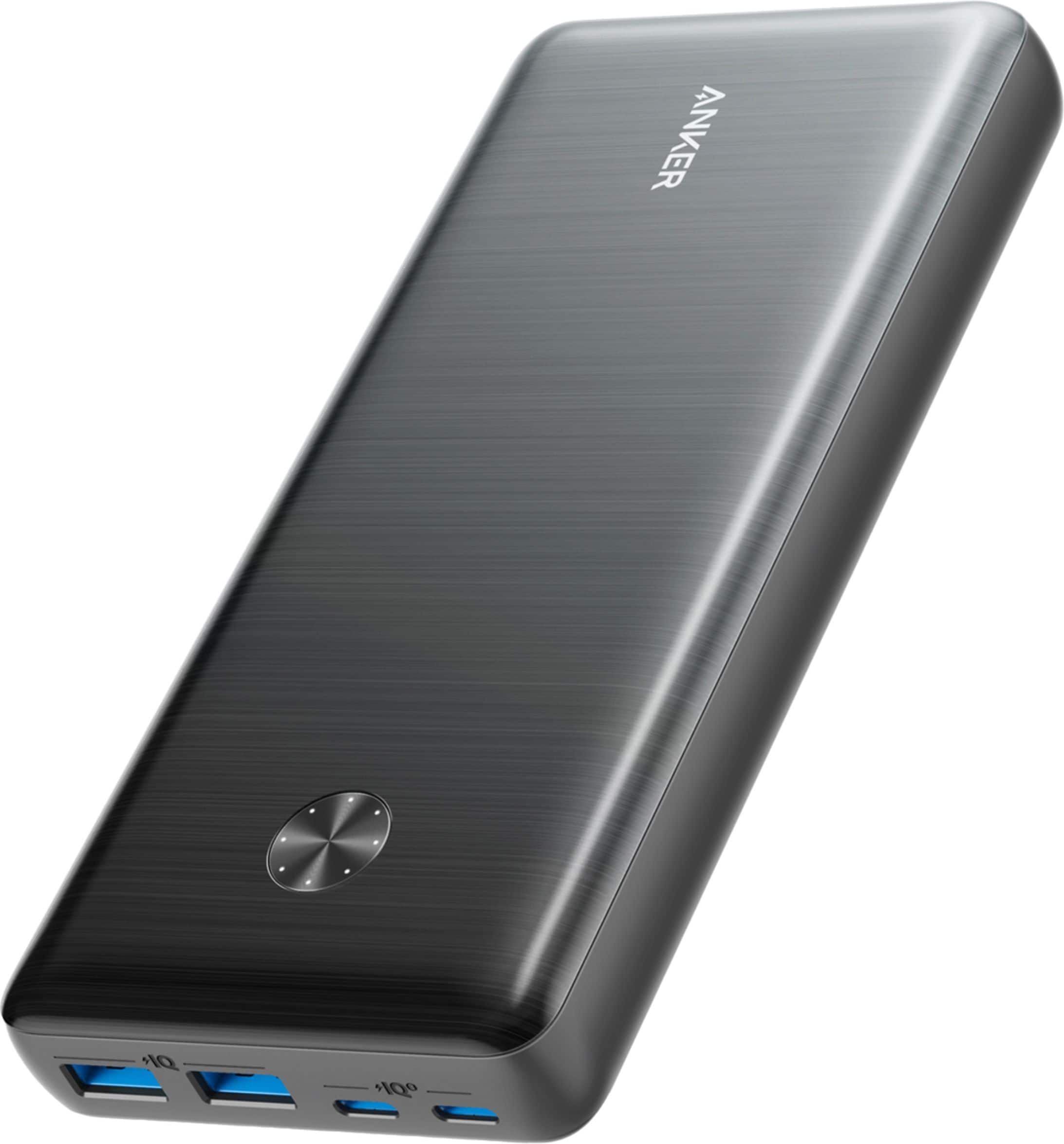
A:AnswerThank you so much for sharing your experience. We're really sorry you've encountered this issue!
If possible, please try the following steps to see if the issue persists:
- Another wall charger/plug
- Another cable/wire
- Another wall outlet
If those don't help, please reach out to us via [email protected] or call us at +1 (800) 988 7973. We are more than happy to assist you further.
We offer an 18-month warranty for this product, plus lifetime technical support. Our standard for responding to email quests is less than 24 hours, and we look forward to hearing from you!
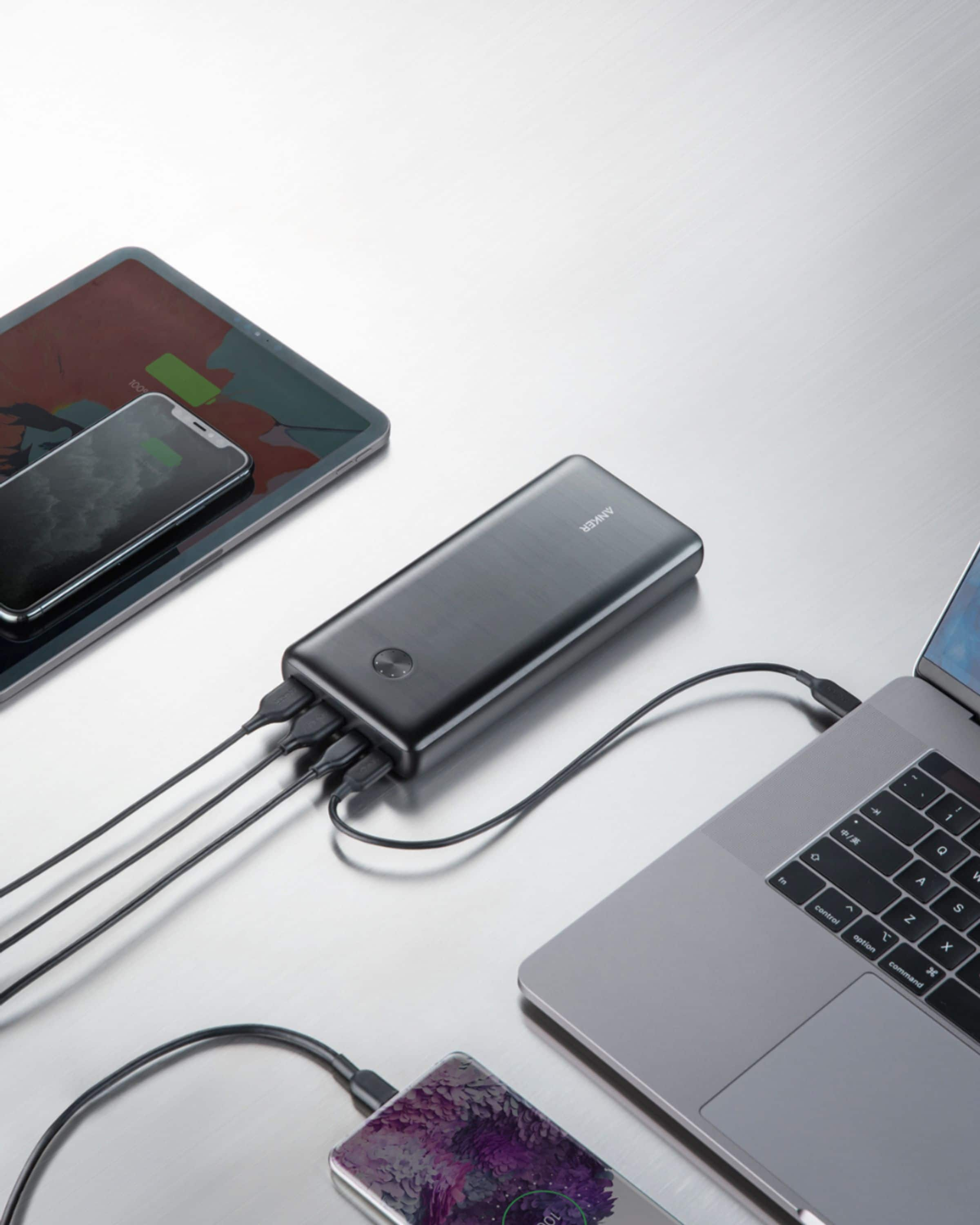
A:AnswerThe way you phrased your question is confusing with the reversing thing. If you mean can a 65w laptop plug-in charger be used to charge this battery, the answer is yes it can with the proper cable and a 65w charger is the exact right size. ANKER should delete their incorrect answer.
A:AnswerSince USB-C is becoming a more universal standard, many people already have USB-C chargers from other devices that will charge this battery. Selling them separately reduces cost and minimizes redundancy in the products consumers end up with.
A:AnswerIf this is for an Anker battery with circular light indicator array, then it is fully charged once all lights in circle are lit and stop blinking. After a while the battery will turn itself off.
A:AnswerLook on the underside or rear of the battery and refer to the sticker with more technical power supply information or contact Anker technical support at [email protected]