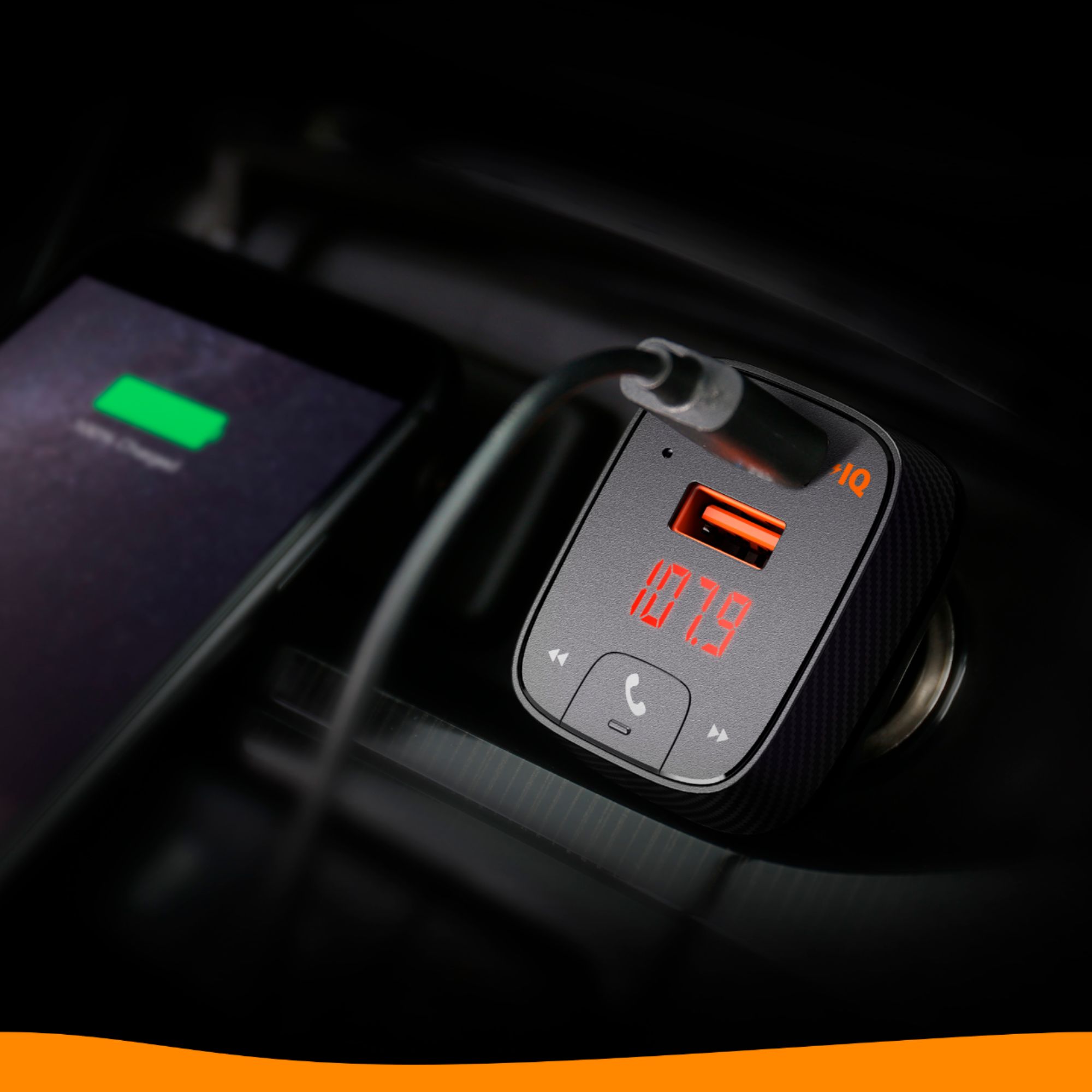
A:AnswerSounds like you didn't hook your phone bluetooth properly. Mine connected in seconds when I used the instructions. Regardless, get a USB thumbdrive and put a bunch of mp3 files and plug it into the bottom (middle) outlet and it will play automatically. If this works, then another indicator that you haven't connected it via Bluetooth.
A:AnswerAt a time? No... you can only use it listen to music/video from one device. (At least in my experience). However, I have paired it with multiple devices over time, switching from my phone to my tablet, for example.
A:AnswerI believe you can use any radio station as long as there’s just “white noise.” I try to choose the station that has the least amount of noise as I see I have a better listening experience that way. I believe it only works on FM, but I am unsure.
A:AnswerI get rid of my interference by unplugging the phone from the USB port which defeats the purpose of the port anyway so I plug the phone in an auxiliary charging port. It gets better but there's no way to completely be free of interference.
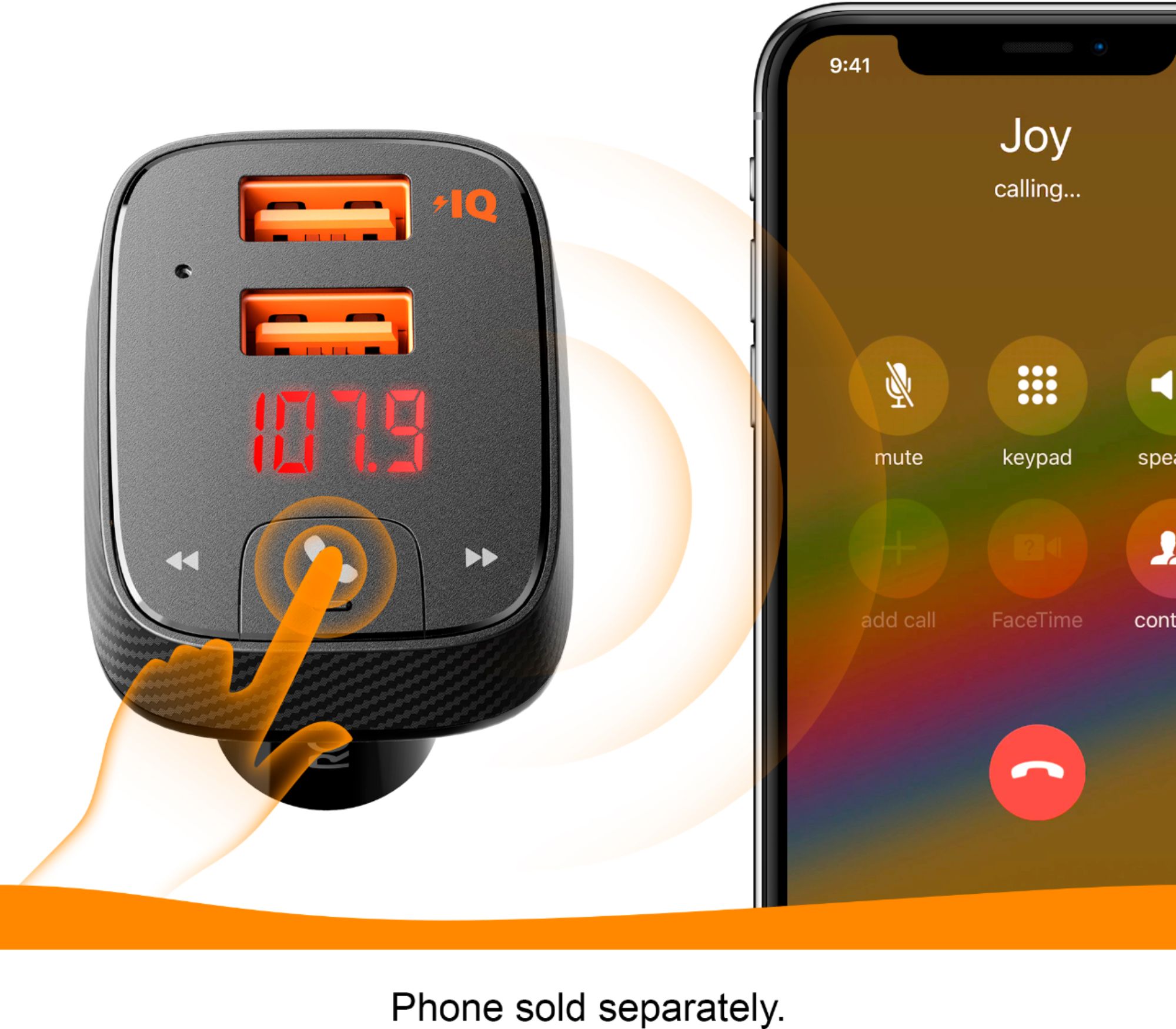
A:AnswerI use this in a 1999 truck so I can play my music on Spotify over truck speakers using Bluetooth. I can also have a phone conversation hands free with this device. It works great. You just tune to a static satation like 97.7 and have the same station on device. The instructions explain how to connect Bluetooth. But I have an android.
A:AnswerYes. But like all bluetooth devices, only one paired at a time. We have a bunch of phones that can pair to it, but only one can do that at a time.