Questions & Answers
- Model:
- 16T15
- |
- SKU:
- 6582197
Highly rated by customers for: Portability, Overall Performance, Connectivity
$109.99Your price for this item is $109.99
Page Showing 41-56 of 56 questions
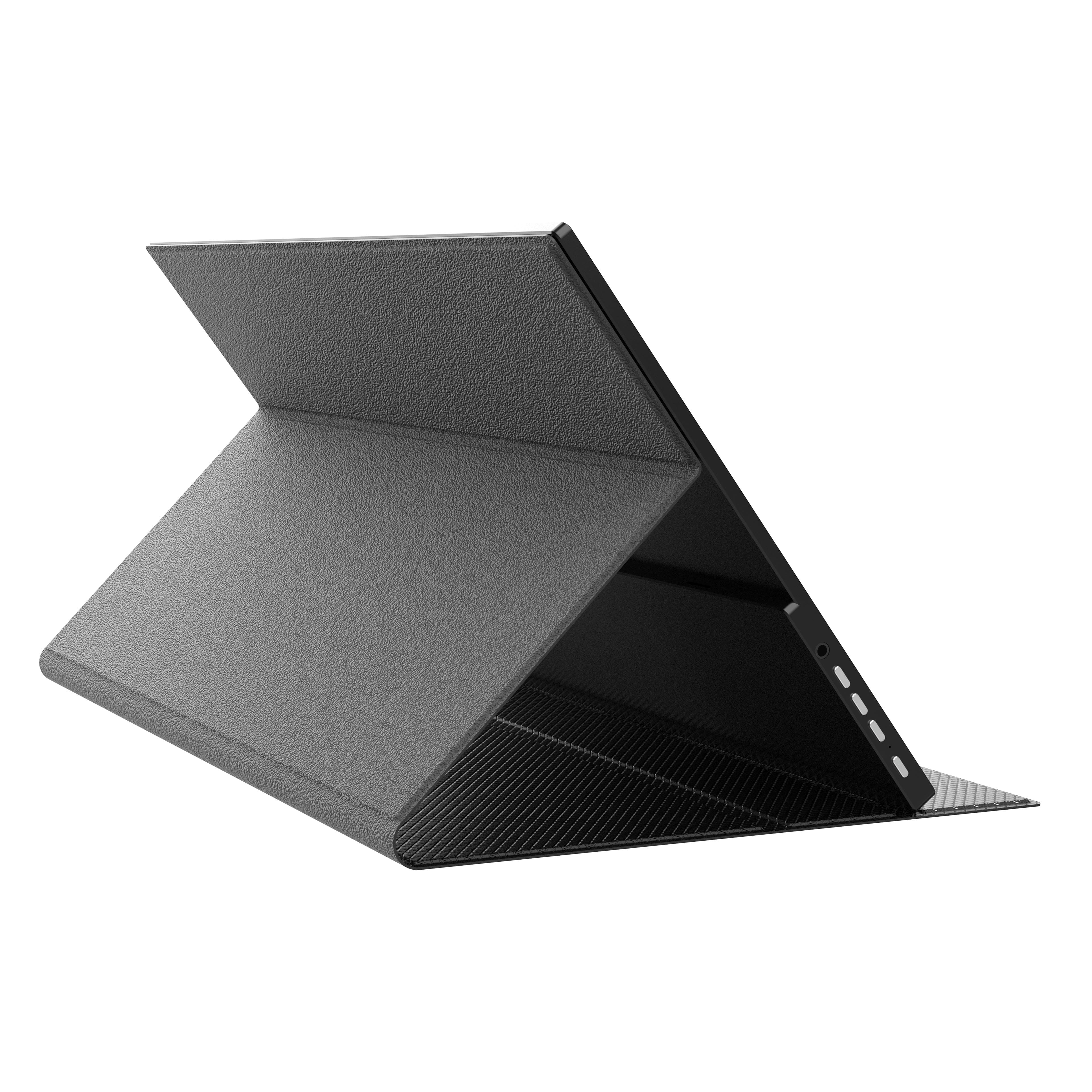
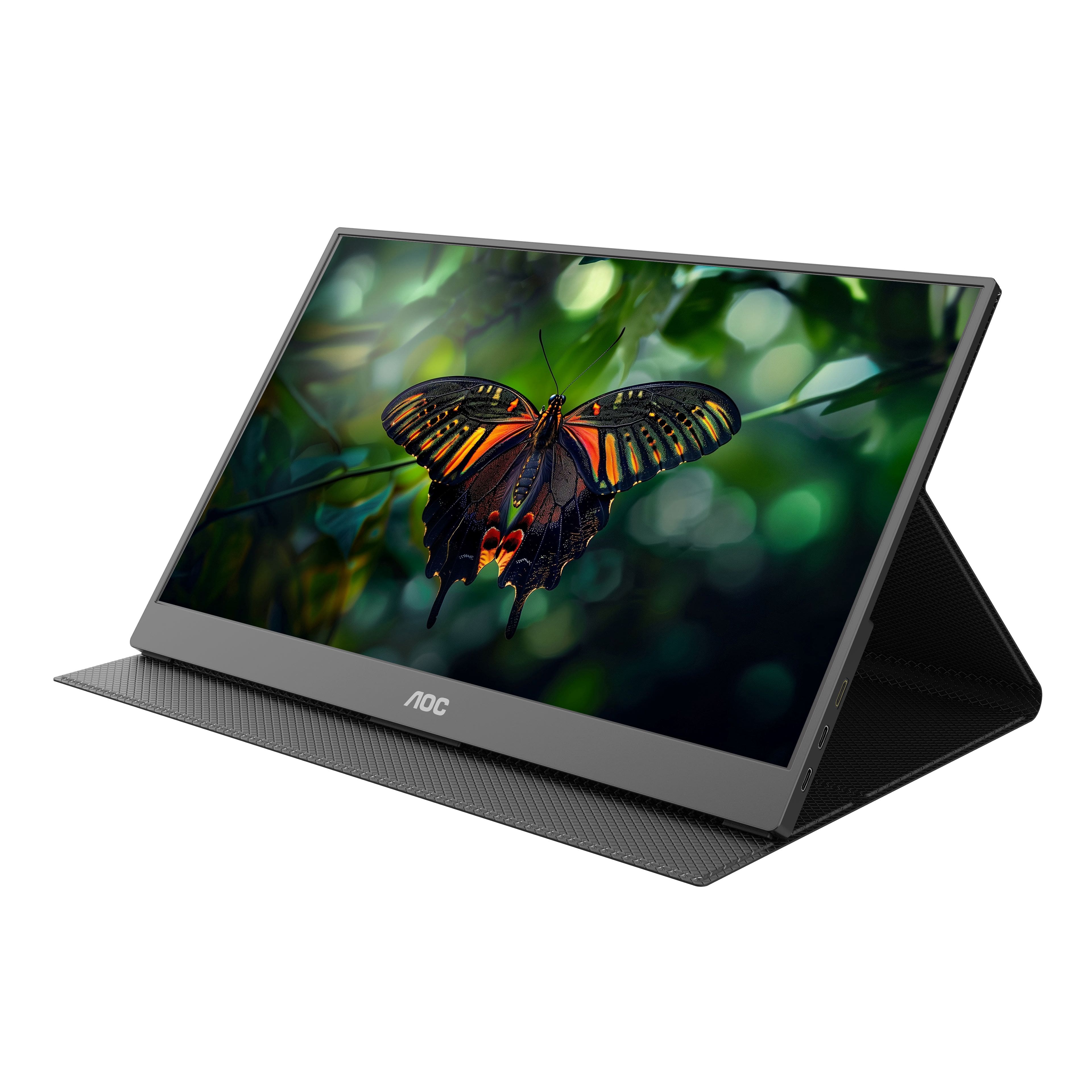
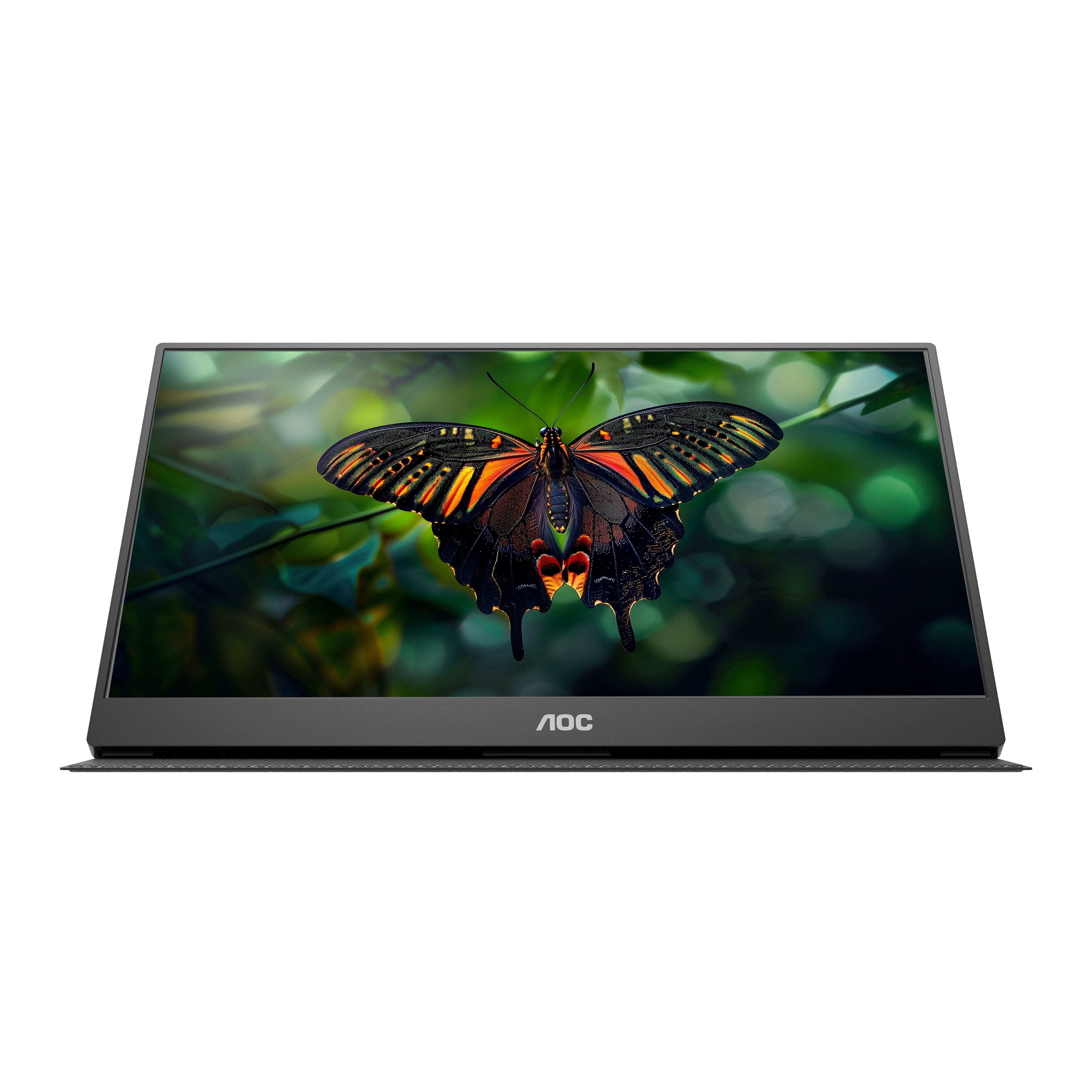
Q: QuestionI would like to see how the cover is designed for support in PORTRAIT MODE.
Asked by Gordy.
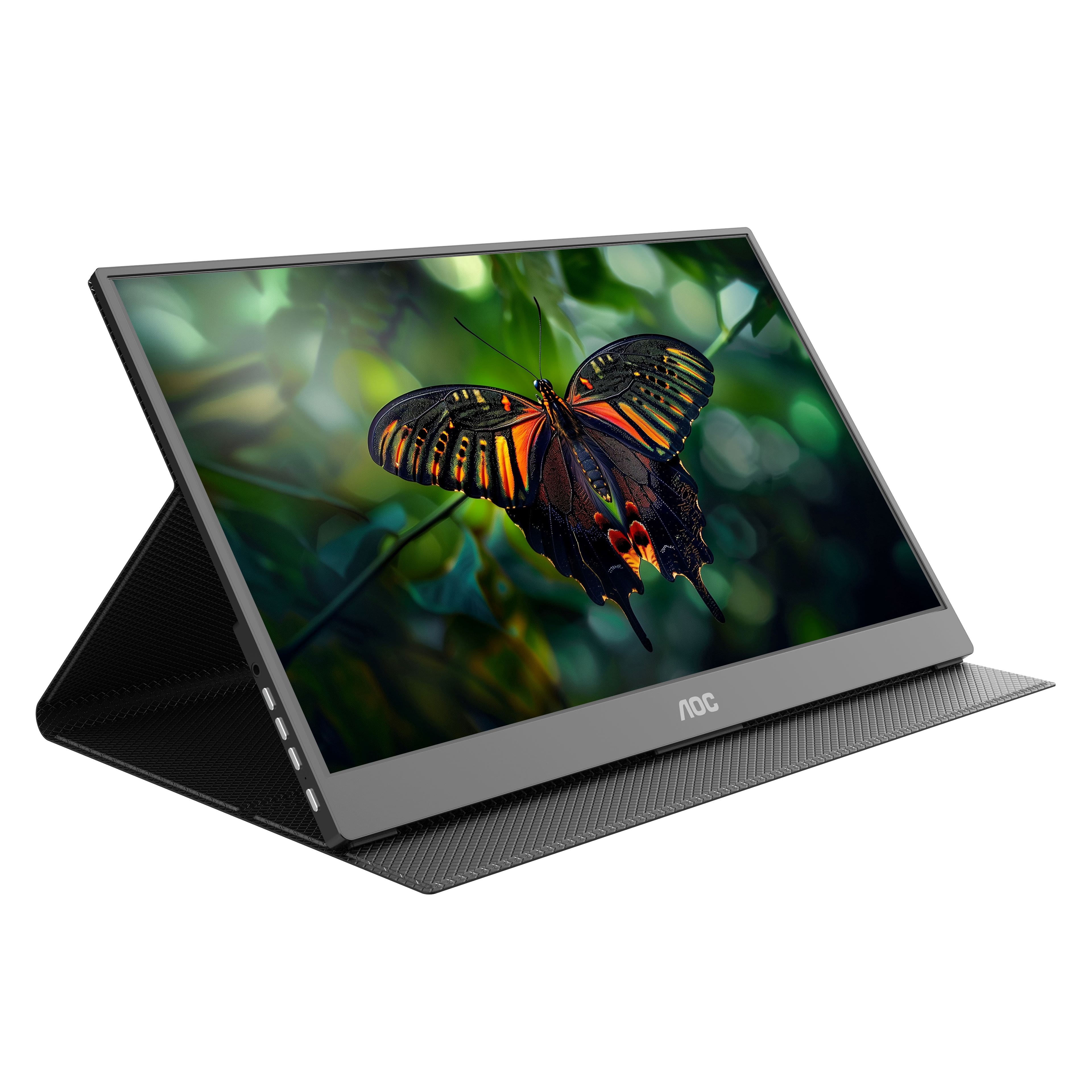
- A:Answer The smart cover is designed to hold this portable monitor for a viewable angle via landscape mode. Refer to the photos on the product page for reference. Please reach out to our support dept. at: https://aoc.com/us/support for any further questions and we'll be pleased to see what we can do to help!
Answered by AOC Support
Q: Questionis AOC 16T15 compatible with an HP 225 G9 notebook PC?
Asked by TimW.
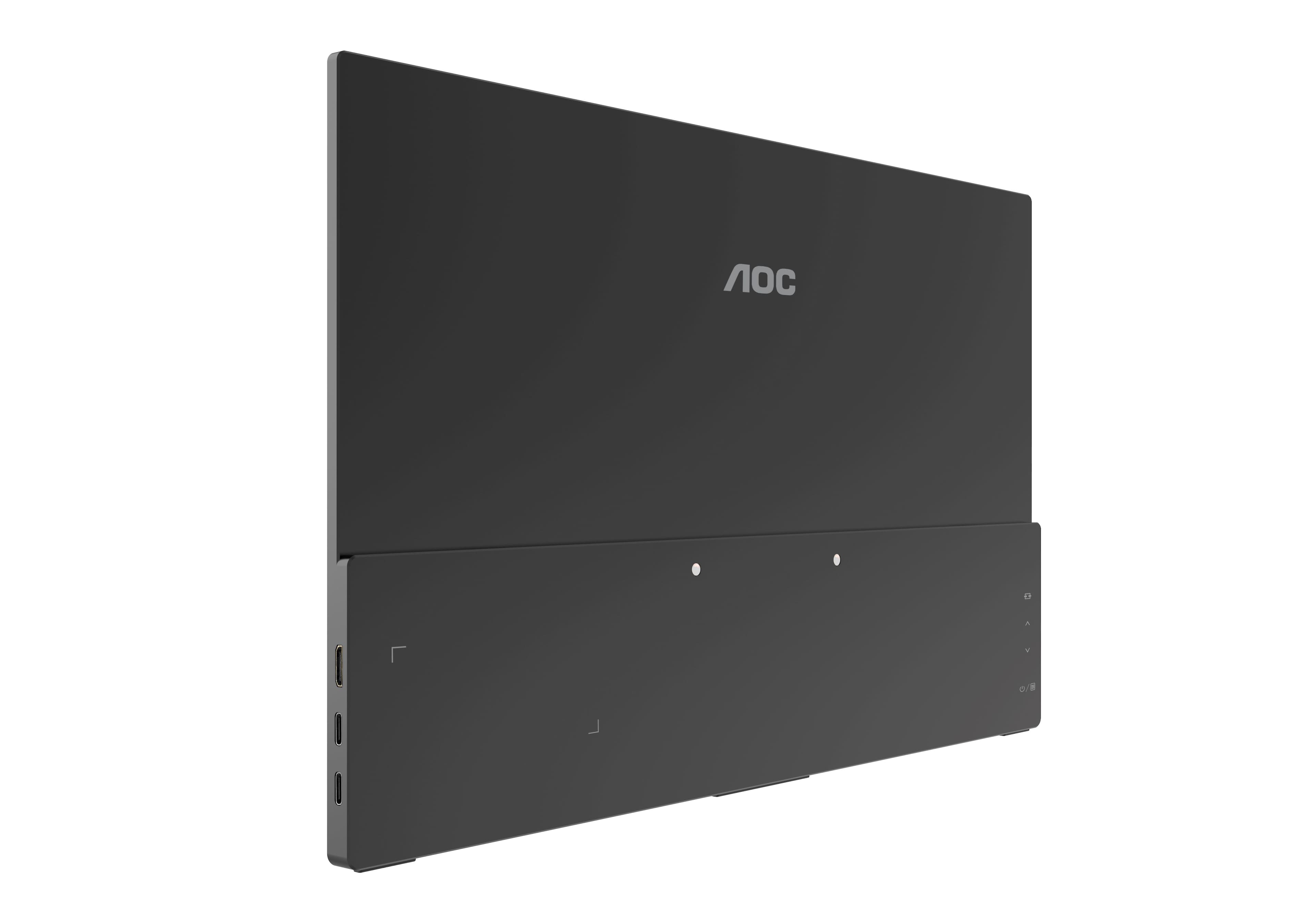
- A:Answer AOC Model 16T15 supports USB- Type C (DP Alt mode 1.2). Please check your computer systems specifications for compatibility to this feature.
Answered by AOC Support
Q: QuestionDoes this monitor get its power from my laptop? It only came with one USBc cable. How do I make it brighter?
Asked by CLT.
- A:Answer Yes, the power comes from your laptop. If you don’t have usb-c port you can get a usb to usbc cable to power it. Brightness is controlled via your PC.
Answered by Ryan
Q: QuestionAm I able to connect monitor via HDMI cable to my DELL laptop?
Asked by Lucy.
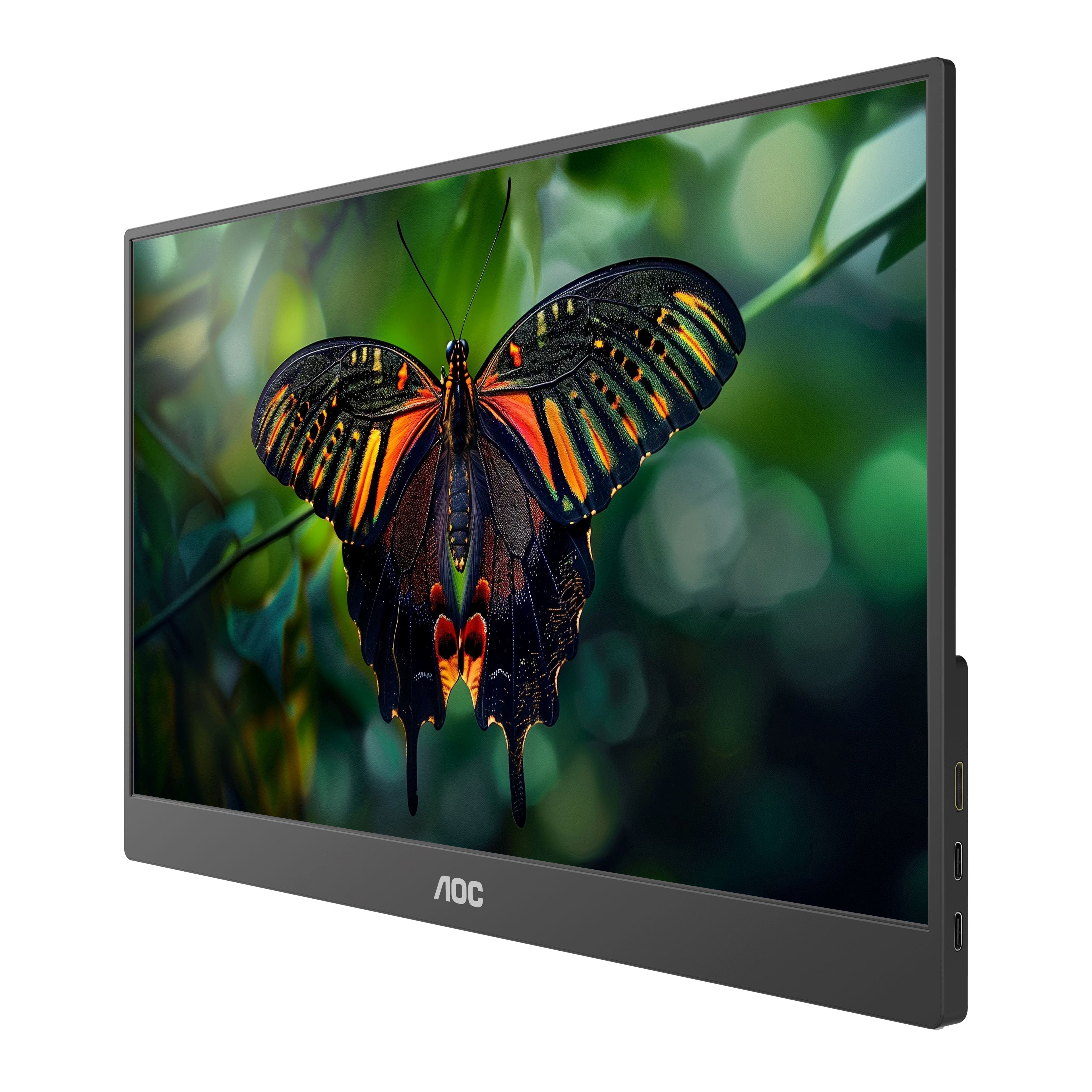
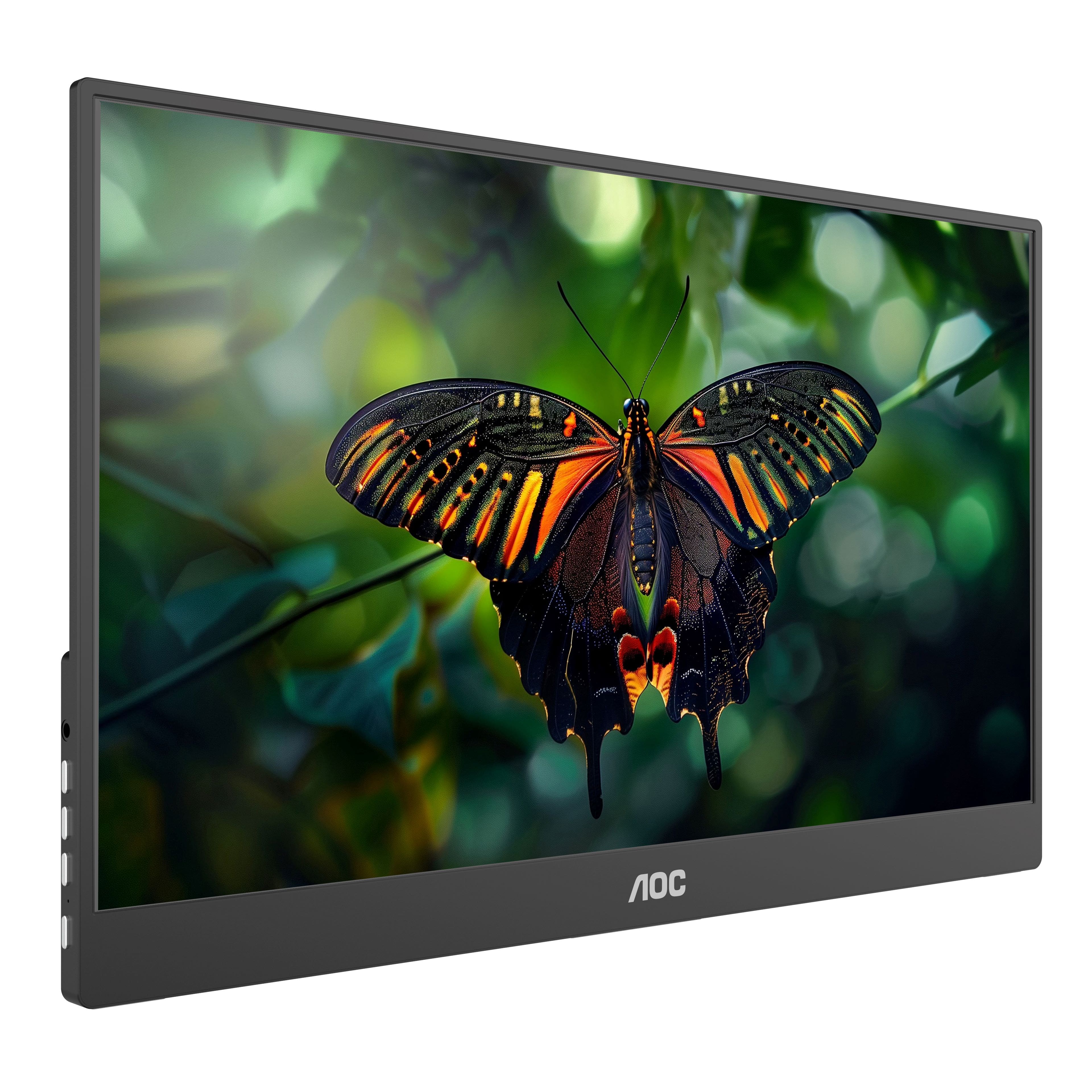
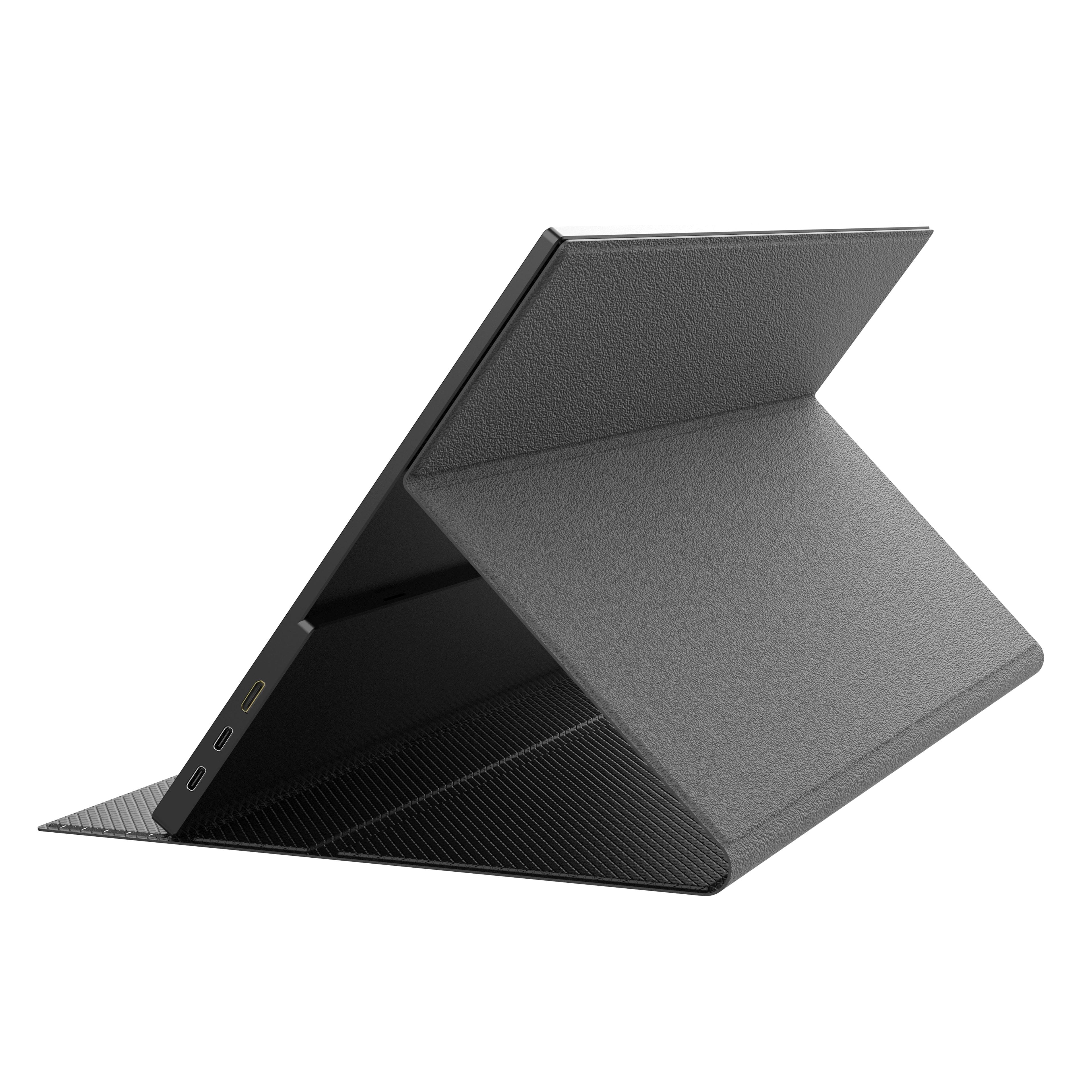
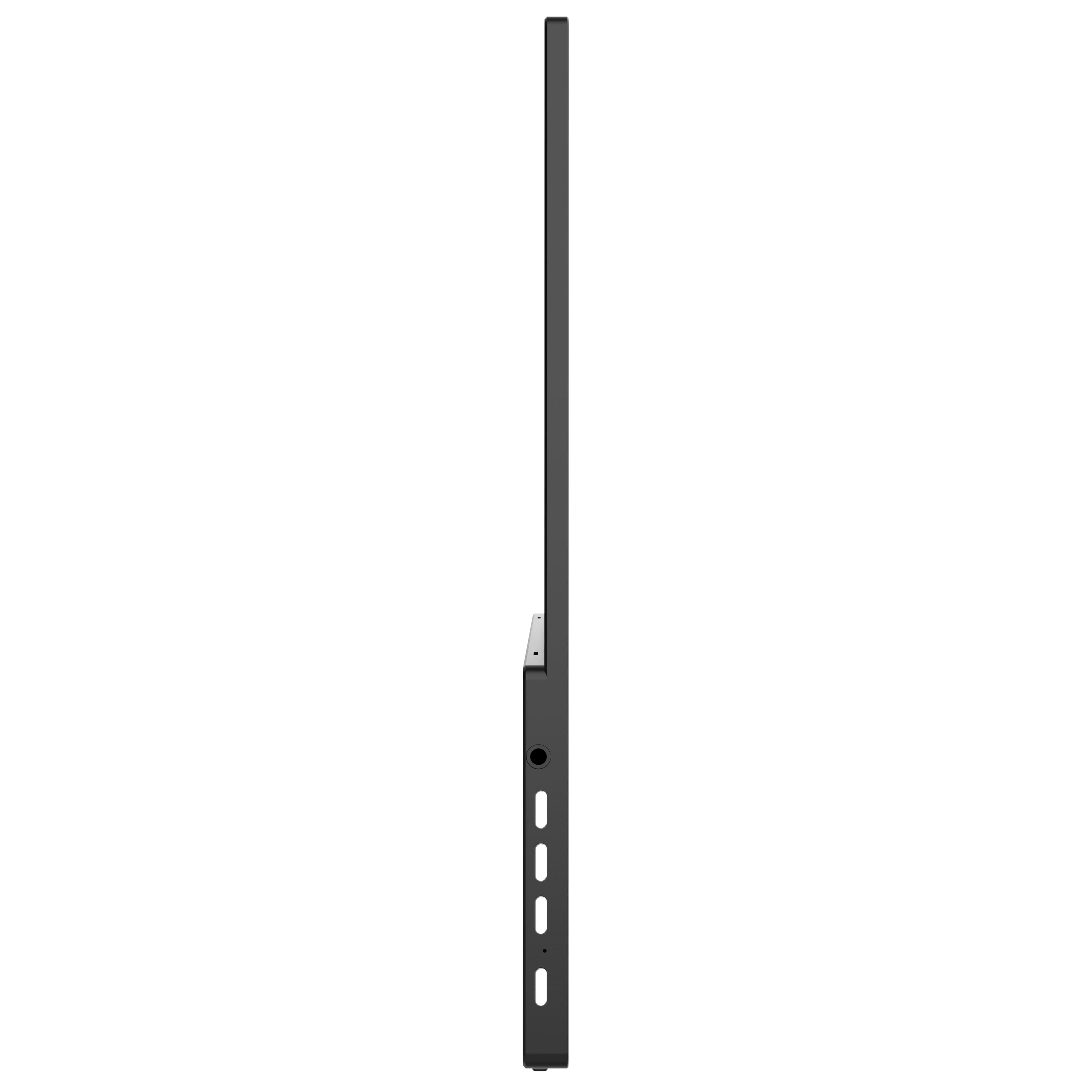
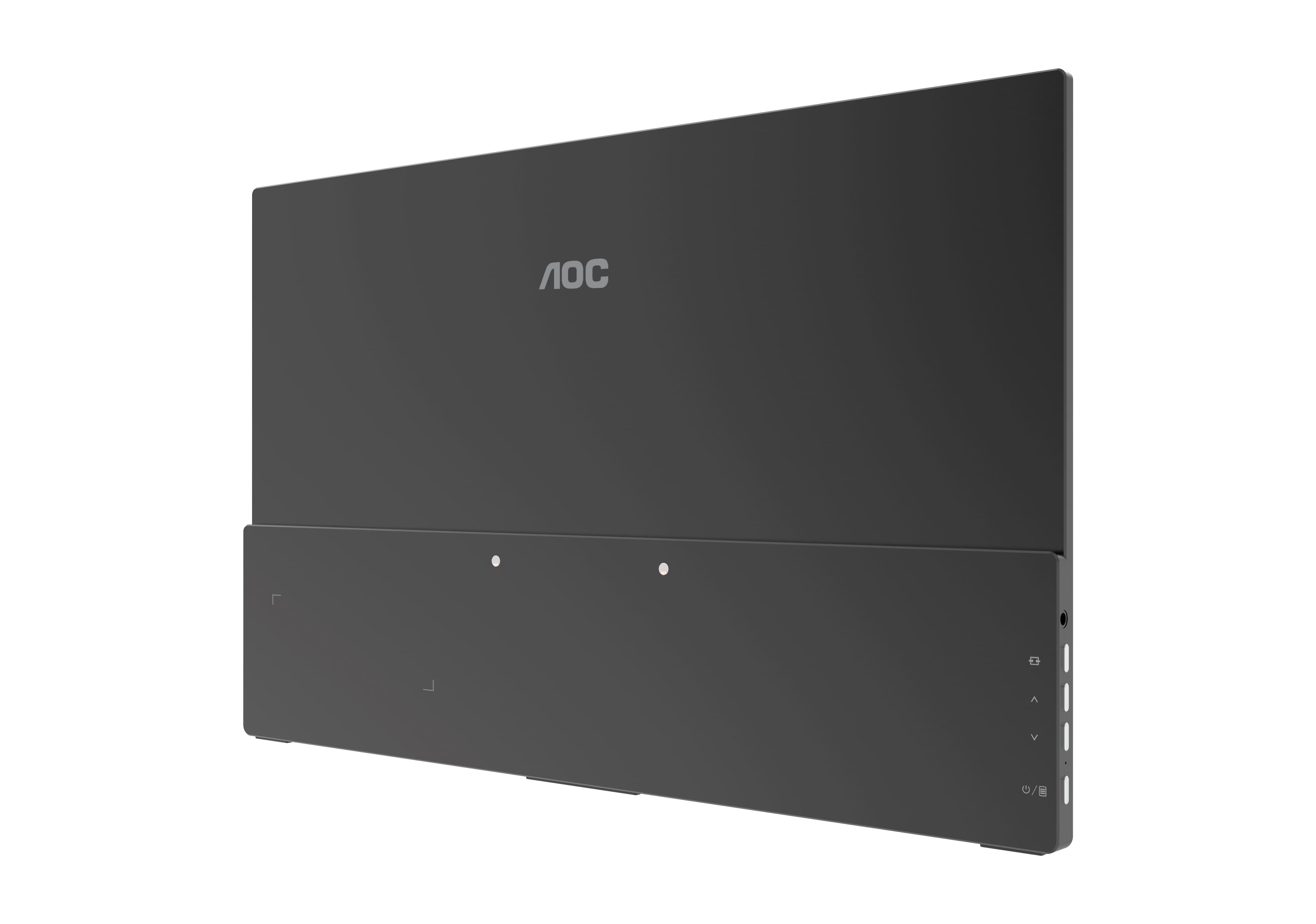
- A:Answer This monitor model 16T15 supports USB Type C (DP Alt mode) for signal and power delivery. It also has a mini HDMI port and earphone port to connect to external devices.
Answered by AOC Support
Q: QuestionWould I be able to connect my ps5?
Asked by PFCTrivette.
- A:Answer No, you cannot. At least straight out of the box; I can confirm that it will not display.
Answered by Devinm
Q: QuestionI just bought mine yesterday. A type -c cable was provided but i didnt know that my laptop's port is not compatible as it is only for charging but my laptop has a regular HDMI slot. Which exact product do i need to use this item for my laptop?
Asked by Chris.
- A:Answer AOC 16T15 supports USB-C (DP ALT mode) port for video connectivity. A compatible USB-C cable is the only one cable provided in the box. Please use this cable and check your computer systems specifications for compatibility to this model. A regular HDMI port will not be compatible. There is a slot for a mini-HDMI port but this cable is not provided. Should you require further assistance with your monitor, please send contact AOC Support Dept. at: https://aoc.com/us/support
Answered by AOC Support
Q: QuestionWhere can I purchase new cables that are compatible for this monitor?
Asked by Cordage.
- A:Answer We read from your feedback that you are for product parts, and we would be pleased to assist you with this further, but we must switch to a platform that allows us to have back-and-forth conversation. Please reach out to our support dept. at: https://aoc.com/us/support
Answered by AOC Support
Q: QuestionI am trying to set up my new monitor but it says no signal. Why is this happening?
Asked by DD.
- A:Answer The AI generated answer that this only needs one usbc connection is wrong. I own one of these and it requires a power source AND and HDMI connection. I had gone back to the store to return it but stopped at Geek desk first. I was relieved to be able to keep it and have had no problems since I realized it required 2 connections. One for Power and one for Video.
Answered by Anonymous
Q: QuestionI bought a portable monitor, AOC 16T15, at your store in Aventura (FL) 10 days ago. I arrived to my country and the monitor only worked for one day. Now it only transmits sound, but doesnt display any image. The laptop detect it correctly
Asked by Gonzalo.
- A:Answer We highly appreciate your honest feedback regarding your experience. We read from your feedback that you were having trouble with the product, and we would be pleased to assist you with this further, but we must switch to a platform that allows us to have back-and-forth conversation. Please reach out to our support dept. at: https://aoc.com/us/support and we'll be pleased to see what we can do to help!
Answered by AOC Support
Q: QuestionCan you view images on this monitor in portrait as well as landscape?
Asked by Anonymous.
- A:Answer 16T15 has widescreen landscape viewing. For optimal viewing it is recommended to look at the full face of the monitor, then adjust the monitor’s angle to your own preference. Please check your computers display option settings for other display orientation views.
Answered by AOC Support
Q: QuestionIs this compatible with Xbox if an adapter is used?
Asked by CuriousGirl.
- A:Answer AOC 16T15 supports USB-C (DP ALT mode) port or Mini HDMI port for video connectivity. A compatible USB-C cable is the only one provided in the box. Please check your computer system specifications for compatibility to this model.
Answered by AOC Support
Q: QuestionThe C cable that came with this monitor is way too short. Which Type C cable would still work with this monitor but be longer?
Asked by Ashley.
- A:Answer The USB-C cable provided in the box made for 16T15 comes in one standard size. Thank you so much for your feedback! It helps us continue to improve and provide the best possible service to customers like you. Please reach out to our support dept. at: https://aoc.com/us/support if you have further questions.
Answered by AOC Support
Q: QuestionI would LOVE to have a manual.
Asked by Gordy.
- A:Answer We're sorry to hear this and we'd like the opportunity to discuss it further and gather additional information. Please reach out to our support dept. at: https://aoc.com/us/support and we'll be pleased to see what we can do to help!
Answered by AOC Support
Q: QuestionHow do you adjust the brightness ?
Asked by Jack.
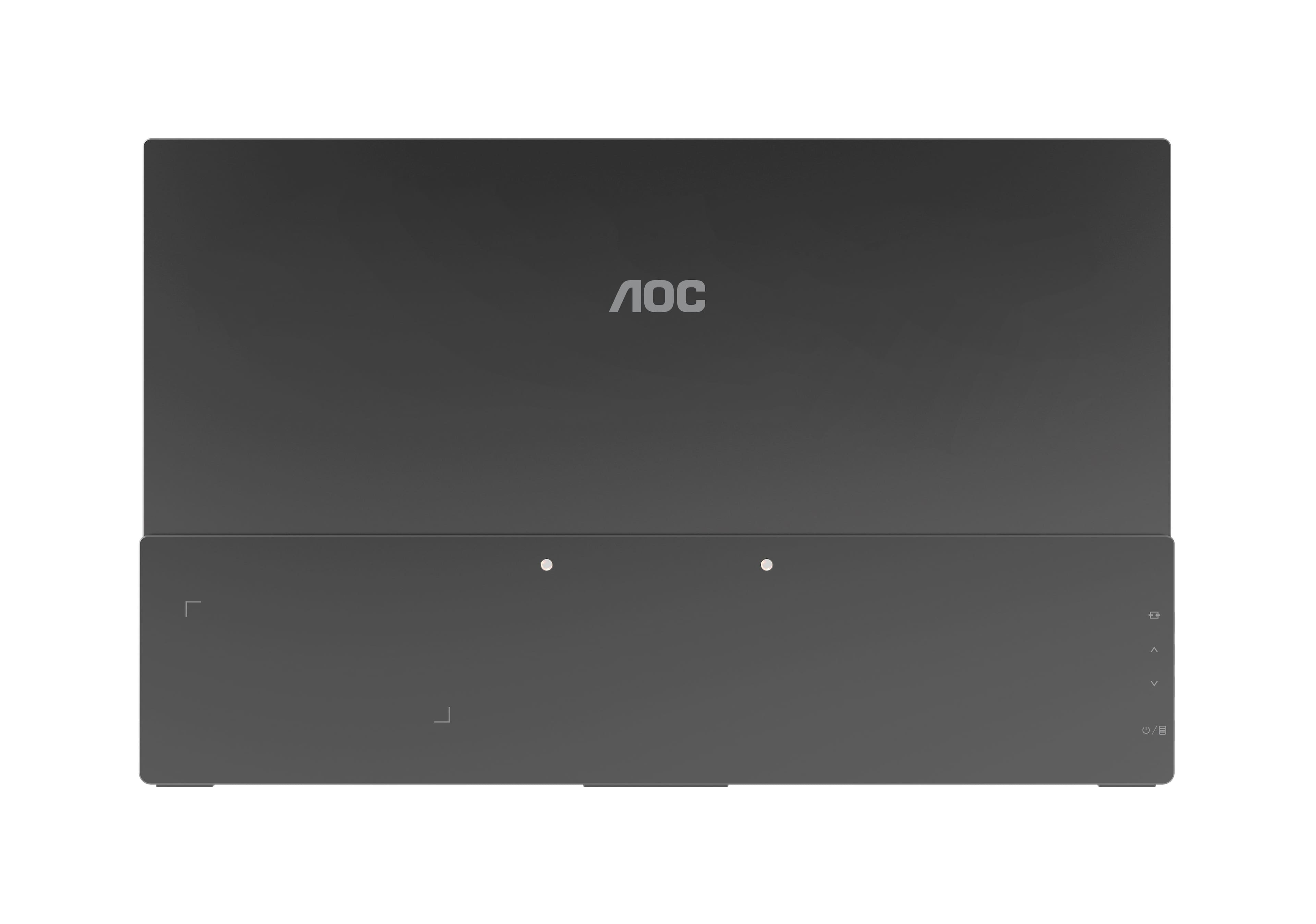
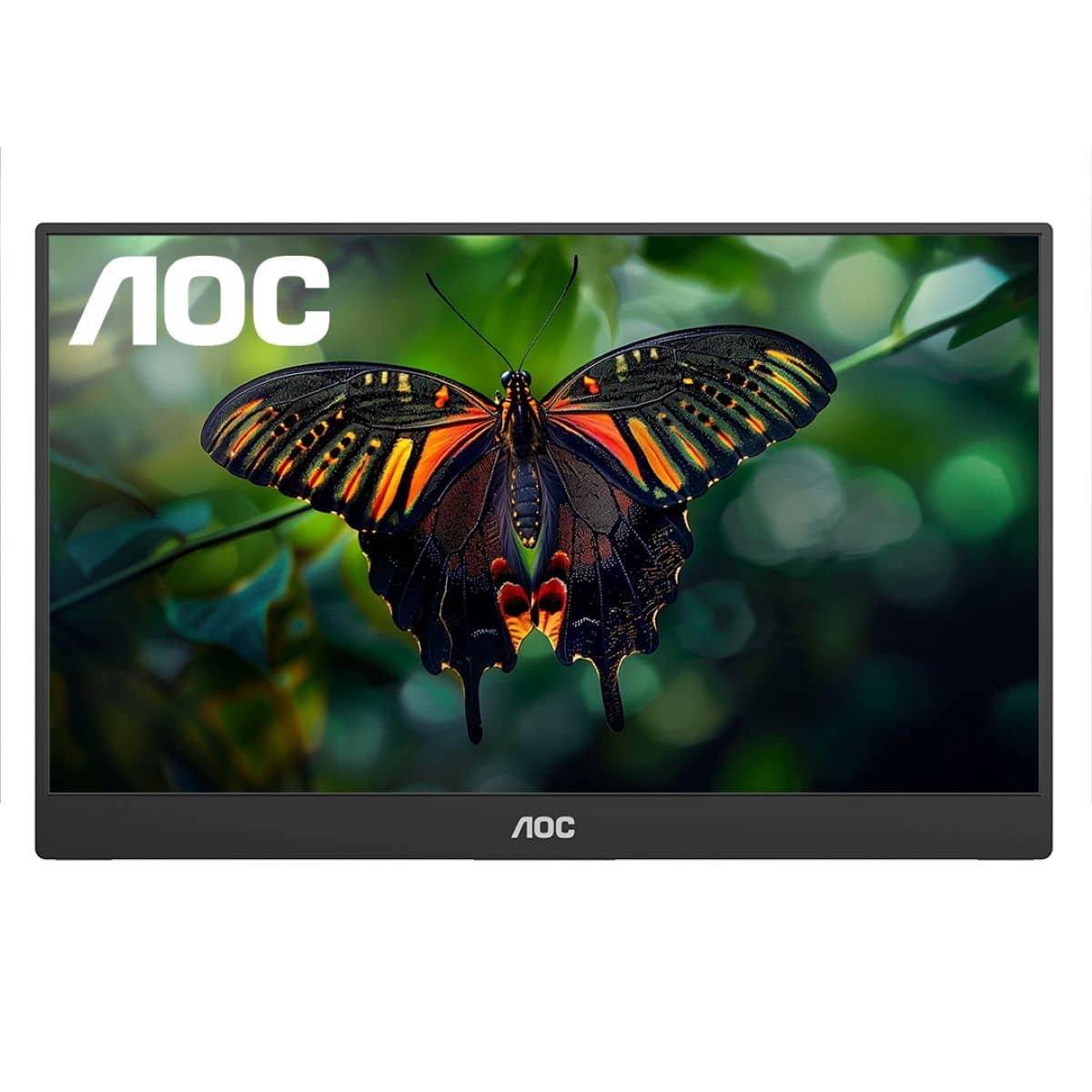
- A:Answer AOC 16T15: to adjust brightness settings, please enter the OSD menu button (power or box icon) to activate the OSD window. Press the up or down button to navigate the functions and under the "Luminance" option there is options to adjust the contrast, brightness, etc.. Once the desired function is highlighted, press the MENU-button to activate it. Please reach out to our support team at: https://aoc.com/us/support if you need further assistance.
Answered by AOC Support
Q: QuestionSimilar to another user, I started getting an error "no signal found" after about 2 weeks of using this. Is there any way to factory reset?
Asked by Anonymous.
- A:Answer We highly appreciate your honest feedback regarding your experience. We read from your feedback that you were having trouble with the product, and we would be pleased to assist you with this further, but we must switch to a platform that allows us to have back-and-forth conversation. Please reach out to our support dept. at: https://aoc.com/us/support or by phone 888- 838-6388 (M-F, 09:00-17:00 PST) and we'll be pleased to see what we can do to help
Answered by AOC Support
Q: QuestionI bought this and plugged it into my ASUS ROG Gaming desktop using the USBC cord provided. It turns on but says "no signal". I have also tried using a mini-HDMI to Displayport cord but then it won't even turn on. No USBC port on graphics drive.
Asked by Eric.
- A:Answer We read from your feedback that you were having trouble with the product, and we would be pleased to assist you with this further, but we must switch to a platform that allows us to have back-and-forth conversation. Please reach out to our support dept. at: https://aoc.com/us/support or by phone 888- 838-6388 (M-F, 09:00-17:00 PST) and we'll be pleased to see what we can do to help! Note: AOC Model 16T15 supports USB-C (DP alt mode 1.2). Please check your USB-C supports DP alt mode for compatibility.
Answered by AOC Support
Page 3, Showing 41-56 of 56 questions
Most-viewed items
- Presidents' Day Deal$99.99Your price for this item is $99.99
- $44.99Your price for this item is $44.99$57.99The comparable value for this item is $57.99
- $99.99Your price for this item is $99.99$139.99The comparable value for this item is $139.99
- $249.99Your price for this item is $249.99
- $699.99Your price for this item is $699.99$799.99The comparable value for this item is $799.99
- $99.99Your price for this item is $99.99$169.99The comparable value for this item is $169.99
- $199.99Your price for this item is $199.99$259.99The comparable value for this item is $259.99
- $329.99Your price for this item is $329.99$479.99The comparable value for this item is $479.99
- $349.99Your price for this item is $349.99$499.99The comparable value for this item is $499.99
- $169.99Your price for this item is $169.99$219.99The comparable value for this item is $219.99
- $44.99Your price for this item is $44.99
- $499.99Your price for this item is $499.99
- $799.99Your price for this item is $799.99
- $109.99Your price for this item is $109.99
- $338.99Your price for this item is $338.99$349.99The comparable value for this item is $349.99
- $109.99Your price for this item is $109.99
- $74.99Your price for this item is $74.99$94.99The comparable value for this item is $94.99
- $549.99Your price for this item is $549.99$699.99The comparable value for this item is $699.99
- $769.99Your price for this item is $769.99$899.99The comparable value for this item is $899.99
- $44.99Your price for this item is $44.99