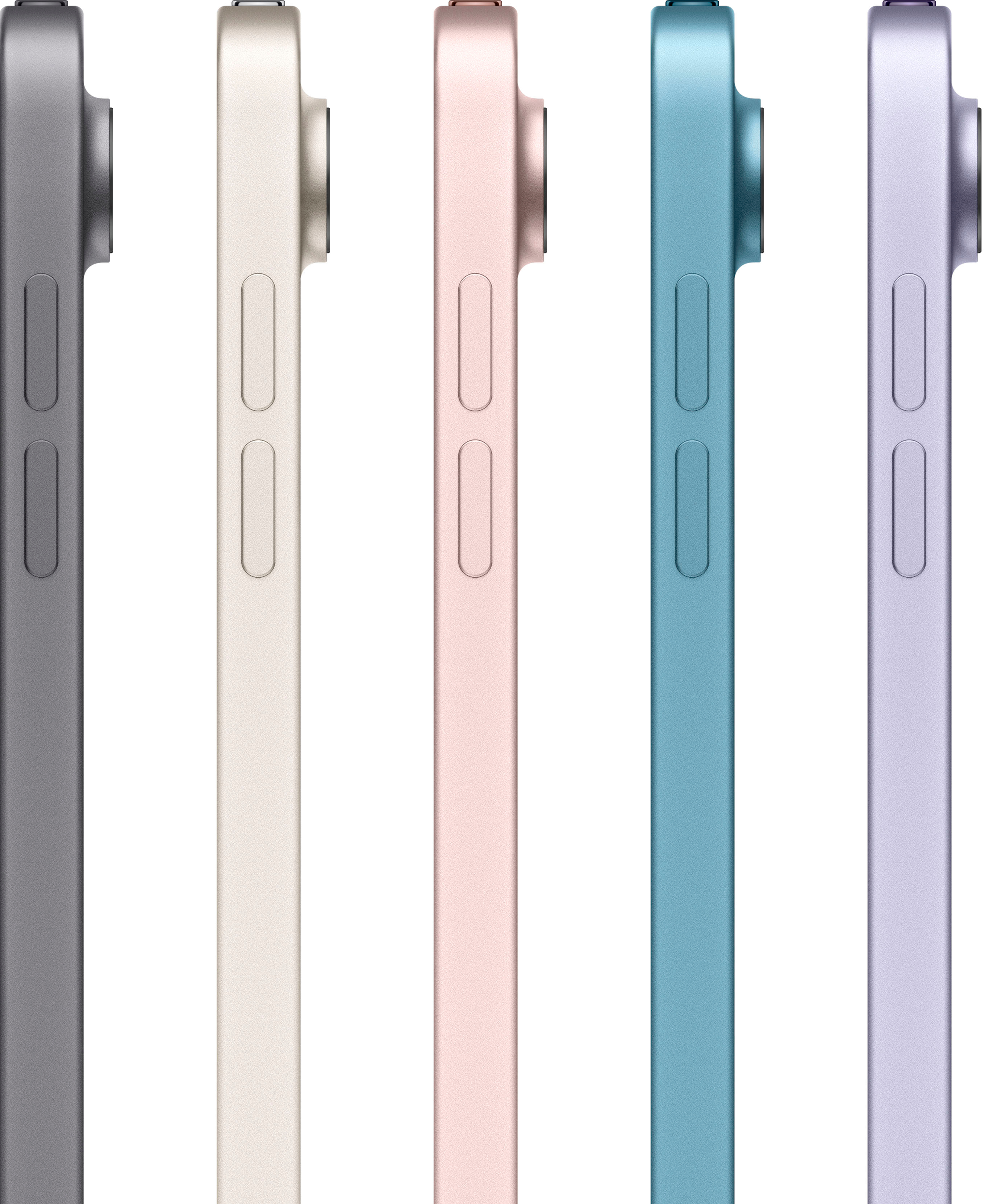
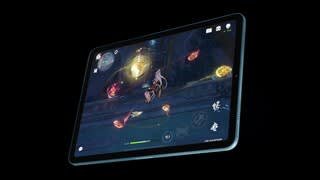
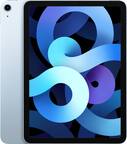
A:Answer Yes it comes with a charger and yes, 64gb is more than enough for anyone unless you need to edit and publish large movies and keep the movie files stored locally. Many people have not yet caught up with the idea that we all use cloud storage now. Internet is very fast. Store all of your files off-line in the cloud and just download the full versions when you need them. This is a portable tablet, not a desktop computer. You want a ton of games, movie files etc, then get a desktop. Tablets are for on the go- internet, email, watching movies/ listening to music that you stream from the web. If you really want to keep files with you, get a small solid state drive and connect it via USB. This iPad has the M1 processor so the USB connection is really fast. If you travel and need to take dozens of movies with you, you won't have a fast internet connection (are you camping in the woods?), stick those movies on your external SSD, plug it in and watch.