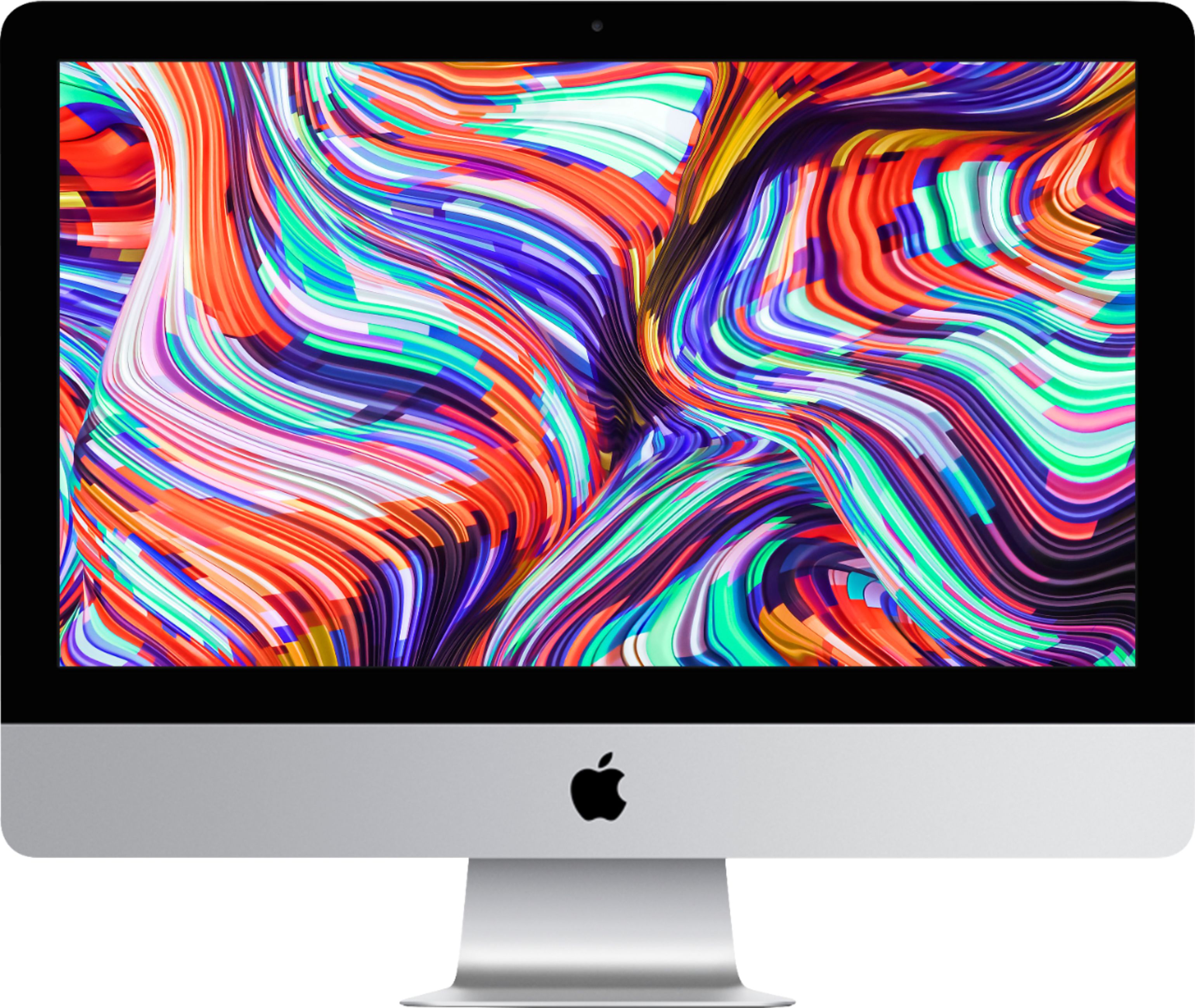
A:AnswerYour Mac comes with a wide range of apps already installed, so you can have fun, work, connect with friends, get organized, buy things, and more. Productivity programs like Pages, Numbers and Keynote and creative programs like Photos, iMovie and GarageBand are all available for free with your new Mac.
A:AnswerThis is how I did it. Buy a memory stick compatible with Mac. Put it into a USB port on your old computer. Upload to the stick all you want to save. Put stick into new computer USB port and down load. Your old computer will have an old OS system unless you have been upgrading the system all along. I’m not sure if this will cause a problem or not. But your text edit files should transfer ok. I’m not an expert so the Best Buy store will have someone who can advise you better. There are more ways than this one but just seemed easy for me.