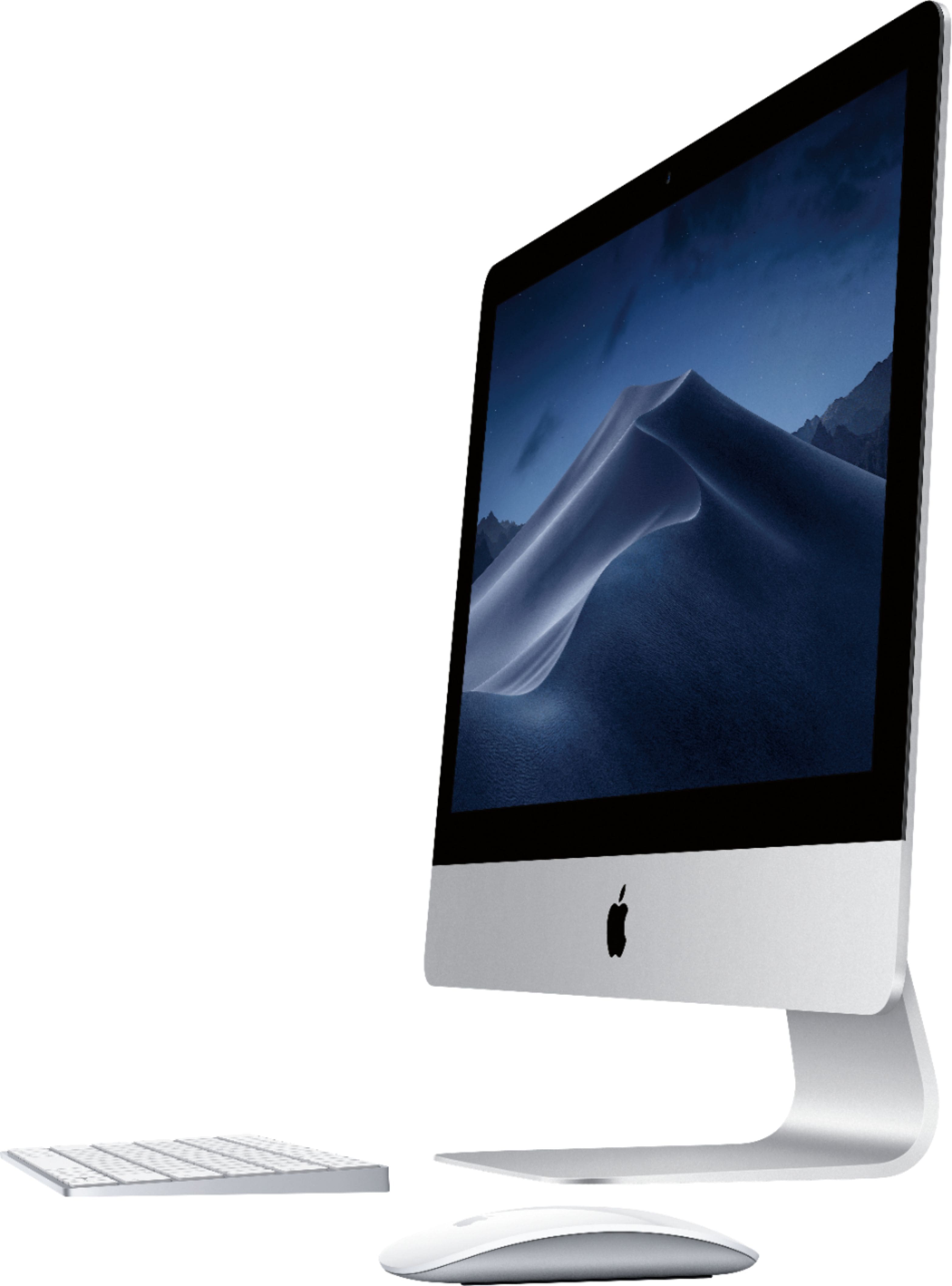
A:AnswerSorry, but the answer is "No". I have used Macs since the foirst one came out, and this is the first and ONLY one that did not have any instructions. I am trying to work my way though all the things that are different, but I am very frustrated!
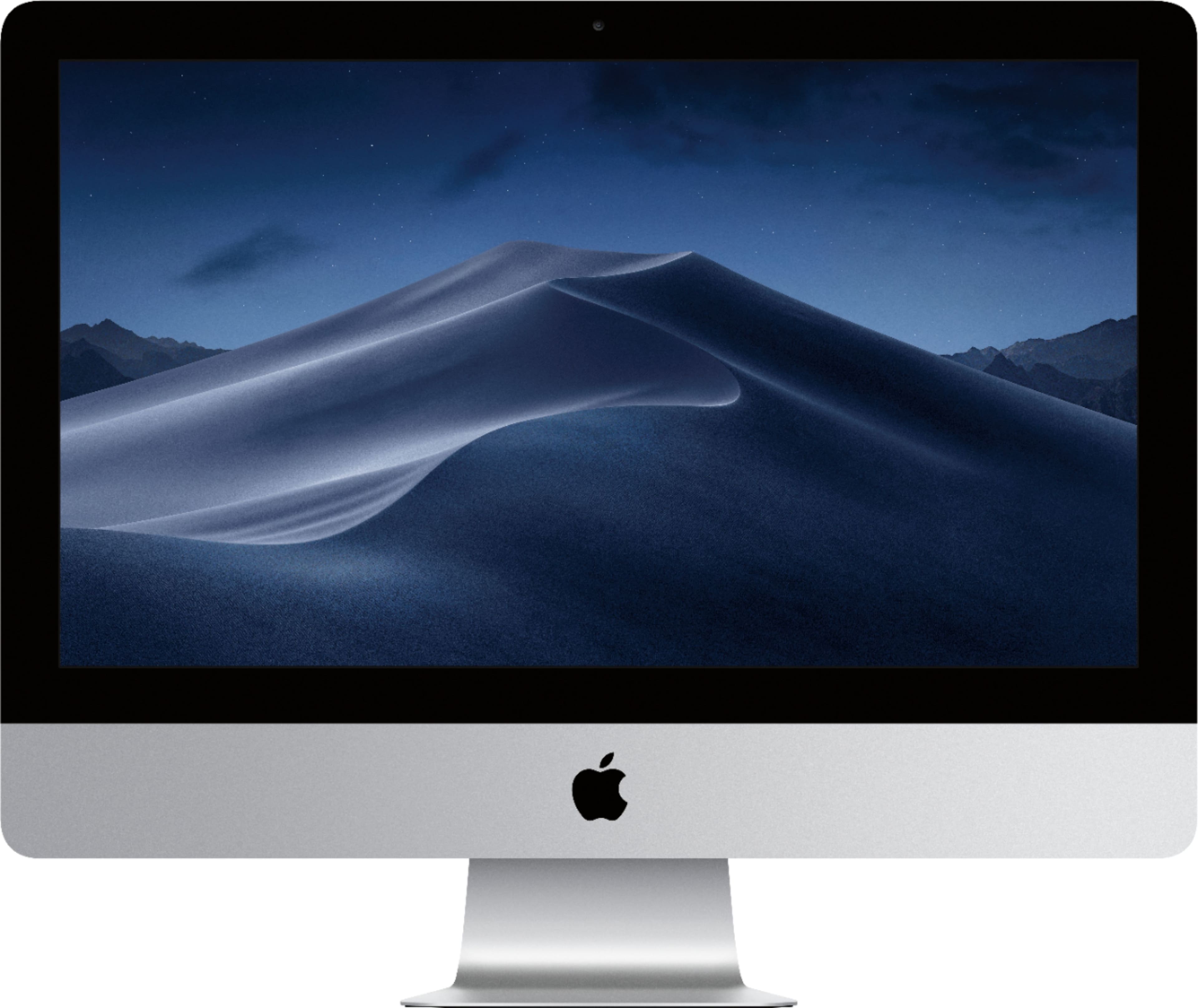
A:AnswerI've had mine for less than a month and plan to use mine for creating music and videos.It is much faster and has much more memory than my old Windows PC, which was used for same purposes. It should work well unless you plan on making full length motion pictures, then you may need to invest in higher models.
A:AnswerNo, I've never gotten virus protection for any of my apple products and I've never had a problem. If you want virus protection for peace of mind you can, but I personally don't think it's necessary.
A:AnswerApple computers come with an already installed group of programs to do basic everyday/ work such as Pages (like (MSWord), spreadsheet program. Basic graphic program for loading and viewing your pictures. Also a PowerPoint and note taking. I was very surprised when Apple’s program open my PC word documents. Most conversions were very easy. Same with a spreadsheet I had saved in PC formatted. I have a personal cloud, (Purchsed at Best Buy) WiFi setup so everything was transferred electronically. Don’t know about using USB memory sticks transferring PC data. I even hooked up several of my portable backup drives and they were recognized so i transferred some documents that way.
A:AnswerI installed office on the new Mac but then found pages, I created a document in pages and then saved it as a Doc file. Word opened it with no problem. Hope this helps
A:AnswerIt depends your State Tax. For example Florida tax is 7% so the math is very simple $1085 x 1.07= $1160.95. You will end up paying $75.95 in taxes.
A:Answeryes, you can connect any mouse and keyboard on MAC. I'm used logictech keyboard and mouse. And I have Mechanical keyboard and mouse RGB from corsair connect to mac. it work well with MAC and it auto setting default lighting effect . it is Rain Bow lighting effect. it so beautiful and awesome.
A:AnswerIt's preloaded with a software called Pages that allows you to create word documents. To get into it from the home screen, on the icon at the bottom that has the rocket; it will take you to a screen with all your apps. Click on Pages app. NOTE: It isn't preloaded with Microsoft Word but if you have a subscription for that you can download it.