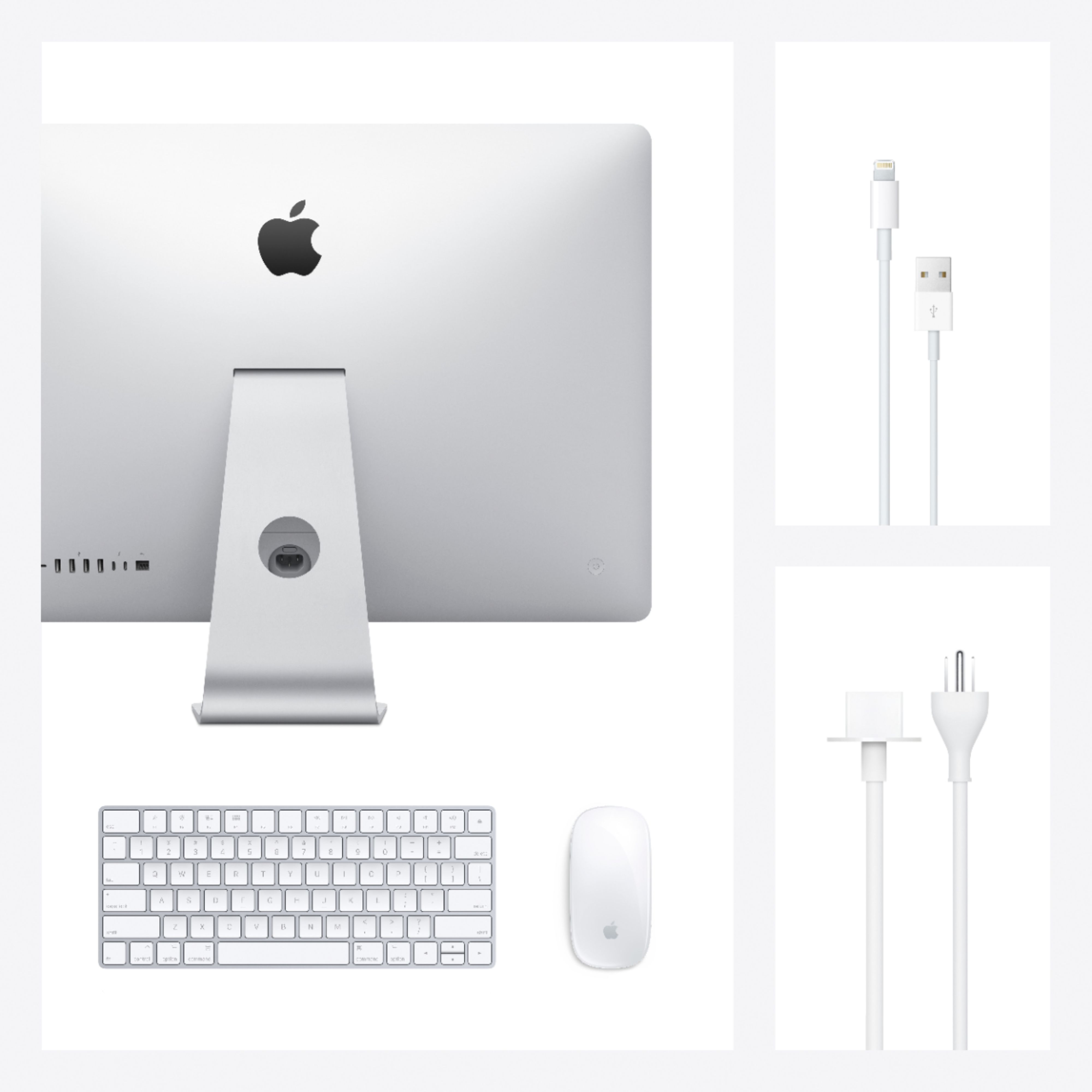
A:Answer Yes. I had the same situation and Geek Squad did it marvelously. One thing to remember though , if you're using CS6 on you old mac it won't work on the new Big Sur OS. Since Big Sur is what's on the new iMac . The one I bought still has the intel chip. It may be possible to install Mojave ,which will still let Photoshop and illustrator work from CS6 not indesign, I've read this but the Geek guys don't seem to want or couldn't do that. That said ,you will need to plan to upgrade all you programs and be prepared to do some chat time with the various vendors to set the new apps up. The machine works great. I understand the new M1 chip will start to be available in May. I can guarantee you will need to plan to start replacing all Apps. I'm an old art director and I'm not up to all this tech replacement. Good luck