A:AnswerThe A8 chip inside the HomePod does automatic EQ and echo cancellation with beamforming for the tweeters. Screenshots from the newer versions of iOS show support for manual EP controls as well.
A:AnswerThe speaker can be used with any tv HOWEVER you need to run a newer APPLE TV box. So your Roku box won’t work with the home pod unless you get an Apple TV, which then can be paired with the home pod.
A:AnswerThe HomePod and HomePod Mini supports multiple languages, including Spanish. In the settings you can change Siri’s language accordingly.
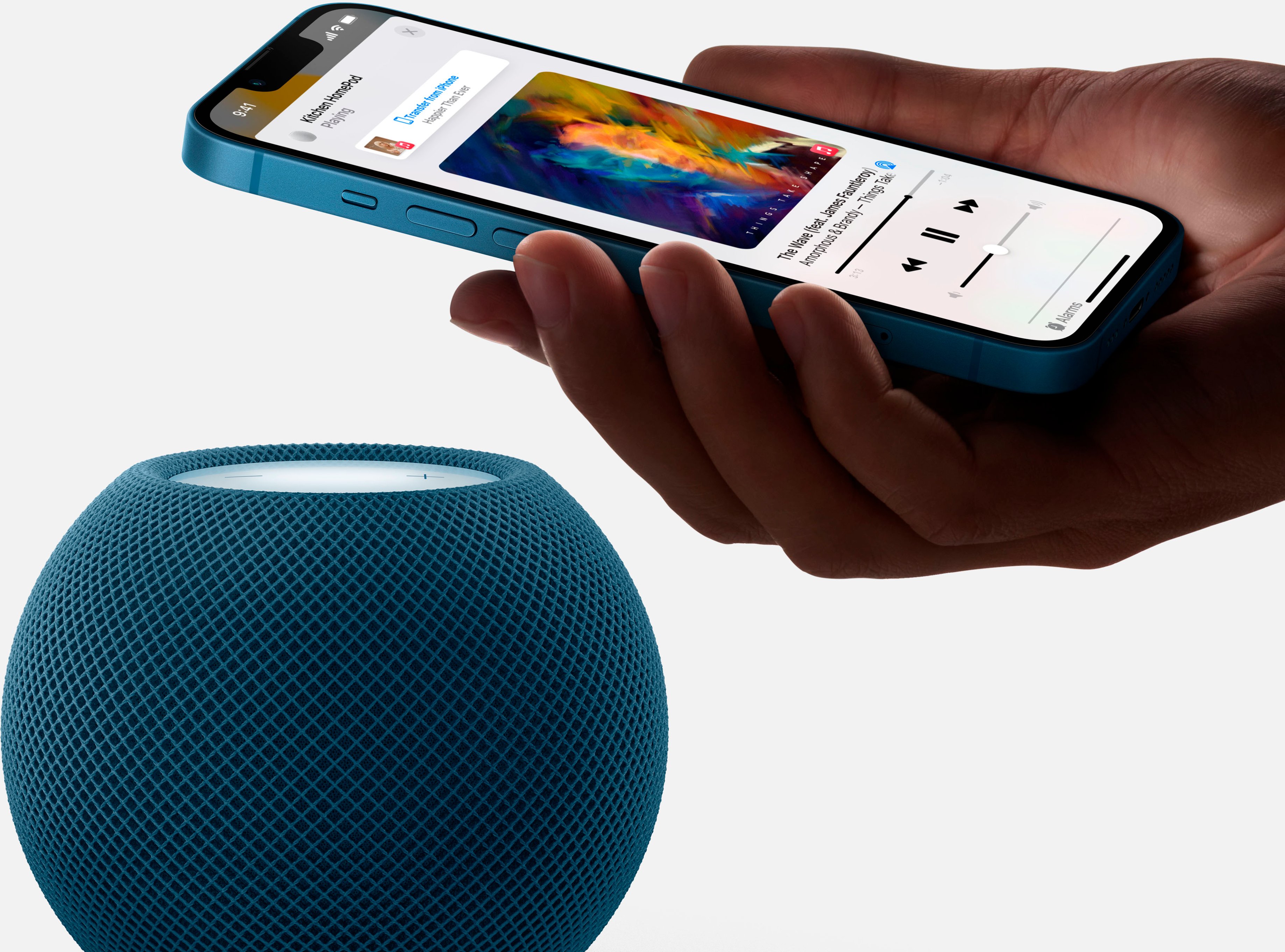
Personally I think it works best with Apple Music so it can connect to WiFi and stream music without the need of your iPhone.
A:AnswerYes it does, the user 'Kwe009' is not correct. You can AirPlay to the HomePod just as you would with any other app and Apple has built a framework that will allow third party apps to support directly using Siri integration with HomePod. Whether or not it happens is ENTIRELY up to Spotify themselves, as they develop their app. Just like how Spotify took a very long time to make an Apple Watch app and integrate Siri into their app, this is entirely up to them. Apple is not holding them back at all here. I do believe they even said they have plans to support it in the future.
A:AnswerYes! This is the best feature in my opinion. I have a HomePod in my office and added a mini in my bedroom. After one weekend of syncing them to play the same music I added another mini to give me “whole house “ audio.
However, leveraging this feature does require WiFi so if using your phone as a hotspot I would anticipate running into some issues or having to place both near each other and keeping your phone near it.
A:AnswerYes, a vaulted ceiling can definitely swallow up a lot of the sound from any speaker. So can lots of other things, like upholstered furniture or even a lot of books. But the HomePod can actually recalibrate its sound to suit the characteristics of the room, using its internal microphone to, in effect, measure its surroundings. You’ll find instructions for that in the manual or online. Give it a try. I think it will help. The HomePod is more than loud enough to fill most rooms.
A:AnswerHello, the HomePod can’t unlock your smart lock, for security reasons it can only lock it. The only apple devices that can unlock a smart door lock it’s an IPhone or an iPad with touch/face id or PIN number to authenticate it’s you opening the doors.
A:AnswerYes. If you can afford to actually purchase and compare out of the store a Bose SoundTouch 10 and 20 or JBL extreme. The HomePod is definitely worth the money$$$
A:AnswerNot from a Siri command from the speaker. You can stream using AirPlay to send your network drive music to the speaker (AirPlay only, streaming via Bluetooth is not supported). If you've uploaded your music to iTunes Match, Siri on the speaker can play those songs.