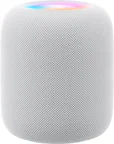
A:Answer Technically... maybe. But it wouldn’t be pretty or easy. Not something I would recommend. And you would need an iPad. Okay, if I really was motivated to do this..
1. reset the HomePod if it was on another network. Remove it from HomeKit.
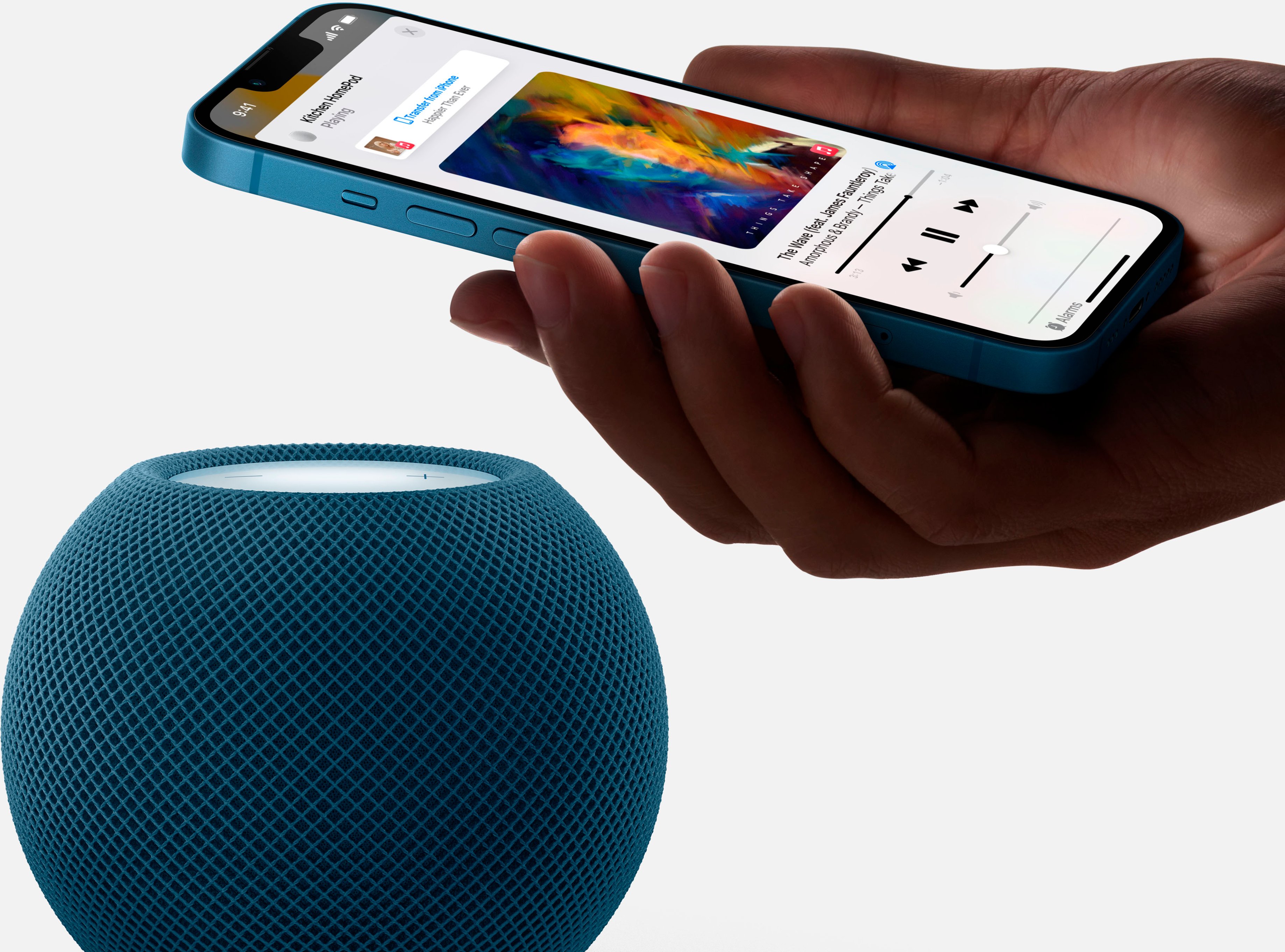
2. Turn on your iPhone... then move it a bit away, say 5 or 10 feet, from the HomePod.
3. Log your iPad Wi-Fi onto your phone.
4. Then pair your iPad to your HomePod.
That should work. More than likely it will take a few attempts. It really likes to be set to one network then squat.