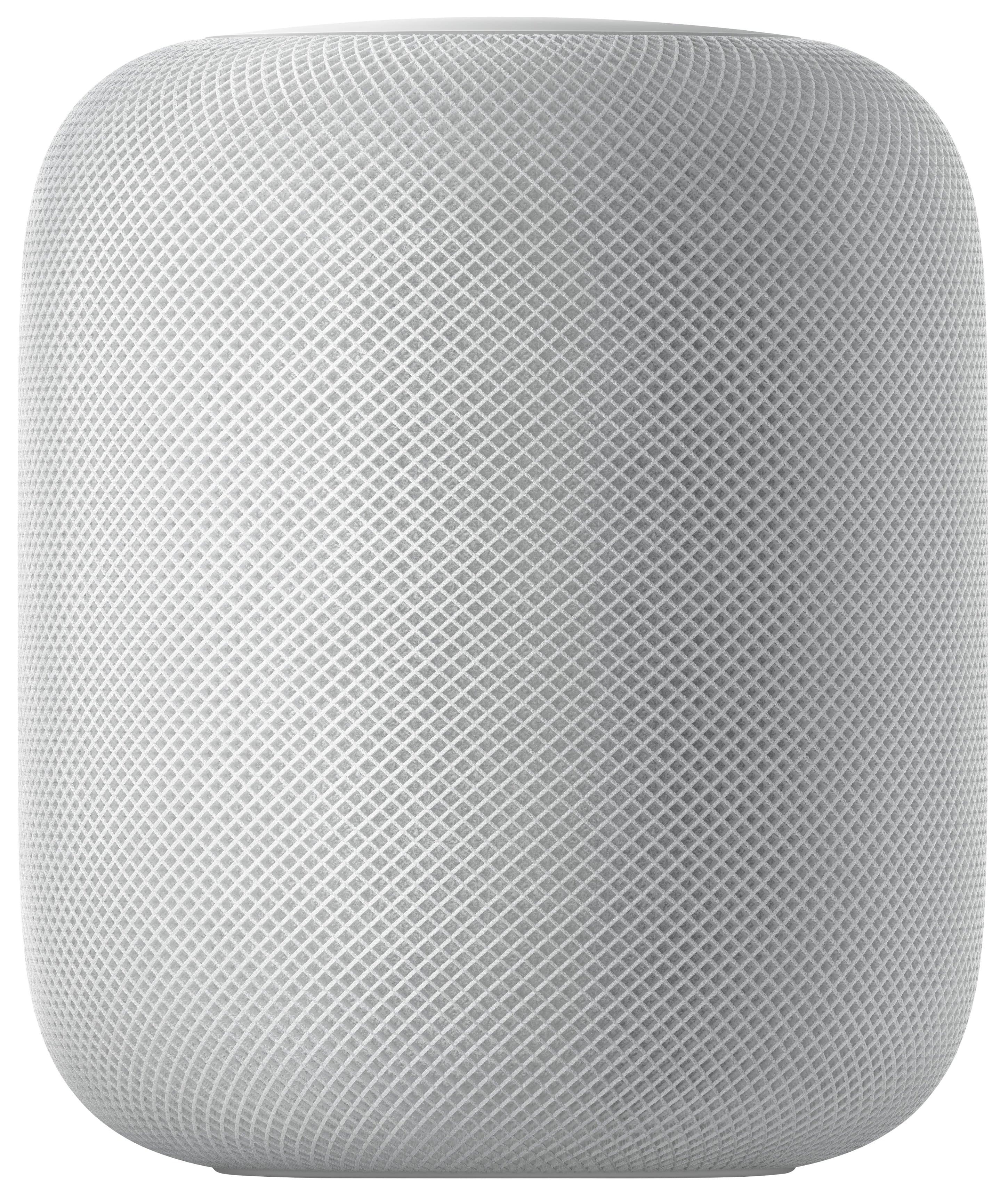
A:AnswerTheoretically, it’s supposed to connect to your 4K Apple TV and control via HomeKit app but I guarantee you will have so many connectivity issues you will wish you never bought that BS! Took mine back because I had to reset connection to WiFi and Bluetooth everyday....PASS! Wait for the HomePod 2! Current HomePod is not worth a 75% discount!!
A:AnswerYou can select audio output to the HomePod Mini for music, movies and even phone calls as a speaker phone. Depending on the app you are using you will most likely select the Air Play option and choose your HomePod Mini for audio output.
I tested Netflix on my iPad and what you will need to do is start playing your media then swipe down from the top right of your iPad to access Control Center. It will show the Netflix options with an Air Play button, click on this and you can select HomePod Mini for audio output.
A:AnswerWhen I first got this song and played “bank account” by 21 savage you would be amazed by the size and the AMAZING bass, if you’re not a fan of rap I would recommend still playing this song to really feel the power of this speaker
A:AnswerAbsolutely, just setup both HomePods in your Home app under the same wifi network and then you will get the option to pair these two as stereo mode.
A:AnswerNo. It’s very restrictive to the Apple ecosystem, but I’ve found software to use it with my windows pc. I’d doubt such software exists for your application.
A:AnswerYou can absolutely play anything over Bluetooth from your phone, but one thing you can also look at is on your settings under “Music” and “Playback” test the equalizer (EQ) under different settings you may have it under something that is damping down your volume.