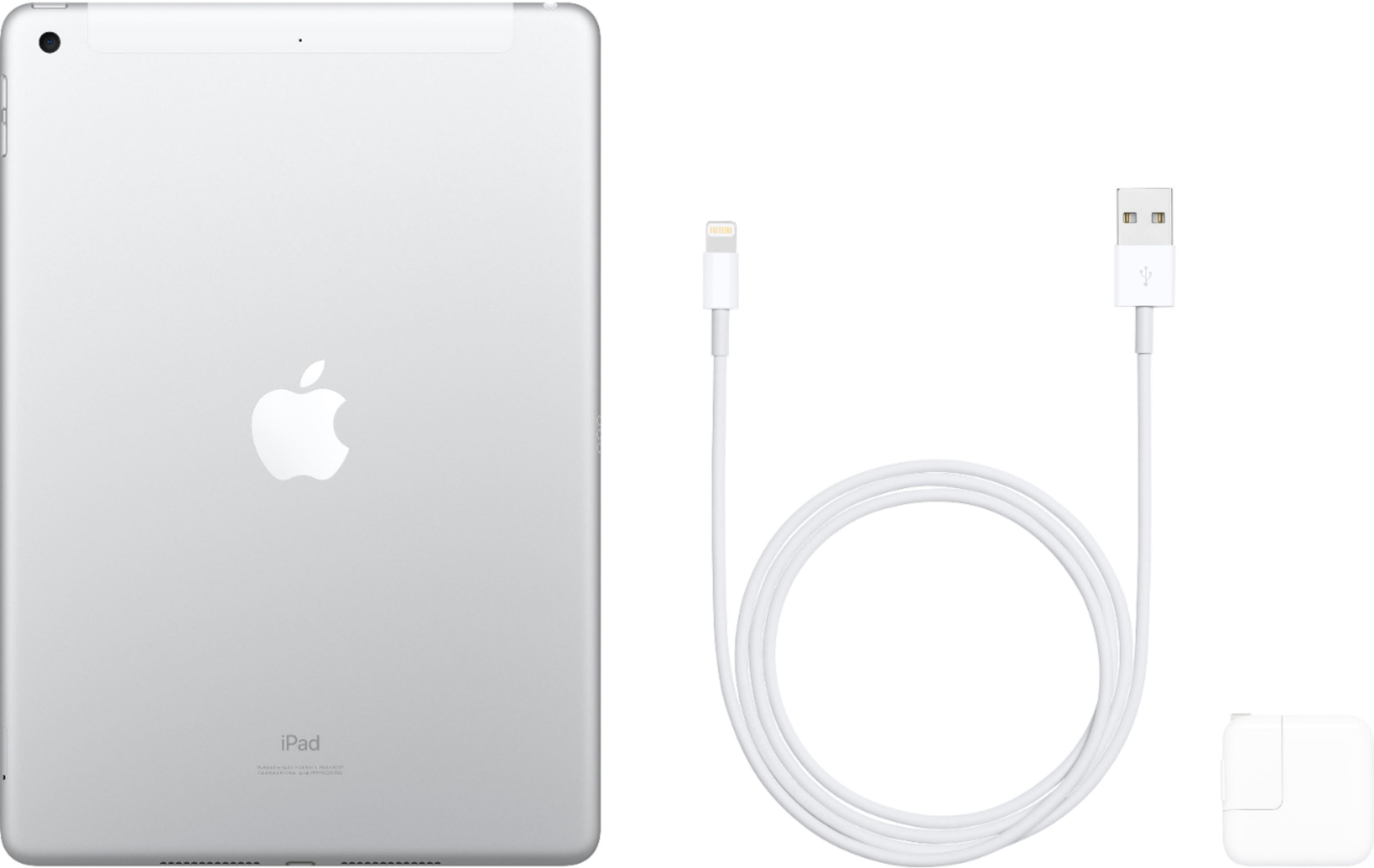
A:AnswerUnfortunately GPS will only function and give continuous directions when connected to wifi or cellular. It will work if you are connected via wifi to a mobile hotspot such as another device so you don’t necessarily have to activate the cellular data if you have data from another device you can “borrow”.
A:AnswerNot really. Could probably use an app like whats app, device not a phone. The sim card is yo connect to a subscribed-to carrier for using a data plan
A:AnswerYes, it does include GPS - don't need to sign up for a cell provider. I've used in on several private pilot flights - the GPS feature worked very nicely from the cockpit to track my actual location.
A:AnswerI googled and found this answer re GPS:
A built-in GPS chip is usually found in Apple's "WiFi+Cellular" iPad models. These devices cost more than the standard "WiFi-only" versions.
A:AnswerThat would be a great question for your electronics store.
I'm sure there would be people that would argue for both chips
and why one is better or worse. A10 works fine for me however
I cannot attest to an A12 chip having not used an ipad with one.
Given your use, I would bet you would benefit from an iPadPro.
A:AnswerI am definitely no expert in the field of electronics, but once you connect your device to your cellular service provider you will receive a SIM card. I am with AT&T and, I can’t speak for all carriers because i have no clue, but I did receive a separate phone number for my iPad. I can text and make calls from my understanding. When initially setting up the iPad, you can connect your iCloud account to your iPhone. I hope my rambling was somewhat helpful.

A:AnswerI can’t give you an exact answer for Verizon, but I purchased the fully unlocked device and connected to my AT&T account. I had no issues at all. I was sent a SIM card and got it activated with no problems. Sorry I cant answer your question directly related to Verizon, but I hope this helped you a little.