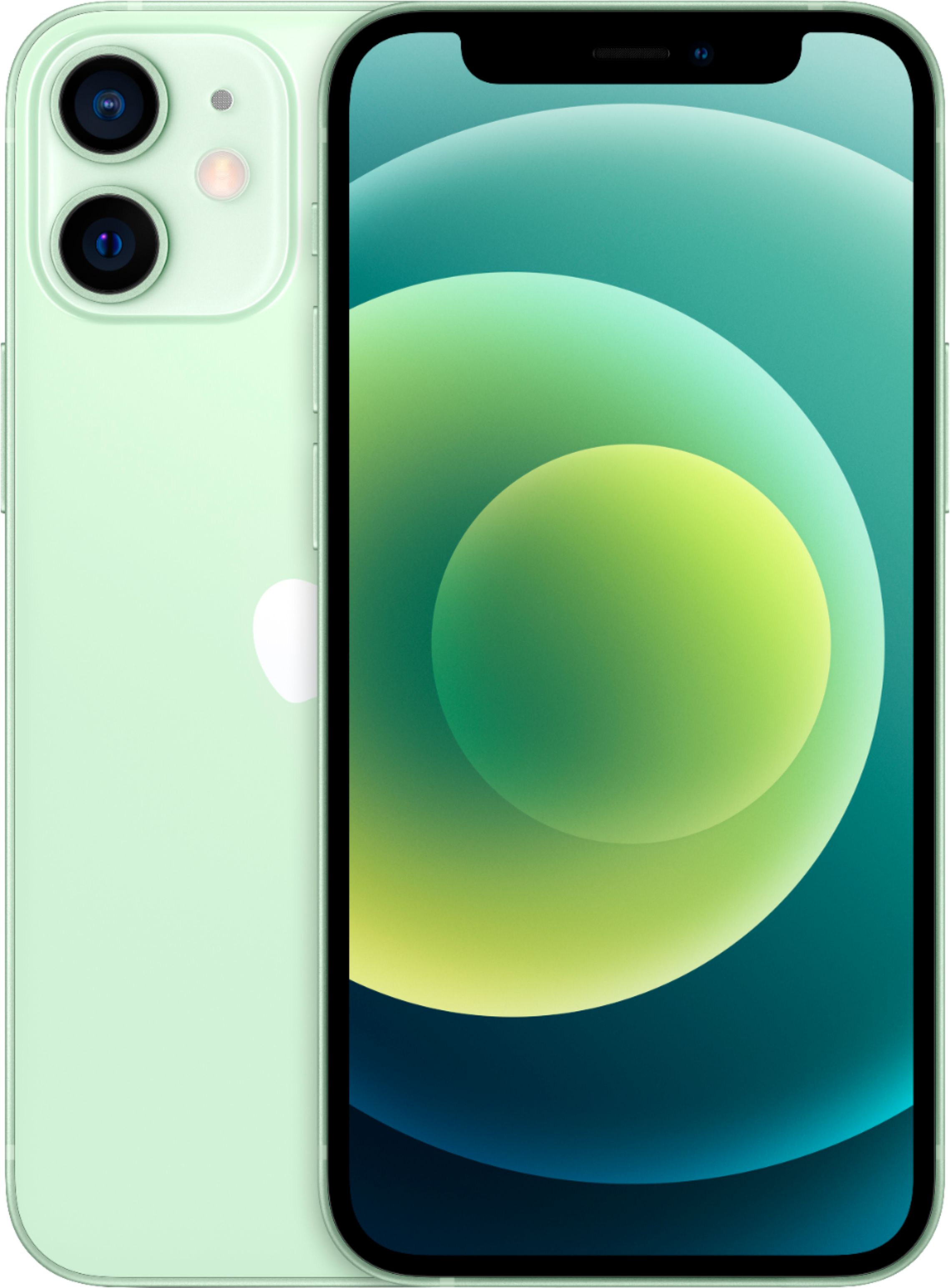
A:AnswerI was in this same situation about a month ago, an active Verizon customer wanting to upgrade my phone (the one I had was 4 years old). When I bought my new phone through the Best Buy website it provided the option to add on a free set-up appointment in a Best Buy store. I added this on as I was already picking up the phone from my Best Buy store and scheduled the appointment for when I wanted to pick it up. They did everything for me including activating the phone and transferring everything from my old phone to the new one! For reference, I was going from an iPhone 7 to an iPhone 12 mini. Verizon can also do the activation in store, and I'm not sure if you can do it on your own. I am just not very good with tech compared to others my age and figured I would have Best Buy do it for me since it was free to add on the appointment!
A:AnswerNo, they don’t. I tried and they said it’s too early. I don’t like the phone, personally, due to all of the bugs. Wireless charging wouldn’t work after updating to 14.2.1. Also, Apple Watch series 4 keeps resetting itself and not communicating with the phone, etc. I downgraded to an iPhone 11 Pro. They battery life is much better.
A:AnswerAlthough ceramic shield protects from drops/cracks… It however does not protect any better from the last generations in regards to scratching. So you still might want to get a screen protector if that is something you’re worried about. Hope this helps!
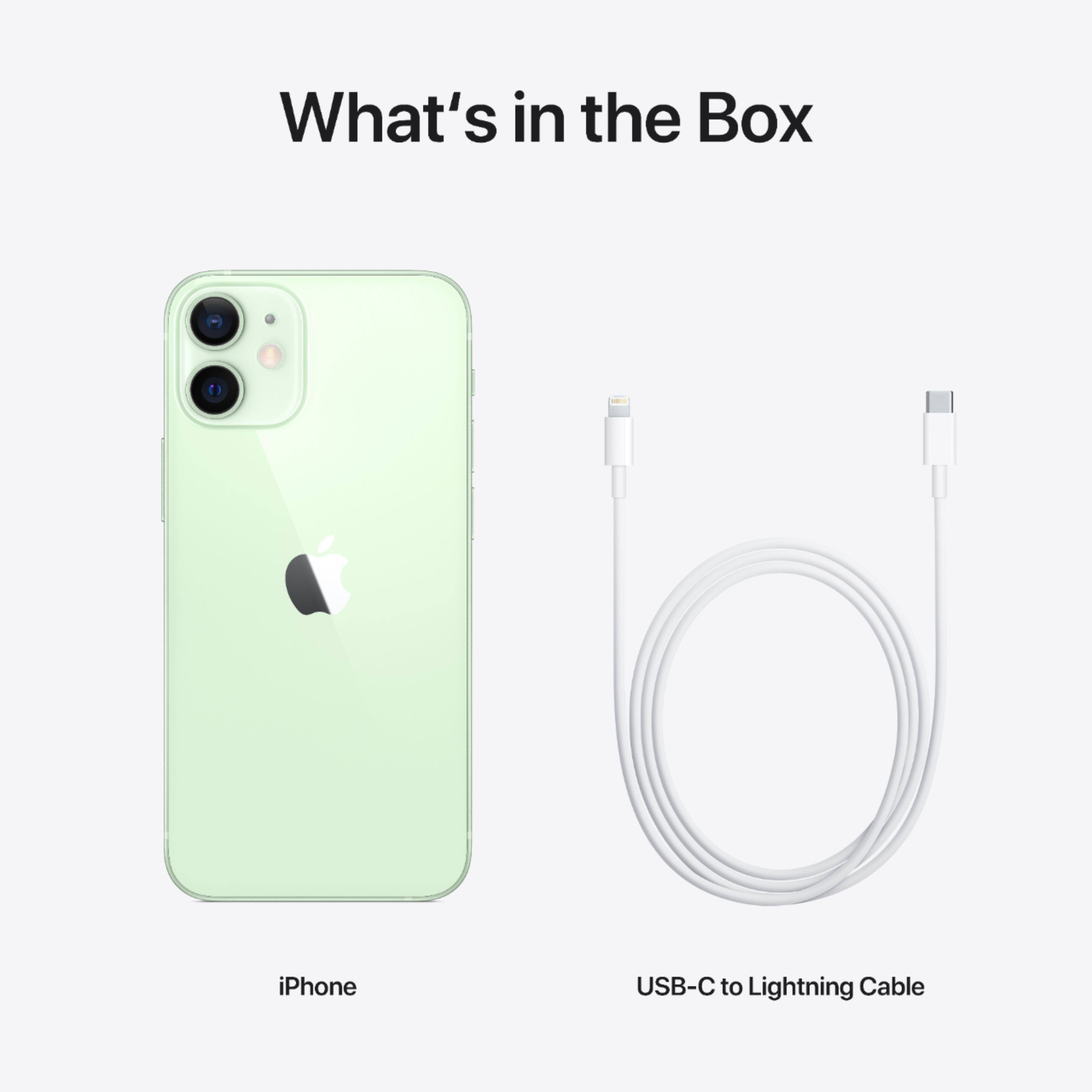
A:AnswerPrevious answer is wrong about the charging cable that is included. The cable is USB-C on one end and Lightning on the other. The USB-C end goes into a charging brick that has a USB-C port, and the bottom of the phone has a Lightning port for the other end of the cable. These are becoming more common but the vast majority of charging blocks you probably have lying around the house have a USB-A port. The previous answer claims the phone has a USB-C port. It does not. It has a lightning port. Apple is starting to use USB-C ports in some of its other devices like iPad, but for the time being, they are sticking with lightning port on iPhones.
If you have an old USB-A to lightning cable, that will of course work with this phone, but note that the "fast charging" of iPhones uses "Power Delivery" technology (as opposed to "Quick Charge" tech on many Android phones) and AFAIK, only USB-C charging bricks (with "Power Delivery") will fast-charge iPhones.
The previous answer is correct that the phone doesn't include a charging brick or headphones. It only includes a USB-C to Lightning charging cable.