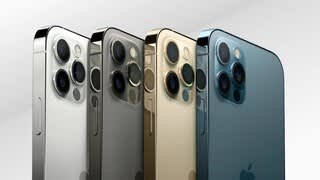
A:AnswerOnce you start the checkout process there is an option for trading in old devices. The system will ask you about your previous device and give you an amount that can come off the total cost of the new device.
A:AnswerThis is a one time activation for the upgrade. After that first month you should only be paying your monthly payment for the phone purchase and your phone plan.
A:AnswerYes, you can buy an “unlocked” phone and pay it by installment or in full. Then you choose your carrier, get your phone be activated and pay the carrier an activation fee and monthly from using their line or airtime, the amount depending on the plan that you choose.
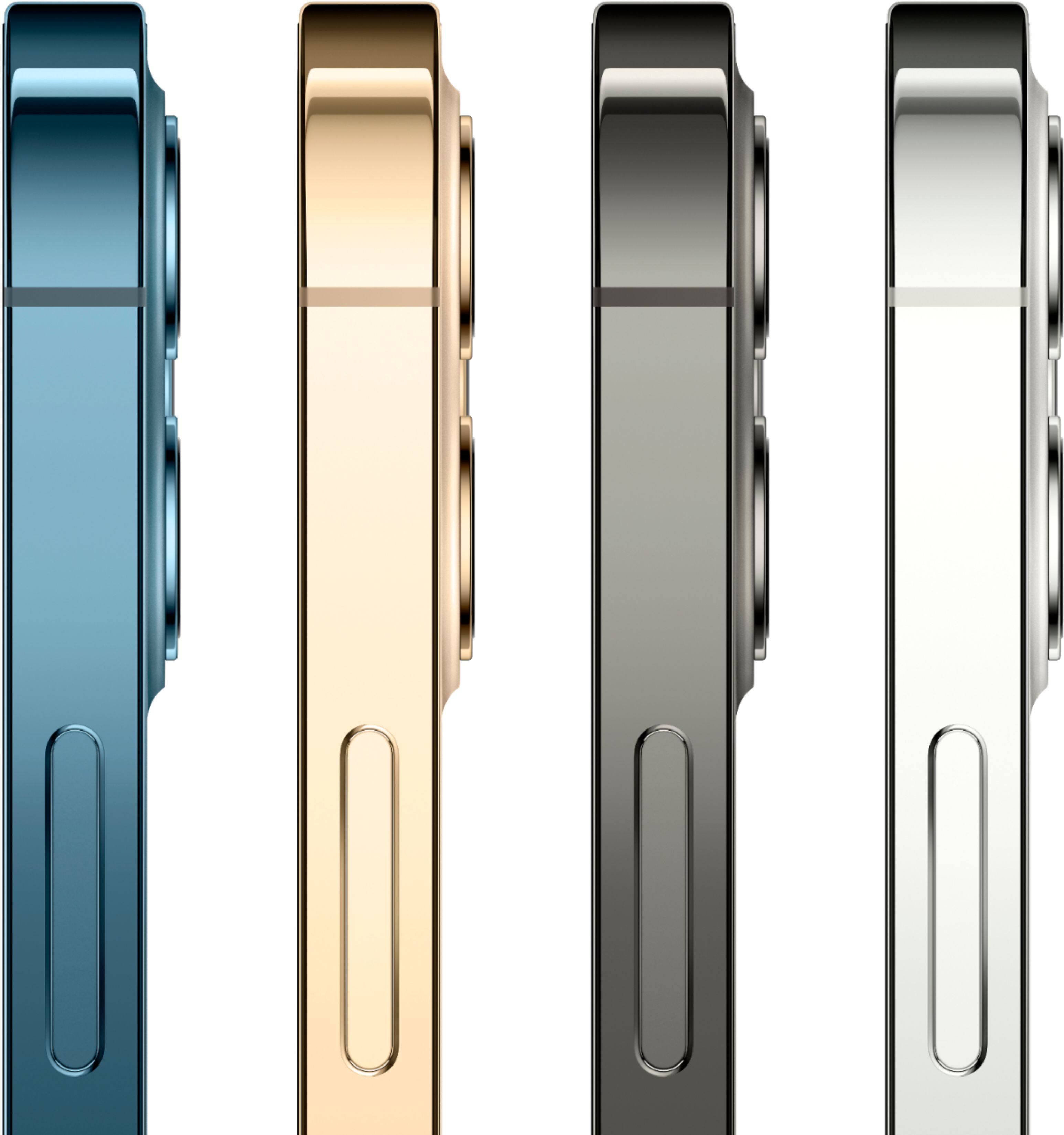
A:AnswerON 12/24/20 I WENT TO THE BEST BUY STORE AT 135 N CATTLEMEN RD. IN SARASOTA TO PURCHASE AN APPLE IPHONE AND WAS TOLD BY THE CHECK-IN EMPLOYEE AT THE ENTRY DESK THAT THE PARTICULAR PHONE I WANTED WAS OUT OF STOCK AND NO FURTHER SHIPMENTS OF THAT PHONE, AN APPLE IPHONE 12 PACIFIC BLUE, WERE EXPECTED. I ALSO INDICATED THAT I WANTED TO MAKE A DOWN PAYMENT ON THE PHONE, PAY FOR IT SEPARATELY, TO MAKE MY MONTHLY PAYMENTS CHEAPER. THE SAME EMPLOYEE SAID THAT WAS NOT ALSO POSSIBLE AND I WOULD HAVE TO GO TO AN APPLE STORE TO PURCHASE THE PHONE THERE TO ENABLE ME TO DO THAT.
I RETURNED TWO DAYS LATER WITH A DOWNLOADED PICTURE OF THE PHONE FOR SALE IN A BEST BUY AD AND ARGUED WITH THE CUSTOMER SERVICE MANAGER WHO AT FIRST AGREED WITH THE FIRST EMPLOYEE. WHEN I PERSISTED SHE CALLED THE STORE'S MOBILE PHONE DEPT. AND WAS TOLD THAT THEY WERE BOTH WRONG. IN THE END THE MOBILE PHONE DEPT. ORDERED THE PHONE (WHICH I RECEIVED A WEEK LATER) AND I WAS ABLE TO PAY FOR IT SEPARATELY PUTTING IT ON MY BEST BUY CREDIT CARD AS I INITIALLY INTENDED. IT WAS TOTALLY AN AVOIDABLE INCONVENIENCE THAT CAUSED ME TO MAKE TWO TRIPS TO THE STORE .
.
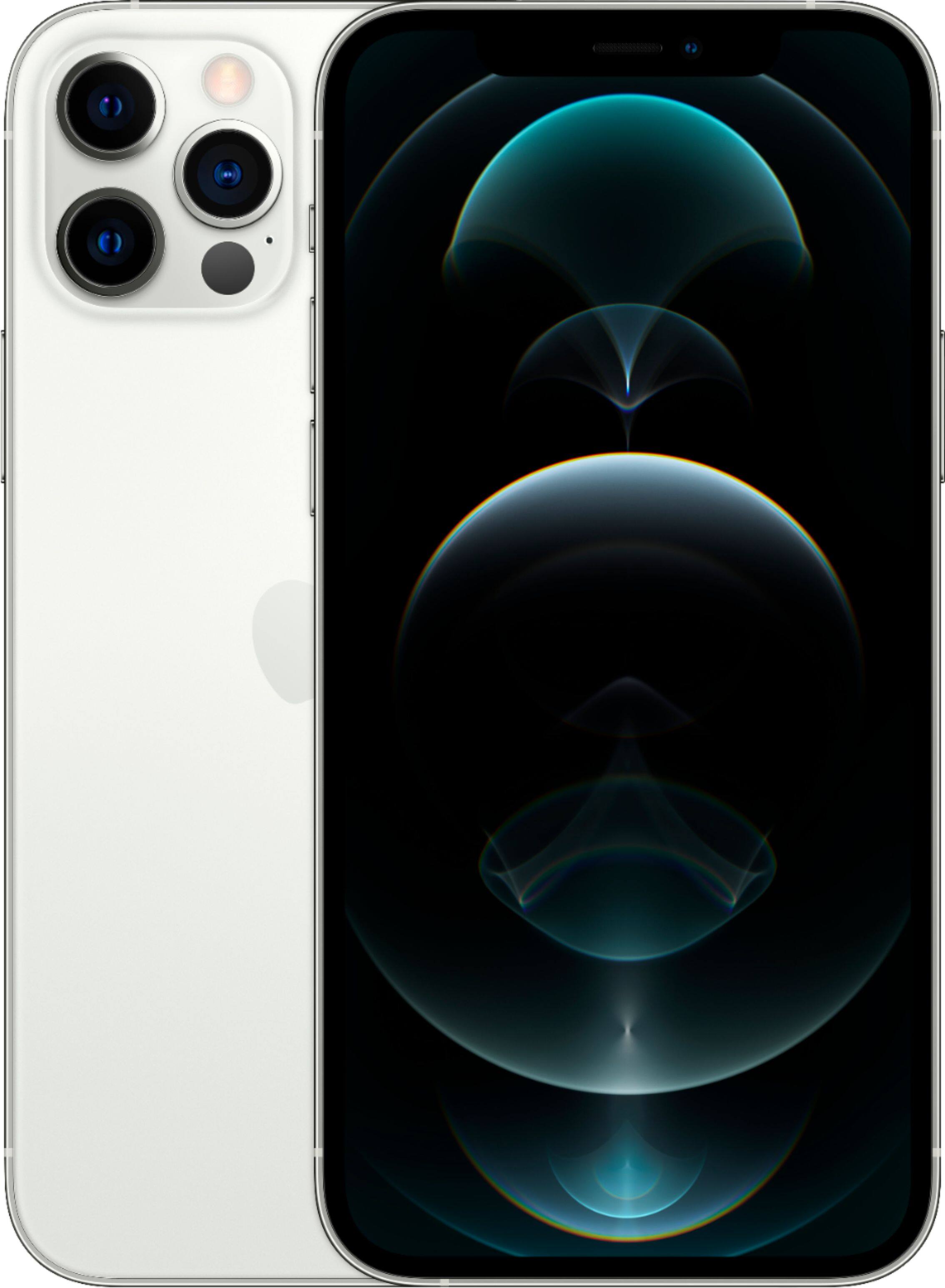
A:AnswerIf you run an icloud backup before you change phones signing in to your new phone will upload all the old contacts, apps, texts and songs/data/photos
A:AnswerYou can either sign in through your Verizon app or you can call the Verizon customer service line. It’s easiest to schedule that phone call through the app. When they call have the new SIM card number readily available as well as the meid number on the box of the phone. You’ll put the SIM card in your new phone and turn it on. From there they will ask you to reset the phone your old phone that you’re replacing then needs to be cleared. Just turn off the find my iPhone app and then factory set. This will wipe out the phone clean and be ready to trade in or sell. Sign into your new phone and upload everything from the cloud. Might take a total of 20 minutes total for this process including the phone call.