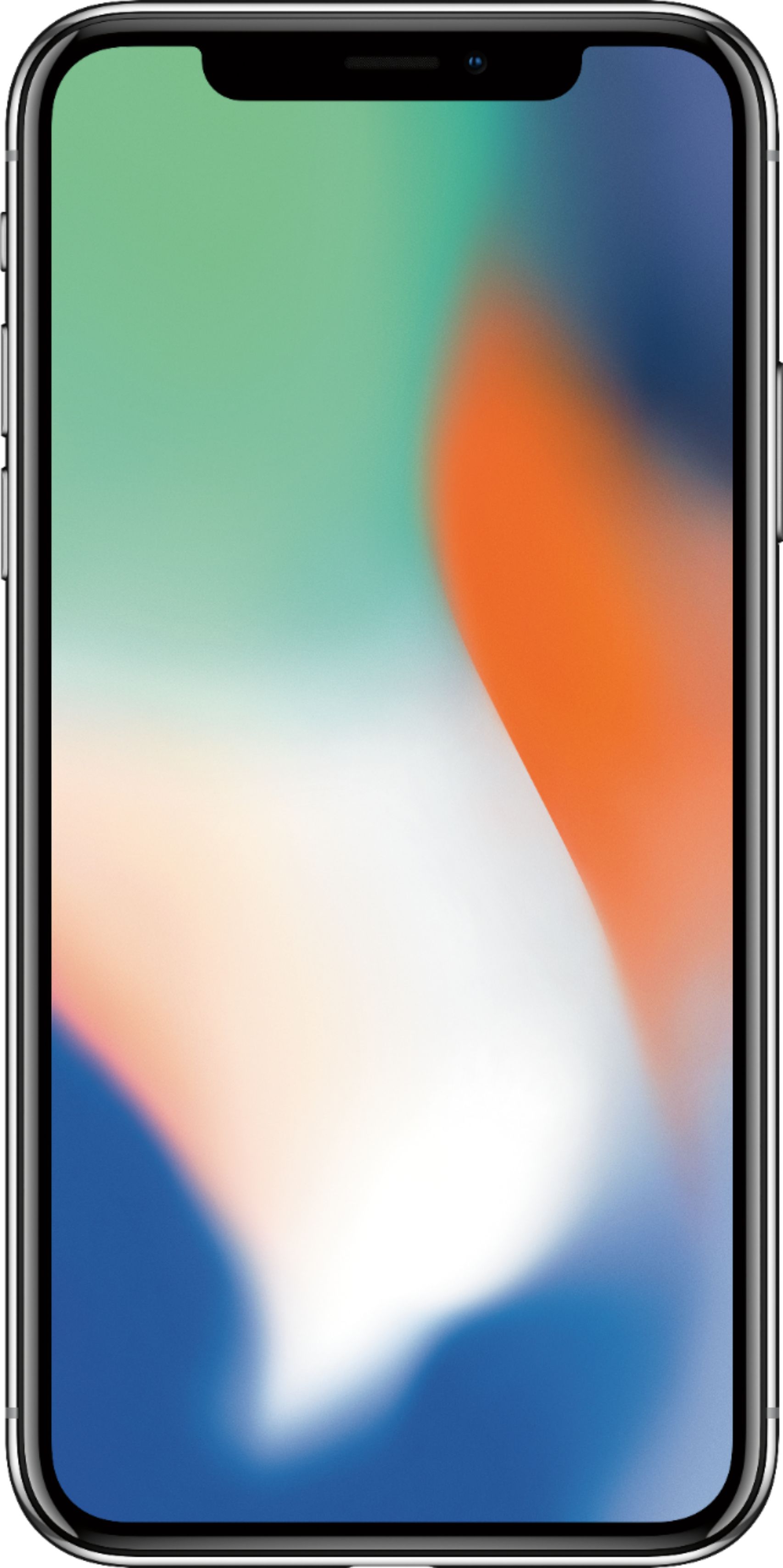
A:AnswerAbsolutely not. You may find that you need to go into settings under General>Accessibility>Display Accomodations> And then go down the list to turn off Auto - Brightness and also turn off Reduce White Point. Apple had them enabled on my phone and the screen was somewhat dim. I turned them off and the screen immediately became brighter than both my iPhone 6 and 7 plus. I'm guessing that Apple set it up this way out of the box to extend battery life by dimming the screen. I personally found little change in battery life after making this change. The phone is very bright now!
A:AnswerYes They have an unlimited plan now. Call them & inquire I have the unlimited & if you have 25gb or more for data unlimited is gonna be cheaper
A:AnswerThe way it was explained to us... you don’t have to have a down payment, but if you put money down on it, it just makes your monthly payments smaller.
A:AnswerThe sales rep will be able to access your AT&T account and have the payments billed on your existing account to AT&T at the time of purchase. Most likely, all you will have to pay up front will be the sales taxes/fees unless your current phone is not paid off then you will have to either pay it off or send it to AT&T in replace of the new phone.
A:AnswerYou can visit nearby Apple store and ask for unlocked iPhone X. You have to pay in full in order to get unlocked phone. I guess if you don't want to pay full amount then you can try to check with cricket if they sell iPhone X with cricket sim like other carriers do on easy installments.