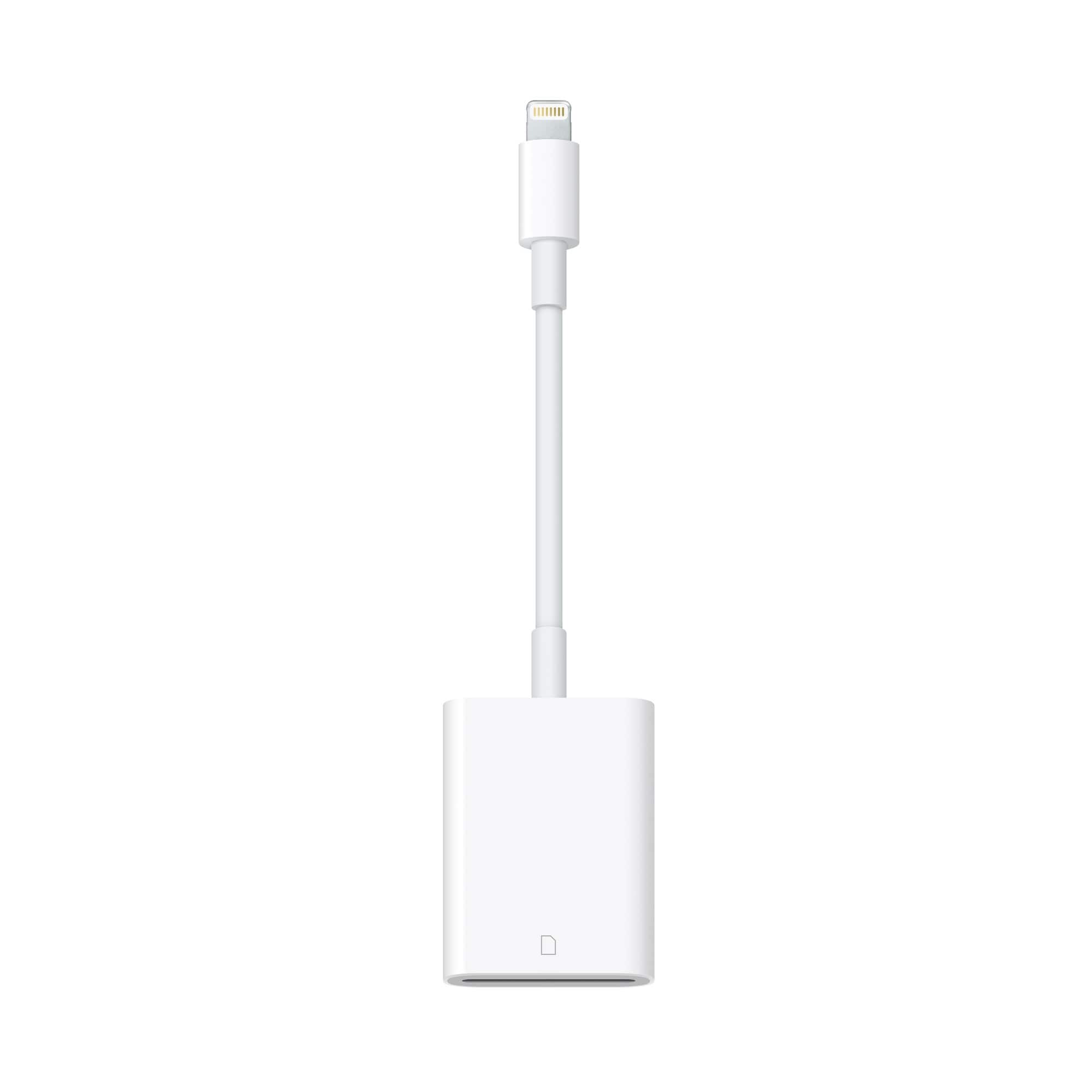
A:Answer This does not directly answer your question but might be equally or more useful. If you have your iPhone unlocked when you plug it into your computer, it should open Windows File Explorer (I have a PC) for the iPhone. From there, you should be able to access all the image files using File Explorer. You can copy or drag files anywhere that would work with File Explorer. So, you could drag files from the iPhone to your computer hard drive, or to an external drive or storage device including an SD card plugged into your computer. You do not need to have iTunes loaded for this to work, but it will ask you to select an iTunes library and you can exit/quit that dialogue box. I think you should be able to put file directly on the SD card as you asked about, but I have not done that and I don’t have the device with me at the moment to test.