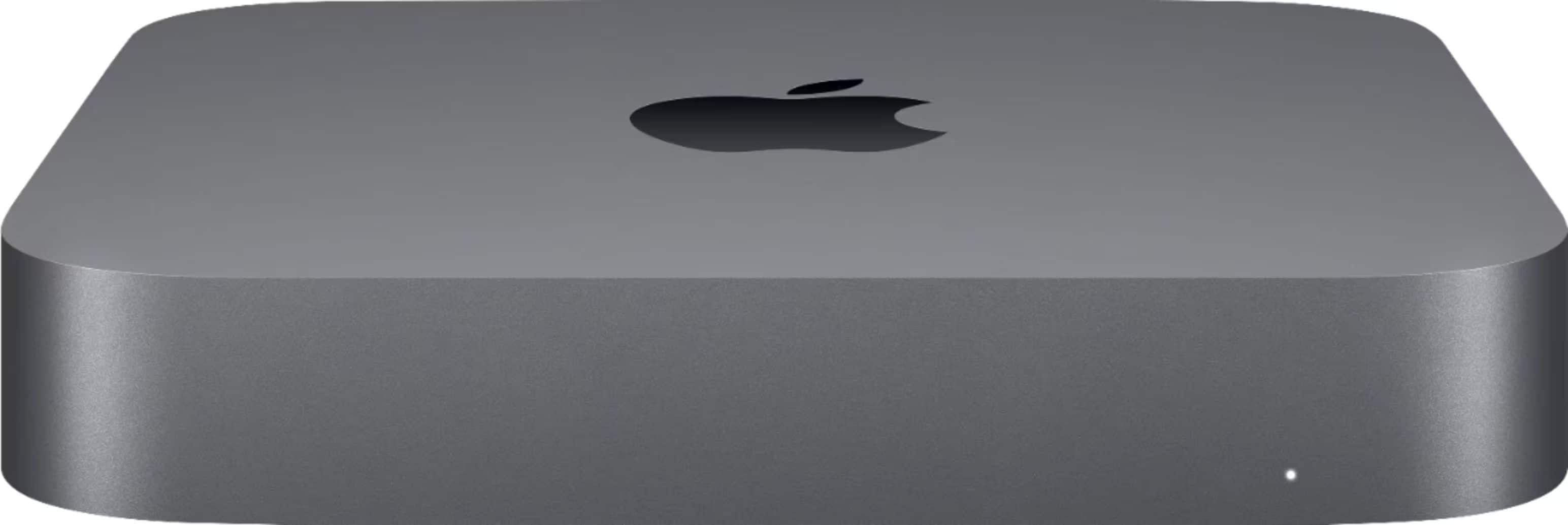
A:AnswerYes, I forget what it is called because it's been years since I did it myself but I have; you can (or could back in the day) start up your Mac in a mode where it is essentially a remote display for another attached device.
A:AnswerDoesn’t matter. It will at least come with one of the 2 prior versions or the current version and you can download the current MacOS (Big Sur) for free if you already have aMacOS license (which you will get when you buy this Mac
A:AnswerYes, but look at the install guide at iFixit.com. It does require some disassembly, during which, if not careful, you can damage the Mac - most commonly from static. You will need some inexpensive specialty tools to complete the repair.
A:AnswerApp Store, Mac App Store, Apple Music or iTunes Store cards - no.
Apple Store card- yes, but at an Apple Store or Apple Store online only. You can use as many as you like up to the cost of the item.